KEYESTUDIO KS0085 Smart Home Arduino Starter Kit
Overview
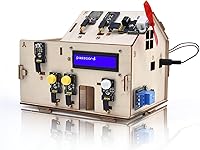
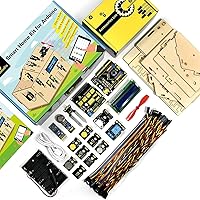
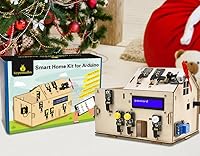
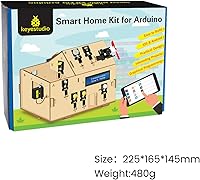
The KEYESTUDIO KS0085 Smart Home Arduino Starter Kit is an entry-level electronics learning set built around the Arduino Uno R3 platform, designed for curious minds aged 15 and up. What separates it from most beginner kits is the laser-cut wooden frame — you assemble an actual miniature house, which gives the whole experience a tactile quality that a bare breadboard simply cannot replicate. Shenzhen KEYES DIY Robot Co. has been producing Arduino-compatible education hardware for years, and this kit reflects that experience. Be clear on what you are buying, though: this is a guided learning model, not a functional home system. You will need a computer for code uploads and 6 AA batteries, neither of which are included.
Features & Benefits
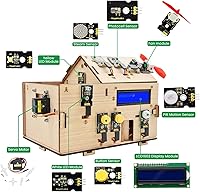
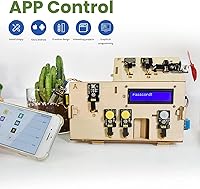
This Arduino smart home kit packs 15 structured projects into a compact wooden model, each targeting a different sensor or actuator you would plausibly find in a real home. The PIR motion sensor triggers an LED after dark when someone walks by. The MQ-2 gas sensor sounds a buzzer when it detects hazardous levels. A rain sensor automatically closes a servo-driven window, and a soil humidity sensor sends a watering reminder via the companion Bluetooth app. That app — compatible with Android and iOS — lets you control lights, doors, and fans remotely. Online tutorials and sample code lower the barrier considerably, though absolute beginners should expect a genuine learning curve before the wiring starts making sense.
Best For
The KEYES wooden house kit is a strong match for first-time Arduino learners — particularly teenagers aged 15 and up who want more than a theoretical introduction to electronics. It also works well as a STEM gift, the kind that holds attention across multiple evenings rather than losing novelty after an hour. Educators running homeschool programs or small workshops will appreciate the structured, project-by-project format. If you are already an experienced maker, the content may feel overly guided. But for someone just discovering physical computing — or a parent who wants their kid learning something genuinely practical — this STEM coding set covers building, coding, and basic automation thinking in one cohesive package.
User Feedback
Buyers consistently praise the wooden panel quality and the variety of sensors packed into the box — it feels like a substantial kit for the price. Many parents and teens report spending several satisfying sessions working through projects together. That said, the instructions have a real weak spot: they can assume prior knowledge that true beginners simply do not have, and some wiring diagrams are sparse. The Bluetooth app draws mixed reactions — it works, but the interface is basic, and iOS users occasionally hit connectivity hiccups that Android users tend to avoid. A handful of buyers have flagged inconsistent sensor behavior out of the box, which is worth factoring in before committing.
Pros
- The laser-cut wooden house frame gives the build a satisfying, physical quality that generic breadboard kits cannot match.
- Fifteen structured projects offer substantial learning depth, covering sensors, actuators, and basic automation logic.
- Real-world sensor scenarios — gas detection, rain sensing, soil moisture — make abstract electronics concepts feel immediately practical.
- Bluetooth app control adds genuine interactivity, letting users operate the model house from their phone.
- Online tutorials and downloadable code lower the barrier for first-time Arduino users considerably.
- Component quality is generally solid, and the wooden panels hold up well through repeated assembly and handling.
- Works as a strong STEM gift that sustains engagement across multiple evenings, not just an afternoon.
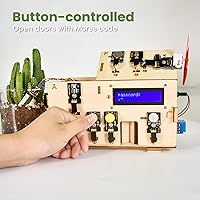
- The LCD display and password-entry door project are standout builds that feel clever and rewarding to complete.
- Compatible with the widely supported Arduino Uno R3 platform, making it easy to find additional resources online.
Cons
- Written instructions can be sparse and occasionally assume prior wiring knowledge that true beginners do not have.
- The Bluetooth companion app has a basic interface and connectivity can be unreliable, particularly on iOS devices.
- Six AA batteries and a computer are required but not included — easy to overlook and frustrating to discover after unboxing.
- A small number of users have reported sensors that behave inconsistently or fail to perform as expected straight out of the box.
- The project scope, while broad for a beginner, will feel limited and overly guided to anyone with existing Arduino experience.
- No offline code reference is included in the box — learners rely entirely on an internet connection to access tutorials.
- The wooden house model is fixed in design, leaving little room for creative modification once all 15 projects are completed.
- Android users get a noticeably more stable app experience than iOS users, which feels like an uneven trade-off depending on what phone you own.
Ratings
The ratings below for the KEYESTUDIO KS0085 Smart Home Arduino Starter Kit were generated by our AI after analyzing verified purchase reviews from buyers worldwide, with spam, bot submissions, and incentivized feedback actively filtered out. Each score reflects the honest spread of real user experiences — the genuine enthusiasm and the recurring frustrations alike. Where buyers were divided, the scores reflect that tension rather than smoothing it over.
Build Quality
Instruction Clarity
Sensor Variety
Bluetooth App
Educational Value
Value for Money
Assembly Experience
Component Reliability
Gift Suitability
Beginner Accessibility
App Compatibility
Project Depth
Packaging & Unboxing
Suitable for:
The KEYESTUDIO KS0085 Smart Home Arduino Starter Kit is an excellent fit for teenagers and adults aged 15 and up who want a structured, hands-on introduction to electronics without being thrown into the deep end with loose components and no direction. Parents searching for a STEM gift that delivers more than a few hours of novelty will find real value here — the 15 guided projects are substantial enough to keep a motivated teen occupied across multiple sessions, and the wooden house frame makes the build feel rewarding in a way that a bare circuit board simply does not. Educators running homeschool programs or small group workshops will appreciate the project-by-project format, since it naturally lends itself to paced, lesson-style learning. Arduino hobbyists who have been curious about home automation but want a themed, pre-scoped project rather than sourcing individual components separately will also get solid mileage from this STEM coding set. It suits anyone who learns best by doing — assembling, wiring, uploading code, and watching a sensor actually trigger a response.
Not suitable for:
The KEYESTUDIO KS0085 Smart Home Arduino Starter Kit is not the right choice for anyone expecting a true plug-and-play experience or a functioning home automation system — it is an educational model, and the gap between what it simulates and what a real smart home does is significant. Complete beginners with zero electronics background may hit a frustrating wall: while online tutorials are available, some wiring steps and code explanations assume a baseline familiarity that first-timers simply do not have yet, meaning additional research or outside help may be necessary. iOS users should also be aware that the companion Bluetooth app tends to be less stable on Apple devices than on Android, which could diminish the remote-control experience. Experienced makers or anyone who has already worked through multiple Arduino projects will likely find the content too guided and the project scope too limited to stay engaged. Finally, buyers who are not prepared to supply a computer for code uploading and six AA batteries will find themselves unable to get the kit running out of the box.
Specifications
- Model Number: This kit is identified by model number KS0085, manufactured by Shenzhen KEYES DIY Robot Co., Ltd.
- Compatible Platform: Designed to work with the Arduino Uno R3 control board, which is included in the kit.
- Package Dimensions: The box measures 8.54 x 6.14 x 3.23 inches, making it compact enough to ship and store without difficulty.
- Item Weight: The complete package weighs 1.63 pounds, reflecting the lightweight laser-cut wooden panels and small electronic components inside.
- Frame Material: The house structure is built from laser-cut wooden boards that are pre-shaped for assembly without additional tools.
- Power Supply: The kit requires 6 AA batteries (not included) to operate in standalone mode without a USB connection to a computer.
- Connectivity: Bluetooth connectivity supports wireless control via a companion mobile app available for both Android and iOS devices.
- Display: An LCD screen is included to show password input status, sensor feedback, and other real-time system messages.
- Sensors Included: The kit includes five sensor types: PIR motion, soil humidity, MQ-2 gas, steam/rain detection, and a photocell light sensor.
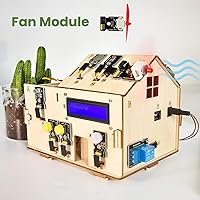
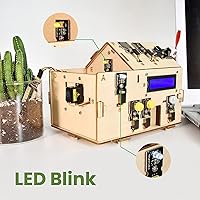
- Actuators Included: Actuators in the kit consist of servo motors for door and window movement, an LED module, a buzzer for alerts, and a small fan.
- Guided Projects: Fifteen structured projects are provided, each targeting a different combination of sensors, actuators, and automation logic.
- Recommended Age: The manufacturer recommends this kit for learners aged 15 and up, reflecting the complexity of the assembly and coding tasks involved.
- Code Upload Method: Uploading code to the Arduino board requires a computer with a USB connection; no wireless code transfer is supported.
- Tutorial Access: Assembly guides, wiring diagrams, and sample code are available online through KEYESTUDIO's official tutorial resources.
- ASIN: The Amazon product identifier for this kit is B08CZ778DJ, useful for verifying you are purchasing the correct listing.
- Date Available: This kit has been available for purchase since July 15, 2020, giving it several years of real-world user feedback to draw from.
Related Reviews
KEYESTUDIO ESP32 Smart Home Starter Kit
Honeywell Home RCHS5230WF Security Starter Kit
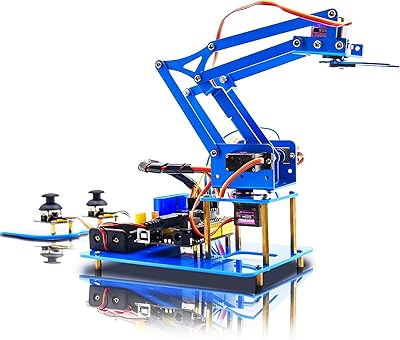
KEYESTUDIO 4DOF Robot Arm Arduino Kit
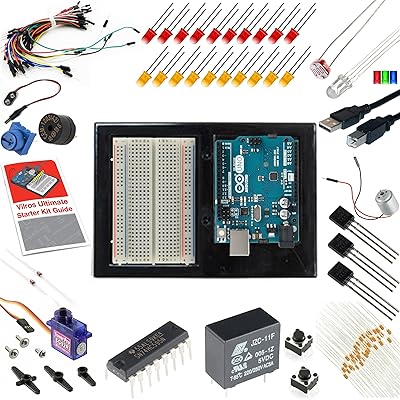
Vilros Arduino Uno R3 Starter Kit
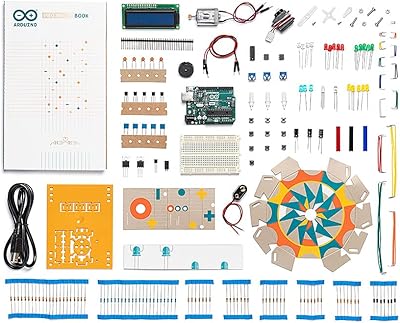
Arduino Starter Kit K000007
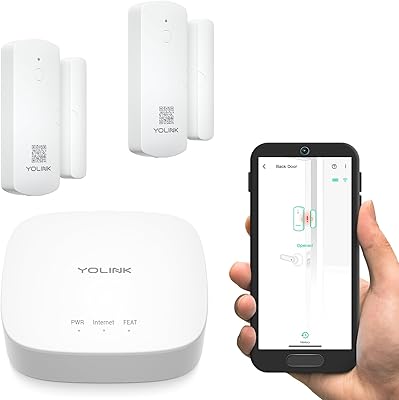
YoLink LoRa Smart Door Sensor Starter Kit
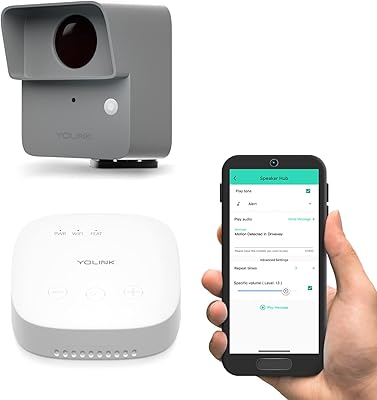
YoLink LoRa Outdoor Motion Sensor Starter Kit
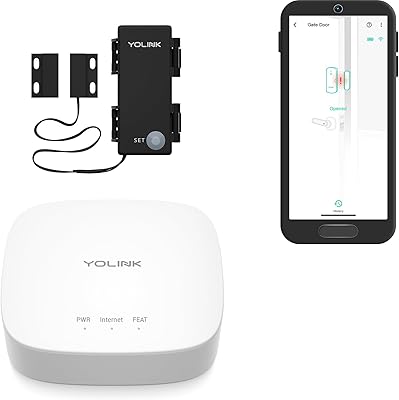
YoLink Outdoor Contact Sensor Hub Starter Kit

Acure Brightening Starter Kit Skincare Set