

Overview
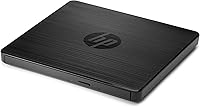
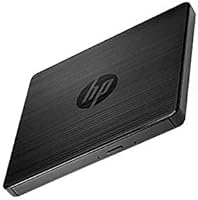
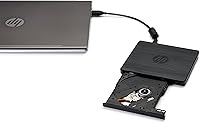
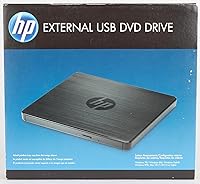
The HP F6V97AA External DVD Writer Drive is a compact, USB-powered optical drive built for laptop users who have lost — or never had — a built-in disc slot. Weighing just 7 ounces and measuring under an inch thick, it slips easily into a bag without adding noticeable bulk. Available since early 2014, its consistently strong sales rank in the category suggests buyers keep returning to it year after year. This is not a device built for intensive daily burning; it is a practical utility tool for people who occasionally need to read or write a disc and want something dependable without much fuss.
Features & Benefits
The optical drive handles both CD and DVD formats, reaching write speeds of 24x for CDs and 8x for DVDs — respectable for casual use, though not the fastest option if you plan to burn large batches regularly. What genuinely stands out for everyday users is the single USB connection carrying both power and data, meaning no power adapter to hunt for or forget at home. The footprint measures just 5.67 x 5.41 x 0.55 inches, and it runs across Windows, macOS, and Linux without driver installation in most situations. That cross-platform plug-and-play behavior removes a real headache for anyone switching between machines.
Best For
This USB disc writer makes the most sense for a fairly specific type of buyer. MacBook and ultrabook owners with no disc slot will find it immediately useful, as will office workers who still receive occasional software or backup discs. Students burning presentation files periodically will appreciate how little space it takes up in a bag. It is also a solid choice for Linux users — plug it in and it typically just works, no driver digging needed. If you burn discs in high volume every day, you will want something faster; but for light, occasional use, this HP external drive handles the job without complication.
User Feedback
With a 4.5-star average across more than 3,200 ratings, the optical drive has built a solid reputation — especially among buyers who reach for it occasionally rather than daily. The most consistent praise focuses on easy, driverless setup and quiet operation during playback and burning. A number of reviewers mention purchasing a second unit as a gift or replacement, which reflects genuine real-world confidence. On the less positive side, a subset of users has reported inconsistent results with certain disc brands or less common formats, so using reliable name-brand media is a sensible precaution. For professionals with heavy workloads it will feel underpowered, but for casual everyday needs the feedback is broadly reassuring.
Pros
- Plugs in and works immediately on Windows, macOS, and Linux with no driver installation needed in most cases.
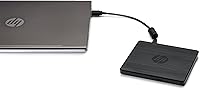
- Single USB cable powers and connects the drive — no wall adapter to carry or forget.
- Weighing just 7 ounces, the optical drive fits easily into any laptop bag without noticeable bulk.
- CD write speed reaches 24x, making audio and data CD burns quick and straightforward.
- Quiet operation during playback makes it comfortable to use in shared or silent environments.
- Over 3,200 verified ratings with a 4.5-star average reflects years of broadly positive real-world use.
- Repeat buyers and gift purchasers appear consistently in the review base, signaling genuine long-term confidence.
- The slim profile takes up minimal desk space and stores flat without cluttering a workspace.
- Cross-platform reliability makes it easy to share between a MacBook and a Windows or Linux machine.
- HP brand backing provides a reasonable degree of consistency and accountability compared to generic no-name alternatives.
Cons
- DVD write speed tops out at 8x, making bulk disc burning a slow and patience-testing process.
- No Blu-ray support at all, limiting usefulness as disc formats continue to shift toward higher density.
- No bundled burning software included — less technical users will need to find their own solution.
- Plastic casing scratches and scuffs easily with regular handling or bag transport.
- The tray or slot mechanism shows wear signs for some users after extended use cycles.
- Fixed USB cable length can be awkward if your laptop port is in an inconvenient position.
- Performance with off-brand or low-quality disc media has been inconsistent according to a subset of buyers.
- Some users on older or less common OS versions have encountered recognition and compatibility hiccups.
- Drawing power from USB means low-output ports or overloaded hubs can cause intermittent connection issues.
- Long-term read consistency reportedly degrades for some units after 18 to 24 months of moderate use.
Ratings
The HP F6V97AA External DVD Writer Drive has been scored below using AI analysis of verified global buyer reviews, with spam, bot-generated, and incentivized submissions actively filtered out before scoring. These ratings reflect the honest distribution of real user experiences — strengths and frustrations alike — gathered from thousands of purchases spanning multiple years and regions. The result is a transparent, balanced snapshot of how this optical drive actually performs in everyday hands.
Ease of Setup
Compatibility
Build Quality
Portability
Read Performance
Write Performance
Noise and Vibration
Value for Money
Power and Cable Management
Software Bundling
Disc Format Support
Durability Over Time
Physical Footprint
Cross-Platform Reliability
Suitable for:
The HP F6V97AA External DVD Writer Drive is a natural fit for anyone whose laptop simply does not have a disc slot and who occasionally needs one — not every week, but enough that the absence becomes a real inconvenience. MacBook and ultrabook owners are the clearest candidates: if you have ever received a software disc, a backup drive from an older colleague, or a DVD from a client and had nowhere to put it, this optical drive solves that problem cleanly. Students who periodically burn presentation files or archive coursework to disc will appreciate how little space it takes in a backpack, and the single USB cable means there is nothing extra to forget or lose. Office workers who still deal with legacy media — installation discs, archived data DVDs, compliance backups — will find it does the job without drama. Linux users in particular benefit from its broad driver-free recognition, which saves the kind of troubleshooting time that cheaper no-name drives tend to create. If your disc-related tasks come up a few times a month rather than a few times a day, this USB disc writer is well-calibrated for your reality.
Not suitable for:
The HP F6V97AA External DVD Writer Drive is honestly not the right tool if optical drives are a central part of your daily workflow. At 8x DVD write speed, anyone burning multiple discs regularly will find the process slow enough to be genuinely frustrating, and there are faster drives available at competitive prices if throughput matters to you. This optical drive also has no Blu-ray support whatsoever, so if you work with high-definition disc content or receive Blu-ray media for any reason, you will need a different device entirely. Users who expect bundled burning software out of the box may be disappointed — the package is bare, and while the OS handles basic tasks natively, less technical buyers used to a guided burning interface could find the experience incomplete. Those who need an optical drive running continuously for hours at a stretch, such as disc duplicators or archivists digitizing large collections, should look at drives built for heavier duty cycles. And if your budget priority is finding the absolute lowest cost per burn, unbranded alternatives may undercut the HP on price for pure read-only use cases.
Specifications
- Brand: Manufactured and sold under the HP (Hewlett-Packard) brand, model number F6V97AA#ABB.
- Interface: Connects to host devices via a single USB port, which carries both data and power simultaneously.
- Power Source: Bus-powered through USB, requiring no external power adapter or separate power cable.
- CD Write Speed: Writes to CD media at up to 24x speed, suitable for audio discs and standard data backups.
- DVD Write Speed: Writes to DVD media at up to 8x speed, adequate for occasional data archiving and disc creation.
- DVD Read Speed: Reads DVD media at up to 8x speed for playback and data access tasks.
- Optical Formats: Supports both CD and DVD formats for reading and writing; Blu-ray is not supported.
- Dimensions: Measures 5.67 x 5.41 x 0.55 inches (LxWxH), keeping the footprint compact on any desk surface.
- Weight: Weighs 7 ounces, making it light enough to carry daily in a laptop bag without noticeable added bulk.
- Color: Available in a matte black finish that resists obvious fingerprints during casual handling.
- Compatible OS: Works with Windows, macOS, and Linux operating systems, typically without requiring manual driver installation.
- Hardware Platform: Designed for PC-class hardware but functions across Mac and Linux systems through standard USB mass storage protocols.
- Product Age: First made available in January 2014, with the listing remaining active and non-discontinued as of current records.
- Sales Rank: Holds a Best Sellers Rank of number 73 in the External CD and DVD Drives category on Amazon.
- User Rating: Carries an average rating of 4.5 out of 5 stars based on more than 3,200 verified global ratings.
Related Reviews
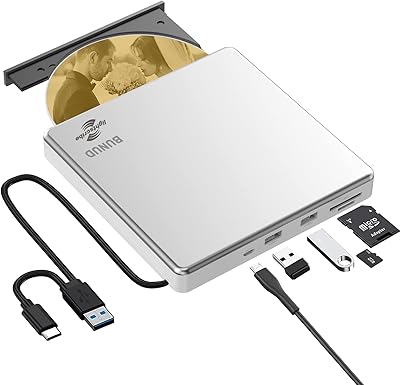
BUNUD LightScribe 5-in-1 External CD/DVD Drive
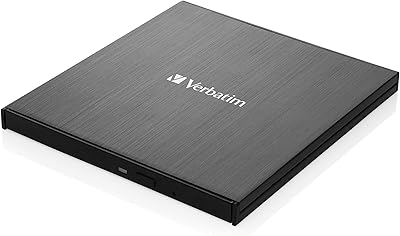
Verbatim 43886 Slimline External DVD Writer
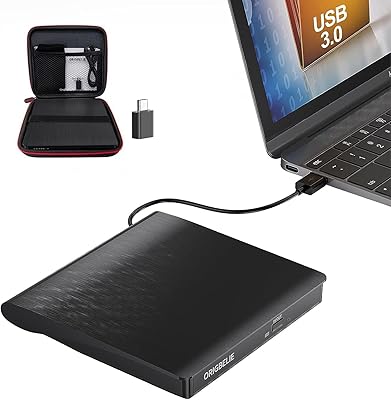
ORIGBELIE BT524 External CD/DVD Drive
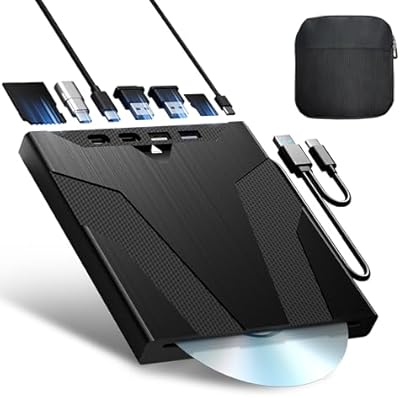
Wbacon Wbacon-001 Slot-Loading External DVD Drive
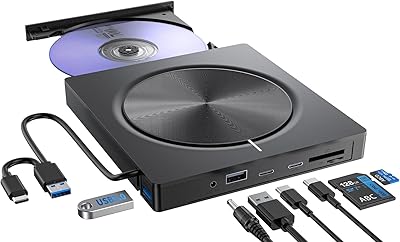
Umaniy 7001 External CD/DVD Drive
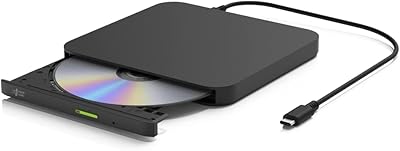
Hitachi-LG GP96Y External DVD Drive
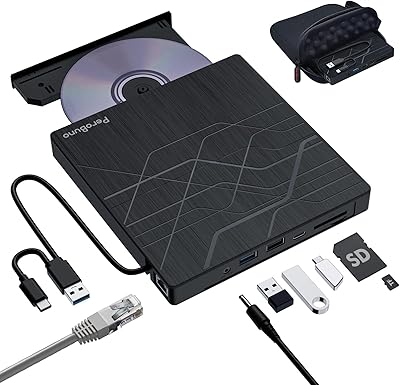
PeroBuno 9-in-1 External USB DVD Drive
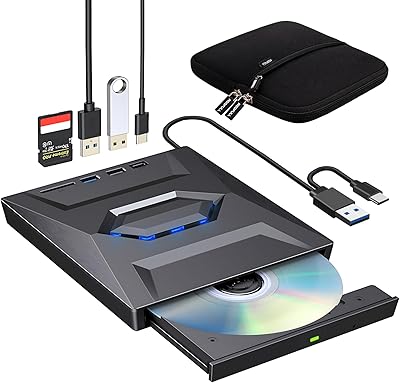
ROOFULL External CD DVD Drive with USB 3.0 Type-C Ports + SD Card Slot
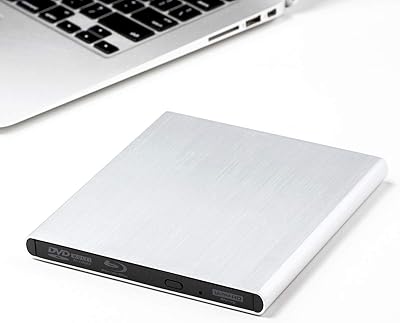
Archgon UHD 4K External Blu-Ray Writer