




Overview
The Cudy LT700E 4G LTE Modem Router is a mid-range cellular router that handles both modem and router duties in a single unit — no separate hardware required. That alone makes it worth considering if your internet comes from a SIM card rather than a cable or DSL line. It's built for homes, small offices, and mobile setups where cellular is the primary — or only — connection option. The AC1200 dual-band Wi-Fi is a genuine selling point at this price tier, and the overall feature set punches above its weight. That said, real-world performance will always hinge on your carrier's signal quality in your specific area.
Features & Benefits
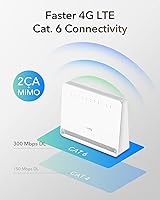
Under the hood, this LTE modem router runs on Cat 6 LTE with two-carrier aggregation, meaning it bonds two LTE channels simultaneously to push theoretical downloads up to 300 Mbps — though actual speeds depend on your signal. Wi-Fi 5 covers both bands: 867 Mbps on 5 GHz for streaming and video calls, 300 Mbps on 2.4 GHz for broader reach, with up to 128 devices supported. The VPN options are surprisingly deep for a router at this price — WireGuard, OpenVPN, IPsec, and ZeroTier all included. US band coverage is broad, with Band 71 support for rural T-Mobile users, and Gigabit Ethernet handles wired devices cleanly.
Best For
This cellular router is a natural fit for rural and suburban users who have no reliable cable or DSL option and are making cellular their full-time connection. Remote workers will appreciate the built-in VPN stack — no need to purchase a separate appliance or run a software client on every device. RV travelers and digital nomads also get solid value here, since the unit is compact and works with any compatible nano SIM. Small offices wanting to build out a Cudy Mesh network can use this as their main node without committing to a pricier ecosystem. It covers a wide range of real-world use cases cleanly and without fuss.
User Feedback
With a 3.9-star average across nearly 150 ratings, the Cudy LT700E lands in an honest middle ground — not universally loved, but consistently useful for the right buyer. Positive reviews frequently highlight how straightforward the app-guided setup is, along with solid LTE performance on supported bands. On the flip side, some users report Wi-Fi range falling short in larger homes, occasional firmware quirks, and slower support response times. A handful of buyers note that real-world LTE speeds don't always match the theoretical ceiling — which applies to any cellular router. A few SIM compatibility questions have surfaced too, mostly around carrier-specific configurations. Matched to the right environment, it performs well.
Pros
- Combines modem and router in one unit, saving money and reducing cable clutter.
- Cat 6 LTE with carrier aggregation delivers strong real-world speeds where carrier signal is solid.
- Broad US LTE band support covers AT&T, Verizon, T-Mobile, and rural Band 71 networks.
- Built-in WireGuard and OpenVPN support eliminates the need for a separate VPN appliance.
- App-guided setup makes configuration straightforward even for non-technical users.
- Dual-band Wi-Fi 5 handles up to 128 devices across both the 5 GHz and 2.4 GHz bands.
- Gigabit Ethernet ports let you hardwire desktops, game consoles, or NAS drives reliably.
- Cudy Mesh compatibility gives a clear upgrade path for expanding coverage later.
- Compact and lightweight enough to travel with or relocate easily between sites.
- ZeroTier and IPsec support adds serious flexibility for privacy-focused or business users.
Cons
- Wi-Fi range falls short in larger homes — a single unit won't blanket every room reliably.
- Firmware updates have introduced occasional bugs reported by multiple users.
- Customer support response times are slower than buyers typically expect from networking gear.
- Real-world LTE speeds rarely approach the advertised 300 Mbps ceiling in everyday conditions.
- A small number of users have encountered SIM compatibility or carrier configuration issues.
- Only functions as a mesh main node — cannot be used as a satellite extender in an existing setup.
- The 2.4 GHz band tops out at 300 Mbps, which may bottleneck older or far-range devices.
- No mention of a built-in display or signal strength indicator, making placement optimization harder.
- Long-term firmware support history for this model is still relatively short given its mid-2024 launch.
Ratings
The scores below reflect an AI-driven analysis of verified buyer reviews for the Cudy LT700E 4G LTE Modem Router, drawn from global sources with spam, bot-generated, and incentivized feedback actively filtered out. Each category is scored to honestly reflect what real users experienced — not what the spec sheet promises. Both the standout strengths and the genuine frustrations are represented so you can make a fully informed call.
LTE Connectivity
Wi-Fi Performance
Setup & Ease of Use
VPN Functionality
Value for Money
Build Quality
Firmware Stability
Carrier Compatibility
Mesh Expandability
Wired Connectivity
Portability
Customer Support
Signal Indicator & Diagnostics
Suitable for:
The Cudy LT700E 4G LTE Modem Router is purpose-built for anyone who relies on a SIM card as their primary internet source rather than a fixed broadband line. Rural and suburban households where cable or DSL simply isn't available will get the most out of it, especially those on T-Mobile or carriers that use Band 71 for extended rural coverage. Remote workers who need a dependable VPN without purchasing dedicated networking hardware will find the multi-protocol support genuinely useful day-to-day. RV owners and digital nomads also fit squarely in this router's comfort zone — it's compact, unlocked, and works with any compatible nano SIM. Small home offices that want to expand coverage through a Cudy Mesh setup without committing to a high-end ecosystem will find this a cost-effective entry point as a main node.
Not suitable for:
The Cudy LT700E 4G LTE Modem Router is not the right call for buyers who already have reliable cable, fiber, or DSL service — using cellular as a primary connection will almost never match fixed broadband for consistency or cost-per-GB. Users with large homes expecting full whole-home Wi-Fi coverage from a single unit may be disappointed, as real-world range has drawn criticism from buyers in bigger spaces. Those who need enterprise-grade firmware stability or fast manufacturer support should also look elsewhere — user feedback points to occasional software hiccups and slower customer service response times. Buyers expecting to hit the 300 Mbps theoretical ceiling regularly will need to temper those expectations, since actual LTE speeds are dictated by local tower conditions, signal strength, and carrier congestion. Finally, anyone who needs a mesh satellite node rather than a main node will find this cellular router falls short, as it only operates in the primary node role.
Specifications
- LTE Category: This cellular router operates on 4G LTE-Advanced Cat 6, supporting theoretical download speeds up to 300 Mbps and upload speeds up to 50 Mbps.
- Carrier Aggregation: Two-carrier aggregation (2CA) is supported, allowing the router to bond two LTE channels simultaneously for improved throughput where the carrier supports it.
- LTE Bands (US): US-sold units support LTE-FDD bands B2, B4, B5, B7, B12, B13, B14, B25, B26, B29, B30, B66, and B71, plus LTE-TDD bands B41 and B48.
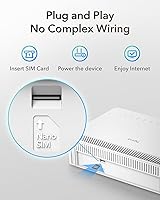
- SIM Slot: The router accepts a single nano SIM card, compatible with major US carriers including T-Mobile, AT&T, and Verizon on supported bands.
- Wi-Fi Standard: Wi-Fi 5 (802.11ac/n/g/b/a) is built in, delivering up to 867 Mbps on the 5 GHz band and up to 300 Mbps on the 2.4 GHz band.
- Frequency Bands: Dual-band operation covers both 2.4 GHz for range and compatibility and 5 GHz for higher throughput at closer distances.
- Max Devices: The router supports connections from up to 128 Wi-Fi devices simultaneously across both bands.
- Wi-Fi Features: MU-MIMO and Beamforming are included, helping the router distribute bandwidth more efficiently across multiple connected clients.
- VPN Protocols: Built-in VPN support covers OpenVPN, WireGuard, IPsec, L2TP, PPTP, and ZeroTier, with no need for third-party software on the router itself.
- Ethernet Ports: Gigabit Ethernet ports are included for wired device connections, suitable for desktops, NAS units, game consoles, and other bandwidth-intensive hardware.
- Mesh Role: The unit can serve as a Cudy Mesh main node, enabling fast roaming across compatible Cudy devices, but it cannot operate as a satellite node in an existing mesh.
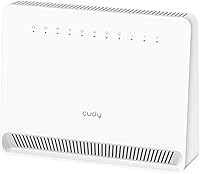
- Dimensions: The router measures 3.54 × 1.97 × 19 inches, giving it a slim, vertical profile suitable for placement on a desk or shelf.
- Weight: At 11.6 ounces, the unit is light enough to relocate easily or pack for travel or RV use.
- SMA Connectors: External SMA antenna connectors are present, allowing users to attach higher-gain antennas for improved signal reception in weak-signal areas.
- App Compatibility: The Cudy mobile app supports step-by-step setup and ongoing management, and is compatible with iOS and Android devices.
- Color: The router ships in white and is designed for indoor use only.
- Manufacturer: The LT700E is manufactured by Shenzhen Cudy Technology Co., Ltd., a networking hardware brand based in China.
Related Reviews
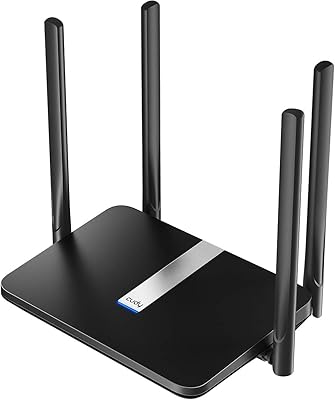
Cudy LT500 4G LTE Modem Router
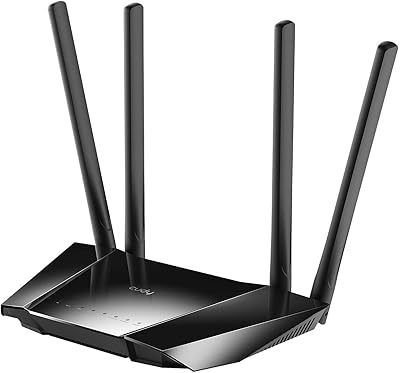
Cudy LT400 4G LTE Modem Router

Cudy LT700 Outdoor 4G LTE Modem Router
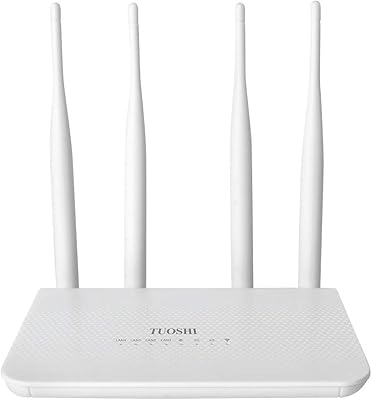
TUOSHI LT15F 4G LTE Modem Router
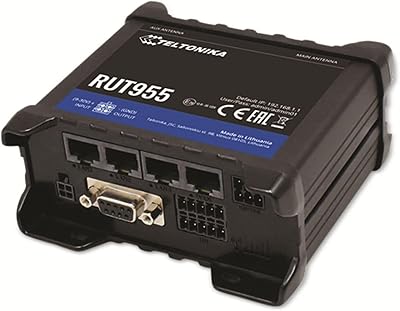
Teltonika RUT955 4G/LTE Router
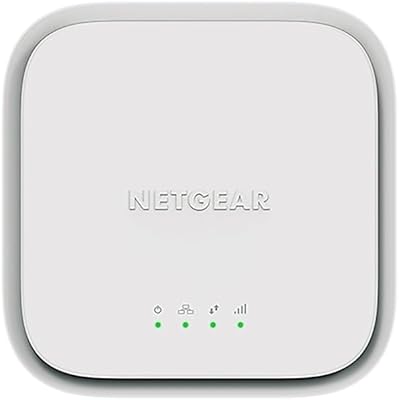
NETGEAR LM1200 4G LTE Broadband Modem
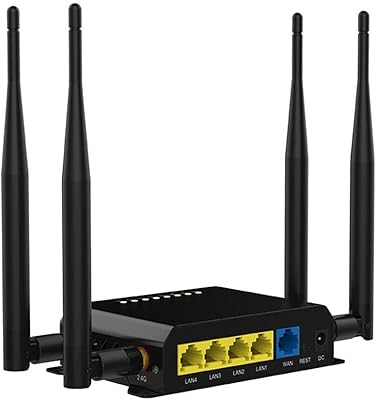
Wiflyer WE826-T 4G LTE Router
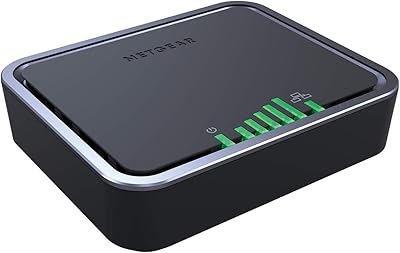
NETGEAR 4G LTE Broadband Modem LB1120
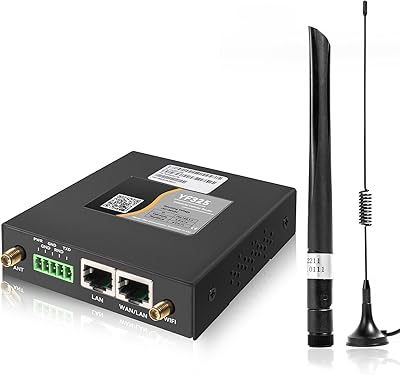
Yeacomm YF325 Dual-SIM Industrial 4G LTE Router