Ceaco Hello Blink Thermal Sticker Printer
Overview
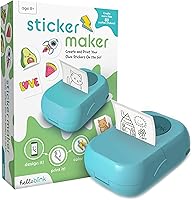
The Ceaco Hello Blink Thermal Sticker Printer is a compact, inkless gadget released in late 2024 that lets kids print custom stickers straight from their smartphone. It connects via Bluetooth to both iPhone and Android devices through a companion app, so there's no fiddling with cables or cartridges. At its accessible price point, it lands squarely in the gift-worthy zone for birthdays or holidays. Early traction on Amazon has been solid — ranked #4 in Portable Photo Printers with a 4.3-star average across 100 ratings, which is a decent signal for a product that's only been on shelves a few months.
Features & Benefits
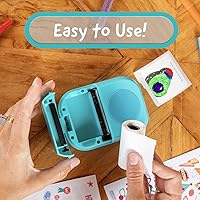
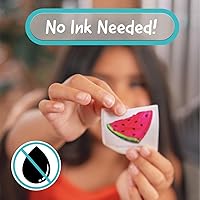
The big draw of this mini sticker printer is no ink cartridges — thermal printing handles everything, so there's nothing to replace or refill. The sticker tape rolls included in the box mean kids can get started right away without an extra trip to the store. Bluetooth pairing is straightforward enough that most children can handle it independently, and the app keeps the design process simple. The whole unit weighs under a pound and fits easily in a backpack pocket, making it genuinely portable. Whether it's personalizing a notebook, decorating a birthday card, or labeling a pencil case, the Hello Blink printer handles everyday creative projects without making a mess.
Best For
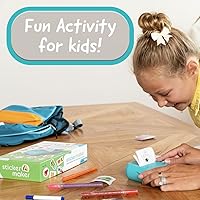
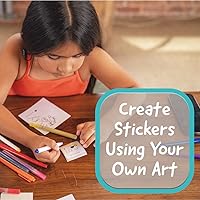
This thermal sticker maker is a natural fit for craft-minded kids aged 8 to early teens who enjoy drawing, journaling, or decorating their belongings. It also makes a solid choice for parents who want to give something interactive but not another video game. Teachers or homeschool families will find it handy for labeling supplies or adding a personal touch to classroom projects without dealing with messy paints or glue. That said, it's worth knowing upfront that replacement sticker rolls will add ongoing cost, so it's better suited to households where parents are comfortable supplying consumables. If the child already enjoys scrapbooking or planning, this is the kind of gift that actually gets used past the first week.
User Feedback
Most buyers seem genuinely pleased with the Hello Blink printer, pointing to quick setup and the sheer excitement it generates in kids as the top highlights. The novelty factor is real — children apparently love seeing a sticker they designed come out of a little machine. On the constructive side, a handful of reviewers mention that the included rolls don't last as long as expected, which means budgeting for refills sooner rather than later. A few users also note that the experience is somewhat app-dependent, so a weak Bluetooth connection or a finicky phone can interrupt the fun. Overall it compares reasonably well against similar mini printers in its price range, though it's still accumulating reviews as a relatively new release.
Pros
- No ink cartridges means zero messy spills and no surprise mid-project refill runs.
- Kids aged 8 and up can typically complete a print job independently after one walkthrough.
- The Hello Blink printer arrives with sticker rolls included, so creative sessions can start immediately.
- Thermal printing keeps the ongoing cost lower than ink-based alternatives when used at moderate frequency.
- Lightweight enough to carry to a friend's house or a classroom craft session without any hassle.
- Works with both iPhone and Android, so it fits into almost any household without compatibility headaches.
- The app keeps the design process simple enough that it does not become a frustration for younger users.
- A genuinely engaging gift concept that tends to hold a child's attention beyond the initial excitement.
- Quiet operation makes it practical to use at a desk without disturbing others nearby.
Cons
- Sticker rolls run out faster than most buyers expect, adding a recurring purchase to the cost.
- Output is monochrome or low-color, which disappoints kids expecting bright, full-color sticker designs.
- The companion app is reported as basic and occasionally glitchy on certain Android devices.
- Fine-detail photos and intricate artwork lose definition noticeably in the final printed sticker.
- Bluetooth connectivity can drop when the phone is more than a few feet away or competing devices are active.
- The plastic casing scuffs easily and the paper feed slot feels fragile under rough handling.
- Older smartphones running outdated operating systems may struggle with app compatibility.
- Printed documentation is minimal, leaving some parents searching online during initial setup.
- Kids at the younger end of the recommended age range often still need adult help navigating the app.
Ratings
The scores below for the Ceaco Hello Blink Thermal Sticker Printer were generated by our AI system after analyzing verified buyer reviews from multiple global markets, with spam, bot-submitted, and incentivized feedback actively filtered out. The result is an honest, balanced snapshot that reflects both what genuinely delights users and where real frustrations surface. You will find the strengths celebrated and the limitations called out with equal weight.
Ease of Setup
Print Quality
App Experience
Portability & Size
Inkless Printing & Running Costs
Sticker Roll Quality & Adhesion
Build Quality & Durability
Bluetooth Connectivity Reliability
Value for Money
Compatibility Across Devices
Kid-Friendliness & Age Appropriateness
Creative Range & Design Options
Noise Level During Printing
Packaging & Out-of-Box Experience
Suitable for:
The Ceaco Hello Blink Thermal Sticker Printer is a strong match for craft-oriented kids aged 8 through early teens who already enjoy journaling, scrapbooking, or personalizing their belongings. If you are a parent or relative hunting for a gift that feels genuinely interactive rather than passive, this mini sticker printer delivers that hands-on creative outlet without requiring a messy setup or expensive supplies. It works particularly well in homeschool environments or classrooms where labeling supplies and adding personal touches to projects is a regular activity. Kids who like designing things on a phone and seeing an immediate physical result tend to stay engaged with it well past the first week. Households where a parent or older sibling is happy to assist with the initial app setup and occasional troubleshooting will get the most out of it.
Not suitable for:
The Ceaco Hello Blink Thermal Sticker Printer is not the right pick if you are expecting full-color, photo-quality sticker output — thermal printing produces monochrome or limited-tone results that will disappoint anyone envisioning vivid, magazine-style stickers. Buyers who prefer a true one-time purchase should also think carefully, because the included sticker rolls run out fairly quickly with regular use and replacement rolls add ongoing cost. If the child in question does not have consistent access to a compatible smartphone, the Hello Blink printer simply cannot function, since the entire workflow runs through a companion app. Children under 8 or those who struggle with app-based interfaces may need more parental involvement than the packaging implies. It is also not a great fit for anyone expecting toy-grade ruggedness — the build is better suited to supervised desk use than being tossed around in a backpack every day.
Specifications
- Brand: Manufactured by Ceaco, a toy and game brand based in the United States.
- Model: Hello Blink, model number 10031.
- Dimensions: The unit measures 2 x 6 x 9 inches, making it compact enough to fit in a standard backpack pocket.
- Weight: The printer weighs 15.5 oz, which is light enough for a child to carry without discomfort.
- Print Technology: Uses inkless thermal printing, which applies heat to thermally sensitive sticker paper to produce images without ink or toner.
- Connectivity: Connects to devices wirelessly via Bluetooth, requiring no USB cable for standard printing use.
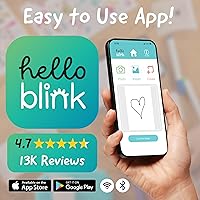
- Compatibility: Works with both iPhone and Android smartphones through a dedicated companion app.
- Recommended Age: Designed for children aged 8 years and up, as specified by the manufacturer.
- In the Box: Includes the printer unit and sticker tape rolls so printing can begin immediately after setup.
- Print Output: Produces thermal sticker strips; output color range is limited by the nature of thermal printing technology.
- App Required: A companion mobile app is required to design and send print jobs; the printer cannot function without it.
- Release Date: Officially launched on December 13, 2024.
- ASIN: Amazon Standard Identification Number is B0DJWQ1FV1.
- BSR Ranking: Ranked #4 in Portable Photo Printers and #360 in Electronics on Amazon at time of review.
- Average Rating: Holds a 4.3 out of 5 star average based on 100 verified ratings on Amazon.
- Ink or Toner: No ink cartridges or toner are required at any point; consumable costs are limited to replacement sticker rolls.
- Power Source: Specific battery type and capacity are not published by the manufacturer in available product data.
- Sticker Roll Refills: Replacement sticker tape rolls are sold separately once the included rolls are used up.
Related Reviews
PhoFuta M832 Portable Wireless Thermal Printer
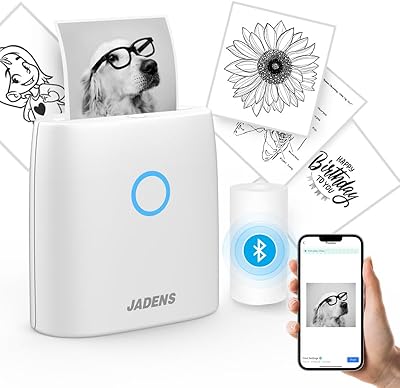
JADENS Mini Sticker Printer JD-21
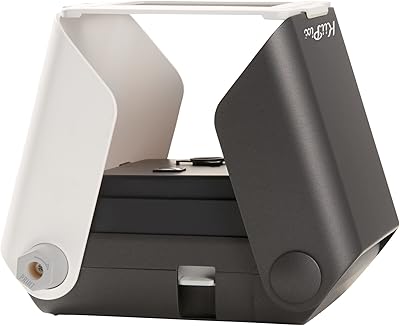
KiiPix Smartphone Portable Photo Printer
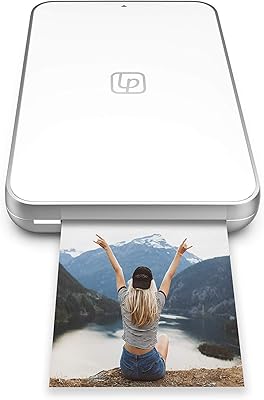
Lifeprint Ultra Slim Portable Bluetooth Photo Printer
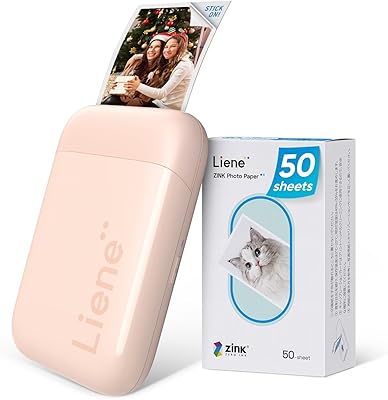
Liene ZPP110 2x3 Portable Instant Photo Printer
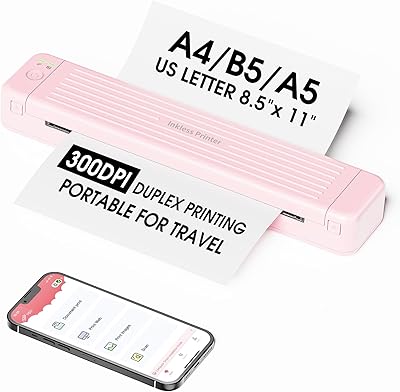
Zoolion P831 Portable Printer
RIX Pocket K2 Thermal Monocular
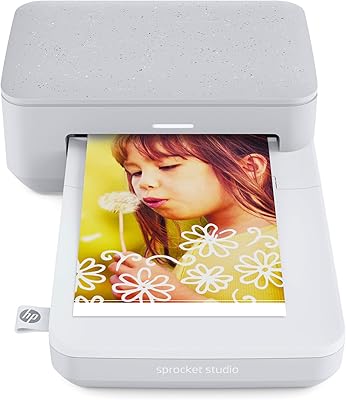
HP Sprocket Studio 4x6 Photo Printer
Epson Stylus CX9400Fax All-in-One Printer