Overview
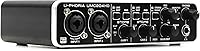
The Behringer U-Phoria UMC204HD stands out as a high-value 2-in/4-out interface tailored for home studio enthusiasts who want more than just the basics. Unlike the flimsy plastic gear often found at this price point, this Behringer unit feels surprisingly substantial with its rugged metal construction that can handle a bit of rough treatment on a desk or in a bag. It serves as a compact hub for your setup, allowing you to bridge the gap between classic analog instruments and modern MIDI hardware without cluttering your workspace. Getting started is straightforward since it operates as a bus-powered device, drawing all the energy it needs directly from your computer's USB port. It simplifies the recording process while maintaining a professional feel that inspires confidence right out of the box.
Features & Benefits
Inside the UMC204HD, you will find Midas-designed preamps that provide enough clean gain to handle power-hungry dynamic microphones without adding unwanted hiss. While many entry-level boxes cap out at lower resolutions, this audio interface supports high-resolution 24-bit/192kHz sampling, ensuring your recordings capture every nuance for a polished, professional sound. A standout addition is the set of analog inserts on the back. This is a rare pro-level inclusion for this category, letting you patch in an external compressor or EQ before the signal hits your computer. Dedicated MIDI ports also make it easy to sync up old-school hardware synths. When you are tracking vocals, the mix control allows for direct monitoring with zero delay, so you hear yourself clearly without that frustrating software lag.
Best For
This audio interface is a top choice for budget-conscious producers who specifically need those extra output channels to send audio to multiple monitors or external gear. Podcasters will also appreciate having two independent, high-quality mic inputs for interviews or co-hosted shows. For electronic musicians, the combination of reliable audio conversion and built-in MIDI makes it an ideal centerpiece for managing a hybrid setup of software plugins and physical synthesizers. It is also an excellent entry point for beginners who want to learn the ropes of DAW recording without spending a fortune. Because it balances essential features with a few advanced routing options, the UMC204HD provides a versatile foundation that won't be outgrown immediately as your skills and studio needs eventually expand.
User Feedback
Real-world users frequently praise the exceptional audio quality, noting that it rivals units costing twice as much. There is a lot of love for the tactile feel of the gain and mix knobs, which have a sturdy resistance rather than feeling loose or cheap. The versatility of the four outputs is a common highlight for those performing live or doing complex routing. However, the experience isn't entirely without hitches. Some Windows users have reported that the initial driver installation can be a bit finicky compared to plug-and-play Mac setups. Despite these occasional setup hurdles, the consensus remains that this audio interface offers a level of durability and sonic performance that is hard to beat for anyone looking to maximize their studio budget without sacrificing core recording features.
Pros
- The Midas-designed preamps deliver surprisingly clean and transparent gain for a budget-friendly interface.
- Dual analog inserts allow you to patch in external hardware like compressors before the digital conversion.
- Integrated MIDI I/O makes it easy to sync legacy hardware synths without needing extra adapters.
- The all-metal chassis provides a level of durability and weight rarely seen at this price point.
- Four output channels offer exceptional routing flexibility for live performances or multi-monitor studio setups.
- High-resolution 24-bit/192kHz sampling ensures your recordings capture a professional level of detail and clarity.
- The direct monitor mix knob allows for hardware-level monitoring with absolutely zero audio latency.
- Being entirely USB bus-powered makes the UMC204HD a highly portable solution for mobile recording sessions.
Cons
- Initial driver installation on Windows systems can be finicky and often requires manual intervention.
- The global phantom power switch applies to both inputs, preventing the safe use of mixed microphone types.
- The headphone amplifier output is somewhat weak and may struggle with high-impedance professional studio headphones.
- The gain and volume knobs are positioned closely together, which can feel a bit cramped during quick adjustments.
- The included software package is very basic compared to the robust suites offered by many competitors.
- The rubber feet on the bottom are not particularly grippy and may slide on smooth desk surfaces.
- Monitoring levels can be difficult to gauge precisely because the LED metering is relatively minimal.
- The Behringer U-Phoria UMC204HD lacks a dedicated power switch, meaning it stays on as long as the USB is connected.
Ratings
Our data-driven analysis of the Behringer U-Phoria UMC204HD synthesizes thousands of verified buyer experiences from around the world to provide an authentic look at its performance. By filtering out incentivized feedback and bot activity, we have generated these scores to reflect the genuine strengths and recurring pain points reported by real home studio owners.
Audio Preamplifier Quality
Build & Chassis Durability
Value for Money
Connectivity & Routing
Windows Driver Stability
Knob & Switch Tactility
Recording Latency
Analog Insert Utility
High-Resolution Audio
Headphone Output Power
Portability
Suitable for:
The Behringer U-Phoria UMC204HD is an ideal choice for home studio producers who need to balance a tight budget with professional-grade features like analog inserts and MIDI connectivity. It is particularly well-suited for electronic musicians who need to sync external hardware synthesizers while simultaneously tracking vocals or instruments. Podcasters will find the two high-quality mic preamps and independent output channels perfect for managing multi-person setups or complex routing to external mixers. Beginners will also appreciate how this unit offers high-resolution 192kHz sampling, providing a future-proof foundation as their recording skills advance. Overall, it is a sturdy centerpiece for anyone building a versatile, hybrid digital-analog workspace on a modest budget.
Not suitable for:
While impressive for the price, the Behringer U-Phoria UMC204HD may not satisfy professional engineers working in high-end environments where ultra-low noise floors and top-tier clocking are non-negotiable. It is not the best fit for Windows users who are uncomfortable with manual driver troubleshooting, as the initial setup can be less intuitive than modern plug-and-play alternatives. Musicians who primarily use high-impedance headphones may find the built-in headphone amplifier lacks the necessary power to drive their gear to satisfying volumes. Additionally, because the +48V phantom power is a global switch, it is not suitable for users who need to record with a mix of condenser and delicate ribbon microphones simultaneously. Those seeking a massive bundle of premium software plugins will likely find the sparse digital offerings here disappointing compared to other brands.
Specifications
- Connectivity: The unit features high-speed USB 2.0 connectivity for data transfer and power.
- Audio Inputs: Two XLR/TRS combo inputs allow for connecting both microphones and line-level instruments.
- Analog Outputs: Four RCA and two TRS main outputs provide flexible routing to monitors and external gear.
- Sample Rate: Supports high-resolution digital recording at rates up to 192kHz.
- Bit Depth: The internal converters operate at a 24-bit depth for professional audio quality.
- Microphone Preamps: Equipped with two Midas-designed preamplifiers offering clean gain and low noise.
- MIDI Interface: Includes dedicated 5-pin MIDI Input and Output ports for hardware synchronization.
- Phantom Power: A global +48V switch provides power for condenser microphones across both inputs.
- Analog Inserts: Two 1/4″ TRS insert jacks enable the use of external signal processors.
- Chassis Material: The external housing is constructed from impact-resistant metal for long-term durability.
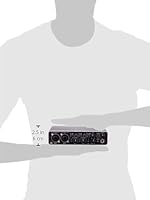
- Product Dimensions: The unit measures approximately 9.37 x 5.43 x 3.07 inches.
- Weight: This portable interface weighs 1.37 pounds.
- Monitoring: Direct monitor control allows for zero-latency tracking of input signals.
- Software Compatibility: Compatible with major digital audio workstations including Ableton Live, Pro Tools, and Cubase.
- Power Source: Draws all necessary operating power directly from the USB bus.
Related Reviews
Behringer U-PHORIA STUDIO PRO
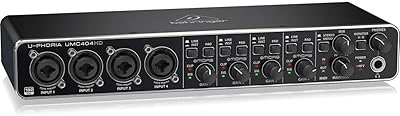
Behringer U-PHORIA UMC404HD
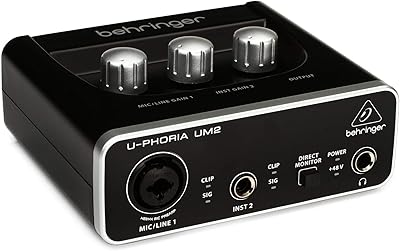
Behringer UM2 USB Audio Interface
DigitalPersona U.are.U 4500HD USB Fingerprint Reader

U Beauty Resurfacing Compound SUPER Hydrator Duo
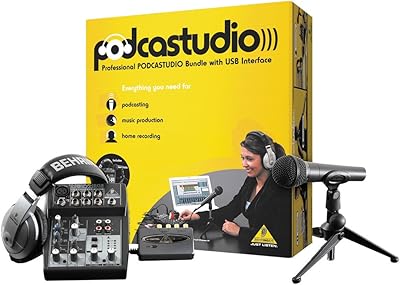
Behringer PodcastStudio USB Podcasting Bundle
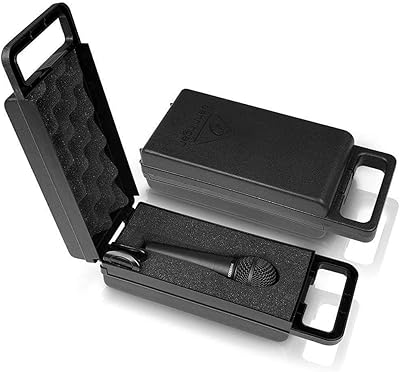
Behringer XM8500 Dynamic Cardioid Microphone
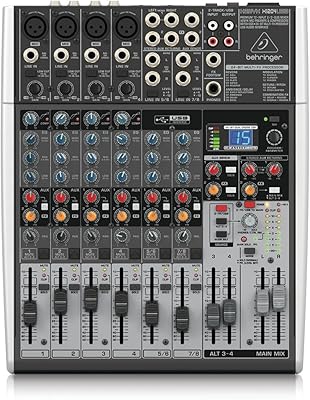
Behringer XENYX X1204USB 12-Channel USB Mixer