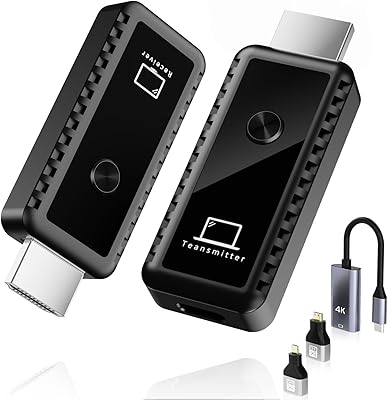
Terzomen AirLink Wireless HDMI Transmitter Receiver
Overview
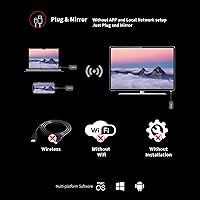
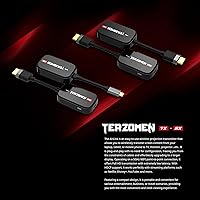
The Terzomen AirLink Wireless HDMI Transmitter Receiver is a cable-free kit designed to mirror your laptop, PC, or camera output to any HDMI-equipped TV, projector, or monitor — without a single wire between source and display. Terzomen isn't a household name in electronics, so the burden of proof falls entirely on performance, and for most non-gaming use cases, this wireless HDMI kit holds up reasonably well. Setup is genuinely straightforward — no drivers, no software installs, no pairing rituals. Just plug in, and you're projecting. One honest caveat up front: if you're a gamer expecting zero-delay response, look elsewhere. Wireless transmission carries inherent latency, and the brand itself doesn't pretend otherwise.
Features & Benefits
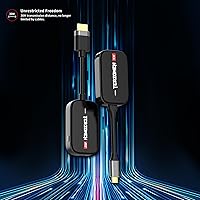
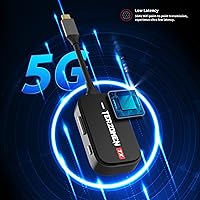
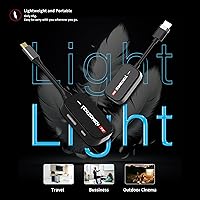
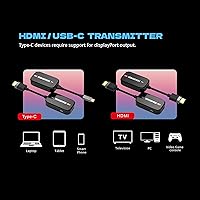
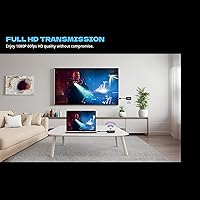
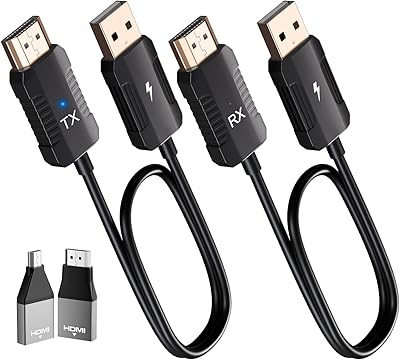
The AirLink dongle transmits at full 1080p resolution over a wireless range of up to 98 feet — enough to cover a standard conference room or classroom without repositioning. Both the transmitter and receiver draw power via USB or Type-C, so there's no bulky power adapter to carry around. Compatibility is broad: laptops, desktop PCs, cameras, cable boxes, and Blu-ray players all work as source devices, while the receiving end connects to any HDMI-equipped display. The form factor is slim and pocketable, and audio syncs reliably with video for clean playback. No router required — the two units communicate directly with each other, which keeps things refreshingly simple.
Best For
This transmitter-receiver set is a natural fit for anyone who presents regularly in meeting rooms or classrooms. Office professionals tired of hunting for the right cable, educators who want to roam freely while projecting, and home theater enthusiasts who'd rather not run an HDMI cable across their living room will all find genuine value here. It's also a solid pick for traveling professionals — lightweight, driver-free, and ready to go in any room with a compatible display. That said, it's not the right tool for gaming or any application where real-time responsiveness matters. The latency is workable for passive viewing, not interactive use.
User Feedback
Across roughly 74 ratings, the AirLink dongle holds a 4.2-star average — respectable, though not top-of-class for a wireless display kit. Buyers who follow setup instructions tend to be satisfied, citing easy installation and solid video clarity in open environments. The most recurring criticism involves signal weakening through walls, which isn't surprising — the product documentation openly flags this limitation. A more specific frustration: some USB ports don't deliver enough power to the transmitter, causing the indicator light to fade or cut out entirely. The practical fix is to power the transmitter via a Type-C cable, something the brand officially recommends but that buyers often overlook until after a bad experience.
Pros
- No drivers or software needed — plug in and you are projecting within seconds.
- Transmits 1080p video and synced audio wirelessly, covering most conference rooms and classrooms with ease.
- Works with a broad range of source devices including laptops, cameras, and cable boxes.
- Both transmitter and receiver are USB or Type-C powered, so no extra power adapters clutter your bag.
- The compact stick form factor makes this wireless HDMI kit genuinely portable and easy to pack.
- No Wi-Fi router or network connection required — the two units pair directly with each other.
- Solid video clarity for presentations and passive media playback according to verified buyer feedback.
- One-year manufacturer warranty offers at least a basic safety net for a lesser-known brand.
- Setup is consistent and straightforward enough for non-technical users to handle independently.
Cons
- Wireless latency makes the AirLink dongle unsuitable for gaming or any real-time interactive use.
- Signal quality drops significantly when walls or other physical obstructions sit between transmitter and receiver.
- The 98-foot range is a best-case spec — real-world distance in typical rooms is considerably shorter.
- Some USB ports do not supply enough power to keep the transmitter running reliably without a Type-C workaround.
- Terzomen has a limited support track record compared to established electronics brands, which adds purchase risk.
- With only 74 reviews at the time of writing, the long-term reliability picture is still incomplete.
- No indication of 4K support — buyers who have upgraded to 4K displays will be capped at 1080p output.
- The power instability issue is not prominently disclosed upfront, which catches some buyers off guard.
Ratings
Our AI rating engine analyzed verified buyer reviews for the Terzomen AirLink Wireless HDMI Transmitter Receiver from global marketplaces, actively filtering out incentivized, bot-generated, and low-quality feedback to surface what real users genuinely experienced. Each score below reflects the honest balance of praise and frustration found across those verified responses, with no category artificially inflated. Where buyers consistently ran into trouble, the scores reflect it — and where the kit genuinely delivers, that comes through too.
Ease of Setup
Signal Stability
Video Quality
Audio Sync
Wireless Range
Latency
Build Quality
Compatibility
Portability
Power Reliability
Value for Money
Brand & Support
Packaging & First Impression
Suitable for:
The Terzomen AirLink Wireless HDMI Transmitter Receiver is a practical pick for anyone whose primary need is cable-free screen sharing in structured environments. Office professionals who present frequently in meeting rooms will appreciate not having to chase down the right adapter or untangle cables before every session. Educators can move freely around a classroom while keeping their laptop connected to a projector — a genuine quality-of-life improvement over being anchored to a podium. Home theater enthusiasts who want to stream content from a PC or Blu-ray player to a living room TV without routing cables through walls or under rugs will also find this kit genuinely useful. Traveling professionals get the added bonus of a lightweight, driver-free solution that works with any HDMI display they encounter — no IT support required.
Not suitable for:
The Terzomen AirLink Wireless HDMI Transmitter Receiver is a poor fit for anyone who needs a truly lag-free display connection. Gamers, in particular, should look elsewhere — wireless transmission introduces latency that makes real-time interaction frustrating, and no settings adjustment will fix that at the hardware level. Buyers hoping to use this kit in environments with multiple walls or physical obstructions between transmitter and receiver should also temper their expectations; the 98-foot range is a best-case figure in open, unobstructed spaces, and real-world performance through walls drops noticeably. Those running USB ports with limited power output may encounter transmitter instability unless they specifically power the device via a Type-C cable — a workaround that works, but shouldn't be a surprise after purchase. If you need rock-solid reliability in a complex or obstacle-heavy environment, a wired HDMI extender or a more established brand with proven signal management would be a safer investment.
Specifications
- Brand: Manufactured by Terzomen under the AirLink product line, model number TZ-AH.
- Resolution: Transmits video at a maximum resolution of 1080p full HD.
- Wireless Range: Rated for up to 98 ft (30 m) in open, unobstructed environments.
- Form Factor: Comes as a matched pair of compact sticks — one transmitter and one receiver.
- Dimensions: Each unit measures 7.08 x 1.57 x 0.78 inches, making the kit easy to pocket or pack.
- Weight: The combined kit weighs 6.4 ounces, keeping the total carry load minimal.
- Power Source: Both units are powered via USB or Type-C cable; no separate wall adapter is required in most setups.
- Connector Type: Uses standard HDMI connectors on both transmitter input and receiver output.
- Connectivity: Operates on a direct wireless link between transmitter and receiver — no Wi-Fi router or internet connection needed.
- Driver Requirement: Fully plug-and-play; no software, drivers, or app installation is required on any operating system.
- Source Compatibility: Works with any HDMI-output device including laptops, desktop PCs, cameras, cable boxes, and Blu-ray players.
- Display Compatibility: Connects to any HDMI-input display including TVs, monitors, and projectors.
- Audio Support: Transmits audio alongside video with synchronized playback, suitable for presentations and media streaming.
- Gaming Suitability: Not recommended for gaming due to inherent wireless transmission latency.
- Color: Available in black only.
- Warranty: Backed by a one-year manufacturer replacement warranty with support accessible via Amazon seller messaging.
Related Reviews
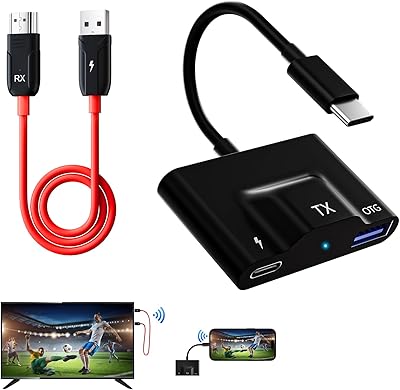
DxInvb Wireless HDMI Transmitter and Receiver Kit
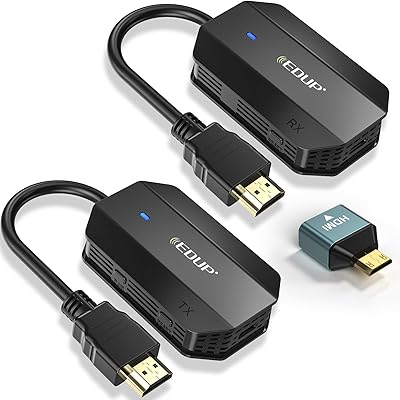
EDUP EH-WD9905 Wireless HDMI Transmitter and Receiver
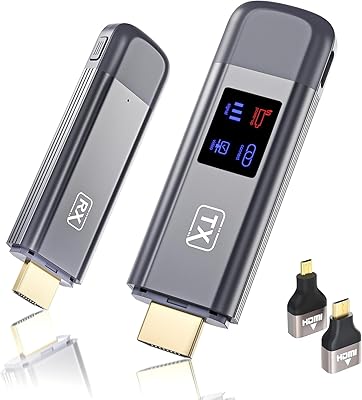
TTQ TR60 Wireless HDMI Transmitter and Receiver
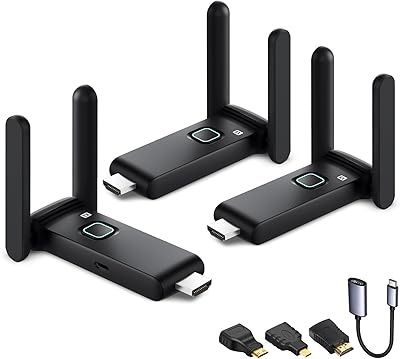
POFAN G58 Wireless HDMI Transmitter with 2 Receivers
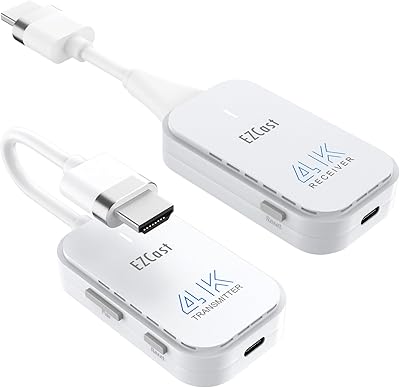
DXchip 4KEZH01R01 Wireless HDMI Extender Kit
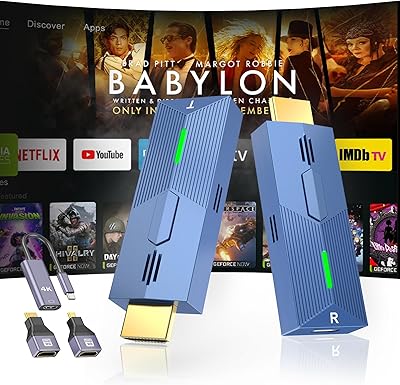
LZLOO Wireless HDMI Transmitter and Receiver
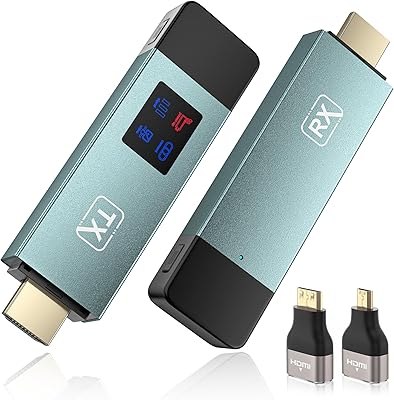
BRAIDOL TR50 Wireless HDMI Extender Kit
Anytrox THT-020-8 Wireless HDMI Extender
IOGEAR GWHD11