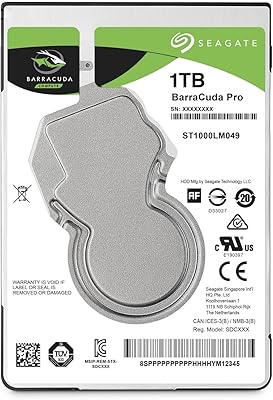
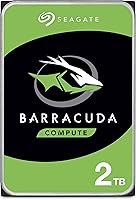
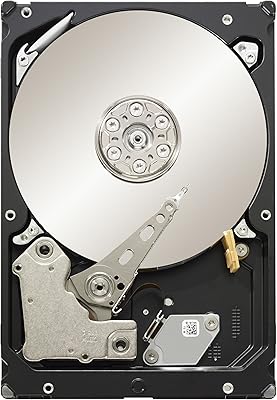
Seagate BarraCuda 2TB Internal Hard Drive





Overview
The Seagate BarraCuda 2TB Internal Hard Drive has earned its place as one of the most trusted mechanical hard drives for desktop PCs — and its #3 bestseller ranking among internal drives reflects that. This isn't an SSD, so don't expect lightning-fast boot times. What you do get is a reliable spinning disk with a 7200 RPM spindle speed and a 256MB cache, which puts it a clear step above slower 5400 RPM budget options. For straightforward, high-capacity desktop storage, this BarraCuda drive has quietly become the go-to choice for a huge range of PC users over many years.
Features & Benefits
The 7200 RPM rotation speed is one of this drive's most practical advantages — it transfers data noticeably faster than the 5400 RPM drives commonly found in cheaper options. Paired with a 256MB cache buffer, it handles large sequential transfers more smoothly, which matters when you're copying big video files or game installs. The SATA 6Gb/s interface makes compatibility a non-issue with virtually any modern desktop motherboard. Seagate also bundles in their DiscWizard software, which makes cloning an existing drive surprisingly straightforward — useful if you're upgrading from a smaller disk. The Frustration Free Packaging is a small but thoughtful touch that reduces static risk when handling bare electronics.
Best For
The 2TB Seagate HDD makes most sense for desktop PC builders who want dependable bulk storage without moving to solid-state prices. It fits well as a secondary drive in gaming rigs — install your OS on an SSD for speed, then use this internal hard drive to store your game library, which can easily balloon past 1TB these days. Content creators archiving raw footage, audio projects, or photo collections will find the capacity genuinely useful. Home or small office users replacing an aging, smaller drive are a natural fit too. And if you need to clone a current drive to this one, the bundled DiscWizard software takes most of the friction out of that process.
User Feedback
With over 100,000 ratings and a 4.6-star average, it's clear this isn't a drive that floats on hype — that volume of feedback reflects years of consistent real-world use. Buyers frequently praise how quiet and easy to install it is. That said, the honest caveat is speed: anyone expecting SSD-like performance will be disappointed. Boot times and application loads are noticeably slower on a spinning disk. A handful of long-term users also flag that good airflow inside your PC case matters — heat and vibration can affect any mechanical drive over time. Seagate's warranty and support get mixed but generally decent mentions. All mechanical drives carry some failure risk eventually; a backup strategy is always worth having.
Pros
- 7200 RPM spin speed delivers noticeably faster transfers than the 5400 RPM drives common in budget HDD alternatives.
- The 256MB cache helps smooth out large sequential file operations, making bulk data moves feel more responsive.
- SATA 6Gb/s compatibility means it will slot into virtually any desktop motherboard without adapter headaches.
- Bundled DiscWizard software makes cloning an old drive to this one accessible even for less technical users.
- Over 100,000 ratings and a 4.6-star average reflect years of consistent, real-world satisfaction across a huge range of buyers.
- Installation is straightforward — most users report being up and running within minutes of opening the box.
- The 2TB Seagate HDD hits a practical capacity sweet spot: enough for large game libraries or media archives without overpaying for more than most users need.
- Frustration Free Packaging is a small but genuine benefit, reducing static risk when handling bare drive hardware.
- Broad compatibility with standard desktop cases and power connectors means no surprises during a build or upgrade.
Cons
- Significantly slower than any SSD for OS boot times and application loading — this gap is not subtle in daily use.
- Mechanical drives are inherently more vulnerable to damage from drops, vibration, or poor airflow than solid-state alternatives.
- No built-in encryption or advanced security features, which may matter for sensitive home office or small business data.
- The drive generates some noise and vibration during heavy read/write activity, which can be noticeable in quiet environments.
- Like all spinning disks, long-term reliability is not guaranteed — failure risk increases over time and backups are essential.
- Heavier and physically larger than modern SSDs, which limits case compatibility in smaller or compact desktop form factors.
- Seagate support experiences reported by some users are inconsistent, with warranty claim processes occasionally described as slow or cumbersome.
- No included mounting hardware or data cable — buyers building from scratch will need to source those separately.
Ratings
Our AI-generated scores for the Seagate BarraCuda 2TB Internal Hard Drive were produced by analyzing tens of thousands of verified global buyer reviews, with spam, bot activity, and incentivized feedback actively filtered out before scoring. The results reflect a candid picture of where this BarraCuda drive genuinely excels and where real users have run into frustrations. Both the strengths and the limitations are weighted transparently so you can make a fully informed decision.
Value for Money
Transfer Speed
Reliability & Longevity
Installation Ease
Noise Level
Compatibility
Software (DiscWizard)
Heat Management
Packaging Quality
Warranty & Support
Read Performance
Write Performance
Build & Casing
Suitable for:
The Seagate BarraCuda 2TB Internal Hard Drive is a strong fit for anyone building or upgrading a desktop PC who needs dependable bulk storage without stretching their budget. Gamers who have already invested in a fast SSD for their operating system will find this BarraCuda drive ideal as a secondary disk for storing large game libraries, which routinely consume hundreds of gigabytes per title. Content creators — particularly videographers, photographers, and podcasters — who accumulate large local archives will appreciate having 2TB of accessible spinning storage at a practical price point. Home and small office users replacing an old, undersized drive will find the installation process straightforward, especially with the bundled DiscWizard cloning software that removes most of the guesswork from migrating data. It also suits budget-conscious first-time PC builders who want a proven, widely compatible storage option from a brand with decades of history in the space.
Not suitable for:
The Seagate BarraCuda 2TB Internal Hard Drive is simply not the right tool if speed is your priority. Anyone who wants fast OS boot times, snappy application loading, or quick game startup screens will be frustrated by the inherent limitations of spinning disk technology — no amount of cache or RPM tuning closes that gap with a solid-state drive. Laptop users are also out of luck, as this is a 3.5-inch desktop form factor that won't fit in any notebook or compact mini-PC enclosure. Buyers planning to use this as their only drive in a performance-focused workstation — think 3D rendering, video editing with heavy scrubbing, or large database work — should look toward NVMe SSDs instead. Those who live in environments with frequent vibration or who run caseless or poorly ventilated builds should also think carefully, since mechanical drives are more sensitive to physical stress and heat than their solid-state counterparts.
Specifications
- Capacity: This internal hard drive offers 2TB of formatted storage capacity, suitable for large game libraries, media collections, and general desktop use.
- Form Factor: The drive uses a standard 3.5-inch form factor, designed exclusively for desktop PC cases and compatible enclosures.
- Interface: It connects via a SATA 6Gb/s interface, which is backward compatible with SATA 3Gb/s ports found on older motherboards.
- Rotational Speed: The platters spin at 7200 RPM, enabling faster read and write access compared to slower 5400 RPM mechanical drives.
- Cache Size: A 256MB DRAM cache buffer helps manage data queuing and smooths out performance during large sequential read/write operations.
- Drive Type: This is a traditional mechanical hard disk drive (HDD) using spinning magnetic platters, not a solid-state drive.
- Model Number: The official model number is ST2000DMZ08, also referenced alongside ST2000DM008 depending on regional packaging variant.
- Dimensions: The drive measures 3.95 x 2.75 x 0.28 inches, conforming to standard 3.5-inch desktop drive bay specifications.
- Weight: It weighs 15.8 ounces, consistent with other full-size 3.5-inch desktop hard drives of similar capacity.
- Platform: Designed for internal installation in desktop PCs running Windows or Linux; not compatible with standard laptop bays.
- Included Software: Seagate bundles their DiscWizard software, which supports drive cloning, data migration, and basic backup scheduling at no extra cost.
- Packaging: Ships in Frustration Free Packaging, which minimizes static exposure and reduces unboxing waste compared to traditional retail blister packs.
- Warranty: Seagate covers this drive with a 2-year limited warranty, which is standard for consumer-grade desktop mechanical hard drives in this class.
- Amazon Rank: Ranked #3 in Internal Hard Drives and #6 in Computer Internal Components on Amazon, reflecting consistent long-term sales volume.
- User Rating: Holds a 4.6 out of 5 star average across more than 102,743 verified ratings, one of the highest review counts in its category.
Related Reviews
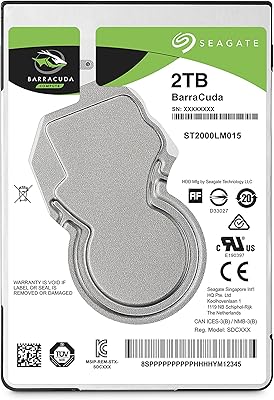
Seagate 2TB BarraCuda 2.5-Inch Internal Hard Drive
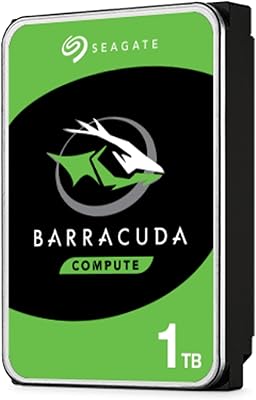
Seagate BarraCuda ST1000DM010 1TB Internal Hard Drive
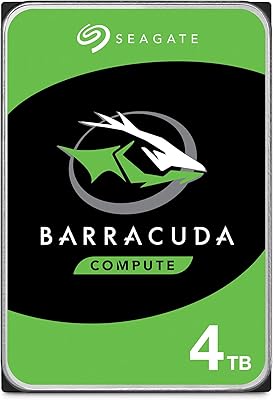
Seagate BarraCuda 4TB Internal Hard Drive
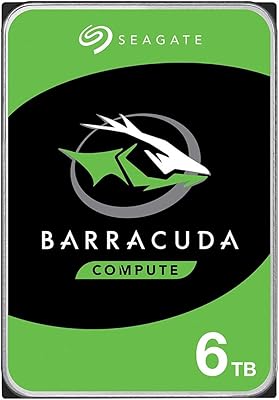
Seagate Barracuda 6TB Internal Hard Drive
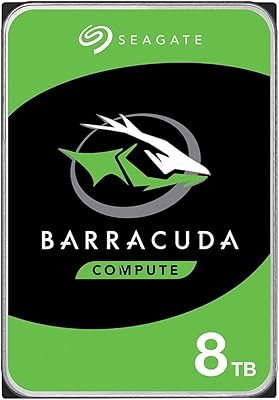
Seagate BarraCuda ST8000DM004 8TB Internal Hard Drive
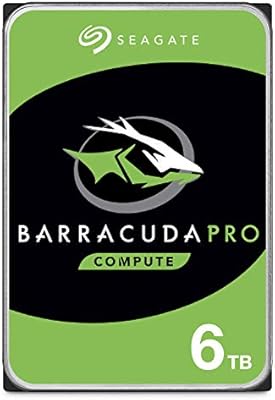
Seagate BarraCuda Pro 6TB Internal Hard Drive
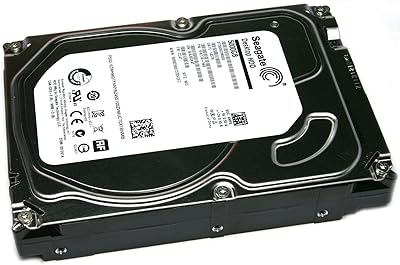
Seagate Barracuda ST5000DM000 5TB Internal Hard Drive
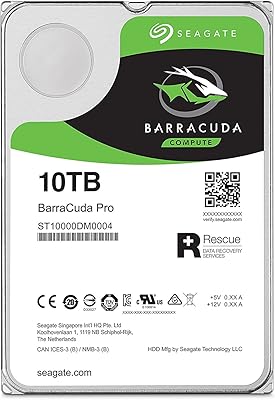
Seagate BarraCuda Pro 10TB Internal Hard Drive
Seagate Barracuda XT 3TB Internal Hard Drive