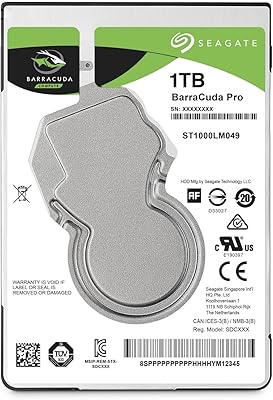
Seagate Backup Plus Slim 1TB Hard Drive


Overview
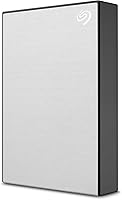
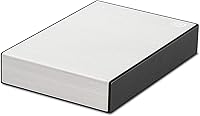
The Seagate Backup Plus Slim 1TB Hard Drive is one of those drives that doesn't try to reinvent anything, and that's part of its appeal. Pop it out of the box and you'll notice the slim brushed-metal shell first, finished in a silver that looks a lot more expensive than the price suggests. It's built around a traditional mechanical disk rather than flash memory, so don't expect SSD-level snappiness here; this is a drive meant for steady, dependable backups rather than blistering speed. USB 3.0 handles the connection, though it'll happily fall back to USB 2.0 on older machines. For anyone who just needs a reliable place to dump a terabyte of files without fuss, it gets the basics right.
Features & Benefits
Where this portable hard drive earns its keep is in the everyday details. The bundled software handles one-click backups right out of the gate, and you can set it to run automatically on a daily, weekly, or monthly schedule so you're not stuck remembering to do it yourself. Seagate also throws in a year of Mylio Create plus a trial of Adobe Creative Cloud Photography, which is a genuinely useful perk if you shoot photos regularly, along with a year of data rescue service in case something ever goes wrong. It works fine on both Windows and Mac, though Mac users planning to use Time Machine will need to reformat the drive first. At just 4.4 ounces, this external drive barely adds weight to a bag.
Best For
This drive makes the most sense for a specific kind of buyer. Photographers and other creatives who keep piling up new shoots will appreciate having a full terabyte of breathing room, especially with the photo-editing software bundled in. It's also a solid pick for people who just want backups to happen automatically in the background, without having to think about folders or schedules themselves. Students bouncing between a Mac at home and a PC at school, or remote workers syncing files across two machines, will find it works without complaint. If you're mainly chasing value over speed, this external drive fits the bill nicely. That said, if you need SSD-grade transfer speeds or something rugged enough to survive a drop, look elsewhere.
User Feedback
Real buyers seem to back this up. Reviews lean heavily positive, with plenty of owners calling out how reliable the Backup Plus Slim has been straight out of the box, with minimal setup hassle. The slim, understated look gets mentioned often too, people seem to genuinely like that it doesn't look like a clunky utility device sitting on their desk. The included software subscriptions show up as a pleasant surprise for more than a few reviewers, since it's not something they expected at this price point. On the flip side, a handful of buyers point out that being a traditional mechanical drive, it simply can't match the speed of flash-based alternatives, which is worth keeping in mind if speed matters more to you than capacity.
Pros
- Setup is quick thanks to one-click backup software that works right out of the box.
- Automatic scheduling on a daily, weekly, or monthly basis keeps backups consistent without manual effort.
- A full terabyte of storage covers years of photos, documents, and other files for most users.
- The bundled Mylio Create and Adobe Creative Cloud Photography trial add real value for photo editing.
- A year of data rescue service offers a safety net if something ever goes wrong.
- The slim brushed-metal enclosure looks sleek and feels sturdier than its price suggests.
- Weighing just 4.4 ounces, it slips easily into a laptop bag without adding noticeable bulk.
- Works smoothly across both Windows and Mac, making it flexible for mixed-device households.
- USB 3.0 connectivity delivers solid transfer speeds while still supporting older USB 2.0 ports.
- Reviewers consistently describe it as reliable, with strong overall satisfaction across a large number of ratings.
Cons
- Being a mechanical drive, it's noticeably slower than flash-based or SSD alternatives for large file transfers.
- Mac owners need to reformat the drive before Time Machine backups will work properly.
- The included software subscriptions are time-limited trials, not permanent additions to your toolkit.
- It lacks the rugged, drop-resistant build some buyers may want for travel or outdoor use.
- Moving parts inside a mechanical drive mean it can be more sensitive to bumps than solid-state options.
- Heavy, sustained workloads like large video editing projects can feel sluggish on this drive.
- There's no password protection or hardware encryption built in for sensitive files.
- Some users may find the single USB cable connection limiting if they need additional ports.
Ratings
Our scores for the Seagate Backup Plus Slim 1TB Hard Drive are generated by AI after analyzing thousands of verified reviews from buyers around the world, with spam, bot activity, and incentivized feedback filtered out along the way. Each category below reflects what real owners consistently praised as well as where they ran into friction, so you can see the full picture before deciding. Think of it as a distilled, no-spin summary of how this drive actually performs in daily use.
Build Quality & Design
Storage Capacity
Transfer Speed
Backup Software & Setup
Mac/PC Compatibility
Time Machine Support
Portability & Weight
Bundled Software Value
Data Rescue Service
Reliability & Durability
Value for Money
Noise Level
Overall User Satisfaction
Suitable for:
The Seagate Backup Plus Slim 1TB Hard Drive is a smart pick for photographers and creatives whose photo libraries keep growing and who need a straightforward place to offload years of shoots. It also suits anyone who wants backups to just happen in the background, since the scheduling tools mean you set it up once and stop thinking about it. Students and remote workers who regularly bounce between a Mac and a PC will appreciate that it works on both without much friction. Photography hobbyists in particular get extra mileage out of the bundled Adobe and Mylio software, which adds real value beyond raw storage. For anyone who cares more about getting a full terabyte of dependable backup space at a fair price than chasing benchmark speeds, this is a sensible, low-drama choice.
Not suitable for:
On the flip side, the Seagate Backup Plus Slim 1TB Hard Drive isn't built for users chasing SSD-level performance, since it relies on a traditional spinning disk rather than flash memory. Video editors working with large 4K or RAW footage who need near-instant read and write speeds will likely find it sluggish for demanding workflows. It's also not the right choice for anyone who needs a rugged, drop-resistant drive for travel or fieldwork, since the design favors a slim profile over heavy-duty protection. Mac users hoping to use Time Machine right out of the box should know reformatting is required first, which can be an unwelcome extra step for less technical buyers. Finally, anyone assuming the bundled software subscriptions are permanent should look closer, since these are time-limited trials rather than lifetime perks.
Specifications
- Storage Capacity: This drive provides 1TB of usable storage for photos, documents, and other files.
- Drive Type: It is built around a mechanical hard disk rather than solid-state flash memory.
- Connectivity: The drive connects via USB 3.0 and remains backward compatible with USB 2.0 ports.
- Max Speed: Transfer speeds reach up to 120 MB/s when connected through a USB 3.0 port.
- Enclosure: The housing is a brushed-metal enclosure finished in a silver color.
- Dimensions: The drive measures 4.52 x 3.07 x 0.46 inches.
- Weight: It weighs 4.4 ounces, making it light enough to carry daily.
- OS Compatibility: It works with both Windows and Mac computers.
- Backup Software: Bundled software enables one-click backups for quick first-time setup.
- Backup Scheduling: Users can schedule automatic backups on a daily, weekly, or monthly basis.
- Mylio Create: A one-year subscription to Mylio Create is included with purchase.
- Adobe CC Trial: A trial membership to Adobe Creative Cloud Photography is bundled with the drive.
- Data Rescue Service: A one-year data rescue service is included to help recover files after drive failure.
- Time Machine Use: Mac users need to reformat the drive before using it with Time Machine.
- Model Number: The product carries the model number STHN1000401.
- Included Cable: A USB cable is included in the box for connecting the drive to a computer.
Related Reviews
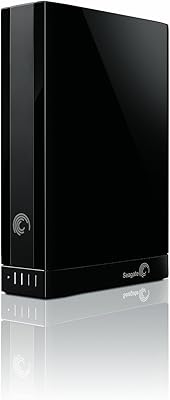
Seagate Backup Plus 2TB Desktop External Hard Drive
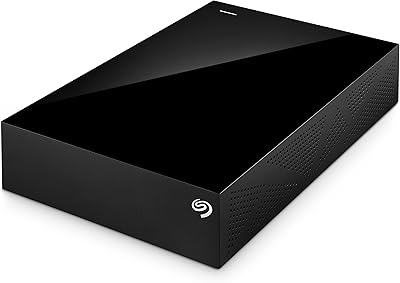
Seagate Backup Plus 3TB Desktop External Hard Drive
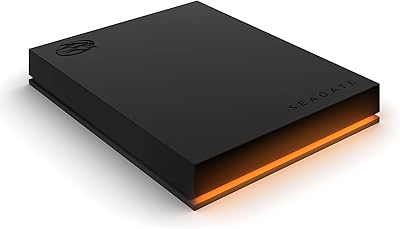
Seagate FireCuda Gaming Hard Drive 1TB
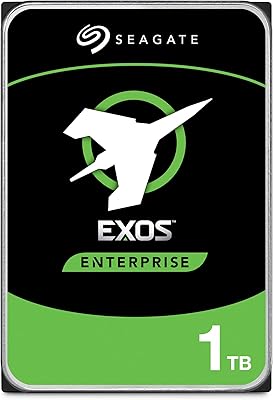
Seagate Exos 1TB Internal Hard Drive
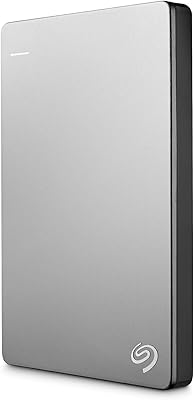
Seagate Backup Plus Slim 2TB Hard Drive
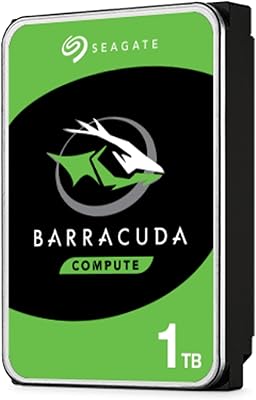
Seagate BarraCuda ST1000DM010 1TB Internal Hard Drive
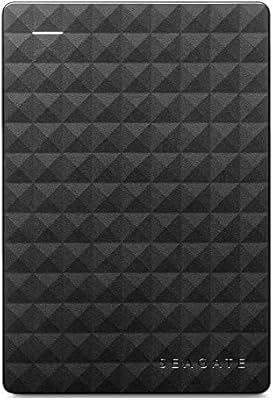
Seagate Expansion Portable 1TB External Hard Drive
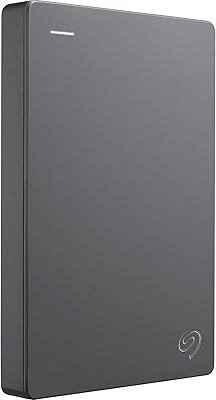
Seagate Basic 1TB Portable External Hard Drive
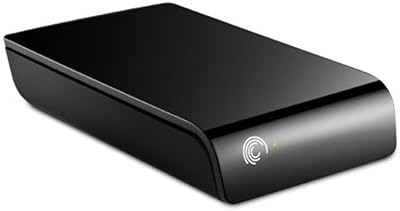
Seagate ST310005EXA101-RK 1TB External Hard Drive