Overview
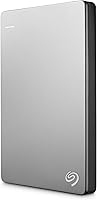
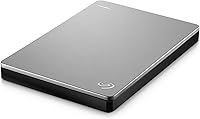
The Seagate Backup Plus Slim 2TB Hard Drive is Seagate's answer to Mac users who want serious storage capacity without hauling around a bulky, cable-dependent drive. It's thin enough to slide into a laptop bag pocket without a second thought, and the brushed metal shell looks right at home next to a MacBook. It works with both Mac and PC, though the Mac-first design is obvious from the packaging onward. One pleasant extra is a two-month Adobe Creative Cloud Photography Plan — not a permanent subscription, but a useful bonus for anyone exploring Lightroom or Photoshop. Worth noting upfront: this is a mechanical hard drive, not an SSD, so transfer speeds reflect that reality.
Features & Benefits
At its core, this slim portable drive packs 2TB of storage into a 2.5-inch body that weighs just over five ounces and draws power directly from your USB port — no adapter required. The USB 3.0 connection handles transfers reasonably well for a spinning drive, and older USB 2.0 ports will work too, just at reduced speeds. Backup options are flexible: trigger one manually or set up daily, weekly, or monthly schedules through the included software. Time Machine support is built in, though some users will need to reformat the drive first — a straightforward process, but one worth knowing about before plugging in. The two-year warranty rounds things out with solid long-term coverage.
Best For
This Mac-friendly hard drive hits a practical sweet spot for people who need substantial storage in a small package without spending SSD prices. It's a natural choice for MacBook owners relying on Time Machine backups who want a drive they can toss in a bag between home and office. Photographers and videographers working on location will appreciate the capacity — 2TB holds a meaningful amount of raw files and footage. Students and remote workers moving between spaces will find the compact size and single-cable setup genuinely convenient. It's less suited for anyone who prioritizes raw transfer speed; in that case, a portable SSD is the smarter call.
User Feedback
Among the reviews this drive has accumulated, plug-and-play simplicity and the compact form factor come up most consistently as reasons buyers are satisfied. The Adobe CC Photography bundle gets mentioned positively more often than expected — most treat it as a welcome extra rather than a purchase driver. On the flip side, some buyers flag that speeds feel sluggish compared to modern SSDs, which is a fair and predictable criticism for any spinning drive. A smaller number have reported reliability concerns after extended use, though that risk is not unique to this model. The reformatting step for Time Machine occasionally catches users off guard, but most navigate it without serious difficulty.
Pros
- Extremely slim and light at just over five ounces — genuinely easy to carry every day.
- 2TB of storage fits a large photo library, video projects, or full system backups comfortably.
- Bus-powered over USB, so there is no separate power brick to pack or forget.
- Works with both macOS and Windows, giving you flexibility if you switch platforms.
- Time Machine compatible out of the box for straightforward Mac backup routines.
- USB 3.0 speeds are adequate for standard backup tasks and file transfers.
- The brushed metal enclosure feels durable and looks noticeably more refined than plastic alternatives.
- Scheduled and one-click backup options mean you can set it and largely forget it.
- Two-year limited warranty offers meaningful protection for a storage device in daily use.
- The two-month Adobe CC Photography Plan is a genuinely useful short-term bonus for creatives.
Cons
- Mechanical HDD speeds lag well behind portable SSDs — noticeable when transferring large files regularly.
- Requires reformatting before Time Machine will recognize it, which can trip up less technical users.
- No ruggedized casing — one bad drop could put your data at real risk.
- The Adobe CC bundle expires after two months, making it a limited-time perk rather than lasting value.
- No USB-C connector, so newer MacBook users will need a separate adapter to plug it in.
- Some users have reported reliability concerns after a year or more of heavy daily use.
- The included backup software adds little for users who prefer native macOS tools.
- Spinning drives generate faint noise and vibration that can be noticeable in quiet environments.
Ratings
The scores below reflect an AI-driven analysis of thousands of verified global reviews for the Seagate Backup Plus Slim 2TB Hard Drive, with spam, bot activity, and incentivized feedback actively filtered out before scoring. Each category captures both what buyers consistently praised and the friction points they ran into in real daily use. Nothing has been softened — the ratings reflect the honest spread of user experience, from the standout strengths to the areas where this drive falls short of expectations.
Portability
Transfer Speed
Build Quality
Mac Compatibility
Value for Money
Ease of Setup
Backup Software
Reliability
Noise & Vibration
PC Compatibility
Cable & Connectivity
Design & Aesthetics
Adobe CC Bundle
Warranty & Support
Suitable for:
The Seagate Backup Plus Slim 2TB Hard Drive is a practical choice for MacBook owners who want a reliable, high-capacity backup solution they can carry daily without any added bulk. Photographers and videographers who travel regularly will find the 2TB capacity genuinely useful for storing raw files and project footage on the road, especially when cloud storage feels too slow or expensive for large media libraries. Students and remote workers who move between home, campus, or coworking spaces benefit from a drive this light and cable-simple — one USB connection and it just works. It also makes a solid entry point for anyone setting up Time Machine backups for the first time who wants a straightforward, plug-in option without buying into a full NAS setup. The bundled two-month Adobe Creative Cloud Photography Plan adds short-term value for creatives who have been meaning to try Lightroom or Photoshop but haven't committed to a subscription yet.
Not suitable for:
The Seagate Backup Plus Slim 2TB Hard Drive is not a good fit for users who prioritize transfer speed above all else — as a mechanical spinning drive, it simply cannot compete with portable SSDs when moving large files quickly. Video editors working with high-bitrate 4K footage or anyone regularly transferring hundreds of gigabytes will find the wait times frustrating over repeated use. It is also a poor match for anyone who needs a drive that can handle rough handling, drops, or dusty environments, since the metal shell offers no ruggedized protection. Power users who rely on Thunderbolt or USB-C connections natively will need an adapter, adding a potential point of friction. Finally, buyers expecting the included Adobe CC Photography Plan to be an ongoing benefit should know it is a two-month trial — not a long-term software package — so its value depends entirely on how actively you use it during that window.
Specifications
- Storage Capacity: The drive offers 2TB of usable storage, suitable for large photo libraries, video projects, or full system backups.
- Drive Type: This is a mechanical hard disk drive (HDD), not a solid-state drive, which affects transfer speed expectations.
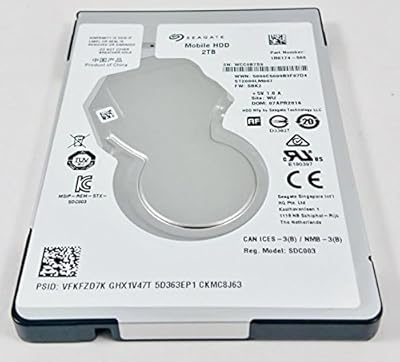
- Form Factor: Built around a 2.5-inch internal drive, making the overall unit genuinely pocketable for daily carry.
- Dimensions: The enclosure measures 4.47 x 2.99 x 0.38 inches, keeping it among the slimmest portable drives in its capacity range.
- Weight: At 5.3 ounces, the drive adds minimal load to a laptop bag or travel pack.
- Interface: Connects via USB 3.0 for faster transfers and remains backward compatible with USB 2.0 ports at reduced speeds.
- Power Source: Bus-powered through the USB cable, so no external power adapter or wall outlet is needed during use.
- Rotational Speed: The internal disk spins at 7200 RPM, which is on the higher end for portable mechanical drives.
- Enclosure Material: The outer shell is brushed metal, giving the drive a more durable and refined feel compared to typical plastic enclosures.
- OS Compatibility: Compatible with both macOS and Windows out of the box, though reformatting may be required depending on intended use.
- Time Machine: Supports Apple Time Machine backup software, though some configurations will require the user to reformat the drive to Mac OS Extended first.
- Backup Software: Includes Seagate backup software with options for one-click manual backups or scheduled automatic backups at daily, weekly, or monthly intervals.
- Bundled Software: Comes with a two-month trial of the Adobe Creative Cloud Photography Plan, which includes access to Lightroom and Photoshop.
- Warranty: Covered by a two-year limited warranty from Seagate, which is standard and competitive for portable storage hardware.
- Colors Available: Available in Black and Silver finishes, both featuring the same brushed metal construction.
- Cable Included: Ships with a USB 3.0 cable in the box, so no additional accessories are required to begin using the drive immediately.
Related Reviews
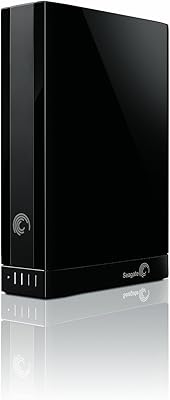
Seagate Backup Plus 2TB Desktop External Hard Drive
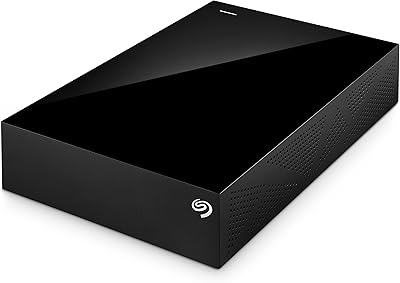
Seagate Backup Plus 3TB Desktop External Hard Drive
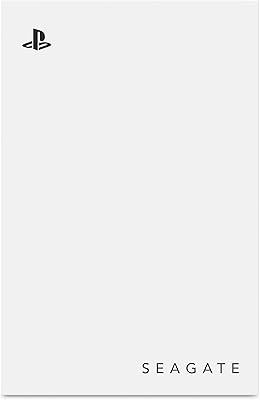
Seagate Game Drive for PlayStation 2TB
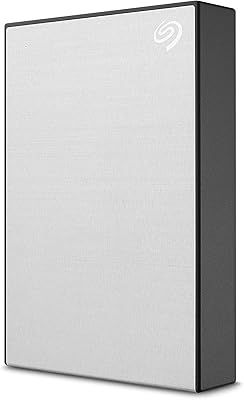
Seagate Backup Plus Slim 1TB Hard Drive
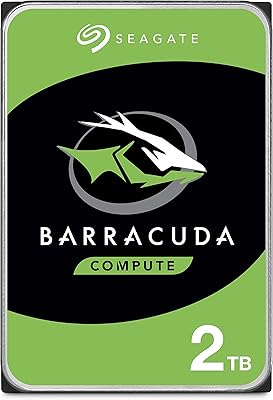
Seagate BarraCuda 2TB Internal Hard Drive
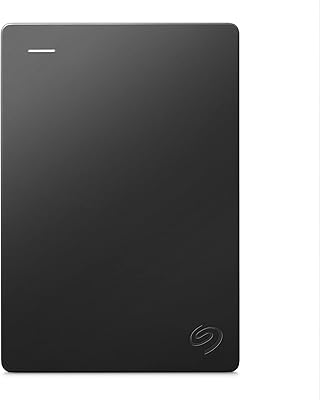
Seagate Portable 2TB (STGX2000400)
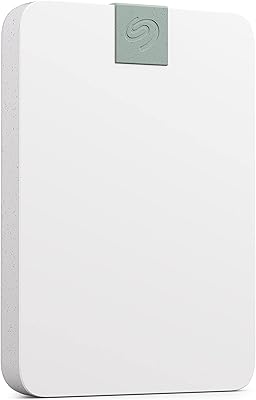
Seagate Ultra Touch 2TB External Hard Drive
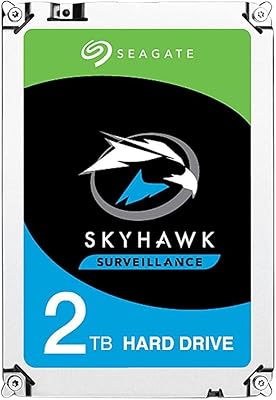
Seagate SkyHawk 2TB Surveillance Hard Drive
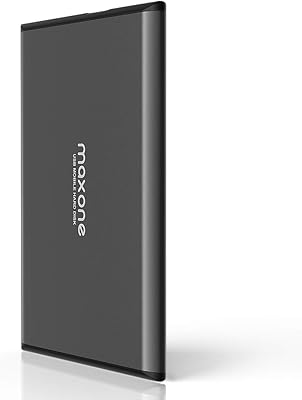
Maxone 2TB Ultra Slim Portable External Hard Drive