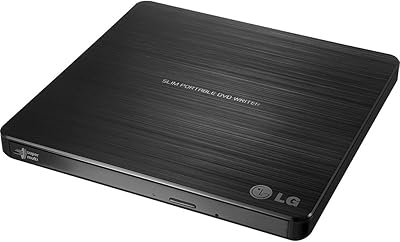
Samsung SE-218GN Slim External DVD Burner
Overview
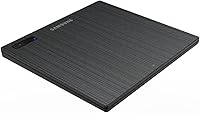
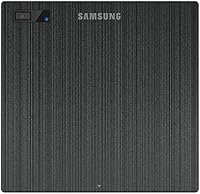
The Samsung SE-218GN Slim External DVD Burner is the kind of peripheral that solves a specific problem quietly and without fuss — giving you optical disc access when your laptop or desktop simply doesn't have it built in. At just 14mm thick and weighing under half a pound, this slim DVD burner slips easily into a bag without adding noticeable bulk. It works with both Windows and Mac OS X straight out of the box, which cuts setup time to nearly nothing. This isn't a prosumer-grade device with advanced encoding features; it's a practical, mid-range utility tool that handles everyday burning and reading tasks reliably.
Features & Benefits
Burning at 8x write speed, the Samsung external optical drive gets through a standard single-layer DVD in roughly 10 to 12 minutes — fast enough for occasional use without much waiting around. One standout is M-Disc support, which lets you burn to special archival discs engineered to resist degradation far longer than conventional media; genuinely useful if you're preserving family photos or important documents. The tray-loading design with a top-mounted eject button is clean and intuitive. Since this USB disc writer draws power directly from your USB port, there's no wall adapter required. Built-in error prevention technology also reduces the chance of a failed burn mid-session.
Best For
This slim DVD burner fits a fairly specific niche, but it fits it well. It's the obvious pick for MacBook or ultrabook users who've been locked out of optical media since their machines dropped the disc drive. It also suits small office setups or home environments where someone needs to burn an occasional backup without dedicating shelf space to a bulky desktop unit. Travelers appreciate the compact footprint. And if you've got a drawer full of old CDs or DVDs you want to migrate off disc, the Samsung external optical drive handles that job with no fuss or driver installation required.
User Feedback
Across a broad range of buyer experiences, a few consistent themes emerge. Most people praise the reliable burn performance and how effortlessly the drive sets up on a Mac — no drivers, no configuration headaches. The slim form factor draws consistent appreciation too. On the downside, some users have noted that the tray can be finicky about recognizing certain discs, particularly older or lower-quality media. The bundled USB cable is also on the short side, which can be awkward depending on desk layout. Longevity gets mixed marks from heavy users, but for occasional use — which describes most buyers — the consensus is that this USB disc writer holds up well.
Pros
- Works instantly on both Mac and Windows with zero driver setup required.
- Ultra-slim 14mm profile fits easily into any laptop bag or travel case.
- Bus-powered via USB — no wall adapter or extra cables needed.
- M-Disc support is a genuine bonus for users with long-term archival needs.
- Burn error prevention technology keeps failure rates low during typical sessions.
- The Samsung external optical drive handles standard DVD burns in around 10 to 12 minutes.
- Top-mounted eject button and LED indicator make one-handed operation intuitive.
- Compatible with USB 3.0 ports, ensuring stable performance on modern hardware.
- At its price point, it covers all core optical drive functions without unnecessary complexity.
- Lightweight enough at seven ounces to carry daily without noticing it.
Cons
- The bundled USB cable is too short for comfortable use on most desk setups.
- Tray mechanism can be finicky with older, scratched, or off-brand disc media.
- Some users on newer macOS versions report intermittent disc recognition delays after OS updates.
- Longevity under heavy or daily use is inconsistent — this drive is built for occasional sessions.
- USB 2.0 bandwidth creates a real bottleneck when transferring larger data volumes.
- The drive can vibrate noticeably when spinning slightly warped or unbalanced discs.
- Power delivery issues on older USB 2.0 ports can cause disconnections mid-burn.
- No USB 3.0 native interface means speed gains on modern ports are marginal at best.
- Dual-layer DVDs and pressed commercial discs occasionally require a second insertion to register.
- The slim plastic chassis feels less robust than full-height drives when handled frequently.
Ratings
The scores below for the Samsung SE-218GN Slim External DVD Burner were generated by our AI rating system after analyzing verified purchase reviews from buyers worldwide, with spam, bot-submitted, and incentivized feedback actively filtered out. What remains is an honest cross-section of real-world experiences — from occasional home users to small office setups — reflecting both the genuine strengths and the frustrations that surfaced repeatedly across hundreds of reviews.
Burn Reliability
Portability & Form Factor
Mac Compatibility
Disc Recognition Speed
Setup & Plug-and-Play Experience
Read Speed Performance
Write Speed Performance
M-Disc Archival Support
Cable & Connectivity
Build Quality & Durability
Noise & Vibration
Value for Money
Power Efficiency
Suitable for:
The Samsung SE-218GN Slim External DVD Burner is a practical match for anyone whose laptop or desktop simply does not have an optical drive built in and who needs one without the bulk of a full-size unit. MacBook users in particular will find it refreshingly straightforward — plug it in and it works, no software installation required. Travelers and remote workers benefit most from its featherlight build; at just seven ounces and slim enough to slide into any laptop sleeve, it adds almost nothing to a travel bag. Home users who occasionally need to rip old CDs, install software from disc, or burn family photo backups will find the performance more than adequate for that kind of infrequent, low-stakes use. Those with genuine archival needs — preserving legal documents, genealogy records, or irreplaceable media — will also appreciate the M-Disc compatibility, which supports discs engineered to outlast conventional burned media by a significant margin.
Not suitable for:
If you are burning discs regularly in volume — say, duplicating training materials for a classroom or archiving large media libraries disc by disc — this slim DVD burner is not the right tool for the job. The 8x write ceiling and USB 2.0 interface are designed for occasional use, and putting the drive through heavy daily sessions will expose both its speed limitations and its durability constraints, with a meaningful number of long-term heavy users reporting mechanical wear over time. Content creators or AV professionals who need consistent, high-speed optical output should look at dedicated desktop burners with USB 3.0 or eSATA connections. The tray mechanism, while functional, has shown sensitivity to warped or lower-quality disc media, which makes it a risky choice for anyone working through a large collection of aging or mixed-brand discs. If you are expecting the build confidence of a full-height drive in this slim form factor, you are likely to be disappointed — the trade-off for portability is a chassis that feels noticeably less substantial.
Specifications
- Drive Height: The drive measures just 14mm thick, placing it firmly in the ultra-slim category designed for portability alongside modern thin laptops.
- Dimensions: Overall footprint is 5.83″ x 5.63″ x 0.57″, compact enough to fit inside most laptop sleeves or small carry bags without issue.
- Weight: At 7 ounces, this is one of the lighter external optical drives available, making it easy to carry without adding meaningful bag weight.
- Loading Type: Uses a motorized tray-loading mechanism with a top-mounted physical eject button and a status LED indicator.
- Interface: Connects via USB 2.0 and is fully backward compatible with USB 3.0 ports, covering virtually all modern laptops and desktops.
- Power Source: Draws power entirely from the host USB port — no external power adapter or separate power cable is required.
- DVD Write Speed: Maximum DVD write speed is 8x, sufficient for burning a standard single-layer 4.7GB disc in approximately 10 to 12 minutes.
- DVD Read Speed: Maximum DVD read speed is 8x, adequate for software installation, data access, and disc-to-drive file transfers at normal usage pace.
- Buffer Memory: Equipped with 0.75MB of onboard buffer memory to support stable data flow during burn sessions.
- Burn Protection: Includes Buffer Under Run Free technology, which pauses and resumes burning to prevent disc errors caused by brief data interruptions.
- Disc Stability: Tilt Actuator Compensation (T.A.C.) technology helps the drive maintain read and write accuracy when positioned on uneven surfaces.
- M-Disc Support: Fully compatible with M-Disc archival media, which uses an inorganic recording layer engineered for significantly longer data retention than standard burned discs.
- OS Compatibility: Works natively with Microsoft Windows and Mac OS X without requiring any additional driver installation on either platform.
- Supported Formats: Reads and writes DVD-R, DVD+R, DVD-RW, DVD+RW, DVD-RAM, CD-R, and CD-RW formats, covering the full range of common optical media.
- Manufacturer: Designed and produced by Samsung, under the TSST optical storage product line, model designation SE-218GN/RSBD.
- First Available: This model was introduced to the market in August 2014 and has not been discontinued by the manufacturer as of available records.
- Bundle Contents: The drive ships with a USB connection cable; no software disc, power adapter, or carrying case is included in the standard retail package.
Related Reviews
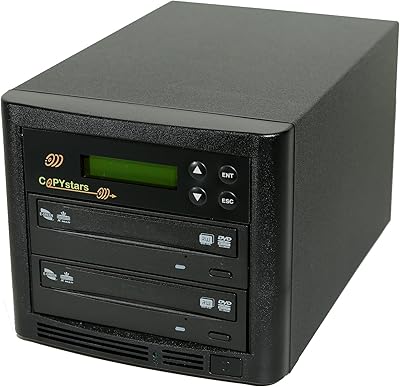
Copystars SYS-1-1 1-to-1 DVD Duplicator Tower
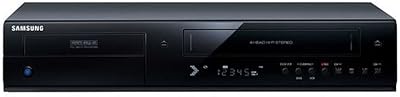
Samsung DVD-VR375A DVD VHS Combo Recorder
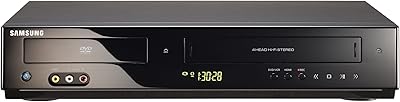
Samsung DVD-V9800 DVD VCR Combo Player
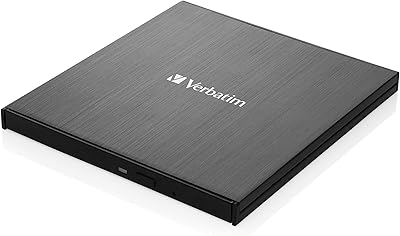
Verbatim 43886 Slimline External DVD Writer
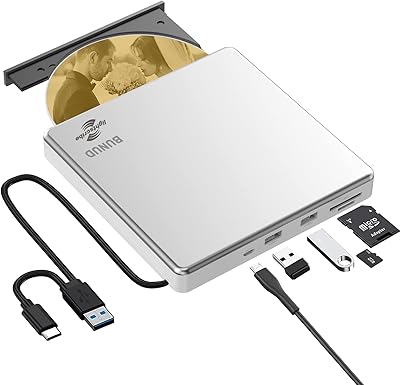
BUNUD LightScribe 5-in-1 External CD/DVD Drive
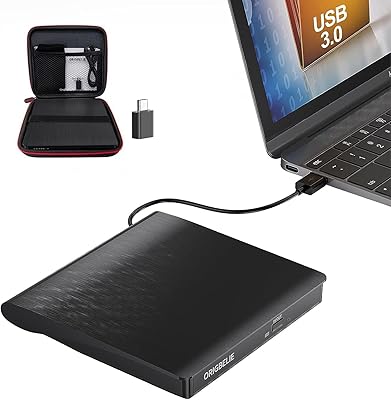
ORIGBELIE BT524 External CD/DVD Drive
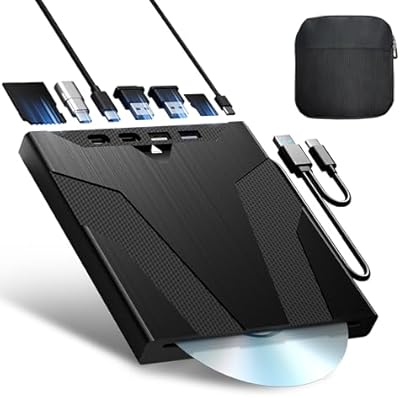
Wbacon Wbacon-001 Slot-Loading External DVD Drive
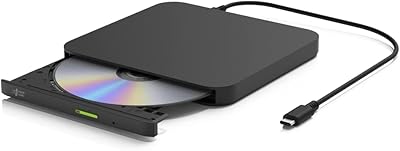
Hitachi-LG GP96Y External DVD Drive
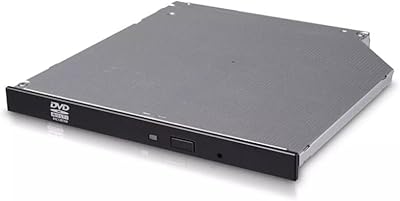
LG GUD0N Ultra Slim External DVD Writer