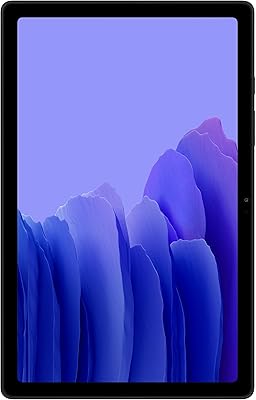
Samsung Galaxy Tab A8 10.5″ Android Tablet

Overview
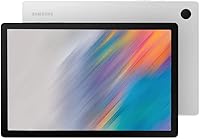
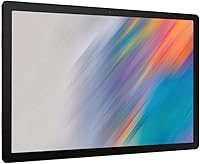
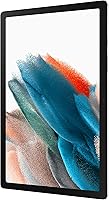
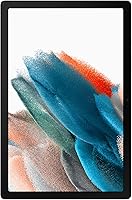
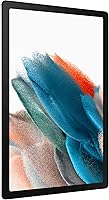
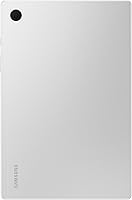
The Samsung Galaxy Tab A8 10.5″ Android Tablet is Samsung's answer to families who want a capable, larger-screen device without spending flagship money. Launched in early 2022, it sits comfortably in the mid-range tier — not trying to compete with premium slates, but offering enough to cover the basics well. The 10.5-inch LCD display hits 1920x1200 resolution, which is genuinely sharp enough for streaming movies or video calls. At just 1.12 pounds, it's easy to hold for long stretches. Storage starts at 64GB, though it's worth noting you can expand that significantly with a microSD card if your family tends to accumulate a lot of photos and content.
Features & Benefits
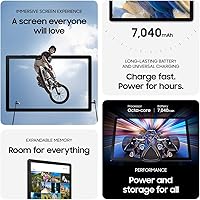
The large display is one of this Samsung tablet's strongest selling points — colors are punchy enough for comfortable streaming, and the extra screen real estate makes video calls feel far less cramped than on a phone. Samsung Kids mode is genuinely useful for parents; it goes beyond a basic content filter, offering a curated learning environment with books, games, and videos kids can actually enjoy. Smart Switch handles data migration painlessly from iOS or Android alike. USB-C fast charging keeps downtime short, and Galaxy ecosystem integration quietly syncs notes and files across your Samsung devices without requiring much manual setup at all.
Best For
This family-friendly tablet makes the most sense for households that want a shared everyday device — one that adults can use for streaming and kids can take over for supervised play. Students managing light coursework or note-taking will appreciate its comfortable size and daily carry weight. If you already use a Samsung phone or laptop, the Galaxy Tab A8's ecosystem connectivity adds real, practical value. It also suits anyone wanting a larger streaming screen without flagship pricing. That said, buyers expecting demanding gaming or heavy multitasking performance should consider more powerful alternatives before committing.
User Feedback
Buyers consistently praise the battery endurance and build quality — most report getting through a full day of mixed use without reaching for the charger, and the tablet feels reassuringly solid in hand. On the other side, the processor shows its limits when juggling multiple apps simultaneously or during graphic-intensive gaming; that's a reasonable trade-off at this price point, but worth setting expectations around. Some users mention pre-installed apps and Android version constraints as minor ongoing frustrations. Parents, however, are largely positive about Samsung Kids, with many noting that their children genuinely engage with the content rather than constantly trying to bypass the controls.
Pros
- The 10.5-inch display offers genuinely comfortable viewing for movies, shows, and video calls at this price tier.
- Samsung Kids mode gives parents a practical, well-stocked content environment without needing additional subscriptions.
- Expandable microSD storage means you are not permanently locked into the 64GB base capacity.
- USB-C fast charging is a welcome convenience that keeps the tablet ready without long waits.
- At just over a pound, the Galaxy Tab A8 is easy to hold or carry throughout the day.
- Smart Switch makes migrating from an old device — iOS or Android — straightforward and stress-free.
- Build quality feels solid and durable, with real-world users reporting the tablet holds up well over time.
- Galaxy ecosystem integration quietly syncs notes and files across Samsung devices with minimal manual effort.
- The 1920x1200 LCD resolution is sharp enough for crisp text and detailed video playback.
- Battery life in everyday mixed use consistently impresses buyers, typically lasting a full day on one charge.
Cons
- The ARM-based processor shows strain during heavy multitasking and graphic-intensive gaming sessions.
- Pre-installed Samsung and third-party apps consume meaningful storage space right out of the box.
- RAM is not officially disclosed, and real-world performance reflects a budget-tier memory allocation.
- Android OS version updates arrive slowly, which can leave the tablet behind on security and feature patches.
- The rear camera is functional for scanning documents but falls short for anything resembling quality photography.
- There is no headphone jack on newer variants, which frustrates users who prefer wired audio.
- Software bloat from pre-loaded apps is a persistent complaint that cannot be fully removed by most users.
- Wi-Fi only — no cellular option available on this model, limiting use away from known networks.
- The display, while adequate, uses an LCD panel that cannot match the contrast or color depth of AMOLED screens found on pricier alternatives.
Ratings
The Samsung Galaxy Tab A8 10.5″ Android Tablet has been evaluated by our AI system after analyzing thousands of verified global user reviews, with spam, bot activity, and incentivized feedback actively filtered out to ensure the scores reflect genuine buyer experiences. Every category below captures both what real owners love and what frustrated them — nothing has been softened or omitted to paint a rosier picture.
Display Quality
Performance
Battery Life
Value for Money
Build Quality
Storage & Expandability
Software Experience
Samsung Kids Mode
Camera Quality
Portability
Connectivity
Audio Quality
Ecosystem Integration
Setup & Ease of Use
Suitable for:
The Samsung Galaxy Tab A8 10.5″ Android Tablet is a strong fit for families who want a single shared device that pulls double duty — handling kids' screen time safely while still being useful for adults in the evenings. Parents who value built-in parental controls will appreciate Samsung Kids, which creates a genuinely contained environment rather than relying on third-party apps. Students handling light academic tasks like reading, note-taking, and research will find the screen size and portability a real practical advantage over smaller phones. If you're already using a Samsung smartphone or laptop, the cross-device syncing adds everyday convenience that compounds over time. Households that primarily want a comfortable streaming device for the couch — something bigger than a phone but not as bulky as a laptop — will feel right at home with this one.
Not suitable for:
Buyers who need a tablet for intensive workloads should think carefully before choosing the Samsung Galaxy Tab A8 10.5″ Android Tablet. The processor handles everyday tasks without complaint, but it stumbles under pressure — running multiple demanding apps simultaneously, playing graphically intensive games, or editing video will expose its performance ceiling fairly quickly. Power users accustomed to flagship tablets will likely find the experience frustrating rather than adequate. The 64GB base storage sounds reasonable, but once Android, Samsung's pre-installed apps, and a few downloaded shows or games are accounted for, free space shrinks faster than expected — making a microSD card almost a necessity rather than an optional upgrade. Users who prioritize the latest Android OS updates or a clean software experience may also find Samsung's bloatware and update cadence a recurring annoyance.
Specifications
- Screen Size: The tablet features a 10.5″ LCD display with a resolution of 1920 x 1200 pixels, offering clear and detailed visuals suitable for streaming and everyday use.
- Display Type: An LCD panel is used rather than AMOLED, which delivers adequate brightness and color accuracy but does not match the contrast levels of premium Samsung displays.
- Processor: Powered by an ARM-based chipset clocked at 2GHz, designed to handle everyday tasks comfortably while showing limitations under sustained heavy workloads.
- Internal Storage: The base model includes 64GB of built-in storage, a portion of which is consumed by the Android OS and pre-installed Samsung applications out of the box.
- Expandable Storage: A microSD card slot allows storage expansion, with the tablet supporting cards up to 1TB for users who need significantly more room for media and files.
- RAM: Samsung has not officially disclosed the exact RAM capacity for this model, though real-world performance is consistent with budget-to-mid-range Android tablet specifications.
- Operating System: Ships with Android, providing full access to the Google Play Store as well as Samsung's own suite of apps and the One UI interface layer.
- Rear Camera: An 8MP rear-facing camera handles casual photography and document scanning adequately, though it is not intended for serious photo or video work.
- Wireless: Supports 802.11ac (Wi-Fi 5) wireless connectivity; this is a Wi-Fi only model with no cellular or LTE variant available for this specific SKU.
- Charging: Charges via USB-C with fast charging support, allowing the built-in Lithium Ion battery to reach full capacity considerably faster than standard charging speeds.
- Battery: Houses a built-in Lithium Ion battery that Samsung rates for hours of continuous use, with real-world buyers consistently reporting strong all-day endurance on moderate usage patterns.
- Weight: At 1.12 pounds, the tablet is light enough for comfortable extended handheld use without causing significant fatigue during reading, streaming, or video calls.
- Dimensions: The device measures 6.37 x 9.72 x 0.27 inches, keeping it slim and portable while still accommodating the large 10.5″ screen footprint.
- Model Number: The specific US model number for this variant is SM-X200NZSEXAR, which corresponds to the Amazon-exclusive Silver colorway with 64GB internal storage.
- Parental Controls: Samsung Kids mode is built into the software and provides a parent-managed content environment with curated apps, books, games, and usage time controls.
- Data Transfer: Smart Switch is pre-installed and supports wireless and wired data migration from both Android and iOS devices, covering contacts, photos, and app data.
- Ecosystem Support: Integrates with the broader Galaxy ecosystem, enabling automatic note syncing and file sharing across compatible Samsung phones, tablets, and Windows PCs.
- Connectivity Port: Features a single USB-C port that handles both charging and data transfer, replacing the older Micro-USB standard found on previous Galaxy Tab A models.
Related Reviews
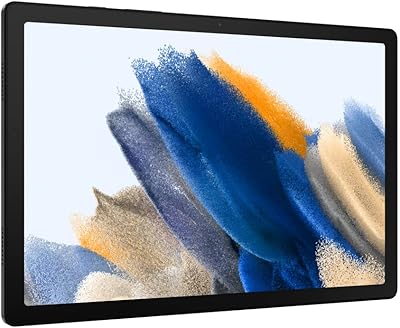
Samsung Galaxy Tab A8 128GB 10.5-inch Tablet
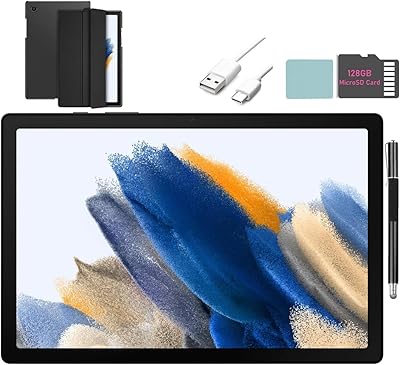
SAMSUNG Galaxy Tab A8 10.5-inch 32GB
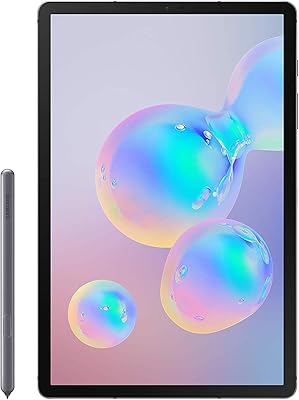
Samsung Galaxy Tab S6 128GB 10.5″ Tablet
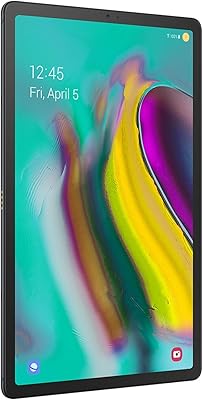
Samsung Galaxy Tab S5e 10.5″ 64GB Tablet
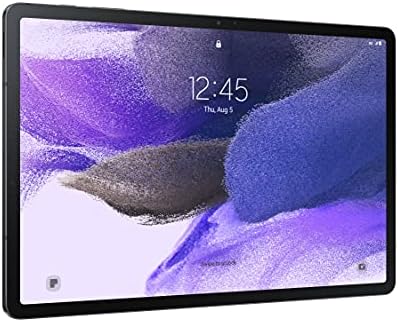
Samsung Galaxy Tab S7 FE 64GB Tablet
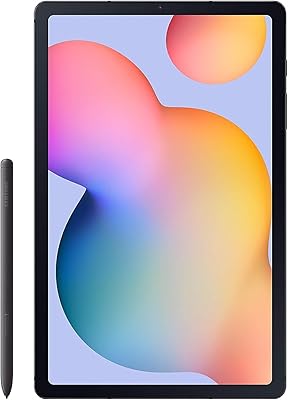
Samsung Galaxy Tab S6 Lite (2024) Tablet
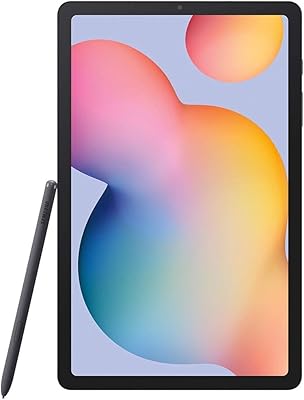
Samsung Galaxy Tab S6 Lite 10.4″ Tablet
Samsung Galaxy Tab A7 64GB 10.4-inch Tablet
Samsung Galaxy Tab A 9.7-Inch 16GB Tablet