REOLINK RLN36 36-Channel Network Video Recorder






Overview
The REOLINK RLN36 36-Channel Network Video Recorder is built for anyone who needs serious, large-scale camera coverage — think sprawling properties, warehouses, or multi-entry homes where a basic 8-channel box simply won't cut it. It handles up to 36 Reolink PoE cameras simultaneously, which is a significant jump from what most consumer NVRs offer. Three internal HDD bays can hold up to 48TB of footage total, though no drives ship in the box — that's an important detail we'll get to. Think of this NVR as the central hub of a larger system: it needs compatible cameras and separately purchased hard drives before it does anything useful.
Features & Benefits
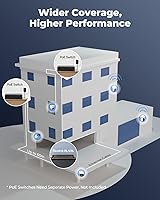
Where the RLN36 recorder genuinely stands out is in its flexibility at scale. Four RJ-45 LAN ports let you connect external PoE switches, spreading up to 36 cameras across a large property without running every cable back to one point. Each of the three SATA bays supports drives up to 16TB, so long-term 24/7 recording is absolutely feasible once you source your own drives. The recorder outputs crisp 4K video via HDMI — useful when reviewing footage on a large monitor. The USB 3.0 port makes local backups fast and simple. Add vehicle detection pulled from compatible Reolink cameras, and this 36-channel recorder becomes a genuinely intelligent system, not just a passive storage box.
Best For
This NVR makes the most sense for people already invested in Reolink's camera lineup — or those planning to build a system from scratch using Reolink PoE cameras exclusively. If you're coming from a different brand, be aware: this recorder does not support third-party cameras, full stop. That's a real limitation worth knowing upfront. For large homes, farms, small retail spaces, or multi-unit properties that need coverage across dozens of entry points, the scalability here is hard to match at this price tier. It also suits buyers who want internet-independent recording — the system runs fine without cloud access. Just be prepared to handle firmware updates and HDD sourcing yourself before setup is complete.
User Feedback
Among verified buyers, the RLN36 recorder earns consistent praise for rock-solid local recording reliability and smooth Reolink app integration. Running 16 or more cameras simultaneously without dropped feeds is a commonly cited highlight. That said, two complaints surface repeatedly. First, the no-HDD situation catches people off guard — many buyers at this price point expect at least a starter drive in the box. Second, the mandatory firmware update before first use creates real friction; some users found camera pairing simply wouldn't work until the firmware was current. Opinions on build quality lean positive overall, and most buyers describe Reolink's support team as reasonably responsive when follow-up is needed.
Pros
- Handles up to 36 PoE cameras simultaneously — genuinely rare at this price point.
- Three HDD bays with up to 48TB total storage support long-term 24/7 recording without compromise.
- Fully local recording means no cloud subscription fees and no reliance on internet uptime.
- Person and vehicle smart detection works reliably when paired with compatible Reolink cameras.
- 4K HDMI output keeps footage sharp and detailed when reviewing on a large monitor.
- USB 3.0 port makes backing up critical footage to an external drive fast and straightforward.
- The Reolink app integration is clean and consistently praised by multi-camera users.
- Supports up to 20 user accounts, which is useful for teams or multi-resident properties.
- PoE switch expansion means the system can grow incrementally without rewiring your entire setup.
- Broad OS compatibility — Windows, Mac, iOS, and Android — covers most monitoring setups.
Cons
- No hard drive included; buyers must budget separately for up to three HDDs before the system records anything.
- Exclusive Reolink camera compatibility locks you into one brand with no third-party flexibility.
- Firmware must be updated before cameras will pair — an undocumented first-use hurdle that frustrates many buyers.
- RCA adapters for two-way audio are not included, adding a small but annoying extra purchase.
- Synchronous playback is limited to four channels at once, which is restrictive for a 36-channel system.
- Setup assumes a degree of technical comfort — less experienced users may find the initial configuration genuinely challenging.
- Physical size and rack-style form factor make it unsuitable for discreet or space-constrained installations.
- No PoE ports built directly into the unit — external PoE switches are required to actually connect cameras.
Ratings
The REOLINK RLN36 36-Channel Network Video Recorder has been scored by our AI system after analyzing thousands of verified global buyer reviews, with spam, bot-generated, and incentivized feedback actively filtered out. The scores below reflect a balanced synthesis of what real users consistently praised and where they ran into genuine frustration. Both the strengths and the friction points are represented honestly — no category has been inflated to flatter the product.
Multi-Camera Performance
Storage Capacity
Setup Experience
Camera Compatibility
4K Video Quality
Smart Detection
App Integration
Build Quality
Local Recording Reliability
Remote Access
Value for Money
Two-Way Audio
Scalability
User Account Management
Suitable for:
The REOLINK RLN36 36-Channel Network Video Recorder is purpose-built for property owners and small business operators who need serious, multi-zone surveillance coverage under a single, locally managed system. If you're already running Reolink PoE cameras — or planning to build an entire system around that ecosystem — this NVR is a natural anchor point that scales far beyond what most consumer recorders allow. Large homes with multiple outbuildings, retail spaces with many entry points, warehouses, or rental properties with shared common areas are exactly the environments where 36 channels stop being overkill and start being practical. Buyers who prefer keeping footage stored locally, without relying on cloud subscriptions or an active internet connection, will find the local-first architecture here genuinely reassuring. It's also a strong fit for tech-comfortable users who don't mind sourcing their own hard drives and walking through a firmware update before the first camera pairs successfully.
Not suitable for:
The REOLINK RLN36 36-Channel Network Video Recorder is a hard pass for anyone currently using cameras from Hikvision, Dahua, Amcrest, or any other brand — this recorder is locked exclusively to Reolink's own PoE camera lineup, and that wall is non-negotiable. Buyers expecting a plug-and-play experience out of the box will also be caught off guard: no hard drives are included, and the firmware must be updated before cameras can be added, which adds real setup friction that not everyone anticipates. If you only need to monitor four to eight camera feeds, this 36-channel recorder is architectural overkill — smaller, less expensive Reolink NVR models will serve those needs far better. Renters, apartment dwellers, or anyone needing a compact, minimal-footprint solution should look elsewhere, as this unit is physically designed for permanent, structured installations.
Specifications
- Camera Channels: This NVR supports up to 36 simultaneous IP camera inputs, each handling resolutions up to 16MP.
- HDD Bays: Three internal SATA bays are included, each supporting a single hard drive of up to 16TB — no drives are included in the box.
- Max Storage: Total storage capacity reaches up to 48TB when all three bays are populated with 16TB drives.
- Video Output: HDMI output supports resolutions up to 3840x2160 (4K), with a secondary VGA output supporting up to 1920x1080.
- LAN Ports: Four RJ-45 ports (1000Mbps) are provided for camera-side network connections, plus one dedicated RJ-45 WAN port for internet or router access.
- Compression: Footage is recorded using H.265 or H.264 video compression, with H.265 offering more efficient storage use at equivalent quality.
- Smart Detection: Person and vehicle detection alerts are supported natively when paired with compatible Reolink cameras that include built-in AI detection.
- Audio Support: Two-way audio is possible via an external mic and speaker connected through RCA male-to-female adapters, which are sold separately.
- USB Port: One USB 3.0 port is included for high-speed backup of recorded footage to an external portable drive.
- User Accounts: Up to 20 user accounts can be configured — one administrator account and up to 19 standard user accounts.
- Simultaneous Streams: The system supports up to 12 simultaneous video streams, comprising 10 substreams and 2 mainstreams at one time.
- Playback: Synchronous playback is supported for up to 4 channels at the same time during local review sessions.
- OS Compatibility: Remote access and management are supported across Windows and Mac on desktop, and iOS and Android on mobile devices.
- Browser Support: Web-based access is compatible with Edge, Firefox, Chrome, and Safari without requiring additional plugins.
- Power Supply: The unit runs on DC 12V at 5.4A and draws under 10W of power when operating without HDDs or PoE load attached.
- Dimensions: The recorder measures 330 x 310 x 48mm and weighs 2.26kg, reflecting a low-profile rack-style physical design.
- Operating Temp: The unit is rated to operate reliably in temperatures ranging from -10°C to +55°C and humidity between 10% and 90%.
- Camera Compatibility: This NVR is exclusively compatible with Reolink PoE IP cameras and does not support third-party camera brands under any configuration.
Related Reviews
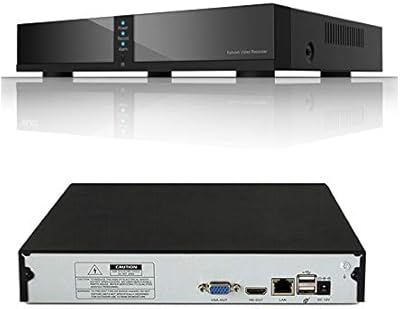
Seculink 8-Channel 5MP Network Video Recorder
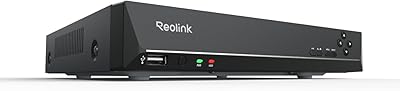
Reolink RLN8-410 8-Channel 2TB NVR
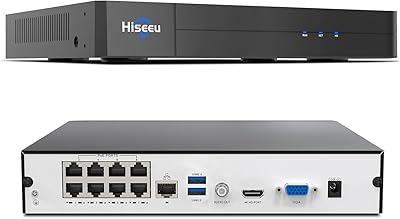
Hiseeu KNVR-P-8 8-Channel 4K PoE NVR
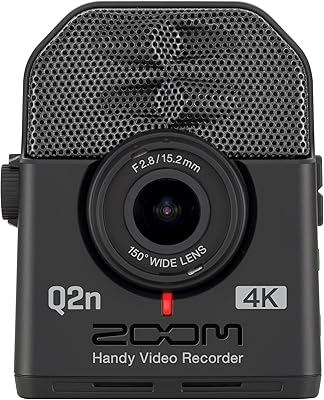
Zoom Q2n-4K Handy Video Recorder
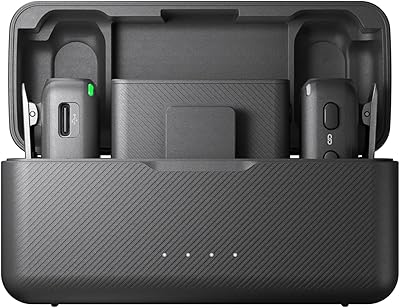
DJI Mic Dual-Channel Wireless Recorder
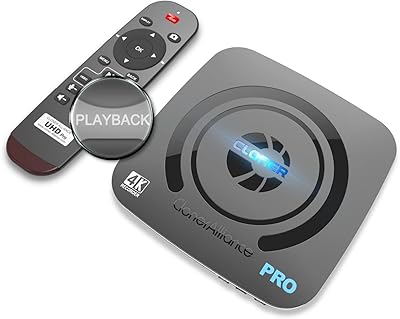
ClonerAlliance UHD Pro (CA-989UP)
Midland T75VP3 FRS Two-Way Radios
Tkiplay HM82S3 Mini Body Camera with Audio and Video Recording
Denon DRA-900H