



Overview
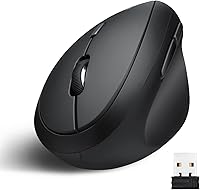
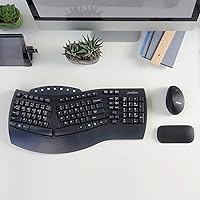
The Perixx PERIMICE-719 Wireless Vertical Mouse is the kind of product you stumble onto while hunting for a cheap fix to a sore wrist, and it mostly lives up to that hope. Picture a small, angled shape that tilts your hand up off the desk instead of pinning it flat against the surface. It's designed for right-handed users with smaller or average-sized palms, so anyone with larger hands may want to look elsewhere. Power comes from a single AA battery, and the nano USB receiver tucks into a tiny storage slot underneath, so it's harder to misplace. At this price, it sits squarely in the budget tier of ergonomic mice, which sets fair expectations for build quality and overall polish.
Features & Benefits
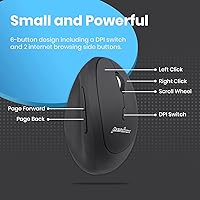
Where this vertical mouse earns its keep is in the small details. Three switchable DPI settings (800, 1200, and 1600) let you bump up sensitivity for quick cursor jumps or dial it back down for fine clicking work, all without digging into software. Six buttons cover the basics, including a dedicated toggle for cycling through DPI levels on the fly. The 2.4GHz wireless connection holds steady at typical desk distances, roughly ten meters before things get shaky, and the optical sensor handles everyday browsing and document work fine, though it's not tuned for competitive gaming precision. A physical power switch is a nice touch, since flipping it off when you step away genuinely stretches battery life. It also plays well with Windows, Mac, and Linux, though a couple of buttons lose function on Mac.
Best For
This ergonomic mouse makes the most sense for people whose wrists ache by the end of a workday spent on a flat, traditional mouse. If you've got smaller or average-sized hands and have always felt like standard mice were built for someone else, the shape here will likely feel like a relief. It's also a sensible pick for anyone curious about vertical ergonomics but unwilling to spend serious money before knowing if the concept even works for them. Day-to-day tasks like browsing, email, spreadsheets, and general document work suit it well. What it isn't suited for is anything demanding precision, like competitive gaming or detailed graphic design, where the modest optical sensor and limited DPI ceiling start to show their limits pretty quickly.
User Feedback
Feedback on the PERIMICE-719 leans positive but isn't universally glowing, which honestly makes it more believable. A good number of buyers say their wrist and forearm discomfort eased noticeably after switching over, especially people doing long stretches of typing and clicking. Others admit there's a real adjustment period; the grip feels strange for the first few days before your hand settles into it. A handful of reviews flag the scroll wheel or buttons feeling a bit flimsy after months of regular use, which is worth keeping in mind given the price. On the upside, battery life gets consistent praise, with many users reporting a single AA lasting close to a year. Opinions are mixed on hand size, too: some with larger hands say it still works fine, while others find it cramped.
Pros
- Vertical grip noticeably eases wrist and forearm strain for many long-time flat-mouse users
- Compact shape works well for smaller and average-sized right hands
- Three DPI settings let you switch sensitivity instantly without opening any software
- Nano USB receiver stores inside the mouse, so it's hard to lose
- Physical power switch makes a single AA battery last close to a year for most users
- Affordable way to test whether vertical ergonomics actually help before committing to a pricier model
- Works across Windows, Mac, and Linux without extra drivers in most cases
- Six buttons give quick access to DPI switching and extra navigation functions
Cons
- Only available in a right-handed design, leaving left-handed users without an option
- Grip can feel cramped for users with larger or longer-than-average hands
- Some reviewers report the scroll wheel and buttons feeling looser after months of regular use
- Runs on a replaceable AA battery instead of a rechargeable built-in cell
- Optical sensor and capped DPI range fall short for gaming or precision design work
- A handful of buttons lose functionality specifically on Mac systems
- Adjusting to the vertical grip takes a noticeable break-in period for some new users
- Build quality feels appropriate for the price but not premium under heavy daily use
Ratings
Our AI-generated scorecard for the Perixx PERIMICE-719 Wireless Vertical Mouse comes from analyzing thousands of verified buyer reviews from around the world, with spam, bots, and incentivized posts filtered out before scoring. Both the genuine strengths and the recurring complaints are reflected honestly below, so you can see exactly where this vertical mouse shines and where it falls short.
Ergonomic Comfort
Wrist & RSI Relief
Hand Size Fit
Build Quality
Battery Life
DPI & Sensor Accuracy
Wireless Connectivity
Button Layout & Programmability
Value for Money
OS Compatibility
Durability Over Time
Learning Curve / Ease of Use
Suitable for:
The Perixx PERIMICE-719 Wireless Vertical Mouse makes the most sense for desk-bound workers who notice their wrist or forearm aching by mid-afternoon after years of using a flat mouse. It's a particularly good fit for people with small to medium right hands, since the body is noticeably more compact than most ergonomic mice on the market. Anyone curious about whether vertical mice actually help with repetitive strain, but hesitant to spend a lot of money testing the theory, can treat this as a low-risk way to find out. It also suits straightforward office work: email, spreadsheets, browsing, and document editing, where pinpoint cursor accuracy isn't critical. Buyers who don't mind swapping in a standard AA battery occasionally, rather than recharging via cable, will appreciate not having to think about charging schedules at all.
Not suitable for:
The Perixx PERIMICE-719 Wireless Vertical Mouse isn't built for left-handed users, full stop, since the shape and button layout only accommodate the right hand. People with larger hands or long fingers often describe the grip as cramped, so anyone in that group should size up to a bigger ergonomic option instead. It's also not the right tool for gamers or design professionals who depend on high-precision tracking, since the optical sensor and capped DPI range prioritize comfort over accuracy. Buyers expecting a rechargeable battery will be disappointed, as it relies on a single AA cell that has to be replaced rather than plugged in. Lastly, anyone who needs heavy-duty, daily-grind durability over several years may find the buttons and scroll wheel showing wear sooner than they'd like.
Specifications
- Hand Orientation: This mouse is designed exclusively for right-handed use, with no left-handed version available.
- Hand Size Fit: The body is sized for small to medium hands rather than large or extra-large hands.
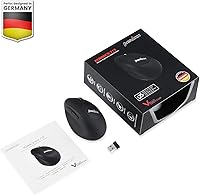
- Connectivity: It connects via 2.4GHz wireless using a nano USB receiver that stores inside a compartment on the mouse itself.
- Wireless Range: The wireless connection maintains a stable signal up to roughly 10 meters from the receiver.
- Sensor Type: Tracking is handled by an optical sensor optimized for everyday desk work rather than competitive gaming.
- DPI Levels: Sensitivity can be switched between 800, 1200, and 1600 DPI using a dedicated button.
- Button Count: The mouse has six buttons total, including a dedicated DPI toggle.
- Power Source: It runs on a single AA battery, which is not included in the package.
- Battery Life: A single AA battery typically lasts approximately 12 months under normal use.
- Power Switch: A physical on/off switch is built in to help conserve battery power when the mouse isn't in use.
- Dimensions: The mouse measures approximately 105 x 67 x 58 mm.
- Weight: The mouse weighs about 3.52 ounces without the battery.
- Operating System Support: It is compatible with Windows 7, 8, and 10, as well as Mac and Linux systems.
- Mac Compatibility Note: A small number of buttons, including previous and next navigation, are not supported on Mac OS.
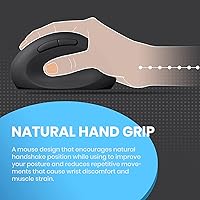
- Ergonomic Design: The vertical grip angles the hand to reduce pressure on the wrist compared to a traditional flat mouse.
- Color: The mouse is available in a black finish.
- Warranty: The product includes a 12-month limited manufacturer warranty.
Related Reviews
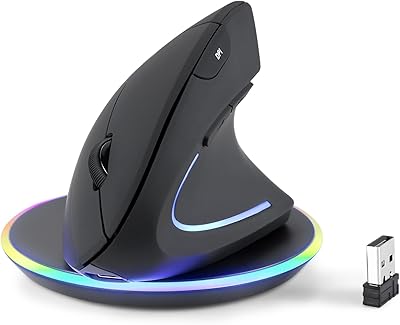
Perixx PERIMICE-713RX Wireless Rechargeable Vertical Mouse
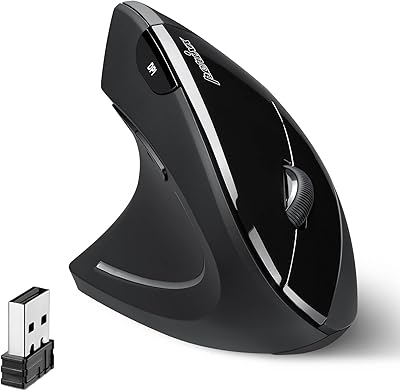
Perixx PERIMICE-713L Left-Handed Wireless Vertical Mouse
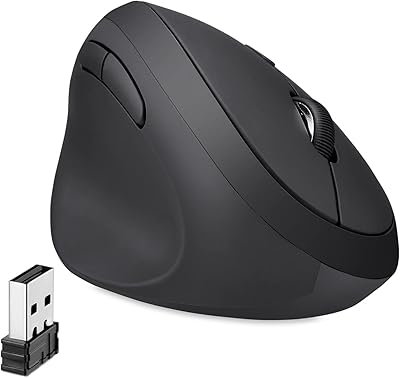
Perixx Perimice-719L Left Handed Wireless Vertical Mouse
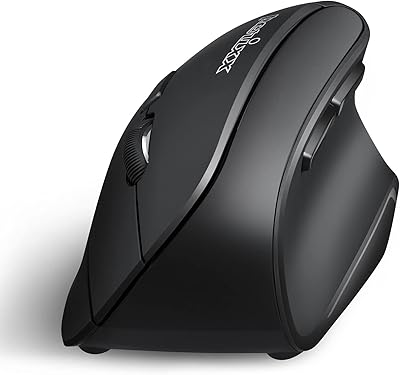
Perixx PERIMICE-804 Bluetooth Vertical Mouse
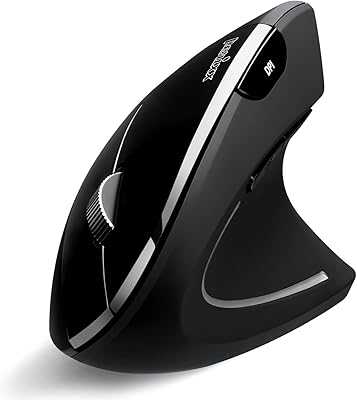
Perixx PERIMICE-813B Bluetooth Vertical Mouse

Perixx Periduo-605 Wireless Ergonomic Keyboard Mouse Combo
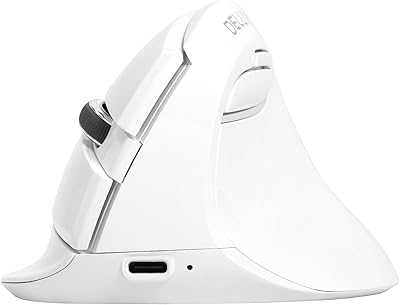
DeLUX M618mini Wireless Vertical Ergonomic Mouse

Acer OMR241 Ergonomic Vertical Mouse

Lekvey XC-05 Vertical Wireless Mouse
