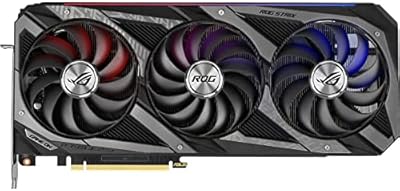
NVIDIA NVS 510 Quadro Graphics Card


Overview
The NVIDIA NVS 510 Quadro Graphics Card isn't built for gaming — it was designed from the ground up as a professional multi-display solution for workstation environments. Part of NVIDIA's Quadro NVS lineup, this card prioritizes reliability, certified driver support, and stable long-term operation over raw rendering horsepower. Its low-profile form factor makes it a practical fit for slim corporate desktops and compact builds where a full-size card simply won't go. DDR3 memory and a 35W power envelope signal an efficiency-first philosophy — expect quiet, undemanding operation rather than blistering performance. Know what you're buying: a display-output specialist built for professional workloads.
Features & Benefits
The NVS 510 connects up to four monitors simultaneously through its four Mini DisplayPort outputs — a genuine rarity at this price point in the professional card space. With DisplayPort 1.2 support, each display can run at resolutions up to 3840x2160, covering most modern high-resolution panels without issue. NVIDIA Mosaic technology ties those four screens into a single unified desktop, something IT teams and analysts will value without needing third-party software. At just 35W, there is no supplemental power connector required — slot it in and you are done. The built-in H.264 hardware encoder adds practical value for users handling video-heavy tasks alongside their multi-screen workflows.
Best For
This multi-monitor workstation GPU is purpose-built for anyone managing data-dense environments across multiple screens. Think trading desks that need four live market feeds, control room operators monitoring separate data streams, or analysts juggling dashboards without constant window-switching. IT departments will appreciate its standardized deployment potential — the low-profile bracket fits a wide range of slim corporate towers that would reject a standard card outright. It also suits users reviving older desktops that lack native multi-display capability. If your environment runs legacy Windows builds and values driver stability over cutting-edge performance, this Quadro display card slots in without friction.
User Feedback
With a 4.2-star average from 90 buyers, the NVS 510 earns its place among workstation users who know exactly what they are purchasing. Recurring praise focuses on straightforward installation, rock-solid driver stability, and dependable multi-monitor output right out of the box. The low-profile design is frequently called out positively by buyers fitting it into SFF workstations. That said, some users flag DDR3 memory bandwidth as a real constraint when pushing four high-resolution displays simultaneously — expect a performance ceiling at 4K across all outputs. Comparisons to AMD FirePro alternatives occasionally surface, but most buyers in this niche report solid overall satisfaction.
Pros
- Supports four monitors from a single low-profile card, which is genuinely rare at this price tier.
- DisplayPort 1.2 outputs handle resolutions up to 3840x2160, covering most professional display needs.
- At just 35W, the NVS 510 requires no supplemental PCIe power connector — installation is straightforward.
- NVIDIA Mosaic technology unifies all four displays into one desktop without needing third-party software.
- The low-profile bracket makes this multi-monitor workstation GPU compatible with slim and SFF desktop cases.
- Certified Quadro drivers provide the stability and long-term reliability that IT environments depend on.
- Built-in H.264 hardware encoder adds practical value for users handling video streams alongside productivity tasks.
- A 4.2-star average across 90 niche workstation buyers reflects consistent real-world satisfaction.
- Extremely quiet operation suits shared office environments or noise-sensitive workspaces.
- Broad legacy OS compatibility makes it a reliable drop-in for enterprise fleets still on Windows 7.
Cons
- DDR3 memory bandwidth becomes a real bottleneck when all four outputs are pushed to high resolutions simultaneously.
- Official driver support stops at Windows 7, creating compatibility uncertainty for anyone on a modern OS.
- Mini DisplayPort connectors require adapters for older monitors, adding cost and potential cable management headaches.
- No active cooling fan means heat management depends entirely on case airflow, which varies by system.
- The 797 MHz core clock offers no headroom for any workload beyond basic display output and light productivity.
- Users needing more than four outputs will need a second card, as there is no daisy-chaining support here.
- Limited availability of new units means buyers may encounter third-party or refurbished stock with inconsistent condition.
- Competing AMD FirePro alternatives sometimes offer better driver flexibility for mixed OS environments at similar price points.
Ratings
The NVIDIA NVS 510 Quadro Graphics Card scores below are generated by AI after analyzing verified buyer reviews worldwide, with spam, bot-submitted, and incentivized feedback actively filtered out. This multi-display workstation GPU earns consistently solid marks in its core professional use cases, while honestly reflecting the hardware limitations that matter to real buyers. Both the genuine strengths and the notable pain points are reflected transparently across every category.
Multi-Display Reliability
Driver Stability
Installation Ease
Value for Money
Form Factor Compatibility
Display Resolution Output
Power Efficiency
Build Quality
Software & Mosaic Setup
OS & Legacy Compatibility
Video Encoding Support
Connectivity Flexibility
Longevity & Support Lifecycle
Suitable for:
The NVIDIA NVS 510 Quadro Graphics Card is a strong fit for professionals who need four independent display outputs in a stable, low-maintenance workstation setup. Financial analysts, stock traders, and data operators who rely on simultaneously visible dashboards, terminals, and spreadsheets across four screens will find this card does exactly what they need without fuss. IT managers responsible for deploying multi-monitor workstations at scale will appreciate the certified driver support, predictable compatibility, and the ability to fit this card into slim corporate towers that can't accommodate full-height GPUs. It's also a practical upgrade path for users running older desktops on legacy Windows environments — the card supports Windows XP through Windows 7, covering a wide range of enterprise deployments that haven't moved to modern operating systems. Anyone prioritizing quiet, power-efficient operation over graphical horsepower will find the 35W draw and fanless-friendly design a genuine advantage in shared office or rack environments.
Not suitable for:
The NVIDIA NVS 510 Quadro Graphics Card is the wrong tool for anyone expecting gaming performance, 3D rendering capability, or high-throughput GPU compute tasks. The DDR3 memory architecture and modest core clock speed mean this card will struggle if pushed into content creation, video editing acceleration, or anything requiring serious graphical bandwidth. Users wanting to run four 4K monitors at full resolution simultaneously should be aware that the memory bandwidth has real limits at that configuration — the hardware can output the resolution, but responsiveness under demanding multi-display loads may disappoint. Buyers on modern Windows 10 or Windows 11 systems should also verify driver availability before purchasing, since official certified support tops out at Windows 7. If you're a creative professional, a developer running GPU-accelerated workloads, or simply someone building a modern home office setup with current hardware, there are better-suited options at comparable or slightly higher price points.
Specifications
- GPU Family: This card belongs to the NVIDIA Quadro NVS lineup, designed specifically for professional multi-display workstation deployments.
- Model: The specific model is the NVS 510, a low-profile professional graphics card produced by NVIDIA.
- Video Memory: The card is equipped with 2 GB of DDR3 SDRAM, sufficient for driving multiple displays in productivity and office workloads.
- Core Clock: The GPU core operates at 797 MHz, a modest speed reflecting the card's focus on display output rather than rendering performance.
- Memory Speed: The onboard DDR3 memory runs at 891 MHz, which covers standard multi-display desktop use but shows limits under heavy simultaneous 4K workloads.
- Display Outputs: Four Mini DisplayPort connectors are provided, each capable of driving an independent monitor at high resolution.
- DisplayPort Version: All four outputs support DisplayPort 1.2, enabling resolutions up to 3840x2160 on compatible displays.
- Max Resolution: The card supports a maximum output resolution of 3840x2160 per display when connected via DisplayPort 1.2.
- Power Draw: Maximum power consumption is rated at 35W, meaning no supplemental PCIe power connector is required for operation.
- Form Factor: The card uses a low-profile bracket design, making it compatible with slim desktop towers and small form factor workstation cases.
- Display Technology: NVIDIA Mosaic technology is supported, allowing all four connected monitors to function as a single unified desktop surface.
- Video Encoding: An onboard H.264 hardware encoder is included, providing basic hardware-accelerated video encoding capability alongside display tasks.
- Chipset Brand: The graphics processor is manufactured by NVIDIA, with full Quadro-tier firmware and driver certification.
- Compatible OS: Officially supported operating systems include Microsoft Windows XP, Windows Vista, and Windows 7 only.
- Interface: The card connects to the host system via a standard PCIe slot, consistent with typical desktop and workstation motherboard layouts.
- Card Weight: The card weighs approximately 3.53 ounces, making it a lightweight addition that places minimal stress on the PCIe slot.
- BSR Rank: The card holds a Best Sellers Rank of #358 in the Computer Graphics Cards category on Amazon, reflecting steady demand in a niche professional segment.
Related Reviews
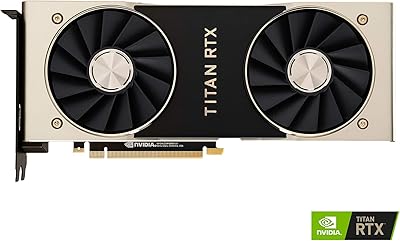
NVIDIA Titan RTX 24GB Graphics Card
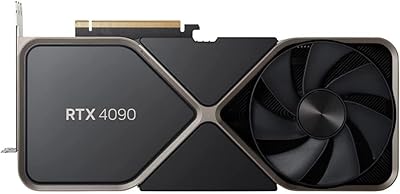
NVIDIA GeForce RTX 4090 Founders Edition Graphics Card
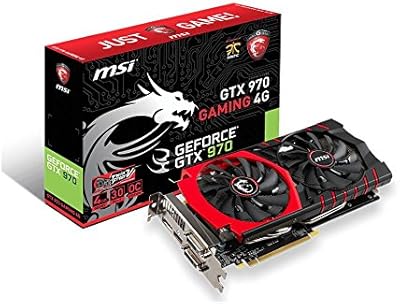
MSI GTX 970 Gaming 4G Graphics Card
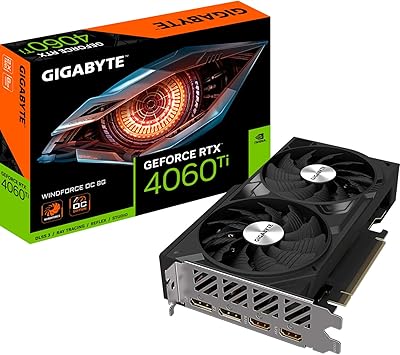
Gigabyte RTX 4060 Ti 8GB Graphics Card
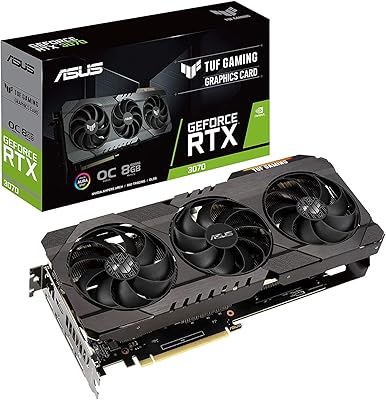
ASUS TUF RTX 3070 OC Graphics Card
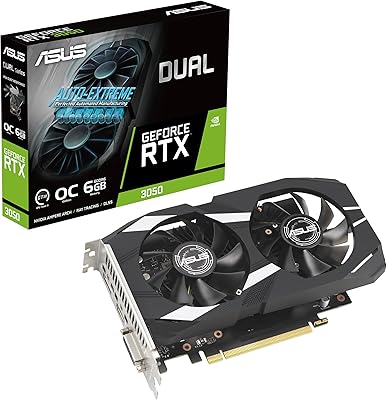
ASUS Dual GeForce RTX 3050 6GB OC
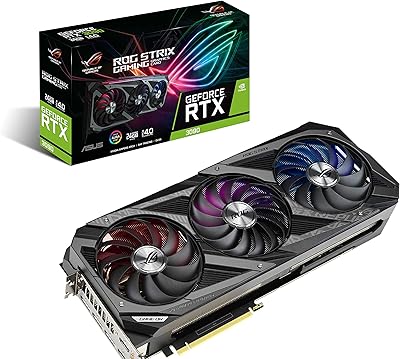
ASUS ROG Strix NVIDIA GeForce RTX 3090 24GB GDDR6X Graphics Card
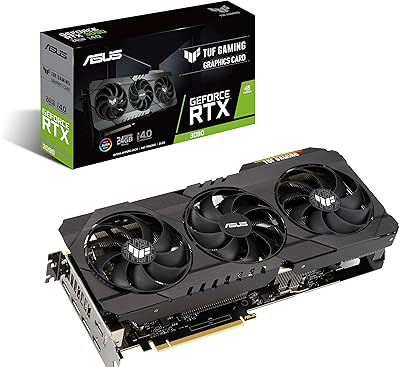
ASUS TUF RTX 3090 OC Graphics Card
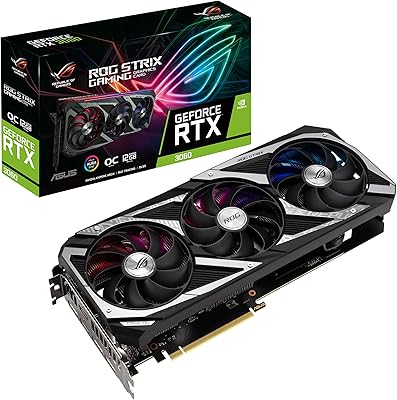
ASUS ROG Strix NVIDIA GeForce RTX 3060 V2 OC Edition 12GB Graphics Card