
Overview
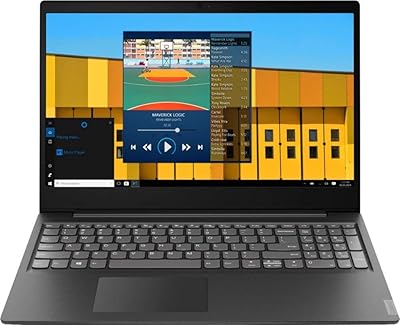
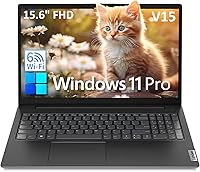
The Lenovo V15 G2 15.6″ Business Laptop sits squarely in the entry-level tier, built for users who need a dependable daily driver without stretching their budget. Lenovo's V-series has earned a quiet reputation in small business and education settings — not for flashy specs, but for consistent, practical reliability. The 15.6-inch screen gives you enough room to work comfortably across spreadsheets or video calls without the bulk of a workstation. It ships with Windows 11 Pro, a genuinely useful inclusion for IT-managed deployments. That said, be clear-eyed going in: this is a value machine designed for light workloads, and it doesn't pretend to be anything else.
Features & Benefits
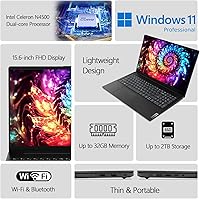
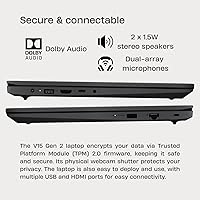
The Intel Celeron N4500 processor handles the basics — email, Word documents, Zoom calls, light spreadsheet work — without complaint. Pair that with 8GB of DDR4 RAM and you have enough breathing room for a reasonable number of browser tabs open simultaneously. The 256GB NVMe SSD is a genuine highlight at this price point; boot times are quick and file access feels snappy compared to older budget machines still running spinning drives. Wi-Fi 6 and a physical Ethernet port cover your connectivity bases, and the inclusion of a numeric keypad alongside a webcam privacy shutter adds practical, office-ready utility that you won't always find on competing slim-and-cheap alternatives.
Best For
The V15 G2 is a strong fit for students, remote workers, and small business teams that live inside Google Docs, Microsoft 365, or similar cloud-based tools. IT departments looking to deploy affordable Windows 11 Pro machines will appreciate the Kensington lock slot and TPM 2.0 security chip, both practical for managed environments. It also works well as a secondary or backup laptop, or for someone buying their first computer and prioritizing a trusted brand over raw performance. If you regularly handle data entry, the full-size keyboard with a dedicated numpad alone can justify the choice over slimmer, numpad-free alternatives sitting in the same price range.
User Feedback
Buyers generally speak well of the build quality and keyboard, noting the chassis feels sturdier than expected at this price, and the numpad earns consistent appreciation from anyone doing regular data entry. The trackpad is functional but unremarkable — a common observation across this segment. Where reviewers push back most is the display: the TN panel's narrow viewing angles and modest brightness make it a poor choice for bright rooms or shared-screen situations. A few buyers flag battery life as adequate for half-day use but not reliable for full-day mobile work. The bundled Befectoy cable is widely considered a throwaway extra that most buyers ignore entirely.
Pros
- The NVMe SSD delivers quick boot times and snappy file access, punching above its weight class.
- Windows 11 Pro is a legitimate inclusion, useful for businesses running managed IT environments.
- Wi-Fi 6 and Bluetooth 5.2 keep connectivity modern and reliable in crowded networks.
- A physical RJ-45 Ethernet port is a rare and welcome feature at this price point.
- The full-size keyboard with a dedicated numeric keypad is a genuine advantage for data entry work.
- The HD webcam includes a privacy shutter — a thoughtful security detail not always found here.
- At roughly 1.7 kg, this budget business laptop is light enough to carry between meetings or classes.
- Build quality feels sturdier than typical budget machines, according to consistent buyer feedback.
- TPM 2.0 and a Kensington lock slot make it a reasonable choice for security-conscious deployments.
- 8GB of DDR4 RAM handles everyday office multitasking without obvious slowdowns on light workloads.
Cons
- The Celeron N4500 slows noticeably with more than a handful of browser tabs or any heavier application.
- The TN display has narrow viewing angles that make shared viewing or off-axis use genuinely uncomfortable.
- At 250 nits, screen brightness is underwhelming in naturally lit rooms or near windows.
- The keyboard is not backlit, which is a real inconvenience for anyone working in dim environments.
- Battery life in real-world use tends to cover half a day at best, limiting all-day unplugged productivity.
- The trackpad is functional but lacks the responsiveness and precision that users of better laptops expect.
- 256GB of storage fills up faster than expected once Windows, Office, and a few applications are installed.
- The bundled Befectoy cable adds little practical value and contributes nothing meaningful to the package.
- No card reader is included, which can be a minor but recurring frustration for photographers or field workers.
- The single USB 2.0 port feels outdated and limits transfer speeds for older peripherals.
Ratings
Our scores for the Lenovo V15 G2 15.6″ Business Laptop are generated by AI after analyzing thousands of verified global buyer reviews, with spam, incentivized, and bot-flagged submissions actively filtered out. Every category reflects the honest distribution of real user sentiment — strengths are credited where earned, and recurring frustrations are scored without being softened. The result is a transparent, balanced picture of exactly what this budget business laptop delivers day to day.
Value for Money
Performance
Display Quality
Build Quality
Keyboard & Typing Experience
Battery Life
Connectivity & Ports
Webcam Quality
Touchpad
Wireless Performance
Audio Quality
Portability
Security Features
Software & OS
Thermal Management
Suitable for:
The Lenovo V15 G2 15.6″ Business Laptop is a practical pick for anyone whose daily computing revolves around documents, spreadsheets, email, and video calls rather than demanding software. Students navigating coursework on a tight budget will find it a dependable companion, and remote workers handling cloud-based tools like Microsoft 365 or Google Workspace will rarely feel constrained by it. Small business owners or IT managers who need to deploy several affordable, manageable machines will appreciate the Windows 11 Pro license and built-in TPM 2.0 security without paying a premium for it. The physical Ethernet port and full-size keyboard with a numeric keypad make it a genuinely useful tool for office environments where wired connections and data entry are part of the daily routine. It also makes sense as a reliable secondary laptop or a first computer for someone who values brand trust over bleeding-edge specs.
Not suitable for:
The Lenovo V15 G2 15.6″ Business Laptop is not the right choice for anyone expecting smooth performance beyond basic tasks. The Celeron N4500 is a modest dual-core chip that will noticeably struggle once you push it with a heavy browser session, video editing software, or any productivity application that requires real processing headroom — it simply is not in the same league as even entry-level Core i5 machines. Creative professionals, developers, or anyone running local applications that are CPU or GPU-intensive should look elsewhere. The TN display is another sticking point: 250 nits of brightness and narrow viewing angles make it uncomfortable in well-lit rooms and frustrating for anyone doing color-sensitive work or sharing the screen with a colleague. If you need a laptop that powers through a full workday unplugged or handles demanding multitasking with confidence, the V15 G2 will leave you wanting more.
Specifications
- Processor: Intel Celeron N4500 dual-core chip clocked at 1.1GHz base and up to 2.8GHz burst, built on Intel's low-power SoC platform.
- RAM: 8GB DDR4-2933 SO-DIMM installed, providing adequate working memory for standard office and productivity workloads.
- Storage: 256GB M.2 PCIe 3.0x4 NVMe SSD offers fast read and write speeds compared to traditional spinning hard drives.
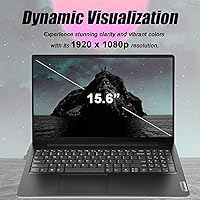
- Display: 15.6-inch FHD (1920x1080) TN anti-glare panel with 250 nits brightness and no touch functionality.
- Graphics: Intel UHD Graphics integrated into the SoC, sharing system memory and suited only for basic visual tasks.
- Operating System: Windows 11 Pro 64-bit ships pre-installed, supporting domain join, BitLocker, and remote desktop features.
- Wireless: Wi-Fi 6 (802.11ax, 2x2) combined with Bluetooth 5.2 covers both high-speed wireless networking and peripheral pairing.
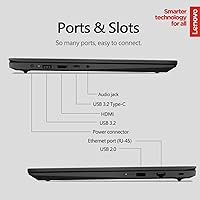
- Ports: Connectivity includes 1x USB 2.0, 1x USB 3.2 Gen 1 Type-A, 1x USB-C 3.2 Gen 1, 1x HDMI 1.4b, 1x RJ-45 Ethernet, and a 3.5mm audio combo jack.
- Webcam: HD 720p front-facing camera includes a physical privacy shutter that mechanically blocks the lens when not in use.
- Keyboard: Full-size non-backlit keyboard with a dedicated numeric keypad, suited for data entry and standard office typing tasks.
- Audio: Stereo speakers rated at 1.5W each are powered by a Realtek ALC3287 codec and tuned with Dolby Audio processing.
- Security: Firmware TPM 2.0 is enabled by default, and a Kensington Nano Security Slot allows physical cable locking of the chassis.
- Weight: Starting weight is approximately 1.7 kg (3.75 lbs), making it manageable for daily commuting or classroom use.
- Dimensions: The chassis measures 359.2 x 235.8 x 19.9 mm (approximately 14.14 x 9.28 x 0.78 inches) in width, depth, and height.
- Power Adapter: A 45W round-tip (3-pin) adapter is included, keeping the charging brick compact and straightforward to pack.
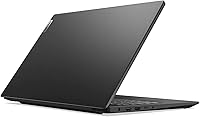
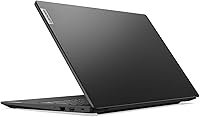
- Case Material: Both the top lid and bottom base are constructed from PC-ABS plastic with a textured surface finish in black.
- Touchpad: Buttonless Mylar-surface multi-touch touchpad supports Windows Precision TouchPad (PTP) gestures for navigation.
- Microphone: Dual-array microphones are built in, providing cleaner voice pickup for video calls compared to a single-mic setup.
- Ethernet Speed: The RJ-45 port supports 100/1000M (Gigabit) Ethernet for fast and stable wired network connections.
- Chassis Lock: A Kensington Nano Security Slot is integrated into the body, compatible with Nano-size cable locks for physical security.
Related Reviews
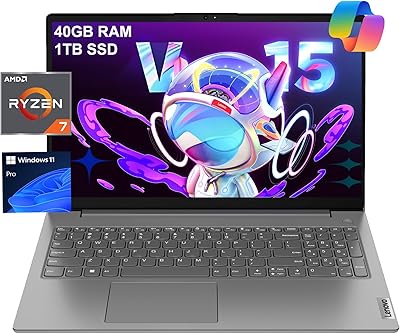
Lenovo V15 Gen 4 Business Laptop, 15.6″, AMD Ryzen 7 7730U, 40GB RAM, 1TB SSD
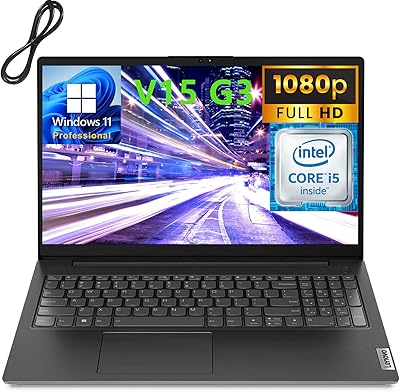
Lenovo V15 G3 15.6″ FHD Laptop, Intel Core i5-1235U, 24GB RAM, 1TB SSD
Lenovo V15 Business Laptop 32GB RAM 1TB SSD
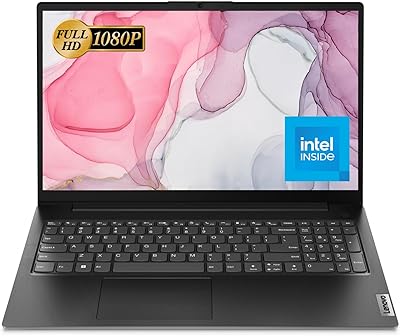
Lenovo V15 G2 IJL 15.6″ Laptop
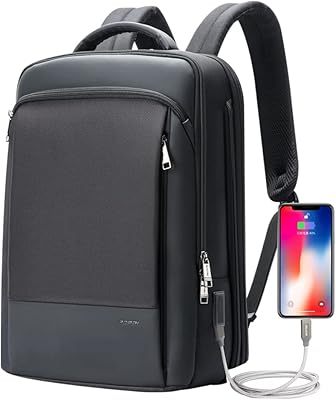
BOPAI Expandable Anti-Theft 15.6-inch Laptop Backpack
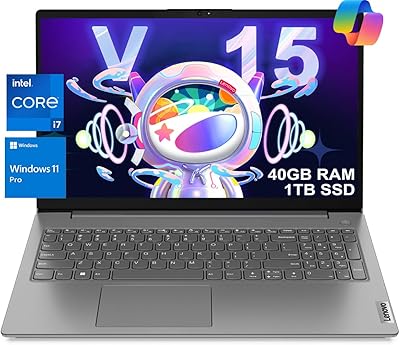
Lenovo V15 G3 Business Laptop, Intel i7-1255U, 40GB RAM, 1TB SSD
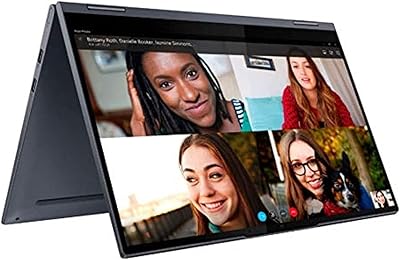
Lenovo Yoga 15.6″ Core i5 256GB Laptop

Lenovo IdeaPad 1 Gen 7 15.6″ Laptop
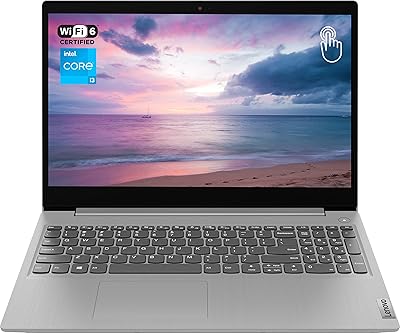
Lenovo Ideapad 3 Laptop, 15.6″, Intel Core i3, 12GB RAM, 256GB SSD