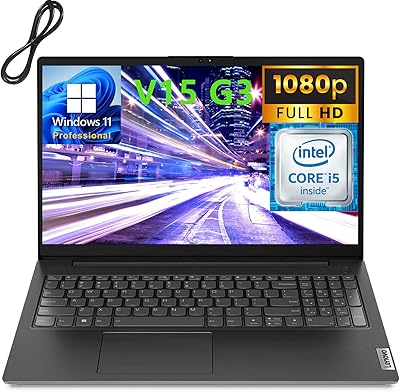
Lenovo V15 Business Laptop 32GB RAM 1TB SSD

Overview
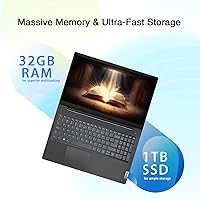
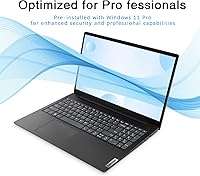
The Lenovo V15 Business Laptop 32GB RAM 1TB SSD is designed to meet the needs of professionals who require both power and portability. Featuring a 4-core Intel Celeron processor, this laptop is tailored for productivity and multitasking. With a generous 32GB of DDR4 RAM and a 1TB SSD, it offers ample space for large files and smooth data access. Whether you're working on documents, spreadsheets, or video calls, this laptop is built to handle everyday business tasks with ease, making it an excellent choice for professionals looking for a reliable tool that balances performance and portability.
Features & Benefits
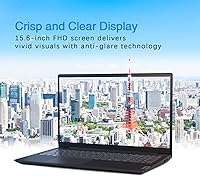
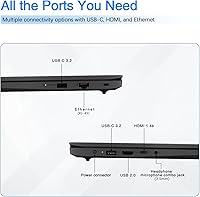
The V15 laptop stands out with its 15.6″ Full HD display, offering crisp and vibrant visuals, ideal for productivity tasks like editing documents and viewing presentations. One of its most significant advantages is the impressive 11-hour battery life, allowing users to work through the day without constant recharging. Additionally, the inclusion of security features such as TPM 2.0 and a camera privacy shutter ensures that your data remains secure. With multiple connectivity options, including USB, HDMI, and RJ-45 Ethernet, the laptop can connect to various devices and networks seamlessly.
Best For
This portable device is perfect for business professionals who need a dependable laptop for daily tasks, from handling emails to managing schedules. It also serves students who require a solid machine with plenty of memory and storage for projects, research, and media. Additionally, remote workers will find value in the V15’s portability and long battery life, making it an excellent companion for working on the go. Whether you're in an office, classroom, or working remotely, this laptop is built to deliver reliable performance wherever you are.
User Feedback
Users generally praise the V15 for its fast performance, noting the smooth multitasking experience that comes with its 32GB of RAM. However, some users mention that the Intel Celeron processor may not be sufficient for more demanding applications, such as video editing or heavy gaming. Despite this, many highlight the laptop's solid build quality and the long-lasting battery, which is particularly appreciated by those who spend long hours working. The laptop is well-regarded for its reliability, though some wish for more processing power in more resource-intensive tasks.
Pros
- This laptop's 32GB RAM and 1TB SSD provide quick access to data, ideal for multitasking and efficient work.
- The 15.6″ Full HD display delivers sharp, clear visuals, making it great for productivity tasks like document editing and presentations.
- With up to 11 hours of battery life, this device is well-suited for long workdays without frequent recharging.
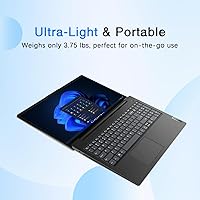
- Its lightweight and portable design makes it easy to carry around, perfect for professionals on the go.
- The inclusion of TPM 2.0 and a camera privacy shutter enhances security, reassuring users concerned about their data.
- Thanks to its multiple connectivity options, this laptop supports a range of peripherals, ensuring a smooth workflow.
Cons
- The Intel Celeron processor may struggle with more demanding applications, such as video editing or complex software.
- Some users report that the display can be difficult to view in bright environments due to its lower brightness levels.
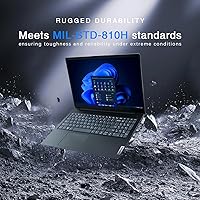
- The laptop's build, while solid, is made of plastic, which may not feel as premium or durable as metal alternatives.
- The Wi-Fi 5 connectivity is not as fast as newer Wi-Fi 6 options found in other models.
- The laptop lacks a backlit keyboard, which could be a drawback for those working in low-light environments.
- Some users find the trackpad less responsive, especially when using multiple gestures or in fast-paced workflows.
Ratings
After analyzing a broad range of verified user reviews from multiple sources and languages, the ratings for the Lenovo V15 Business Laptop 32GB RAM 1TB SSD reflect a well-rounded view of its strengths and weaknesses. We filtered out low-quality feedback, such as spam, incentivized, or off-topic reviews, ensuring only authentic insights informed the final scores. While users praise its balance of performance, security features, and battery life, some have noted limitations with its Intel Celeron processor for more demanding tasks.
Value for Money
Performance for Everyday Use
Battery Life
Build Quality
Portability
Display Quality
Security Features
Processor Performance
Keyboard and Usability
Connectivity Options
Customer Support
Noise and Fan Performance
Software and Operating System
Suitable for:
The Lenovo V15 Business Laptop 32GB RAM 1TB SSD is well-suited for business professionals and remote workers seeking a reliable, no-frills device for daily tasks. Its solid performance, ample storage, and long-lasting battery make it an ideal choice for users who prioritize multitasking and productivity without the need for high-end graphics or processor power. For example, students or entrepreneurs who require a cost-effective yet dependable machine for word processing, spreadsheets, and video calls will find this laptop highly efficient. Its portability, coupled with the impressive 11-hour battery life, also makes it a great option for those on the go, whether traveling between meetings or working remotely from different locations.
Not suitable for:
However, this laptop may not be the best fit for users requiring heavy-duty performance. The Intel Celeron processor, while adequate for basic tasks, struggles with more demanding applications such as video editing, 3D modeling, or high-end gaming. For professionals or creatives who regularly work with resource-intensive software, this device could feel limiting. Additionally, those who need top-tier display brightness or advanced security features might find it lacking, as the screen can be dim under bright lighting, and the security options are not as robust as some premium models. If raw processing power or a premium build quality is a priority, this device may not be the most suitable choice.
Specifications
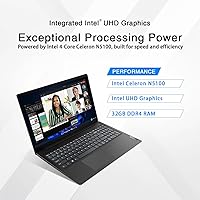
- Processor: Intel Celeron N5100 with 4 cores and a base frequency of 1.1GHz, capable of boosting up to 2.8GHz.
- Memory: 32GB DDR4 RAM for smooth multitasking and handling of memory-intensive applications.
- Storage: 1TB SSD for fast data access and ample storage space for files, documents, and software.
- Display: 15.6″ Full HD (1920×1080) anti-glare display for clear, sharp visuals during productivity tasks.
- Graphics: Intel UHD Graphics integrated for basic graphics tasks, such as video playback and light editing.
- Battery Life: Up to 11 hours of battery life on a full charge, ideal for all-day use without frequent recharging.
- Operating System: Windows 11 Pro pre-installed for a secure and feature-rich business experience.
- Security: Firmware TPM 2.0 and camera privacy shutter for enhanced data protection and privacy.
- Connectivity: USB 2.0, USB 3.2 Gen 1, HDMI 1.4b, and RJ-45 Ethernet ports for versatile connectivity options.
- Wi-Fi: Wi-Fi 5 support for reliable wireless internet connectivity.
- Bluetooth: Bluetooth 5.1 for improved wireless communication with peripherals and accessories.
- Audio: Dolby Audio stereo speakers for clear and immersive sound during media consumption or video calls.
- Keyboard: Spill-resistant keyboard with numeric keypad for comfortable typing and added productivity.
- Weight: Weighs 3.74 lbs, making it a portable and lightweight choice for business users on the go.
- Dimensions: Measures 14.14 x 9.28 x 0.78 inches, providing a full-sized screen and keyboard in a compact form.
- Chassis: Black PC-ABS chassis designed for durability and a professional aesthetic.
- Warranty: Comes with a standard warranty for hardware support and repairs, with options for extended coverage.
- Expansion: Supports external storage expansion via USB and HDMI ports, allowing additional peripherals and monitors.
- Camera: Integrated HD webcam with privacy shutter for secure video conferencing and online meetings.
Related Reviews
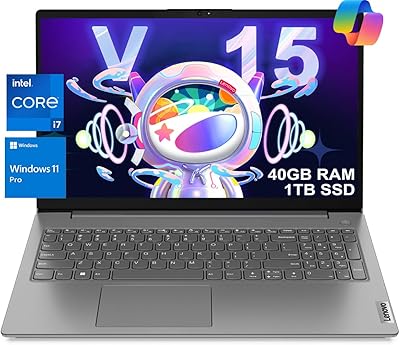
Lenovo V15 G3 Business Laptop, Intel i7-1255U, 40GB RAM, 1TB SSD
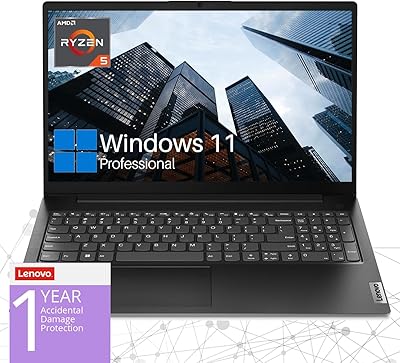
Lenovo V15 Gen 4 Business Laptop, AMD Ryzen 5 5500U, 16GB RAM, 1TB SSD
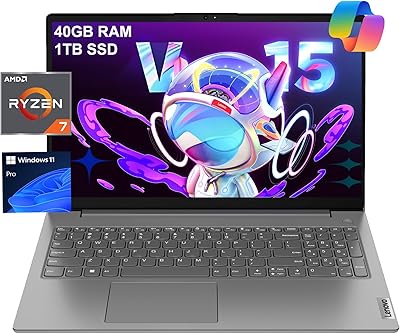
Lenovo V15 Gen 4 Business Laptop, 15.6″, AMD Ryzen 7 7730U, 40GB RAM, 1TB SSD
Lenovo IdeaCentre Business Desktop | Intel Core i3-12100 | 32GB RAM | 1TB SSD + 1TB HDD
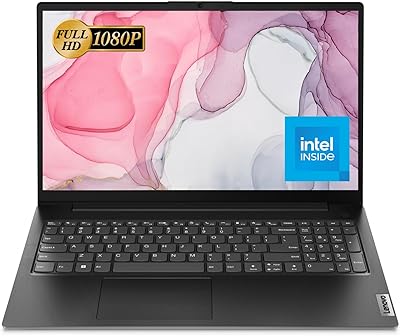
Lenovo V15 G2 IJL 15.6″ Laptop
HP 255 G8 15.6″ Business Laptop
Lenovo IdeaPad Slim 3 Business Laptop, Ryzen 5 5625U, 16GB RAM, 1TB SSD
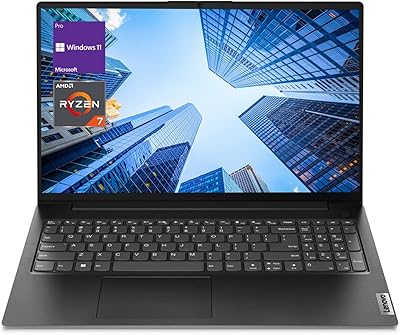
Lenovo V15 G4 ABP Business Laptop, AMD Ryzen 7 7730U, 16GB RAM, 512GB SSD
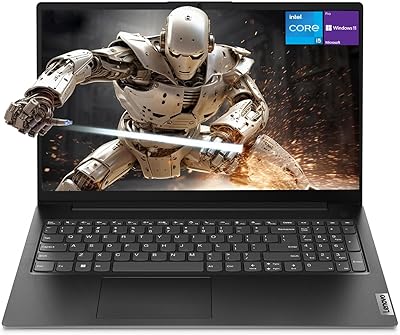
Lenovo V15 Gen 4 15.6″ Business Laptop