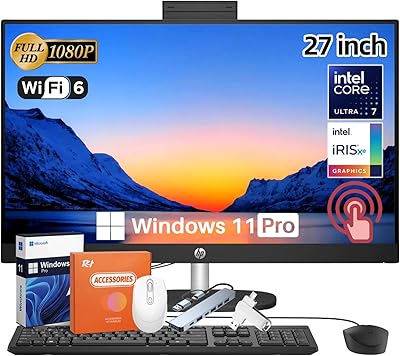
Lenovo ThinkCentre Neo 50a 27″ All-in-One Desktop





Overview
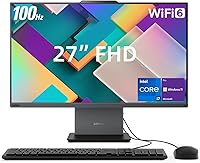
The Lenovo ThinkCentre Neo 50a 27″ All-in-One Desktop represents Lenovo's answer to a question a lot of desk-bound professionals eventually ask: why manage a tower, a monitor, and a tangle of cables when you don't have to? This all-in-one desktop sits cleanly on any desk and brings genuinely workstation-class hardware with it — not the watered-down specs you typically find in cheaper AIO units. Lenovo's ThinkCentre line has a long track record in enterprise environments, which means build quality and long-term driver support tend to be far more dependable than consumer-grade alternatives. You're paying a meaningful premium here, and for the most part, you're getting what you paid for.
Features & Benefits
The processor inside this ThinkCentre AIO is an Intel Core i7-13620H — a 10-core chip that hits up to 4.9 GHz under load. In practice, that means handling 30-plus browser tabs, running background sync tools, and keeping video calls open simultaneously without the sluggishness that plagues lower-spec machines. The 32GB of DDR5 RAM gives comfortable headroom for virtual machines or large spreadsheet models without constant swapping. The PCIe NVMe drive boots fast and keeps file transfers from becoming a bottleneck. The 27-inch IPS panel covers 99% sRGB with a 100Hz refresh and anti-glare coating, holding up well for color-sensitive review work while being noticeably easier on the eyes than cheaper office displays. The 5MP webcam with privacy shutter is a practical touch for anyone on daily video calls.
Best For
This all-in-one desktop is a strong fit for remote and hybrid professionals who want real processing power without a cluttered desk — think account managers, project coordinators, or anyone living in productivity software all day. Small business owners equipping shared workstations will appreciate Windows 11 Pro's management tools and the ThinkCentre's reliability track record. Light creative work — reviewing photos, approving designs, editing copy — is well within reach given the accurate display. That said, be clear-eyed: the integrated Intel UHD graphics make this a non-starter for gaming or GPU-heavy tasks like 3D rendering and video encoding. There's no touchscreen, no optical drive, and RAM is almost certainly soldered, so treat this as a buy-it-right-the-first-time machine.
User Feedback
Buyers who've spent time with the Neo 50a regularly highlight display quality as a genuine strength — colors look accurate out of the box and the anti-glare coating earns real appreciation in bright office environments. Setup is reportedly straightforward, something non-technical buyers consistently mention as a plus. On the critical side, the FHD resolution on a 27-inch panel draws fair pushback from users accustomed to QHD screens — text and images look noticeably softer up close. The bundled keyboard and mouse are functional but underwhelming, and several buyers swap them out quickly. Fan noise under sustained load comes up occasionally, a familiar AIO trade-off given the compact chassis. Port placement and stand adjustability get mixed reactions, though nothing emerges as a deal-breaker for most.
Pros
- The i7-13620H handles heavy multitasking — dozens of browser tabs, video calls, and background apps — without breaking a sweat.
- 32GB of DDR5 RAM gives genuine headroom for virtual machines, large spreadsheets, and memory-hungry workflows.
- The 1TB NVMe SSD delivers fast boot times and snappy file transfers that noticeably speed up daily work.
- A 99% sRGB IPS display with anti-glare coating makes color-sensitive tasks more reliable and extended use far more comfortable.
- Wi-Fi 6 and Bluetooth 5.2 keep wireless connections stable and future-ready without needing adapter dongles.
- The HDMI-in port allows a second source to be connected, and dual-monitor output expands screen real estate significantly.
- The 5MP webcam with a physical privacy shutter is a practical, well-executed feature for remote workers on daily calls.
- Windows 11 Pro comes pre-installed, making IT management, remote desktop, and enterprise policy tools immediately accessible.
- Lenovo ThinkCentre hardware typically carries strong driver support and longer update cycles compared to consumer-grade alternatives.
- Setup is straightforward out of the box, which non-technical buyers consistently flag as a real-world advantage.
Cons
- FHD resolution on a 27-inch screen means noticeably softer text and images compared to QHD displays at a similar price point.
- Integrated graphics rule out any GPU-intensive workloads, including casual gaming and hardware-accelerated video rendering.
- RAM is almost certainly soldered, meaning you cannot upgrade memory later if your needs grow.
- The bundled keyboard and mouse feel entry-level and are frequently swapped out by buyers who spend extended hours typing.
- Fan noise under sustained CPU load has been flagged by users — compact AIO chassis leave limited room for aggressive cooling.
- There is no optical drive and no touchscreen, which may matter depending on workflow or legacy software needs.
- Port placement on the rear panel can be awkward to access once the machine is positioned on a desk.
- Stand adjustability options are limited, which could be a comfort issue for users with specific ergonomic setups.
- At its price tier, the display resolution feels like a missed opportunity — QHD is increasingly standard on competing AIO units.
- No secondary storage bay means long-term expansion relies entirely on external drives or cloud solutions.
Ratings
The scores below reflect AI-synthesized analysis of verified global buyer reviews for the Lenovo ThinkCentre Neo 50a 27″ All-in-One Desktop, with spam, incentivized, and bot-flagged submissions actively filtered out before processing. Each category captures both what real users praised and where genuine frustration showed up, so nothing here is whitewashed. The result is an honest, data-grounded picture of where this all-in-one earns its reputation and where it falls short.
Processing Performance
Memory & Multitasking
Display Quality
Storage Speed
Thermal Management
Connectivity & Ports
Webcam Quality
Setup & Ease of Use
Build Quality
Value for Money
Wireless Performance
Software & OS Experience
Webcam Privacy Features
Peripheral Bundle
Suitable for:
The Lenovo ThinkCentre Neo 50a 27″ All-in-One Desktop is purpose-built for professionals who need a capable, clutter-free workstation that can keep pace with a demanding daily workload. Remote workers, hybrid employees, and small business owners will find it particularly well-matched: the combination of a 10-core i7 processor and 32GB of DDR5 RAM means multitasking across productivity suites, video conferencing, and cloud applications rarely causes slowdowns. The 27-inch IPS panel with 99% sRGB coverage also makes this a solid pick for content reviewers, marketing teams, and anyone who needs to approve visuals with color confidence. Office managers equipping shared workstations will value the Windows 11 Pro licensing and Lenovo's track record for enterprise reliability. Anyone replacing an aging desktop-plus-monitor combo will immediately notice the workflow gains from having a fast, unified machine with a genuinely usable built-in webcam and privacy shutter.
Not suitable for:
Buyers hoping to game, run GPU-accelerated software, or do serious video production should look elsewhere — the integrated Intel UHD graphics are a firm ceiling, and no external GPU option exists on this form factor. The Lenovo ThinkCentre Neo 50a 27″ All-in-One Desktop also comes up short for users who prioritize display sharpness, since a 1920x1080 resolution stretched across a 27-inch panel produces noticeably lower pixel density than QHD alternatives at a similar price. Those who expect to upgrade RAM down the line should be cautious, as the memory is almost certainly soldered and non-expandable post-purchase. Power users who regularly move large media files or run local databases may also find the lack of a secondary storage bay limiting over time. Finally, buyers who prefer a minimal, cable-free desk will want to factor in that the wired keyboard and mouse included in the box are functional but not particularly refined.
Specifications
- Processor: Powered by the Intel Core i7-13620H, a 10-core, 16-thread mobile-class CPU with a base clock of 3.6 GHz and a turbo boost ceiling of 4.9 GHz.
- RAM: Equipped with 32GB of DDR5 SDRAM running at 4800 MHz, providing high-bandwidth memory suitable for demanding multitasking workloads.
- Storage: Includes a 1TB PCIe NVMe M.2 solid-state drive, offering fast sequential read and write speeds for quick boot times and responsive file access.
- Display Size: Features a 27-inch IPS panel with a native resolution of 1920x1080 (Full HD) and an anti-glare coating for reduced reflections in bright environments.
- Refresh Rate: The display supports a 100Hz refresh rate with a 14ms response time, providing smoother on-screen motion compared to standard 60Hz office monitors.
- Color Coverage: The IPS panel covers 99% of the sRGB color space at 300 nits brightness, making it suitable for color-sensitive review and proofing tasks.
- Graphics: Graphics are handled by integrated Intel UHD Graphics, sharing system memory; no discrete GPU is present or installable.
- Webcam: A 5MP front-facing camera with a physical privacy shutter is built into the display bezel for video conferencing and remote collaboration.
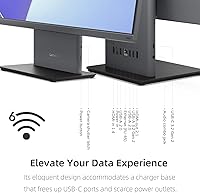
- Ports: Rear connectivity includes 2x USB 2.0 Type-A, 1x USB 3.2 Gen 2 Type-A, 1x HDMI-out 2.1, 1x HDMI-in 1.4, 1x RJ-45, and 1x DC power; the side panel adds 1x USB 3.2 Gen 2 Type-C and a headphone/microphone combo jack.
- Wireless: Supports Wi-Fi 6 (802.11ax) and Bluetooth 5.2 for fast, reliable wireless networking and peripheral connectivity.
- Operating System: Ships with Windows 11 Pro pre-installed, including support for enterprise management features, BitLocker encryption, and remote desktop functionality.
- Dimensions: The unit measures 24.08 x 7.56 x 18.56 inches including the stand, making it a moderately compact footprint for a 27-inch all-in-one.
- Weight: The complete system weighs approximately 15.65 pounds, which is typical for a 27-inch all-in-one with an integrated stand.
- Dual Monitor: The HDMI-out 2.1 port enables connection to a second external display, supporting an extended dual-monitor workspace configuration.
- Audio Input: A combination headphone and microphone jack is located on the side panel for easy access during calls or audio monitoring.
- Included Accessories: The package includes a wired USB keyboard and wired USB mouse; no wireless peripherals or additional adapters are bundled.
- Network Port: A rear-mounted RJ-45 Ethernet port provides a wired network connection option alongside the built-in Wi-Fi 6 adapter.
- Power Source: The system is powered via an external AC power adapter with a DC-in connector; no internal battery is present.
Related Reviews
Lenovo ThinkCentre AIO (Intel U300, 32GB RAM, 1TB SSD)
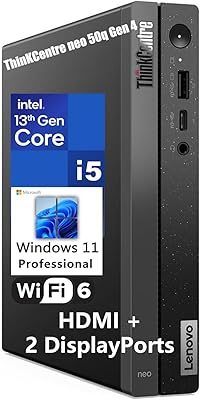
Lenovo ThinkCentre neo 50q Gen 4 Tiny
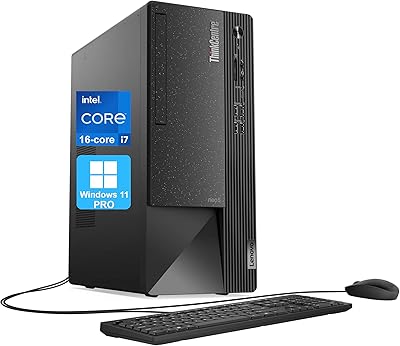
Lenovo ThinkCentre Neo 50t Tower Desktop, Intel Core i7-13700, 32GB RAM, 1TB SSD
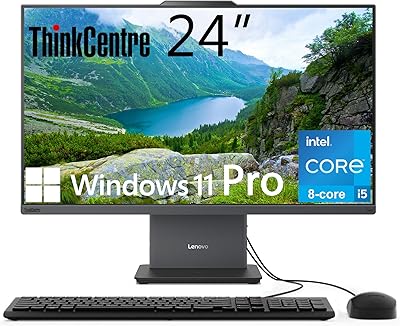
Lenovo ThinkCentre All-in-One i5-13420H 16GB 256GB 24″

Dell Inspiron 27 7720 All-in-One Desktop, 27-inch FHD, Intel Core i5, 16GB RAM, 512GB SSD
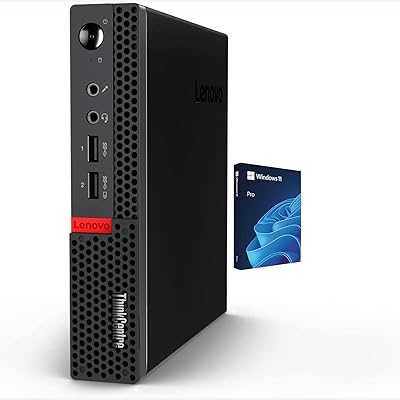
Lenovo ThinkCentre M625 Mini PC (16GB RAM, 512GB SSD)
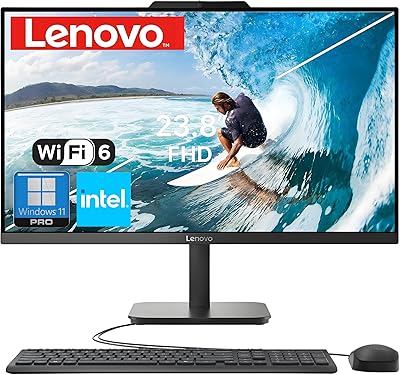
Lenovo V100 24-inch All-in-One Desktop
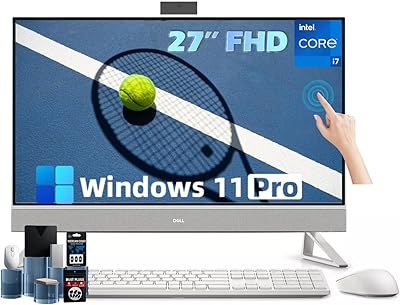
Dell Inspiron 27 Touchscreen All-in-One Desktop
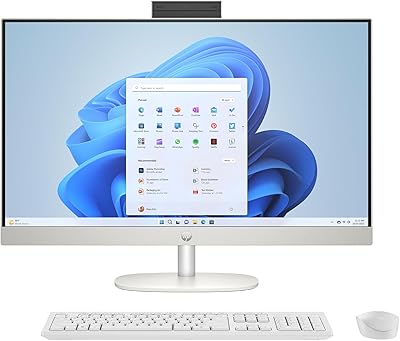
HP 27-cr0060 27-Inch All-in-One Desktop