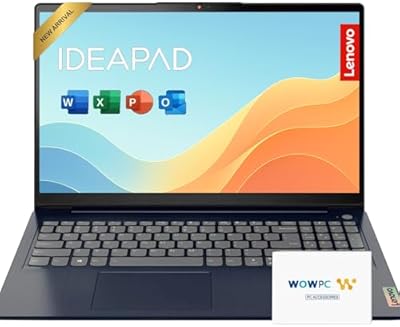
Lenovo IdeaPad 3 15.6″ Touch Laptop

Overview
The Lenovo IdeaPad 3 15.6″ Touch Laptop sits in a comfortable spot in the mid-range market — capable enough for daily demands without pretending to be something it is not. What sets it apart from similarly priced competitors is the full HD touchscreen, still an uncommon inclusion at this price tier. Intel's 11th-gen Core i5 brings a meaningful performance step up from older budget chips, handling browser tabs, video calls, and office apps without much fuss. The slim Arctic Grey chassis is understated and professional-looking. Just keep expectations grounded — this is a solid everyday machine, not a workstation.
Features & Benefits
The 15.6-inch touchscreen is genuinely useful for scrolling through documents, zooming into spreadsheets, or navigating Windows 11 without always reaching for the trackpad — bright and sharp enough for everyday work, though not a color-accurate panel for photo editing. Paired with 12GB of DDR4 RAM, the Core i5-1135G7 handles a dozen browser tabs and a video call running simultaneously without major slowdowns. The 256GB SSD boots Windows quickly but fills up faster than most buyers expect, so cloud storage or an external drive is a smart addition for anyone storing lots of files. The backlit keyboard is a quiet, practical bonus for late-night work sessions.
Best For
This touch-screen laptop makes the most sense for students juggling coursework, video lectures, and shared documents — the touchscreen adds a tablet-like flexibility that cheaper non-touch machines simply cannot match. Remote workers handling email, spreadsheets, and the occasional video call will find it more than adequate for a full workday. Families looking for a shared home machine will appreciate how easy it is for all ages to navigate with a finger tap. If you are coming from a tablet and miss physical keyboard productivity, this mid-range Lenovo bridges that gap well. It is not built for heavy video editors, gamers, or anyone with demanding workloads.
User Feedback
Owners of this Lenovo IdeaPad consistently highlight how painless the setup process is straight out of the box, and the touchscreen earns specific praise for feeling responsive and accurate during daily use. The backlit keyboard also gets positive mentions for comfort during extended typing. On the downside, storage runs out quickly for buyers who did not plan ahead — many reviewers suggest budgeting for an external drive from day one. The built-in speakers are widely described as thin and flat, fine for calls but little else. A handful of buyers have raised questions about long-term hinge durability, though it does not appear to be a widespread or consistent issue.
Pros
- The touchscreen is a genuine differentiator at this price point and holds up well in daily use.
- An 11th-gen Intel Core i5 paired with 12GB of RAM handles multitasking and video calls without breaking a sweat.
- Windows 11 Home comes pre-installed, so setup is straightforward with no extra OS costs.
- The backlit keyboard makes late-night work or studying significantly more comfortable.
- At under 3.75 pounds, this mid-range Lenovo is easy to carry between rooms or toss in a backpack.
- The HDMI port means connecting to an external monitor or TV requires no adapter hunting.
- The 256GB SSD keeps boot times fast and apps snappy for everyday tasks.
- The full HD 1920x1080 display delivers a sharp, clear image for documents, streaming, and video calls.
- Battery life comfortably covers a typical school or work day under moderate real-world use.
- The understated Arctic Grey design looks professional enough for both classroom and office environments.
Cons
- 256GB of storage fills up faster than most buyers expect, especially once Windows updates take their share.
- The built-in speakers are thin and flat — barely adequate for calls, underwhelming for anything else.
- Integrated graphics make this a non-starter for gaming or any GPU-demanding creative software.
- The advertised 10-hour battery life assumes light usage; real-world screen-on time is often noticeably shorter.
- Some owners have reported concerns about hinge durability over extended, heavy daily use.
- No dedicated numeric keypad, which can be a genuine inconvenience for users who work with numbers frequently.
- The display, while sharp, lacks the brightness and color accuracy needed for photo or video editing work.
- There is no USB-C charging support, which limits flexibility if you want a universal charging setup.
- RAM is not easily upgradeable on this configuration, so what you buy is what you are stuck with long-term.
- Customer support experiences from Lenovo have been mixed, with some buyers reporting slow resolution times.
Ratings
The scores below reflect an AI-driven analysis of verified global buyer reviews for the Lenovo IdeaPad 3 15.6″ Touch Laptop, with spam, bot activity, and incentivized feedback actively filtered out to ensure reliability. Each category is scored on a 0–100 scale, drawing on thousands of real-world experiences from students, remote workers, and everyday home users across multiple markets. Both the genuine strengths and the honest pain points of this mid-range Lenovo are reflected without sugarcoating.
Touchscreen Usability
Performance & Speed
Storage Adequacy
Display Quality
Battery Life
Keyboard Comfort
Build Quality
Audio Quality
Trackpad Responsiveness
Portability
Setup & Out-of-Box Experience
Value for Money
Connectivity & Ports
Customer Support Experience
Suitable for:
The Lenovo IdeaPad 3 15.6″ Touch Laptop is a strong pick for students who need a dependable machine to get through a full day of classes, research, and video calls without constantly hunting for an outlet. The touchscreen adds genuine everyday value — whether you are annotating lecture notes, scrolling through a recipe, or letting a younger family member navigate intuitively with a tap. Remote workers handling email, light spreadsheet work, and web conferencing will find the processing headroom comfortable and the backlit keyboard welcome during early mornings or evening sessions. Families sharing one household device will appreciate how approachable and easy to hand off this mid-range Lenovo is across different age groups. If you are upgrading from an aging laptop with a spinning hard drive, the jump to a solid-state drive and an 11th-gen processor will feel like a significant, worthwhile improvement.
Not suitable for:
The Lenovo IdeaPad 3 15.6″ Touch Laptop is not the right tool for anyone whose work demands serious processing power or dedicated graphics. Video editors, graphic designers, 3D modelers, and even casual gamers running modern titles will hit the ceiling of integrated Intel Iris Xe graphics quickly and will walk away frustrated. The 256GB SSD, while fast, is genuinely tight for users who store large media libraries, raw photo files, or multiple large applications locally — this is not a machine you should buy without a clear plan for extra storage. Power users who routinely run virtual machines, compile code, or keep 30-plus browser tabs open simultaneously may find performance starts to drag under sustained loads. If audio quality matters to you — for music production, immersive movie watching, or anything beyond background playback — the speakers on this touch-screen laptop are likely to disappoint.
Specifications
- Display: 15.6-inch FHD IPS touchscreen with a 1920x1080 pixel resolution for sharp, clear everyday visuals.
- Processor: Intel Core i5-1135G7 (11th Gen) quad-core processor running at up to 4.2GHz with Intel Iris Xe integrated graphics.
- RAM: 12GB DDR4 SDRAM running at 2666MHz, supporting comfortable multitasking across productivity and communication apps.
- Storage: 256GB solid-state drive offering fast boot times and quick application launches compared to traditional hard drives.
- Graphics: Intel Iris Xe integrated graphics handles everyday display tasks and light media playback but is not suited for gaming or GPU-intensive creative work.
- Operating System: Windows 11 Home comes pre-installed, ready to use out of the box with no additional OS purchase required.
- Battery Life: Rated at up to 10 hours, with realistic screen-on time typically ranging between 6 and 8 hours under moderate daily use.
- Weight: 3.74 pounds, making this mid-range Lenovo light enough to carry comfortably in a backpack throughout a full day.
- Dimensions: The chassis measures 14.26 x 9.98 x 0.78 inches, offering a slim profile that fits easily in standard laptop bags and sleeves.
- Keyboard: Full-size backlit keyboard designed for comfortable typing in low-light conditions such as evening work sessions or dim classrooms.
- Connectivity: Includes Bluetooth wireless connectivity for pairing peripherals such as mice, headsets, and speakers without cables.
- Ports: Equipped with an HDMI port for direct connection to external monitors or televisions without needing an adapter.
- Color: Available in Arctic Grey, a neutral and professional-looking finish that suits both academic and workplace environments.
- Memory Type: DDR4 SDRAM is the memory standard used, offering solid bandwidth for general productivity and light multitasking workloads.
- Model Number: Official model identifier is 82H801DQUS, which can be referenced when searching for compatible accessories or warranty support.
Related Reviews
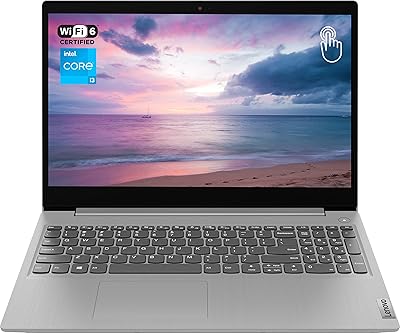
Lenovo Ideapad 3 Laptop, 15.6″, Intel Core i3, 12GB RAM, 256GB SSD
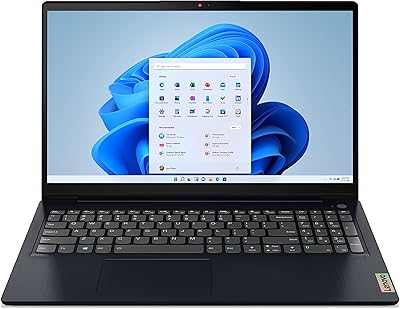
Lenovo IdeaPad 3 15.6-inch Laptop
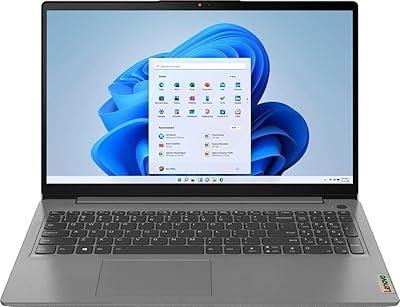
Lenovo IdeaPad 3 Laptop, 15.6″, Intel Core i3-1115G4, 16GB RAM, 512GB SSD
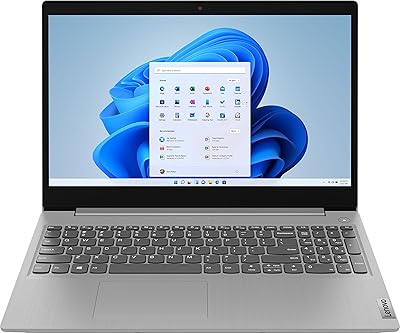
Lenovo IdeaPad 3 15.6″ Laptop
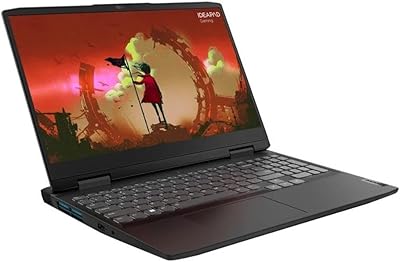
Lenovo IdeaPad Gaming 3 RTX 3050 Laptop
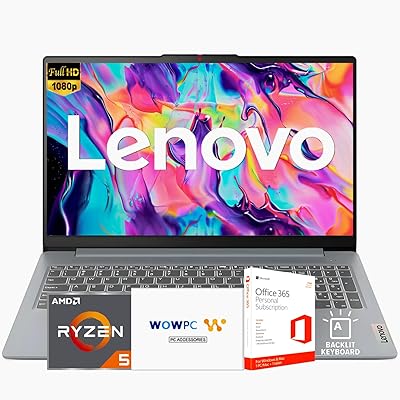
Lenovo Ideapad Slim 3 Laptop, AMD Ryzen 5 5625U, 16GB RAM, 2TB SSD, 15.6″ FHD, Windows 11 Pro
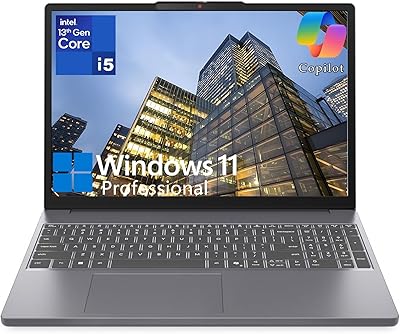
Lenovo IdeaPad Slim 3 15.3-inch Laptop

Lenovo IdeaPad 1 Gen 7 15.6″ Laptop
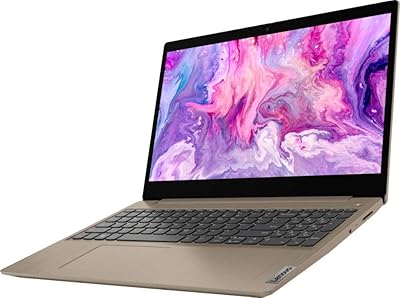
Lenovo IdeaPad 3 15″ Touch Laptop