DFRobot HuskyLens AI Vision Sensor
Overview
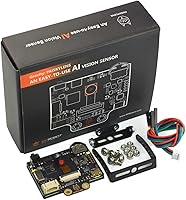
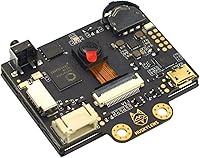
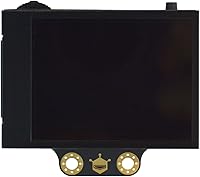
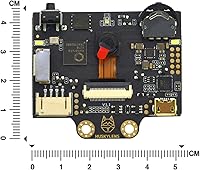
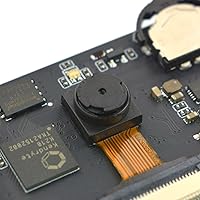
The DFRobot HuskyLens AI Vision Sensor is a compact, capable module that brings machine learning-powered vision to the maker workbench without requiring a PC or cloud connection. At its core sits the Kendryte K210 chip, a dedicated AI processor that handles neural network inference directly on the device. A 2.0-inch IPS screen lets you see exactly what the camera sees and tweak settings on the fly — no laptop needed. It connects to Arduino, Raspberry Pi, micro:bit, and LattePanda via UART or I2C, making it a versatile addition to a wide range of projects at a mid-range price that does not price out students or hobbyists.
Features & Benefits
What makes the HuskyLens stand out is how little effort it takes to get up and running. Press a button, point it at a face or colored object, and it learns — no coding required for that step. Six recognition algorithms are baked in, covering everything from line tracking to tag recognition, which makes it useful across a broad range of automation tasks. The OV2640 camera and K210 chip work together to process vision tasks quickly on the device itself, so there is no waiting on a server. The sensor runs on 3.3V or 5V and fits in a space roughly the size of a large postage stamp, which is handy when designing compact builds.
Best For
This smart camera module is a natural fit for students and educators who want to bring AI concepts into the classroom without a steep technical barrier. It is especially well suited to robotics builds — think line-following cars, sorting machines, or face-activated locks. Makers who want to skip machine learning theory and jump straight to prototyping will appreciate how quickly it integrates with popular platforms. Because it handles all processing locally, it also works well for projects that cannot rely on Wi-Fi or cloud services. If you use Raspberry Pi or micro:bit and want real-time vision capability without training a custom model from scratch, this is a practical entry point.
User Feedback
Buyers tend to be genuinely positive about how approachable this AI vision sensor is — getting it running with a Raspberry Pi or Arduino typically takes minutes, and the one-click training feature draws consistent praise. Real-world uses people mention include object-sorting conveyor belts, face-recognition door locks, and classroom demos. That said, a recurring frustration is documentation: some beginners find the official guides thin, especially when troubleshooting edge cases. Recognition accuracy can also drop noticeably in poor lighting, which is worth planning around. Overall, most buyers feel the value for money is solid given what the hardware can do, but setting realistic expectations upfront will help, particularly for first-time users.
Pros
- One-click training gets you up and running in minutes with no machine learning background needed.
- Six built-in recognition algorithms cover a wide range of common robotics and automation tasks.
- The onboard IPS screen lets you calibrate and monitor the sensor without connecting a PC.
- Works with Arduino, Raspberry Pi, micro:bit, and LattePanda right out of the box.
- All vision processing runs locally, so your project stays fully functional without any internet connection.
- The HuskyLens fits into tight enclosures thanks to its compact 52mm x 44.5mm footprint.
- Supports both 3.3V and 5V, reducing power compatibility headaches across different boards.
- Strong community presence on GitHub and forums provides a useful backup when official docs fall short.
Cons
- Recognition accuracy drops noticeably in dim or uneven lighting, limiting real-world deployment options.
- Only one recognition algorithm can run at a time, making multi-task robotics builds more complicated than expected.
- Official English documentation has noticeable gaps that regularly frustrate beginners past the basics.
- Firmware updates have caused settings resets and occasional instability for a meaningful number of users.
- High current draw in active modes makes battery-powered portable projects challenging to sustain.
- No protective casing is included, leaving the bare PCB exposed in mobile or outdoor builds.
- Training works well for simple, distinct objects but struggles with visually similar categories.
- The update and recovery tooling feels underdeveloped relative to the hardware itself.
Ratings
The DFRobot HuskyLens AI Vision Sensor earns its place as one of the more talked-about AI modules in the maker community, and the scores below reflect what real buyers across global verified purchases actually experienced — spam, bot reviews, and incentivized feedback filtered out before a single number was calculated. Strengths like its approachable training system and broad board compatibility come through clearly, but recurring pain points around documentation and low-light accuracy are reflected just as honestly.
Ease of Setup
Recognition Accuracy
Documentation & Support
Value for Money
Build Quality & Form Factor
Compatibility & Integration
Processing Speed
Onboard Display Usefulness
Training Flexibility
Power Efficiency
Algorithm Variety
Community & Ecosystem
Firmware & Update Experience
Suitable for:
The DFRobot HuskyLens AI Vision Sensor is a strong match for students, educators, and hobbyist makers who want to bring real AI vision into their projects without a steep learning curve or a cloud subscription. Teachers running STEM or robotics programs will find it particularly useful — the onboard screen and one-click training make live classroom demos easy to pull off without a laptop in sight. Hobbyists building line-following robots, object-sorting machines, or face-activated door locks will appreciate how quickly it integrates with Arduino, Raspberry Pi, and micro:bit. It also suits makers who need a self-contained vision module, since all processing happens locally on the K210 chip with no Wi-Fi dependency. If your goal is to prototype quickly, learn how computer vision works hands-on, or add a recognizable visual intelligence layer to a DIY build, this smart camera module hits the right balance of capability and accessibility.
Not suitable for:
The DFRobot HuskyLens AI Vision Sensor is not the right tool for anyone expecting production-grade recognition accuracy or the flexibility to run custom-trained neural network models. Professionals or advanced developers who need multi-class simultaneous detection, robust low-light performance, or deep customization will find its single-mode-at-a-time architecture and fixed algorithm set genuinely limiting. Battery-powered portable builds should be planned carefully, as the power draw in active recognition modes is high enough to drain small battery packs faster than many users expect. The firmware update experience has also caused headaches for a portion of buyers, and the official documentation leaves enough gaps that self-sufficient troubleshooting skills become a real prerequisite. If you need consistent results in uncontrolled lighting environments or plan to deploy this in anything beyond a prototype or educational setting, you will likely outgrow its capabilities quickly and should consider more powerful vision platforms from the outset.
Specifications
- Processor: Powered by the Kendryte K210 dual-core RISC-V AI chip, purpose-built for efficient on-device neural network inference.
- Image Sensor: Uses an OV2640 2-megapixel camera sensor capable of capturing sufficient detail for real-time recognition tasks.
- Display: Equipped with a 2.0-inch IPS screen running at 320x240 resolution for live visual feedback directly on the module.
- Dimensions: The PCB measures 52mm x 44.5mm (approximately 2.05″ x 1.75″), designed to fit inside compact robotics enclosures.
- Weight: Weighs approximately 0.352 ounces (roughly 10 grams), making it suitable for weight-sensitive builds.
- Supply Voltage: Accepts a supply voltage range of 3.3V to 5.0V, ensuring compatibility across a wide range of microcontroller platforms.
- Current Draw: Draws approximately 320mA at 3.3V during face recognition mode with backlight at 80% brightness and fill light off.
- Connectivity: Communicates via UART and I2C interfaces, both of which are widely supported by popular maker platforms.
- Compatible Boards: Officially compatible with Arduino, Raspberry Pi, micro:bit, and LattePanda without requiring additional hardware adapters.
- Built-in Algorithms: Includes six onboard algorithms: face recognition, object tracking, object recognition, line tracking, color recognition, and tag recognition.
- Training Method: Supports one-click on-device learning, allowing users to train new targets directly on the hardware without a connected PC.
- Part Number: Manufactured by DFRobot under part number SEN0305, which can be used to verify compatibility with official libraries and documentation.
- Brand: Designed and manufactured by DFRobot, a well-established maker-focused electronics company based in Shanghai.
- Battery: No battery is included or required for standalone operation; the module is powered through its host board or an external regulated supply.
- Firmware: Supports firmware updates released periodically by DFRobot to improve algorithm stability and add incremental feature enhancements.
Related Reviews
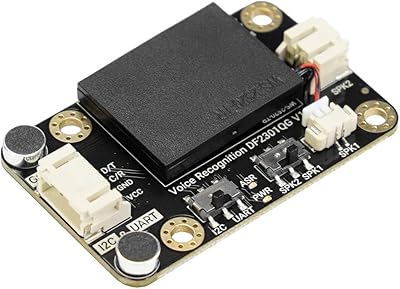
DFRobot AI Offline Language Learning Voice Recognition Module
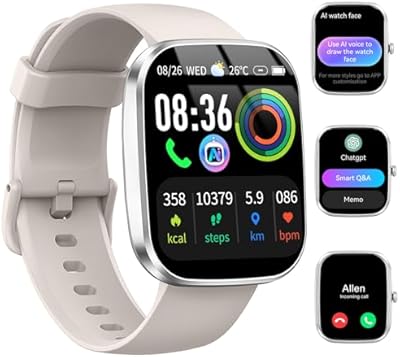
uaue T70-AI ChatGPT Smartwatch
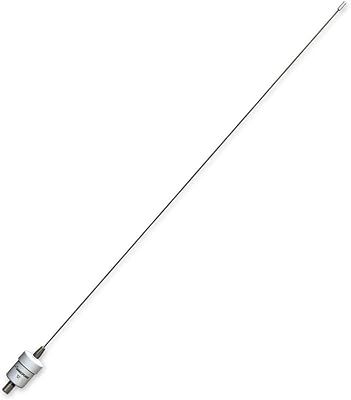
Shakespeare 5215-AIS 3-Foot AIS VHF Antenna
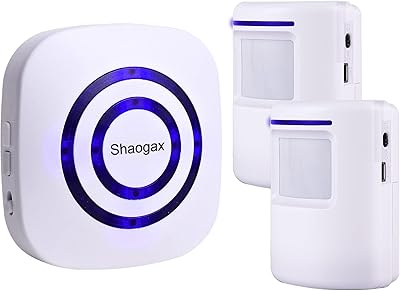
Shaogax Wireless Motion Sensor Driveway Alarm System
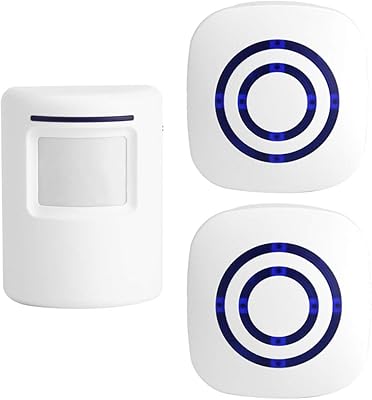
Actpe Wireless Motion Sensor Driveway Chime
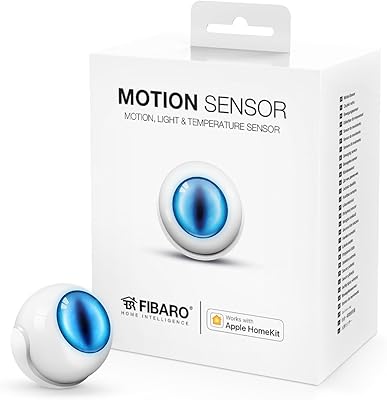
Fibaro Motion Sensor HomeKit Multisensor
Shelly BLU Motion Bluetooth Motion Sensor
GoveeLife H5127 mmWave Presence Sensor
ITHUGE UF-09(ai) AI Smart Translation Glasses