Overview
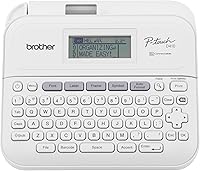
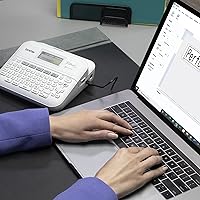
The Brother P-Touch PT-D410 enters the market as a refined mid-range labeling solution designed to bridge the gap between basic handhelds and high-end industrial machines. As the successor to the aging PT-D400 series, this desktop labeler brings subtle but welcome modern updates to professional workspaces. You can use it as a standalone device via the built-in keyboard, or plug it into a computer to unlock more complex layouts. The streamlined QWERTY layout feels familiar right away, allowing for fast text entry without the learning curve of smaller, alphabetical keypads. It fits neatly on a desk, offering a sturdy, reliable feel that makes it clear this office organizer is built for frequent use in busy environments.
Features & Benefits
Efficiency is at the heart of this office organizer, specifically through its 180 dpi resolution which ensures text remains crisp even on smaller labels. It handles the exceptionally durable TZe laminated tapes in widths up to 18mm, which are famous for resisting water, fading, and temperature extremes. While the graphic monochrome display helps you catch typos before printing, the real power lies in the USB interface. Connecting it to a Mac or PC allows you to use the P-touch Editor software for custom logos and intricate barcodes. For quick jobs, the internal memory saves up to 50 of your most frequent templates. Keep in mind that while it runs on six AA batteries for portability, most users will prefer the optional AC adapter for stationary desktop work.
Best For
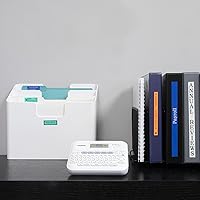
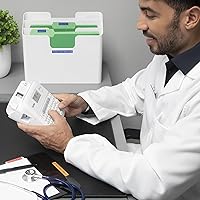
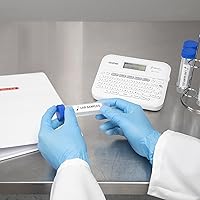
This desktop labeler is a standout choice for small business owners who need to manage inventory or track assets with professional-looking tags. Since it supports up to five lines of text, it is also ideal for IT professionals or hobbyists who need to cram a lot of technical specifications onto a single 18mm sticker. If you find handheld units too cramped for high-volume tasks, the stability and full-sized keys of this P-Touch model will be a massive upgrade for your home office setup. It thrives in environments where organization needs to be both visible and permanent, from labeling storage bins in a garage to creating clear, long-lasting filing systems in a medical or legal practice.
User Feedback
Long-term users frequently highlight the tactile keyboard which provides satisfying feedback during long typing sessions. There is also a lot of love for the split-back tape design, which saves you from the frustration of picking at corners just to get a label to peel. However, the most consistent complaint involves the typical tape margin waste that Brother is known for. To mitigate this, savvy users recommend adjusting the margin settings to narrow or chain printing within the menu. Despite the tape consumption quirks, the mechanical reliability of the thermal transfer system remains a high point. People appreciate that this P-Touch model delivers consistent results without the smudging or fading issues found in cheaper, non-laminated alternatives.
Pros
- The full QWERTY keyboard offers a tactile typing experience that is far superior to rubber-button handheld models.
- Laminated TZe tapes are incredibly resilient against water, grease, and sunlight, making them perfect for outdoor or kitchen use.
- Connecting the Brother P-Touch PT-D410 to a computer unlocks advanced design features and custom font choices through the P-touch Editor software.
- The split-back tape design is a small but vital feature that makes peeling and applying labels remarkably easy.
- Having 50 memory slots for frequently used templates saves significant time during repetitive organizational tasks.
- The device supports up to five lines of text, allowing for dense information on a single 18mm label width.
- A graphical monochrome display provides a reliable preview of font styles and frames to prevent printing errors.
- The thermal transfer printing technology means you never have to worry about messy ink cartridges or toner replacements.
Cons
- The default margin settings create significant tape waste, essentially forcing you to pay for unused blank space on every strip.
- The screen lacks a backlight, which makes it difficult to read in poorly lit storage rooms or under-desk areas.
- Most retail packages do not include the AC power adapter, requiring an extra purchase or constant reliance on six AA batteries.
- This P-Touch model has a large physical footprint that takes up considerable space on a standard office desk.
- Navigating the library of 700+ symbols on the small device screen can be tedious compared to using the desktop software.
- The manual cutter requires a firm, consistent press to ensure a clean edge without fraying the tape laminate.
- Replacement costs for genuine Brother laminated tapes are quite high, impacting the long-term value for high-volume users.
- Print resolution at 180 dpi can occasionally result in slight pixelation on very small script fonts or intricate company logos.
Ratings
Our scoring for the Brother P-Touch PT-D410 is the result of an advanced AI analysis that synthesizes thousands of verified buyer experiences while filtering out incentivized or low-quality feedback. We have meticulously weighted real-world performance data to ensure these ratings transparently reflect both the impressive utility and the common frustrations of this P-Touch model.
Build Quality
Text Clarity
Tape Efficiency
Software Integration
Portability
Ease of Use
Media Versatility
Value for Money
Display Quality
Print Speed
Suitable for:
The Brother P-Touch PT-D410 is an ideal match for small business owners and home office managers who need to produce high volumes of inventory tags or asset labels without the fatigue of a handheld device. It serves power users who appreciate a full QWERTY keyboard for quick, standalone entry but also want the flexibility to connect to a Mac or PC for complex layouts and logo integration. Hobbyists with extensive collections of craft supplies, tools, or kitchen pantry items will find the durability of the laminated tapes perfect for high-wear environments. If your organization style requires multi-line information on a single 18mm strip, this desktop labeler handles that complexity with ease.
Not suitable for:
This specific office organizer is not the best choice for users with extremely limited desk space or those who require a highly portable, pocket-sized device for on-the-go field work. Because the Brother P-Touch PT-D410 lacks an integrated rechargeable battery and often ships without an AC adapter, it may frustrate buyers looking for an all-in-one out-of-the-box power solution. Highly creative professionals requiring 300 dpi photo-quality printing or full-color labels should look toward high-end inkjet labeling systems instead. Additionally, if you are strictly on a budget and only need to label a few folders a year, the ongoing cost of TZe tapes and the physical footprint of this unit may be overkill.
Specifications
- Tape Compatibility: Supports Brother TZe laminated tapes in widths ranging from 3.5mm up to 18mm (approx. 3/4″).
- Printing Technology: Utilizes thermal transfer printing with a resolution of 180 dpi for crisp, permanent text.
- Connectivity: Equipped with a USB 2.0 interface for direct connection to PC or Mac computers.
- Keyboard Type: Features a full, standalone QWERTY keyboard with tactile, responsive keys.
- Display: Includes a graphical monochrome LCD that provides a real-time preview of label layouts.
- Print Speed: Capable of printing labels at a maximum speed of up to 20mm per second.
- Line Support: Allows for the creation of multi-line labels containing up to 5 lines of text.
- Internal Memory: Provides storage capacity for up to 50 frequently used label designs for quick retrieval.
- Power Options: Powered by 6 AA batteries or an optional AD-E001A AC power adapter.
- Dimensions: The unit measures approximately 7.4″ wide, 7.0″ deep, and 2.8″ high.
- Software Support: Compatible with P-touch Editor software for advanced custom label design and data importing.
- Built-in Assets: Contains 15 fonts, 120 frames, and over 700 unique symbols for local editing.
- Weight: The device weighs approximately 1.7 pounds without batteries or a tape cassette installed.
- Cutter Mechanism: Features a manual lever-style tape cutter integrated into the side of the chassis.
- Character Storage: The internal memory can hold a total of 2,800 characters across all stored labels.
Related Reviews
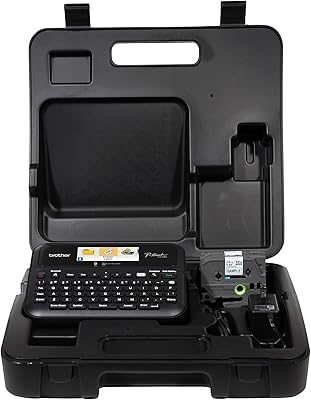
Brother PT-D610BTVP Label Maker
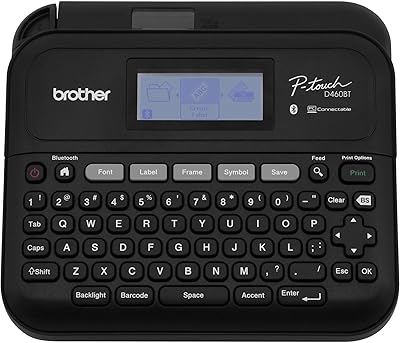
Brother PT-D460BT Bluetooth Label Maker
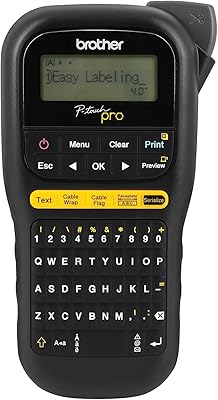
Brother P-touch PT-H111 Label Maker
YSL Touche Éclat 0.1 oz Highlighting Pen
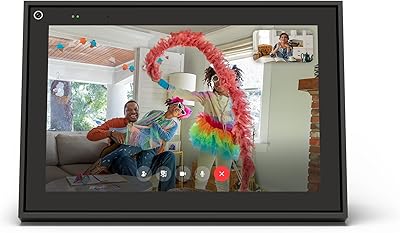
Meta Portal 10″ Smart Video Display
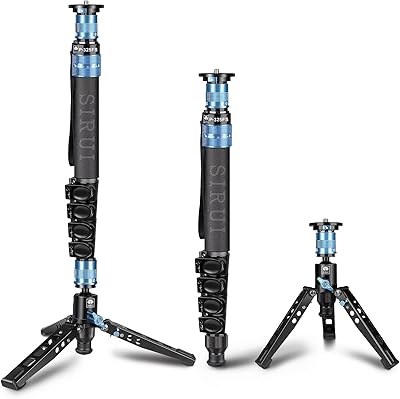
SIRUI P-325FS Monopod with Feet
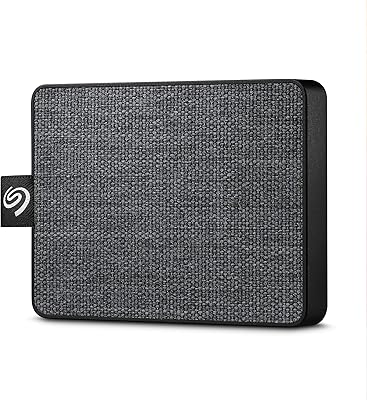
Seagate One Touch 500GB External SSD
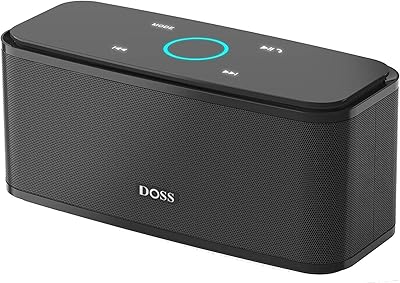
DOSS SoundBox Touch Bluetooth Speaker
Seagate One Touch SSD 2TB External SSD