Overview
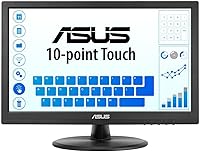
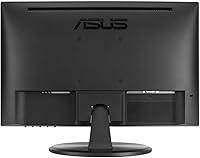
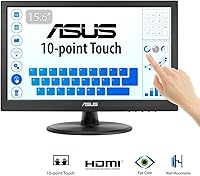
The ASUS VT168HR 15.6″ Touch Monitor is a compact, practical display built primarily for secondary screen duties and point-of-sale environments. ASUS has a solid track record with budget-friendly peripherals, and this touch monitor fits that pattern well — it ships with everything you need out of the box, including an HDMI cable and a USB Type-B cable for touch input, so there's no scrambling for accessories on day one. The slim profile keeps desk clutter minimal, and VESA mount support means you can get it off the desk entirely if needed. TÜV Rheinland certification for flicker-free and low blue light output suggests it's genuinely designed with longer sessions in mind, not just tacked on as a marketing note.
Features & Benefits
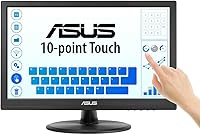
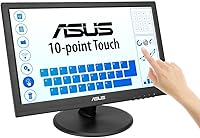
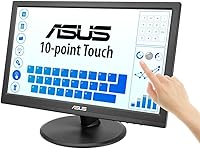
10-point multi-touch is the headline here, and it works genuinely well for touch-driven tasks like virtual keyboards, on-screen signature capture, or navigating POS software. The dual connectivity — HDMI 1.4 for modern setups and VGA for older machines — is a quietly practical decision that broadens compatibility significantly. Tilt adjusts from -5° all the way to 30°, which is wider than many compact monitors offer, letting you lay it nearly flat for a digital menu board or cash register application. The matte screen surface does a reasonable job cutting down reflections under fluorescent retail lighting. Worth noting: this is not a color-accurate panel, so graphic design or photo editing are outside its comfort zone.
Best For
This compact touchscreen display is a natural fit for small retail counters, coffee shops, or food trucks where a dedicated, touch-enabled POS screen is useful without being expensive. It also works well as a secondary monitor at a home workstation — you can pull reference material onto it, answer messages, or keep a dashboard running while your main display handles primary work. The VGA port makes it one of the few touch monitors still compatible with older desktop setups that haven't moved to HDMI. If you spend long hours in front of screens, the eye care features are a legitimate plus. It's not the right choice, though, for anyone prioritizing sharp visuals or full HD resolution in their workflow.
User Feedback
With over 4,600 ratings averaging 4.5 stars, this touch monitor clearly satisfies a lot of buyers, but digging into the feedback reveals a more nuanced picture. Touch responsiveness and plug-and-play setup are the most frequently praised aspects — most Windows users report the touch function working without needing separate drivers. The resolution draws the most consistent grumbling; at 1366x768, text and images look noticeably softer compared to full HD displays at a similar size, and that gap matters if you're doing anything detail-oriented. Some buyers flag stand stability as a concern at lower tilt angles, and a small number report units arriving with dead pixels or cosmetic damage. Overall, expectations aligned with POS or casual secondary use tend to produce satisfied customers.
Pros
- 10-point multi-touch works reliably on Windows without installing extra drivers.
- Ships with all required cables — HDMI, USB-B for touch, and a power cord — so setup is immediate.
- VESA mount support (75x75mm) makes it easy to free up desk space with an arm or wall bracket.
- Wide tilt range from -5° to 30° suits both upright monitor use and flat POS-style orientations.
- Matte panel surface cuts glare effectively under bright retail or office lighting.
- TÜV Rheinland-certified eye care features make long daily sessions more comfortable.
- Dual HDMI and VGA connectivity covers both modern laptops and older desktop machines.
- Compact size and light weight make it easy to reposition or move between locations.
- Strong long-term sales history and thousands of verified reviews indicate consistent product availability and reliability.
Cons
- Resolution of 1366x768 looks noticeably soft on a 15.6-inch screen, especially next to full HD displays.
- At this screen size, text rendering in small fonts can appear blurry during extended reading tasks.
- Stand stability at shallow tilt angles has been flagged by multiple buyers as a weak point.
- A small but recurring number of buyers report units arriving with dead pixels or physical packaging damage.
- Touch input can feel slightly laggy in gesture-heavy or fast-scrolling use cases compared to dedicated tablet screens.
- VGA output does not support the touch function — the USB-B connection is still required separately for touch to work.
- Color reproduction is average at best, limiting usefulness for any work requiring accurate on-screen color.
- No built-in speakers, which adds a separate purchase requirement for audio in POS or kiosk setups.
Ratings
The scores below for the ASUS VT168HR 15.6″ Touch Monitor were generated by our AI review engine after processing thousands of verified global buyer ratings, actively filtering out incentivized, duplicate, and bot-generated submissions. The result is a transparent breakdown that reflects what real users genuinely love about this compact touchscreen — and where it falls short depending on their expectations and use case.
Touch Responsiveness
Display Resolution
Ease of Setup
Build Quality
Value for Money
Eye Comfort
Connectivity
Mounting Versatility
Glare & Reflections
Portability
Color Accuracy
Viewing Angles
Shipping & Packaging
Suitable for:
The ASUS VT168HR 15.6″ Touch Monitor is a strong match for small business owners who need a reliable, touch-enabled screen for a point-of-sale or order-entry setup without a large hardware budget. Coffee shops, food trucks, boutique retail counters, and similar environments will find its compact footprint, wide tilt range, and 10-point touch input genuinely practical for daily customer-facing use. Home and office users who want a secondary display for task management, communication apps, or quick reference material will also get solid value here, especially since the plug-and-play touch function on Windows removes most of the setup friction. The inclusion of both HDMI and VGA ports is a real advantage for anyone running older desktop hardware that lacks modern connectivity. If eye strain is a concern during long work sessions, the TÜV Rheinland-certified flicker-free and low blue light panel adds a layer of comfort that many monitors at this price point simply skip.
Not suitable for:
Buyers who prioritize display sharpness or color accuracy should look elsewhere — the ASUS VT168HR 15.6″ Touch Monitor runs at 1366x768, and at 15.6 inches that resolution produces visibly soft text and images compared to a full HD panel. Photographers, video editors, or anyone doing detail-heavy visual work will find the image quality genuinely limiting for their needs. This is also not the right pick for a primary workstation monitor if you regularly consume HD video, read dense documents, or spend hours in pixel-precise applications. The stand, while functional, has been noted by some buyers as less stable at very low tilt angles, which may be a concern in high-traffic environments where accidental nudges are common. Finally, users on macOS or Linux setups should verify driver compatibility before purchasing, as the touch function is most reliably supported on Windows out of the box.
Specifications
- Screen Size: The display measures 15.6 inches diagonally, making it compact enough for tight counter spaces while still offering a practical working area.
- Resolution: Native resolution is 1366x768 pixels (HD), which is functional for POS and secondary display use but noticeably softer than full HD panels at the same screen size.
- Aspect Ratio: The panel uses a standard 16:9 widescreen aspect ratio, compatible with most video signals and operating system display configurations.
- Panel Surface: The screen features a matte anti-glare coating that reduces reflections under fluorescent or overhead lighting common in retail and office environments.
- Touch Input: Supports 10-point simultaneous multi-touch, enabling gestures, virtual keyboard input, and multi-finger interactions across compatible applications.
- Touch Interface: Touch functionality is delivered via a USB Type-B connection to the host computer, which must remain plugged in for touch to operate.
- Connectivity: The monitor provides one HDMI 1.4 port and one VGA port, covering both current-generation laptops and older desktop systems without HDMI output.
- Tilt Range: The stand supports a tilt adjustment from -5° to 30°, allowing nearly flat positioning for kiosk-style use or standard upright viewing angles.
- VESA Mount: A 75x75mm VESA mounting pattern is built into the rear of the unit, compatible with most standard monitor arms and wall-mount brackets.
- Eye Care: The panel is TÜV Rheinland certified for both flicker-free operation and low blue light output, reducing eye strain during extended use sessions.
- Weight: The monitor weighs 5.08 pounds with the stand attached, keeping it light enough to reposition easily or transport between locations.
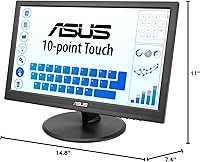
- Dimensions: Overall unit dimensions are approximately 14.8 x 7.4 x 11 inches (W x D x H) with the stand in its default upright position.
- Power: The monitor uses an external power adapter and ships with a power cord, so no separate power brick purchase is required.
- In-Box Contents: The retail package includes the monitor, power cord, HDMI cable, USB Type-B cable, a Quick Start Guide, and a Warranty Card.
- Color Finish: The unit is finished in matte black plastic, consistent with neutral professional and retail counter aesthetics.
- Brand & Model: Manufactured by ASUS under the VT168HR model designation, part of the company's Eye Care monitor lineup.
- Audio Output: This monitor does not include built-in speakers or a headphone jack, so audio must be handled by the host device or separate speakers.
- First Available: This model was first listed for sale in April 2022 and has maintained consistent availability since its launch.
Related Reviews
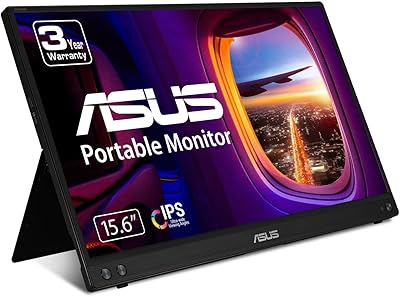
ASUS ZenScreen MB16ACV 15.6-inch Portable Monitor
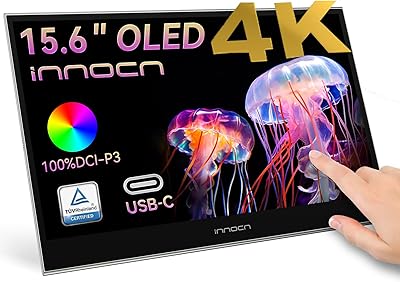
INNOCN 15.6″ Portable OLED Touch Monitor
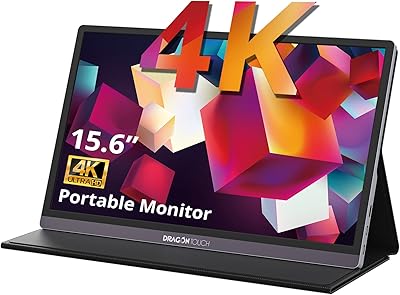
Dragon Touch S1 Pro 15.6-Inch 4K Portable Monitor

Topmonitor P15.6/2.5K 15.6-inch Portable Monitor
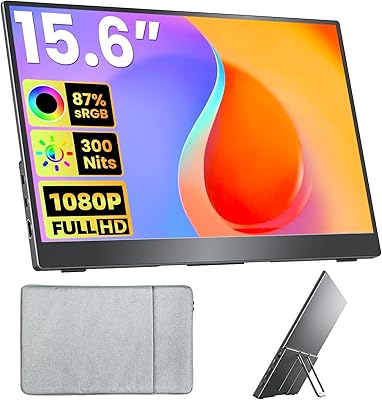
Upperizon U156LH 15.6″ Portable Monitor
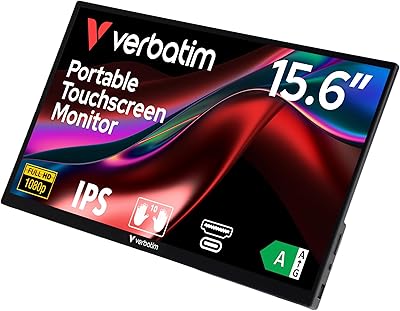
Verbatim 15.6″ Portable Touchscreen Monitor
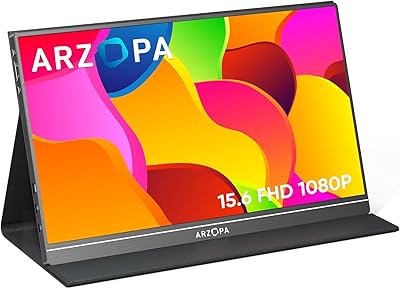
ARZOPA S1 Table 15.6″ Portable Monitor
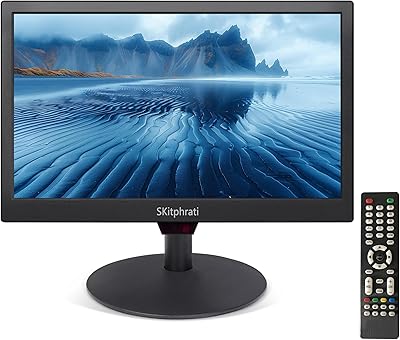
SKitphrati 15.6-Inch BNC Surveillance Monitor

Westinghouse 15.6 Inch Portable Monitor