



Overview
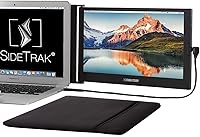
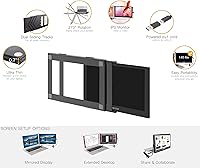
The SideTrak Slide 12.5″ Portable Monitor takes a fundamentally different approach to the portable second-screen problem — rather than sitting beside your laptop on a table, it mounts directly to the back lid via a magnetic attachment system. That distinction matters for travelers. Most portable monitors require a surface, a stand, or their own bag compartment; this slide-on monitor travels already connected, ready to swing open whenever you sit down. Setup does require downloading DisplayLink software before the screen works, which trips up buyers who skip the quick-start guide. At its mid-range price point, it competes with capable alternatives, so the attachment concept really needs to deliver on convenience.
Features & Benefits
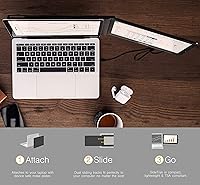
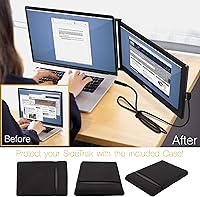
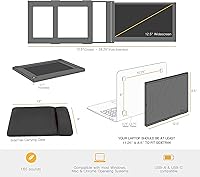
The attachment system relies on thin metal plates applied to your laptop lid with adhesive — this laptop-mounted display then snaps on magnetically. It sounds elegant, and in most cases it works well, though the bond between the adhesive and certain laptop finishes can weaken over time. Once connected, a single USB cable handles both power and video thanks to DisplayLink technology, though the driver must be installed first or nothing will show. The 12.5-inch IPS panel produces solid color accuracy and wide viewing angles at full 1080p. At 300 nits, it handles indoor lighting comfortably. The included neoprene sleeve is slim, padded, and practical for daily travel.
Best For
This slide-on monitor is best suited for people who live out of a laptop bag — consultants, remote workers, and anyone who regularly sets up in coffee shops, hotel rooms, or co-working spaces. Side-by-side workflows like editing a document while referencing a second tab, or running code alongside documentation, translate well to this form factor. It also works nicely for informal presentations, since rotating the panel 270 degrees lets you flip it toward someone across a table. Compatible with 13-inch to 17.5-inch Mac, Windows, and Chrome OS laptops, it covers most common machines. Anyone prioritizing a large screen size should look elsewhere.
User Feedback
With a 3.7-star average across nearly 1,300 ratings, this laptop-mounted display sits in genuinely mixed territory. Buyers who get it working without trouble tend to appreciate the always-attached design — not having to pull a separate monitor out of a bag each time you sit down is a real time-saver on the road. But the path there has friction. The adhesive metal plates have left residue or faint marks on some laptop lids, a concern for anyone with a premium machine. Driver installation catches many buyers off-guard. Outdoor brightness is limited. Some users also report compatibility gaps with specific laptop models that appear on the supported list.
Pros
- The always-attached design means no separate unpacking or repositioning when you sit down to work.
- A single USB cable handles both power and video, keeping your desk or tray table tidy.
- The IPS panel delivers accurate colors and wide viewing angles for a monitor this size and price.
- Full 1080p resolution keeps text sharp enough for document work and spreadsheets.
- Weighing just 1.65 lbs, this slide-on monitor adds minimal bulk to a laptop bag.
- The 270-degree rotation makes informal presentations genuinely practical without extra hardware.
- Extend, mirror, or rotate modes give you real flexibility depending on the task at hand.
- The bundled neoprene sleeve is slim and padded — it actually fits in a bag without taking up much room.
- Compatible across Mac, Windows, and Chrome OS, so it works with most laptops people already own.
Cons
- The DisplayLink driver must be installed before the screen functions — there is no fallback plug-and-play mode.
- Adhesive metal plates have caused residue or finish damage on some laptop lids, particularly on anodized or coated surfaces.
- At 300 nits, the display struggles in bright ambient light and is not workable outdoors.
- Compatibility gaps exist for certain laptop models that appear on the supported list but do not pair reliably.
- The glossy screen surface picks up reflections in lit environments, compounding the brightness limitation.
- Long-term adhesive bond strength varies by laptop surface, and some users report the magnetic hold weakening over time.
- The 12.5-inch screen size, while portable, feels limiting for complex multi-window workflows.
- Users who miss the driver requirement often leave negative reviews — setup expectations are not clearly communicated in the box.
- With a 3.7-star average across nearly 1,300 ratings, the gap between marketing promises and real-world experience is wider than typical for this category.
Ratings
The scores below reflect an AI-driven analysis of verified global buyer reviews for the SideTrak Slide 12.5″ Portable Monitor, with spam, bot-generated, and incentivized feedback actively filtered out to ensure accuracy. Each category is scored based on real patterns across thousands of user experiences, capturing both what works well and where this laptop-mounted display consistently falls short. The result is a transparent, balanced picture of what actual buyers encounter — not a manufacturer summary.
Portability
Attachment System
Setup Experience
Display Quality
Brightness
Build Quality
Compatibility
Value for Money
Ease of Use
Rotation & Flexibility
Carrying Case
Driver & Software Stability
Screen Size Utility
Suitable for:
The SideTrak Slide 12.5″ Portable Monitor is built for a specific kind of buyer, and it genuinely delivers for them: the road-warrior professional who hates unpacking gear every time they sit down. If you work from hotel rooms, airport lounges, or shared co-working spaces and rely on a dual-screen setup to stay productive, the always-attached design removes a real daily friction point. Consultants who review documents while referencing notes, developers who run code alongside documentation, and anyone who juggles multiple browser tabs under deadline pressure will find the extra screen real estate meaningful. It also suits people who occasionally present from their laptop, since the 270-degree rotation lets you swing the display toward a colleague without rearranging your whole setup. Mac, Windows, and Chrome OS users with laptops between 13 and 17.5 inches are all covered, which makes this a practical option across a wide range of common machines.
Not suitable for:
The SideTrak Slide 12.5″ Portable Monitor is a poor fit for buyers who want a plug-and-play experience with zero setup overhead — the mandatory DisplayLink driver installation is a firm requirement, and skipping it means the screen simply will not work. Anyone with a premium laptop they are protective of should also pause: the adhesive metal plates have left residue or surface marks on some lids, and that risk is real regardless of how carefully you apply them. If you primarily work at a fixed desk and want a large, bright supplemental display, a conventional external monitor will serve you far better at a similar or lower price. The 300-nit brightness is adequate indoors but falls short in bright daylight or near windows, so outdoor workers should look for a higher-brightness alternative. And if your laptop falls outside the 13-to-17.5-inch compatibility range, the magnetic attachment system may not align correctly, making the core value proposition unreliable.
Specifications
- Screen Size: The display measures 12.5 inches diagonally, providing a practical secondary workspace without adding significant bulk to a travel setup.
- Resolution: Native resolution is 1920 x 1080 (Full HD), delivering crisp text and clear visuals suitable for document work, browsing, and video.
- Panel Type: An IPS panel is used, which provides wider viewing angles and more consistent color reproduction compared to TN alternatives at this size.
- Brightness: Peak brightness is rated at 300 cd/m², which performs adequately in indoor environments but may fall short in brightly lit or outdoor conditions.
- Aspect Ratio: The display uses a standard 16:9 widescreen aspect ratio, matching the proportions of most modern laptops and optimized for side-by-side window layouts.
- Screen Surface: The panel features a glossy screen surface, which enhances color vibrancy but can pick up reflections in environments with strong ambient or overhead lighting.
- Connection Type: The monitor connects via a single USB cable using built-in DisplayLink technology, which handles both power delivery and video signal over one port.
- Driver Requirement: DisplayLink software must be downloaded and installed on the host laptop before the monitor will function; no plug-and-play operation is available without the driver.
- Rotation: The display panel can be rotated up to 270 degrees, allowing the screen to be flipped toward another person for presentations or shared viewing scenarios.
- Display Modes: The monitor supports three display modes — extend, mirror, and rotate — selectable through the host operating system's display settings once the driver is active.
- Attachment Method: The monitor attaches to the back of a laptop lid using semi-permanent adhesive metal plates on the laptop and a magnetic connection on the monitor itself.
- Compatible Laptops: The attachment system is designed for laptops with screen sizes between 13 and 17.5 inches running Mac, Windows, or Chrome OS.
- Weight: The monitor weighs 1.65 lbs (approximately 748g), which keeps the combined laptop-plus-monitor travel weight manageable for most bags and backpacks.
- Carrying Case: A neoprene sleeve is included in the box, offering padded protection for the monitor during transport without adding meaningful bulk.
- OS Compatibility: The monitor is compatible with macOS, Windows, and Chrome OS, provided the appropriate DisplayLink driver version is installed for the host operating system.
- USB Ports: The monitor occupies one USB port on the host laptop and does not include a built-in USB hub, so no additional ports are added through the connection.
- Product Dimensions: Overall packaged dimensions are approximately 13 x 15 x 4 inches, reflecting the monitor with its attached hardware and included carrying accessories.
- Manufacturer: The SideTrak Slide is manufactured by Stand Steady, a brand focused on ergonomic workspace and portable productivity accessories.
Related Reviews
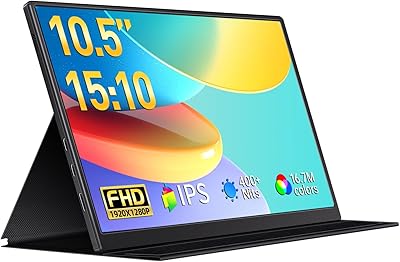
VOKENSU RF10 10.5″ Portable Monitor
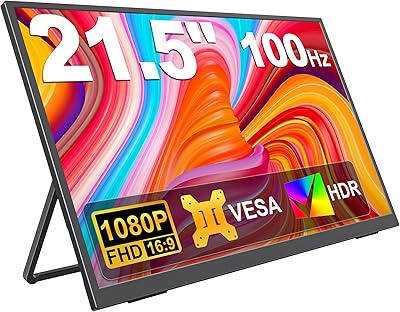
KEEPTIME 21.5″ Portable Monitor
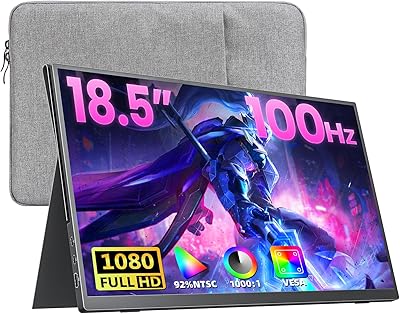
Upperizon U185C 18.5″ Portable Monitor
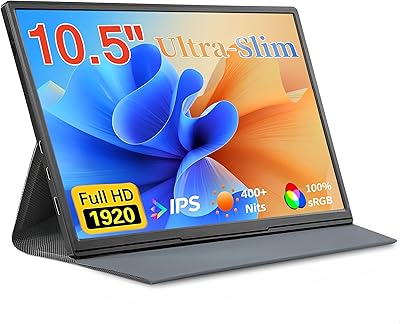
Moonka P10 10.5-inch Portable Monitor
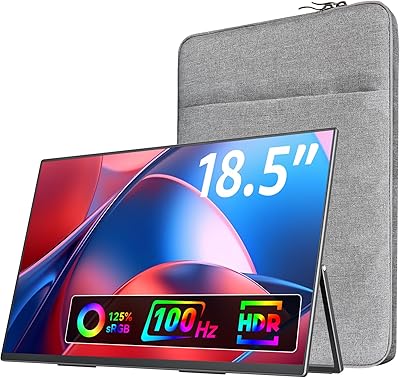
VisionOwl 18.5-Inch 1080p Portable Monitor

ALOLG S3-001 13.5-inch Portable Monitor
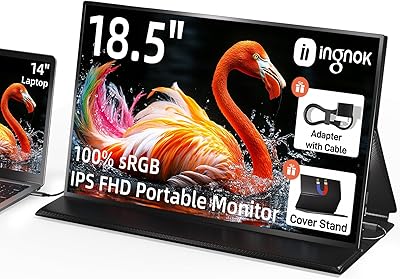
Ingnok 18.5-inch FHD Portable Monitor
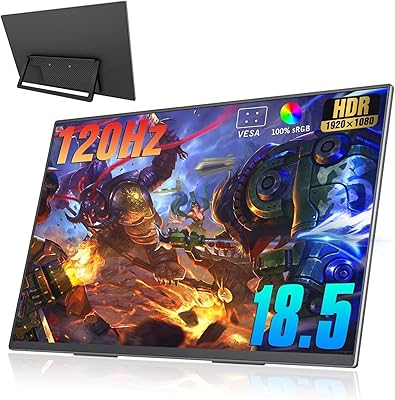
Motyeowe 18.5 Inch Portable Monitor
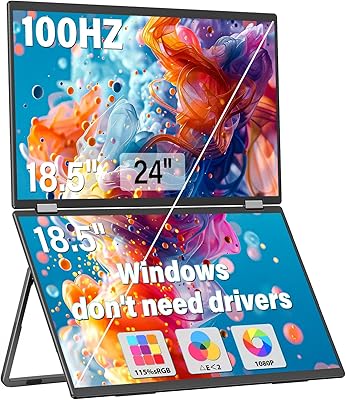
InnoView INVPM509 18.5″ Dual Portable Monitor