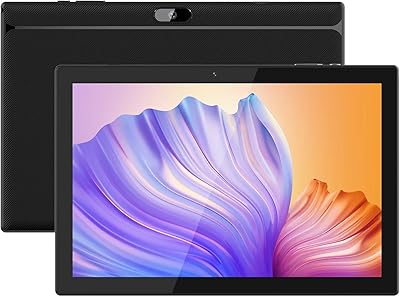
Fusion5 FWIN232 Plus N4120 64GB Windows Tablet




Overview
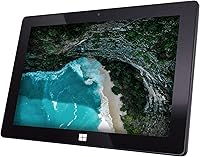
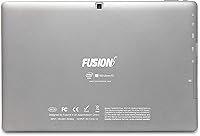
The Fusion5 FWIN232 Plus N4120 64GB Windows Tablet is a no-frills entry-level device that targets students, casual home users, and anyone who needs a portable Windows machine without breaking the bank. At just 0.6 inches thick and under two and a half pounds, it slips into a bag without complaint. Launched in late 2021, it carved out a niche as a cheaper alternative to options like Microsoft's Surface Go. But let's be clear upfront: this budget Windows tablet is not built for power users. It handles browsing, word processing, and light media comfortably — push it harder than that and you'll feel the limits quickly.
Features & Benefits
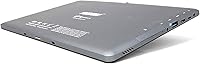
Under the hood, this slim Windows slate runs on an Intel Celeron N4120 quad-core chip — a processor that handles light workloads fine but won't win any speed contests. Paired with 4GB of DDR4 RAM, multitasking is manageable as long as you keep it reasonable. The 10.1-inch IPS screen delivers a crisp enough picture for streaming and reading, though outdoor visibility is limited. Storage sits at 64GB, which sounds adequate until Windows 11 updates chew through a significant chunk — a microSD expansion up to 256GB is almost a necessity. Connectivity is solid for the price: USB 3.0, Micro HDMI, and Bluetooth 4.0 are all present.
Best For
This budget Windows tablet makes most sense for a specific kind of buyer. Students who need a lightweight study companion for note-taking, essays, and video classes will find it capable enough. Older users or seniors who simply want a familiar Windows interface for email and web browsing will appreciate its simplicity. It also works well as a secondary travel device — something compact to pack when your laptop feels like too much luggage. What it isn't is a replacement for a proper laptop or a performance-focused machine. If you need to run demanding software, video edit, or handle heavy spreadsheet work, look elsewhere. For casual daily use, though, it fits the bill.
User Feedback
With close to 5,800 verified ratings averaging 4.1 stars, the Fusion5 FWIN232 tablet has earned a genuinely respectable track record for a budget device. Buyers frequently praise its slim, portable build and are often pleasantly surprised by how well it handles basic day-to-day tasks. The gripes, though, are consistent: several users report noticeable slowdowns when juggling multiple browser tabs, and the roughly five-hour battery life leaves something to be desired for longer days. A few buyers also mention weak Wi-Fi reception in larger spaces and a display that washes out in bright sunlight. Storage headroom is another sore point — after Windows settles in, free space shrinks faster than expected.
Pros
- Runs full Windows 11 Home, giving access to the complete Windows app ecosystem without restrictions.
- Impressively slim and light at under 2.5 pounds, making it genuinely easy to carry daily.
- MicroSD expansion up to 256GB helps offset the tight built-in storage situation.
- USB 3.0 and Micro HDMI ports offer more connectivity than many competing budget tablets.
- A 4.1-star average across nearly 5,800 reviews signals consistent satisfaction among real buyers.
- IPS display produces decent color and viewing angles for casual media consumption and reading.
- Bluetooth 4.0 and Wi-Fi are both included, covering standard wireless needs without extra accessories.
- The one-year US warranty provides a reasonable safety net for a device in this price tier.
- Dual cameras — while modest — handle video calls and basic snapshots without issue.
Cons
- Performance noticeably bogs down when more than a handful of browser tabs are open simultaneously.
- Usable storage is significantly less than 64GB once Windows 11 and system updates are accounted for.
- Battery life of around five hours is below average, limiting use during longer days away from an outlet.
- Wi-Fi reception has been flagged by multiple buyers as weak in larger spaces or at distance from the router.
- The 1280×800 display looks washed out in bright outdoor environments, reducing usability outside.
- The 1.1 GHz processor has no headroom for multitasking or anything beyond genuinely light workloads.
- Software bloat and background Windows processes can slow the device perceptibly over time.
- The front camera at 2MP is functional but noticeably soft compared to most modern smartphones or tablets.
- No fast charging support means topping up the battery requires patience.
Ratings
The Fusion5 FWIN232 Plus N4120 64GB Windows Tablet has been scored across key categories by our AI system after analyzing thousands of verified global buyer reviews, with spam, bot-generated, and incentivized submissions actively filtered out. Scores reflect the real-world experience of everyday users — students, casual home users, and light office workers — not manufacturer claims. Both the genuine strengths and the frustrating limitations are represented transparently in each category below.
Value for Money
Performance
Portability
Display Quality
Battery Life
Build & Design
Storage Adequacy
Software Experience
Wi-Fi Performance
Camera Quality
Connectivity Options
Setup & Ease of Use
Audio Performance
Keyboard & Input Support
Warranty & Support
Suitable for:
The Fusion5 FWIN232 Plus N4120 64GB Windows Tablet is a genuinely practical pick for buyers whose daily needs stay firmly in the light-use lane. Students at the high school or college level who need something portable for writing papers, joining video classes, and staying organized will find it more than adequate. It also suits seniors or casual home users who simply want a slim, familiar Windows device for browsing, email, and the occasional Netflix session without the complexity of a full laptop. Commuters or travelers looking for a cheap, compact secondary device to toss in a bag — rather than lugging a heavier machine — will appreciate how little space and weight it demands. Anyone who specifically needs access to the full Windows ecosystem on a tight budget, without the restrictions of Android or a locked-down OS, will find real value here.
Not suitable for:
The Fusion5 FWIN232 Plus N4120 64GB Windows Tablet is not the right tool for buyers who expect responsive, snappy performance across demanding workloads. If your day involves running multiple applications simultaneously, editing photos or video, handling large spreadsheets, or using any resource-intensive software, the Celeron N4120 chip and 4GB of RAM will frustrate you quickly. The 64GB internal storage sounds workable on paper, but once Windows 11 is fully installed and updates accumulate, the breathing room shrinks considerably — making it a poor fit for anyone storing large files locally without a microSD card as a workaround. Power users, creative professionals, and even moderately heavy multitaskers should put their budget toward something with a stronger processor and more RAM. The roughly five-hour battery life also rules it out for anyone who needs all-day unplugged endurance, and the limited Wi-Fi range makes it less reliable in larger homes or offices.
Specifications
- Processor: Powered by an Intel Celeron N4120 quad-core chip running at a base clock of 1.1 GHz with integrated Intel UHD Graphics 600.
- RAM: Equipped with 4GB of DDR4 system memory, sufficient for light multitasking and everyday productivity tasks.
- Storage: Includes 64GB of built-in flash storage, though usable space is noticeably reduced after Windows 11 and system files are installed.
- Expandable Storage: Supports microSD cards up to 256GB, which is strongly recommended to supplement the limited onboard storage.
- Display: Features a 10.1-inch IPS panel with a 1280×800 pixel resolution, offering decent viewing angles and color reproduction for indoor use.
- Operating System: Ships with Windows 11 Home pre-installed, providing full access to the standard Windows app ecosystem without restrictions.
- Rear Camera: A 5MP rear-facing camera handles basic photography and document scanning, though image quality is modest by current standards.
- Front Camera: A 2MP front-facing camera is included, adequate for video calls and virtual meetings in reasonable lighting conditions.
- Battery Life: Rated for approximately 5 hours of typical use on a full charge, which is on the shorter end for a portable tablet.
- Wi-Fi: Supports 802.11b/g/n Wireless N connectivity; dual-band or 802.11ac is not supported, so performance on crowded networks may be limited.
- Bluetooth: Bluetooth 4.0 is built in, enabling connection to wireless keyboards, mice, headphones, and other standard peripherals.
- Ports: Includes one USB 3.0 port and one Micro HDMI port, allowing external display output and faster wired data transfers.
- Dimensions: Measures 10.1 x 6.7 x 0.6 inches, making it genuinely slim and easy to slide into a bag or backpack.
- Weight: Weighs 2.42 pounds, which is portable enough for daily carry but slightly heavier than some competing slim tablets.
- Chipset Brand: The integrated graphics and chipset are Intel-based, relying on shared system memory rather than a dedicated GPU.
- Warranty: Backed by a 12-month US warranty from Fusion5, covering manufacturing defects under standard terms.
- Color: Available in Black, with a slim profile that gives it a clean, understated appearance.
- Sensors: Includes a G-sensor (accelerometer) that enables automatic screen rotation based on device orientation.
- Audio: Equipped with dual built-in speakers, providing stereo sound output suitable for casual media playback.
- Power Source: Powered by a built-in Lithium Polymer battery; the device does not support fast charging.
Related Reviews
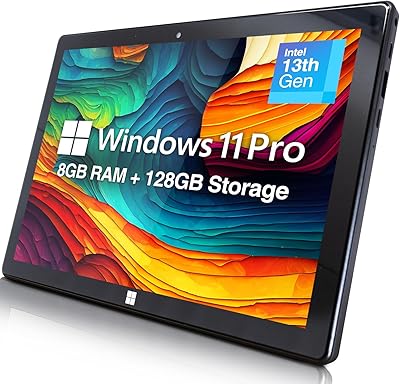
Fusion5 FWIN232+ 10.1″ Windows 11 Professional Tablet PC

SANNUO K708 Plus 7-inch Kids Android Tablet
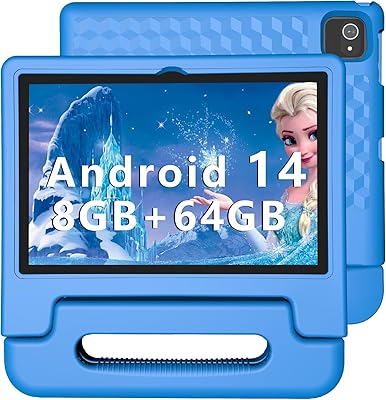
ITDULCET J10 Plus 10-inch Kids Android Tablet
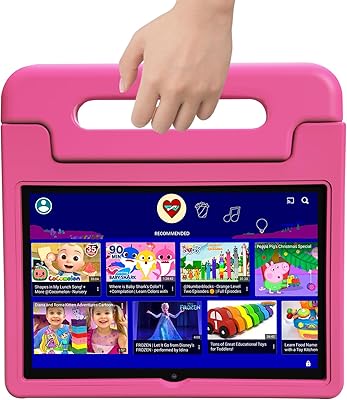
VNEIMQN V10 10.1-inch 64GB Kids Tablet
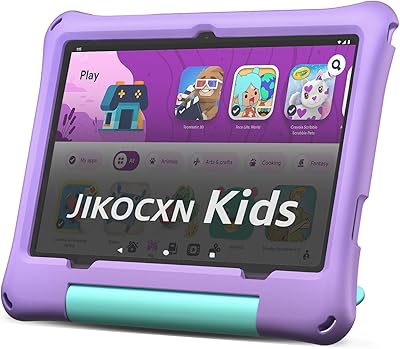
JIKOCXN C3 10-inch Kids Tablet
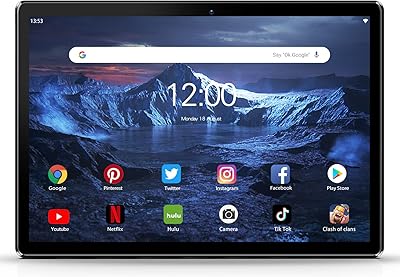
PRITOM M10 10-Inch 3G Android Tablet
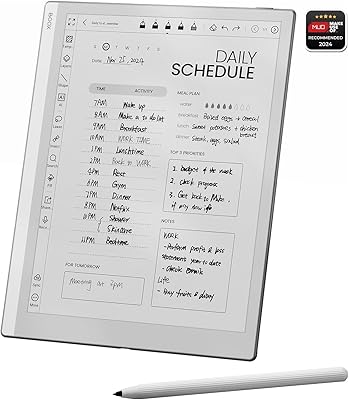
BOOX Go 10.3 E Ink Tablet
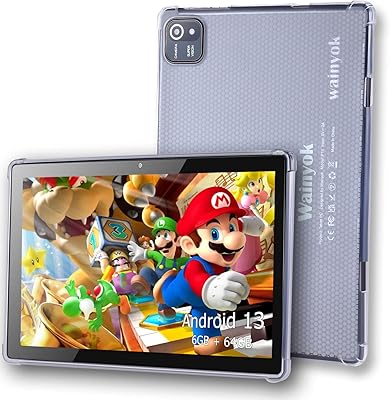
Wainyok P10S 10.1-inch Kids Android Tablet
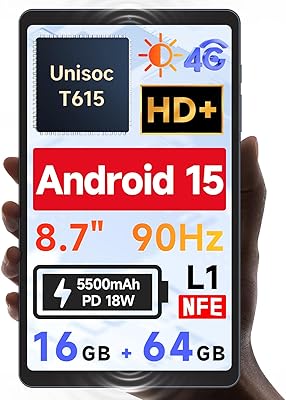
BNCF Bpad Mini SE 8.7″ Android Tablet