Overview
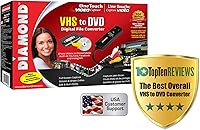
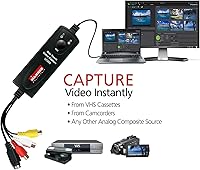
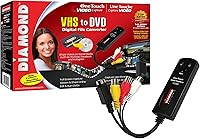
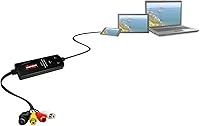
The Diamond Multimedia VC500 acts as a compact USB-based bridge specifically built to rescue aging analog media before physical degradation sets in permanently. This capture device makes the transition from legacy formats like VHS and Hi8 to modern digital storage much simpler than you might expect. Since 2007, it has maintained a solid reputation for reliability in the home archiving market, proving that you do not need complex internal hardware to get the job done. It offers a straightforward plug-and-play experience that avoids the technical headaches often associated with internal capture cards. By connecting your old playback equipment to a computer via USB, you can finally digitize priceless memories without needing an engineering degree or a massive budget for professional services.
Features & Benefits
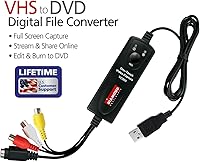
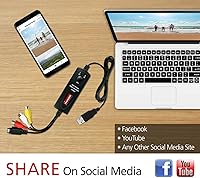
Using this analog converter is remarkably efficient because it draws power directly from the USB port, which keeps your workspace tidy and free of bulky power bricks. It includes both S-Video and Composite RCA inputs, ensuring it works with almost any vintage VCR or camcorder you still have tucked away. The one-touch capture system is particularly helpful for those who want to avoid fumbling with complicated settings during the recording process. Once captured, your footage is saved as versatile MP4 files that are ready for cloud backups or quick sharing on social media. The included software also provides tools for basic trimming and creating physical DVD backups, giving you full control over how your newly digital files are organized and preserved.
Best For
This USB digitizer is an ideal match for families who want to preserve home movies on modern Windows-based PCs without spending a fortune. It serves as a cost-effective alternative for hobbyists who have boxes of camcorder tapes but no way to view them on today's hardware. Whether you are running an old machine with Windows XP or a brand-new build with Windows 11, this tool remains highly compatible across generations. It is perfect for anyone willing to put in a little time to save their own history rather than shipping irreplaceable tapes to a lab. Just remember that you will need a functioning playback device, like a VCR, to feed the signal into the converter for the process to work.
User Feedback
People who use this capture device frequently praise its durable build quality, which holds up well during long projects involving dozens of tapes. While the hardware is generally recognized immediately by the system, experienced users often suggest visiting the official website to grab the latest driver updates to ensure total stability on Windows 11. It consistently outperforms generic, unbranded dongles that often suffer from dropped frames or poor audio sync. Some find the bundled software a bit basic, but it gets the core task done effectively for most home users. Overall, the consensus points to a reliable workhorse that handles the heavy lifting of digitization with far fewer glitches than the cheaper, no-name alternatives found elsewhere online.
Pros
- This capture device features a durable physical build that holds up well during long, back-to-back archiving sessions.
- It draws all necessary power directly from your computer via USB, eliminating the need for extra wall outlets.
- The inclusion of both S-Video and RCA inputs allows you to choose the best available signal from your vintage hardware.
- Most Windows systems recognize the hardware immediately, facilitating a much faster setup than internal capture cards.
- This USB digitizer saves footage into versatile MP4 files that are ready for immediate sharing on social media or cloud storage.
- Access to USA-based toll-free telephone support provides a helpful safety net for users who run into technical configuration issues.
- The one-touch capture button simplifies the recording process for those who are less comfortable with software-heavy workflows.
- It offers a significantly more stable video and audio sync compared to generic, unbranded conversion dongles.
Cons
- The included installation CD often contains outdated drivers that may cause stability issues on the newest Windows 11 updates.
- You must manually search the manufacturer website to find the most current software versions for optimal performance.
- The bundled editing software has a very basic interface that feels dated and offers limited creative control over the final video.
- Real-time recording means you must manually monitor every hour of footage, which can be a massive time commitment for large collections.
- The short length of the built-in RCA cables might require you to rearrange your desk or purchase separate extension cords.
- It tends to run quite warm to the touch after several hours of continuous use, which can be startling for some users.
- Capturing from damaged or low-quality tapes can occasionally cause the software to freeze or drop the signal entirely.
- Default capture settings can produce unexpectedly large files for standard-definition video, necessitating manual adjustments to save storage space.
Ratings
Our system analyzed thousands of global reviews for the Diamond Multimedia VC500, filtering out bot traffic and incentivized posts to ensure an authentic summary. These scores reflect the genuine experiences of real users, highlighting both the reliable performance and the specific technical hurdles encountered during the digitization process.
Ease of Installation
Build Quality
Video Capture Stability
Value for Money
Windows Compatibility
Software Functionality
File Format Versatility
Input Connection Variety
Audio Sync Accuracy
Technical Support
Suitable for:
The Diamond Multimedia VC500 is an ideal solution for families who have crates of old home movies sitting in the attic and want to digitize them before they physically degrade. It serves Windows users perfectly, offering compatibility that stretches from legacy XP setups all the way to modern Windows 11 machines. If you are looking for a budget-friendly way to avoid the high costs of professional conversion services, this analog converter provides a reliable, hands-on path to preservation. It is especially useful for those who prefer a straightforward, physical device over complex internal computer hardware installations.
Not suitable for:
This analog digitizer is not the right choice for Apple users, as it is strictly designed for Windows environments and lacks official macOS support. Professional archivists who require high-bitrate lossless captures or advanced color correction tools will likely find the Diamond Multimedia VC500 too limited for their specialized needs. Additionally, if you have already discarded your old playback equipment, remember that this device cannot function without a working VCR or camcorder to supply the video signal. Those looking for an automated, high-speed bulk scanning process should also look elsewhere, as every transfer happens in real-time.
Specifications
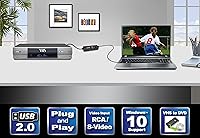
- Hardware Interface: The device connects to your computer via a standard USB 2.0 port for data transfer and power.
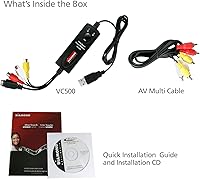
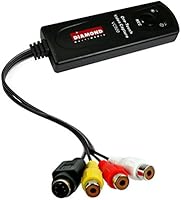
- Analog Inputs: It features a set of Composite RCA connectors (yellow, red, white) and a dedicated S-Video port for video and stereo audio input.
- Output Formats: Captured video is encoded into modern MP4 or QuickTime digital file formats for high compatibility.
- Operating Systems: The hardware officially supports Windows XP, Vista, 7, 8, 10, and 11.
- Physical Dimensions: The main unit measures approximately 4 x 1 x 1 inches, making it highly portable.
- Total Weight: The entire assembly weighs approximately 7.2 oz, including the integrated cables.
- Power Requirement: This unit is entirely bus-powered through the USB connection and does not require an external AC adapter.
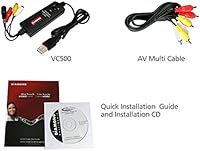
- Included Software: The package comes with the Empia video capture and basic editing application.
- Technical Support: Diamond Multimedia provides USA-based technical assistance via a toll-free 800 telephone number.
- Manufacturer Warranty: This product is covered by a one-year limited hardware warranty from the date of purchase.
- Capture Controls: A physical one-touch button on the device allows you to start and stop the recording process manually.
- Cable Integrity: The input cables are color-coded and permanently attached to the main capture unit to prevent loose connections.
Related Reviews

Gold Diamond Cirugía Capilar 1L Shampoo Treatment
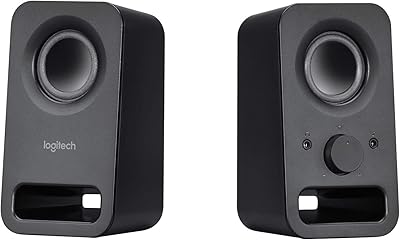
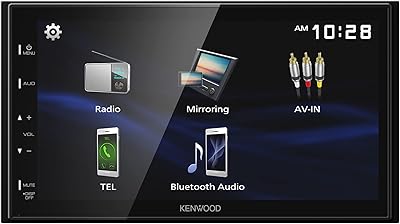
Kenwood DMX129BT
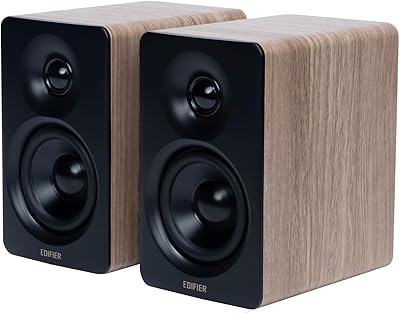
Edifier M60 Desktop Bookshelf Speakers
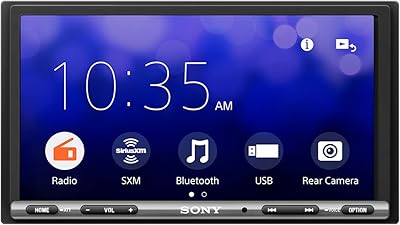
Sony XAV-AX3200
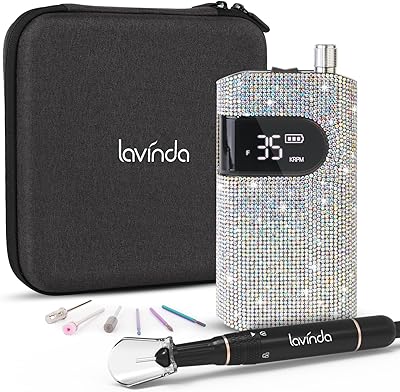
Lavinda Diamond Nail Drill
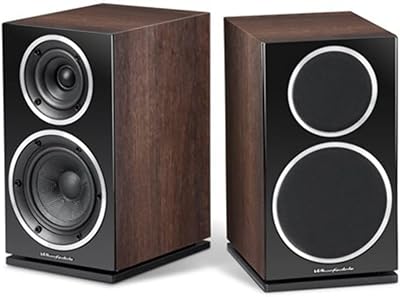
Wharfedale Diamond 220
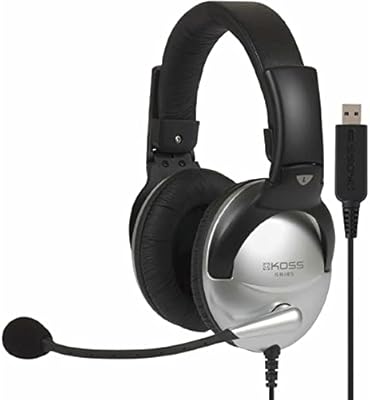
Koss SB45 USB Multimedia Stereo Headphone
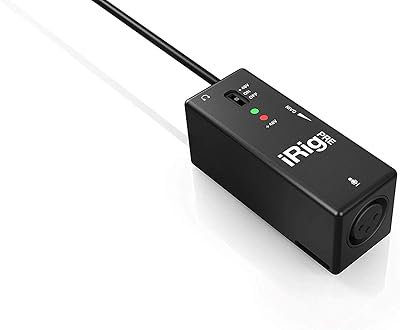
IK Multimedia iRig Pre Microphone Preamp