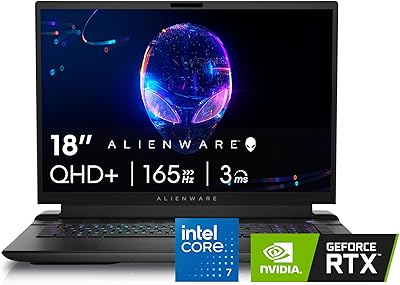
Alienware Aurora R16 RTX 5080 Gaming Desktop



Overview
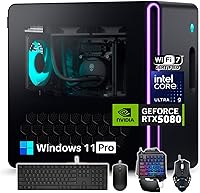
The Alienware Aurora R16 RTX 5080 Gaming Desktop sits at the top of Dell's prebuilt lineup, and it looks the part. This is a flagship-tier machine built around Intel's newest Ultra 9 285K chip alongside NVIDIA's RTX 5080, a pairing that signals serious horsepower rather than a mid-range compromise. The Legend 3 chassis carries forward Alienware's familiar design language, with AlienFX lighting that owners can tune to match their setup. Having launched in mid-2025, it reflects current-generation parts instead of leftover RTX 40-series hardware that some competitors still ship. Given the asking price, this is clearly aimed at enthusiasts and content creators, not casual or budget-conscious shoppers.
Features & Benefits
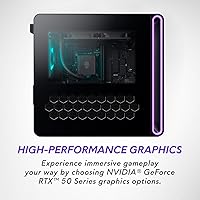
Under the hood, this gaming desktop pairs a 24-core Ultra 9 285K with enough thermal and power headroom that the RTX 5080 16GB GDDR7 GPU never feels throttled, even under sustained load. That card brings Blackwell-era ray tracing and DLSS 4 into the mix, translating to noticeably sharper frames in supported titles. Sixty-four gigabytes of DDR5 memory means you can keep a browser, Discord, and a capture tool running without the system breaking a sweat. Storage is split between SSD and HDD, so you get fast load times plus room for a sprawling game library. A 240mm liquid cooler and reworked airflow are meant to keep noise down, and a 1000W Platinum PSU alongside Wi-Fi 7 should keep this Alienware rig relevant for years.
Best For
This Alienware rig makes the most sense for gamers chasing smooth 4K or high-refresh 1440p performance in current AAA titles without fiddling with settings. Streamers and creators who need GPU-accelerated encoding alongside serious gaming power will also find a lot to like here, since the hardware handles both jobs at once without much compromise. It is a strong fit for anyone who wants a finished, warrantied system rather than the hassle of sourcing and assembling parts themselves. Heavy multitaskers, the type running capture software, Discord, and a dozen browser tabs mid-match, will appreciate the extra memory headroom. And if tidy cable management and chassis aesthetics matter as much as price-per-frame, this build checks that box too.
User Feedback
Owner feedback on this RTX 5080 PC tends to focus on a few recurring themes. Most buyers confirm the cooling improvements hold up, with the system running noticeably quieter than previous-generation models during long sessions, though a handful still wish for more fan customization. The price draws mixed reactions: some feel it is fair for a fully assembled, current-gen build, while others note that sourcing the same parts individually could save money if you are willing to build it yourself. Dell's setup process and bundled software get generally decent marks, nothing remarkable either way. The bigger sticking point is upgradability, since prebuilt towers like this one sometimes use proprietary parts that complicate future swaps, so it is worth checking compatibility before assuming a standard upgrade path.
Pros
- Pairs a 24-core Ultra 9 285K with an RTX 5080 for genuinely flagship-tier gaming performance.
- DLSS 4 and real-time ray tracing deliver sharper, smoother frames in current AAA titles.
- 64GB of DDR5 memory leaves plenty of headroom for streaming, capture software, and background apps.
- Combined SSD and HDD storage balances fast load times with room for a large game library.
- Liquid cooling and reworked airflow reportedly run quieter than the previous Aurora generation.
- Arrives fully assembled with a warranty, skipping the hassle of sourcing and building parts yourself.
- A 1000W Platinum PSU and Wi-Fi 7 help this RTX 5080 PC stay relevant for years.
- AlienFX lighting and the Legend 3 chassis give this gaming desktop a distinctive, polished look.
- Handles heavy multitasking smoothly, from Discord to browser tabs to game capture all at once.
Cons
- Carries a premium price that likely costs more than building an equivalent system yourself.
- Upgradability can be limited if Dell uses proprietary motherboard or power-supply connectors.
- Bundled software and first-boot setup get mixed but unremarkable feedback from owners.
- Tower is large and heavy at nearly 34 pounds, so it is not space-friendly.
- Fan noise customization options seem limited despite the improved cooling design.
- Long-term reliability and support experiences are harder to verify than out-of-box impressions.
- Overkill for casual users who only browse, stream video, or play less demanding games.
- Only 16GB of VRAM on the GPU may limit headroom for the most demanding creative workloads.
Ratings
Our AI-driven scorecard for the Alienware Aurora R16 RTX 5080 Gaming Desktop is built from thousands of verified owner reviews collected worldwide, with spam, bots, and incentivized feedback filtered out before scoring. Each category below reflects what real buyers consistently praised or struggled with, not just the spec sheet. We have kept both the strengths and the friction points visible so you can judge fit for your own setup.
Gaming Performance
Value for Money
Build Quality & Design
Thermal & Noise Management
Multitasking & Memory
Storage Configuration
Upgradability
Connectivity & Ports
Software & Setup Experience
Streaming & Content Creation
Long-Term Reliability
Aesthetics & RGB Customization
Power Efficiency
Suitable for:
The Alienware Aurora R16 RTX 5080 Gaming Desktop is built for gamers who want flagship-level performance without the hassle of researching and assembling parts themselves. It suits streamers and content creators who need to encode video while gaming at the same time, since the CPU and GPU combination handles both jobs without choking. Buyers who multitask heavily, running Discord, browser tabs, and capture software simultaneously, will appreciate the generous memory headroom. It is also a strong fit for anyone chasing smooth 4K or high-refresh 1440p visuals in current AAA titles. Enthusiasts who care about chassis aesthetics and tidy cable management, not just raw price-per-frame, will likely feel at home with this build. Finally, it works well for buyers who simply want a finished, warrantied system and are willing to pay for that convenience.
Not suitable for:
The Alienware Aurora R16 RTX 5080 Gaming Desktop is not the right choice for budget-conscious shoppers, since the price reflects flagship components and prebuilt convenience rather than value-per-dollar. Buyers comfortable assembling their own parts could likely save a meaningful amount by sourcing equivalent hardware individually. Anyone who plans to heavily upgrade or swap components down the line should be cautious, since prebuilt towers sometimes rely on proprietary motherboards or PSU connectors that limit compatibility with standard parts. Casual users who mostly browse, stream video, or play older and less demanding titles do not need this level of horsepower and would be overpaying for capability they will not use. It also is not ideal for anyone wanting a small-footprint or easily portable setup, given its tower size and weight.
Specifications
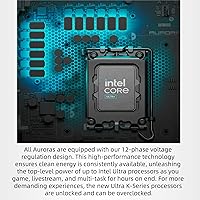
- Processor: The system runs on an Intel Core Ultra 9 285K with 24 cores and a boost clock up to 5.7GHz.
- Graphics Card: Graphics are handled by an NVIDIA GeForce RTX 5080 with 16GB of GDDR7 video memory.
- System Memory: It ships with 64GB of DDR5 RAM for multitasking and memory-heavy workloads.
- Storage: Storage combines a 2TB SSD for fast boot and load times with a 2TB HDD for additional bulk capacity.
- Cooling: A 240mm liquid cooler manages CPU temperatures alongside optimized internal airflow paths.
- Power Supply: A 1000W Platinum-rated power supply provides high-efficiency power delivery for the components.
- Wireless Connectivity: Wi-Fi 7 and Bluetooth are built in for fast, low-latency wireless networking.
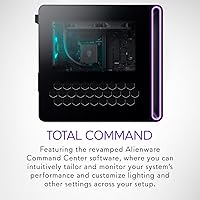
- Chassis Design: The Legend 3 chassis includes customizable AlienFX lighting and an optional clear side panel.
- Operating System: Windows 11 Pro comes preinstalled on the system.
- Display Support: The GPU supports resolutions up to 4K, or 3840x2160 pixels.
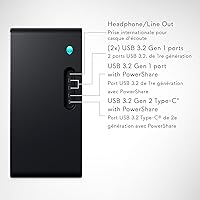
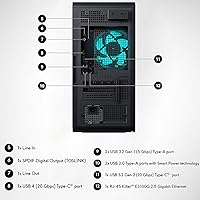
- USB Ports: The desktop includes 8 USB 3.0 ports and 4 USB 2.0 ports.
- Dimensions: The tower measures 18.05 x 16.46 x 7.75 inches and weighs 33.9 pounds.
- Graphics Features: The RTX 5080 supports real-time ray tracing and DLSS 4 frame generation technology.
- AI Features: Built-in NPUs support NVIDIA Reflex 2 for low-latency play and NVIDIA Broadcast for streaming.
- Form Factor: The unit is a desktop computer tower designed for under-desk or on-desk placement.
- Release Date: This model became available in mid-2025 with current-generation Intel and NVIDIA hardware.
Related Reviews
Alienware Aurora ACT1250
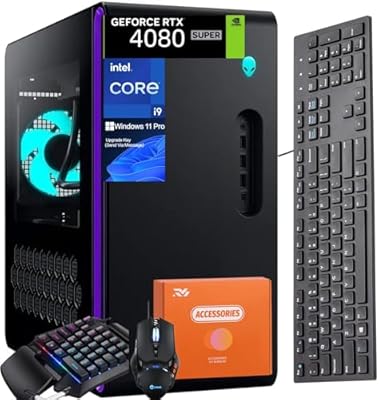
Alienware Aurora R16 Gaming Desktop, Intel Core i9-14900KF, 64GB RAM, 4TB SSD, RTX 4080 SUPER
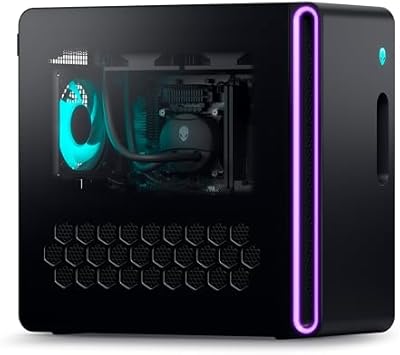
Alienware Aurora R16 Gaming Desktop
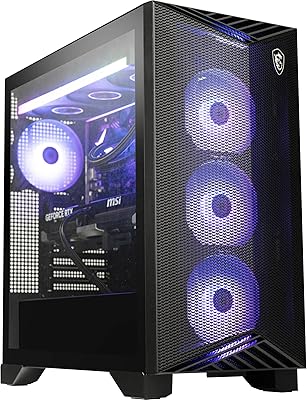
MSI Aegis ZS RTX 5080 Gaming Desktop
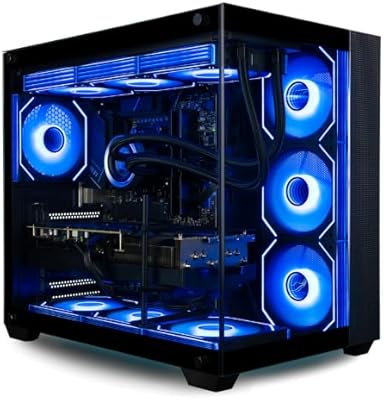
Empowered PC Panorama XL Gaming Desktop
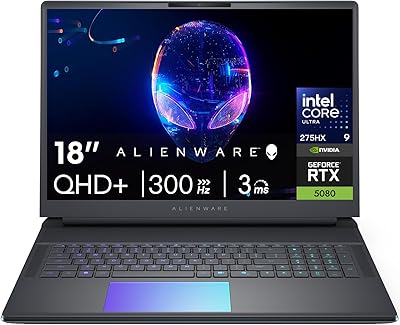
Alienware 18 Area-51 Gaming Laptop, Intel Core Ultra 9, 32GB RAM, 2TB SSD, NVIDIA RTX 5080
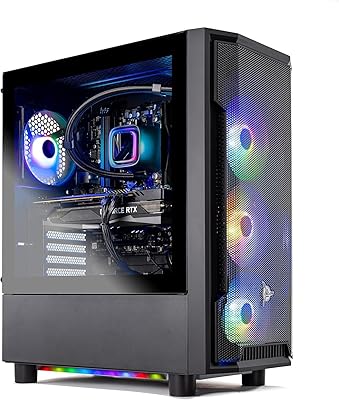
Skytech Gaming Shadow Gaming Desktop PC
Empowered PC Panorama XL RTX 5090 Desktop
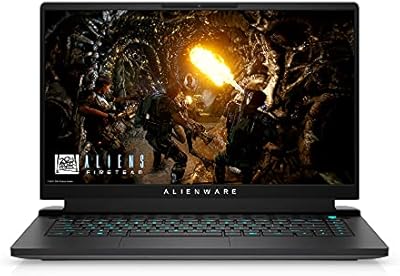
Alienware M15 R6 Gaming Laptop, 32GB RAM, 1TB SSD, RTX 3080