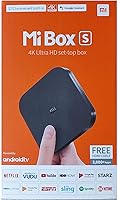
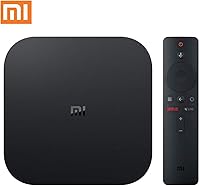
Xiaomi Mi Box S Android TV 4K HDR Streaming Media Player
Overview
The Xiaomi Mi Box S Android TV 4K HDR Streaming Media Player offers an easy and affordable solution for users who want to enhance their streaming experience. This compact device supports 4K HDR resolution, providing vibrant picture quality with rich detail. It runs on Android TV 8.1, giving you access to a wide range of apps and services. Setup is a breeze with HDMI connectivity, and the device is ready to stream your favorite content with minimal effort. Whether you're watching Netflix, YouTube, or other popular platforms, this Android TV box delivers seamless performance for an improved home entertainment experience.
Features & Benefits
The Xiaomi Mi Box S Android TV 4K HDR Streaming Media Player stands out with its impressive set of features. It offers support for 4K Ultra HD resolution and high dynamic range (HDR) for sharper, more lifelike images. Chromecast is built-in, allowing you to easily cast content from your mobile devices to the big screen. With Google Assistant integration, you can control the device using only your voice, making navigation effortless. Access to over 3,000 channels and apps, including Netflix, YouTube, and Vudu, ensures you’ll never run out of entertainment options.
Best For
This Xiaomi streaming device is perfect for users who want a budget-friendly 4K media player with excellent performance. It's ideal for those who appreciate simplicity, as it’s a plug-and-play solution that doesn’t require complicated setup. Whether you’re a home theater enthusiast seeking better video quality or someone who just wants a reliable streaming box for watching movies and shows, this device delivers. Its compact design makes it a great choice for small living rooms or apartments where space is limited.
User Feedback
Users generally find the Xiaomi Mi Box S Android TV 4K HDR Streaming Media Player easy to use and appreciate its quick setup. The built-in Chromecast and Google Assistant receive high marks, making streaming and voice commands hassle-free. However, some reviewers mention occasional buffering or slow app performance, which could be a concern for those with slower internet speeds. Overall, the device's affordability and functionality make it a solid choice for users who prioritize convenience and high-definition streaming on a budget.
Pros
- The compact design makes this device easy to set up and store in small spaces.
- 4K HDR support delivers sharp, vibrant picture quality for an enhanced viewing experience.
- Voice control via Google Assistant provides a hands-free, convenient way to navigate.
- Users appreciate the easy integration with other devices, thanks to built-in Chromecast.
- Access to over 3,000 channels and apps like Netflix and YouTube is a major plus for content variety.
- This Android TV box is ideal for those seeking a budget-friendly solution for 4K streaming.
Cons
- Some users have reported occasional buffering issues when streaming content.
- App performance can be inconsistent, with some third-party apps crashing or freezing.
- Wi-Fi performance may not be sufficient for larger homes or more demanding streaming setups.
- Lack of Ethernet support can be a downside for users who prefer a wired connection.
- While the device is easy to set up, it may not offer the same customization options as more expensive alternatives.
- The remote control's range can sometimes be limited, requiring closer proximity to the device.
Ratings
After analyzing verified user reviews worldwide, across multiple languages and platforms, we’ve gathered a comprehensive understanding of the Xiaomi Mi Box S Android TV 4K HDR Streaming Media Player’s performance. Only high-quality, authentic feedback was considered, with spam, bot, and incentivized reviews filtered out. Both strengths and areas for improvement are reflected in the ratings, giving a balanced view of what users appreciate and where this device falls short. These insights come from users around the globe, sharing their honest opinions on its features and functionality.
Value for Money
Setup & Ease of Use
Picture Quality (4K HDR)
Google Assistant Voice Control
App Performance
Compatibility & Streaming Options
Build Quality & Design
Wi-Fi Connectivity & Stability
Reliability Over Time
Voice Command Accuracy
Remote Control Usability
Overall Streaming Experience
Suitable for:
The Xiaomi Mi Box S Android TV 4K HDR Streaming Media Player is ideal for budget-conscious users looking for an easy-to-use, plug-and-play solution for 4K streaming. It's particularly beneficial for students, small apartment dwellers, or anyone who needs a simple media player that offers access to over 3,000 channels and apps like Netflix and YouTube. Those seeking voice control will appreciate the built-in Google Assistant, making it an attractive choice for people who want a smart, hands-free streaming experience. Additionally, home theater enthusiasts on a budget can enjoy enhanced picture quality thanks to the 4K Ultra HD and HDR support, which elevates viewing without the hefty price tag of premium devices.
Not suitable for:
This device may not be the best choice for users who prioritize flawless streaming performance across all apps. Some users have reported occasional buffering and app crashes, particularly with third-party apps or on slower Wi-Fi connections. If you’re someone who demands top-tier build quality or robust performance in demanding environments, such as gaming or high-end media setups, this may not meet your expectations. Additionally, those in larger homes with weak Wi-Fi signals may encounter connectivity issues, making this Android TV box less reliable for users who need consistent, high-speed streaming across multiple devices.
Specifications
- Operating System: Runs on Android TV 8.1, providing access to a wide variety of apps and services.
- Resolution: Supports 4K Ultra HD resolution for enhanced visual quality and clarity.
- HDR Support: Supports High Dynamic Range (HDR) for more vibrant and lifelike colors.
- Processor: Powered by a quad-core processor for smooth and responsive performance.
- Storage: Includes 8GB of internal storage for apps and system files.
- Connectivity: Wi-Fi connectivity supports seamless streaming and browsing.
- Chromecast Built-In: Features built-in Chromecast, allowing you to cast content from your mobile device to your TV.
- Voice Control: Supports voice commands via Google Assistant for hands-free operation.
- App Access: Gives access to over 3,000 apps, including popular services like Netflix, YouTube, and Vudu.
- Form Factor: Compact set-top box design, easy to place and use in any entertainment setup.
- Remote Control: Comes with a Bluetooth-enabled remote for easy navigation, with dedicated buttons for popular apps.
- Ports: Features a single HDMI port for video output and a power input.
- Weight: Weighs 13.8 ounces, making it lightweight and portable.
- Dimensions: Compact design with dimensions of 3.7 inches x 3.7 inches x 1.5 inches.
- Power Supply: Powered via an included 5V power adapter.
- Compatibility: Compatible with most modern TVs that have an HDMI port.
- Software Updates: Receives over-the-air software updates to ensure you have the latest features and security patches.
- Audio Output: Supports high-quality audio output via HDMI for an immersive sound experience.
Related Reviews
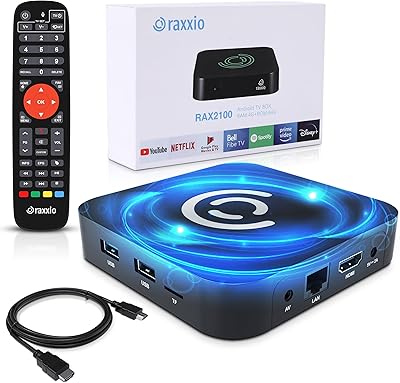
Raxxio RAX2100 Android TV Box
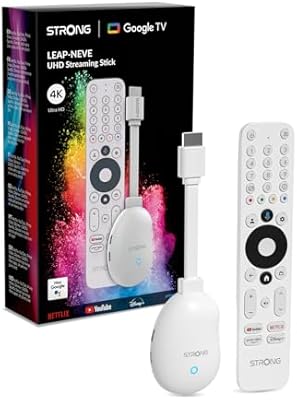
Strong LEAP-NEVE 4K Streaming Stick
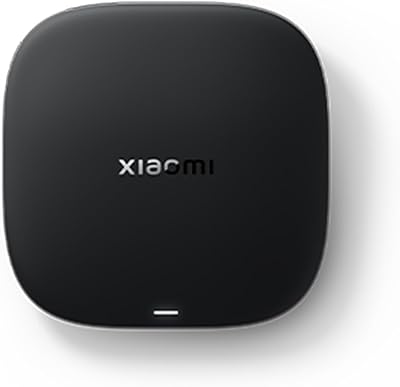
Xiaomi TV Box S 3rd Gen
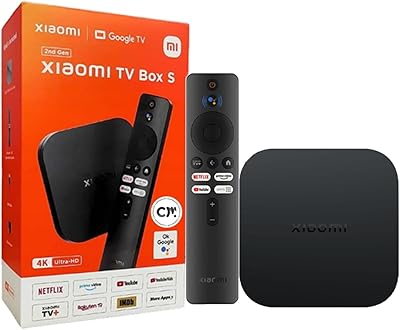
Xiaomi TV Box S 2nd Gen
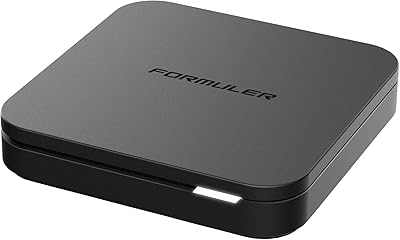
Formuler Z10 SE Android 10 2GB RAM 4GB ROM 4K Streaming Media Player
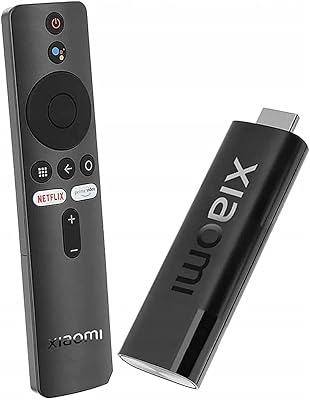
Xiaomi Mi TV Stick 4K
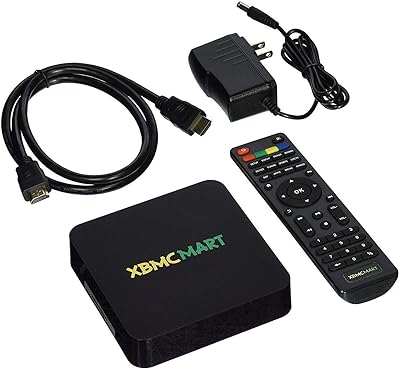
XBMCMart S905X Android TV Box
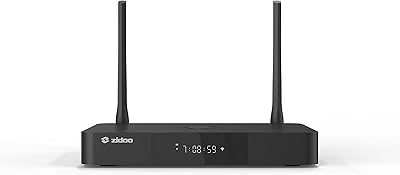
Zidoo Z9X Pro 4K Media Player
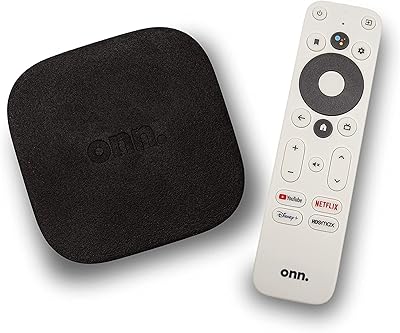
ONN 100026240 4K Streaming Device