

Overview
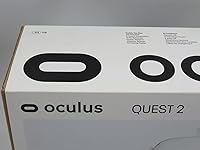
The Oculus Quest 2 64GB is a standalone VR headset that runs entirely on its own — no PC, no console, no tangle of cables required. Meta built it to bring virtual reality to a mainstream audience, and for the most part that ambition paid off. The 64GB storage tier is the entry-level option; it holds a decent selection of games and apps comfortably, though heavy users who download large titles regularly will start feeling the pinch sooner than they expect. At its price point, this VR headset sits firmly in premium territory, so it is worth going in with clear expectations rather than impulse-buying on novelty alone.
Features & Benefits
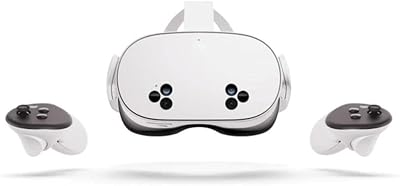
Under the hood, the Quest 2 runs on a Snapdragon XR2 chip, which handles demanding VR workloads without the stuttering or lag that plagued earlier budget headsets. The fast-switch LCD display pushes noticeably sharper visuals than its predecessor — you can actually read in-game text without squinting. Tracking is handled entirely by four onboard cameras, which means no lighthouses, no floor sensors; just clear some space and you are ready. The Touch controllers feel responsive, and the haptic feedback adds a layer of physicality that makes archery or climbing apps genuinely convincing. Throw in built-in spatial audio and a content library spanning fitness, gaming, and social apps, and the overall package is hard to dismiss.
Best For
This standalone headset makes the most sense for people coming to VR for the first time. The setup process takes maybe ten minutes — download the app, follow the prompts, draw your play boundary, and you are in. First-time VR buyers will appreciate that nothing here requires technical know-how or extra hardware spending. Fitness-focused users get a compelling case too; Beat Saber, Supernatural, and FitXR have built real workout communities around this device. Families looking for one shared, screen-free activity will find it practical. And if you are curious about virtual workspaces or social platforms, the Quest 2 is a reasonable entry point without committing to a pricier ecosystem.
User Feedback
Most buyers praise three things consistently: how quick the initial setup is, how deep the game library runs, and how sharp the display looks straight out of the box. The criticism, though, centres on a few reliable pain points. The default head strap is adequate for short sessions but becomes genuinely uncomfortable after an hour — the community practically considers the elite strap upgrade mandatory. Battery life hovering around two to three hours frustrates anyone planning longer sessions. The Meta account requirement continues to divide opinion, particularly among privacy-conscious buyers. On storage, casual users find the 64GB cap manageable, but anyone downloading several large titles will hit the ceiling faster than expected.
Pros
- No PC or console required — just open the box and you are genuinely ready within minutes.
- The content library spans gaming, fitness, social VR, and entertainment with real depth across each category.
- Inside-out tracking means zero external sensors and zero room calibration headaches.
- Display sharpness is a clear step up from older budget headsets, making text and environments genuinely readable.
- Touch controllers feel intuitive from the first session, with haptic feedback that adds real physical context.
- Wireless freedom makes fitness and active gaming apps noticeably more enjoyable than tethered alternatives.
- The Quest 2 holds strong value as an entry point to room-scale VR without a premium PC investment.
- Setup takes around ten minutes and requires no technical background whatsoever.
- Built-in spatial audio is good enough for daily use without needing to add headphones.
Cons
- The default head strap causes real discomfort after around an hour — an upgrade strap is practically mandatory.
- Battery life of two to three hours forces mid-session breaks or tethered charging, undermining the wireless experience.
- A mandatory Meta account is a firm dealbreaker for buyers with privacy concerns, with no opt-out available.
- 64GB fills up faster than expected once a few large titles and fitness apps are installed simultaneously.
- The facial interface foam absorbs sweat quickly and is difficult to clean properly after active sessions.
- No carry case is included in the box, leaving the lenses exposed during transport without an additional purchase.
- Three fixed IPD positions do not accommodate all face shapes, leaving some users unable to find a sharp focal point.
- AA batteries in the controllers feel like a cost-cutting decision that does not match the overall price tier.
Ratings
The Oculus Quest 2 64GB has been put through its paces by buyers across dozens of markets, and the scores below reflect what our AI found after parsing thousands of verified global reviews — filtering out incentivized ratings and bot-generated feedback to surface honest signal. Strengths like display clarity and setup ease score strongly, while real pain points around battery life, strap comfort, and the Meta account requirement are reflected just as transparently.
Ease of Setup
Display Quality
Performance & Processing
Controller Responsiveness
Comfort & Wearability
Battery Life
Storage Capacity (64GB)
Tracking Accuracy
Content Library
Audio Quality
Privacy & Account Requirements
Value for Money
Build Quality
Portability
Suitable for:
The Oculus Quest 2 64GB is a strong fit for anyone stepping into VR for the first time and wanting a complete, self-contained experience without the overhead of a gaming PC or console setup. It works particularly well for casual gamers who want to dip into a broad library of titles across genres without committing to a more expensive ecosystem. Fitness enthusiasts who plan to use apps like Beat Saber, FitXR, or Supernatural on a regular basis will find this standalone headset genuinely compelling — the wireless freedom matters a lot when you are actually moving. Families looking for a shared entertainment device get decent value here too, since the setup is simple enough that multiple household members can use it without technical support. Anyone curious about social VR platforms or virtual collaboration tools will also find the Quest ecosystem a practical starting point that does not require a large upfront hardware investment.
Not suitable for:
Buyers who intend to download and keep a large library of titles simultaneously should think carefully before settling for this VR headset at the 64GB tier — the storage ceiling becomes a genuine frustration once you start mixing in larger AAA ports alongside fitness and social apps. Users who value long, uninterrupted sessions will also struggle with a battery life that realistically tops out around two to three hours under active use. Privacy-conscious buyers who are uncomfortable linking a Meta account to operate their hardware should be aware that this requirement is not optional and has no workaround. Those expecting a premium wear experience for extended periods — an hour or more per session — will almost certainly find the default head strap inadequate and end up spending extra on upgrades that arguably should have been included. Finally, anyone already aware of newer models in the Quest lineup should weigh whether the Oculus Quest 2 64GB still represents the right value proposition for their budget, since the hardware landscape has moved on since its original release.
Specifications
- Processor: Powered by the Qualcomm Snapdragon XR2 chipset, purpose-built for extended reality workloads.
- Display Type: Fast-switch LCD panel delivering high-speed response suited to fast-paced VR content.
- Resolution: Each eye receives a 1832 x 1920 pixel image, a significant improvement over the original Quest.
- Refresh Rate: Supports up to 90Hz refresh rate, with some apps capable of reaching 120Hz via experimental mode.
- Storage: 64GB of internal storage with no memory card slot for expansion.
- Weight: The headset body weighs 503g, excluding controllers and accessories.
- Dimensions: The headset measures 5.91 x 11.81 x 13.78 inches including the default strap assembly.
- Battery Life: Delivers approximately 2 to 3 hours of active use on a full charge, varying by app intensity.
- Charging: Charges via USB-C; no proprietary cable required, though a dock accessory is sold separately.
- Tracking System: Six-degrees-of-freedom inside-out tracking using four integrated wide-angle cameras on the headset body.
- Controllers: Oculus Touch controllers with analog inputs, trigger buttons, thumbsticks, and haptic feedback motors.
- Controller Power: Each Touch controller requires AA batteries, which are not rechargeable by default.
- IPD Adjustment: Interpupillary distance is adjusted across three fixed physical positions rather than a continuous slider.
- Audio: Built-in near-ear spatial audio speakers are integrated into the head strap arms with no earcup seal.
- Connectivity: Supports Wi-Fi 6 (802.11ax) and Bluetooth 5.1, with a USB-C port for wired PC link use.
- Platform: Operates within the Meta (formerly Oculus) ecosystem, requiring a Meta account for device activation.
- Setup Requirements: Initial setup requires the Meta Quest smartphone app, a compatible iOS or Android device, and Wi-Fi access.
- Compatibility: Supports Air Link and USB-C Link for streaming PC VR content from a capable gaming PC.
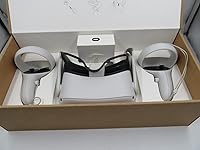
- In-Box Contents: Box includes the headset, two Touch controllers, a charging cable, power adapter, and a spacer for glasses wearers.
- Release Date: This specific UK model variant was made available from March 18, 2021.
Related Reviews
Meta Quest 2 256GB VR Headset
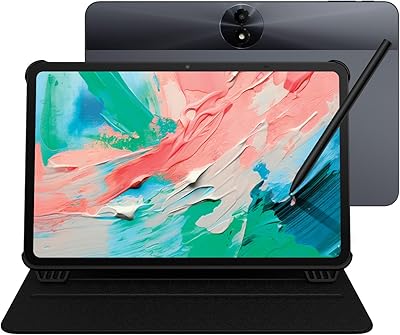
TCL NXTPAPER 11 Gen 2 Android Tablet
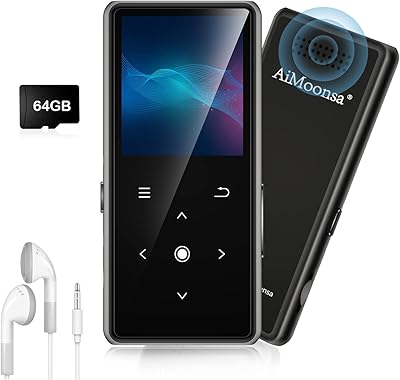
AiMoonsa B27 64GB Bluetooth MP3 Player
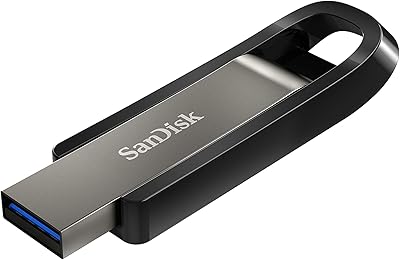
SanDisk Extreme Go 64GB USB Flash Drive
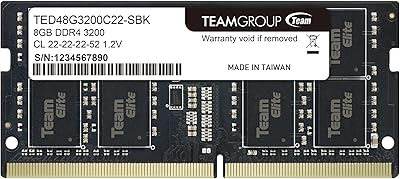
TEAMGROUP Elite DDR4 64GB (2 x 32GB) 3200MHz SODIMM
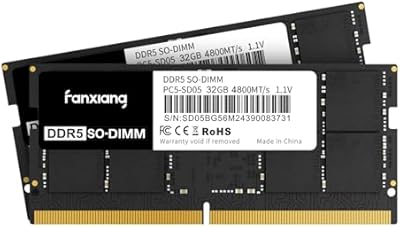
fanxiang SD05 64GB DDR5 SODIMM RAM
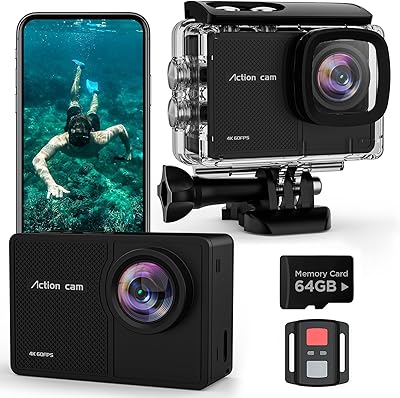
TIMNUT T-16 4K Action Camera
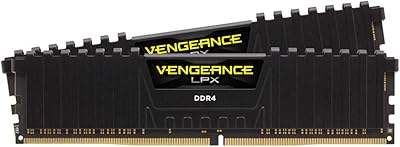
Corsair Vengeance LPX 64GB DDR4 Desktop RAM
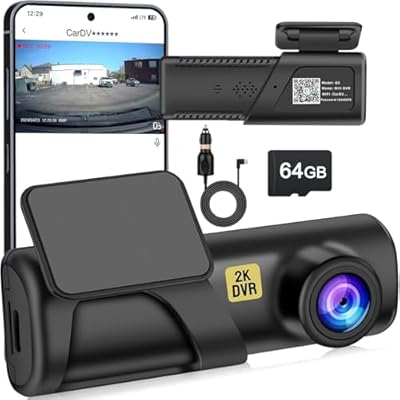
Slevnyen Q3 Front Dash Camera