Kasa Smart KC400 Indoor Security Camera

Overview
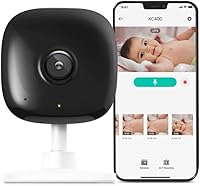
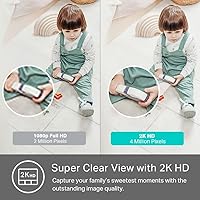
The Kasa Smart KC400 Indoor Security Camera is TP-Link's practical answer to growing demand for affordable, high-resolution home monitoring. Where most budget cameras top out at 1080p, this indoor dome cam steps up to 2K QHD — that extra resolution matters when you need to zoom in on a face or read a label across the room. The compact dome body is unobtrusive enough to sit on a shelf or mount flush on a wall without drawing attention. It runs on a corded power supply, so there are no batteries to swap out. Both Alexa and Google Home are supported, making it a natural fit for most existing smart home setups.
Features & Benefits
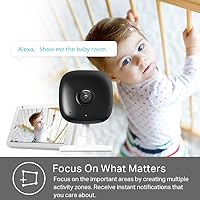
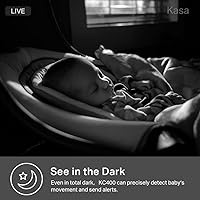
The 2K QHD resolution paired with a 130-degree wide-angle lens delivers a noticeably sharper image than older 1080p cams — useful when you need to identify a person or check on a sleeping baby across the room. The KC400 uses AI to distinguish between people, general motion, and sound, including a baby crying detection mode that parents tend to appreciate. You can carve out up to four specific activity zones, so you are not flooded with alerts every time a curtain shifts. Night vision reaches around 30 feet in complete darkness, though real-world results vary by environment. Two-way audio through the Kasa app lets you respond without pulling out a separate device.
Best For
This Kasa camera hits a sweet spot for several types of buyers. Parents who want a nursery camera that alerts them to crying — not just motion — will find the sound detection genuinely useful day to day. Pet owners get reliable motion alerts and a live view they can pull up from anywhere. If you are new to smart home tech, the Kasa app setup is approachable without requiring a manual. The KC400 also works neatly with other Kasa devices, letting you trigger lights automatically when motion is detected. For renters who want something compact and tidy, the corded design and dome form factor keep the install clean and low-profile.
User Feedback
With nearly 11,000 ratings and a 4.4-star average, this indoor dome cam has built consistent trust across a wide range of buyers. Most praise focuses on easy initial setup, solid daytime image quality, and an app that holds up without frequent crashes. The criticisms worth flagging are real, though. Several buyers have noted that the MicroSD card is not included in the box — a frustrating discovery given how central local storage is to the pitch. Access to the full cloud history also requires a paid Kasa Care subscription, which some users feel should be communicated more plainly before purchase. Night vision draws mixed reactions, with occasional feedback about color accuracy being inconsistent in partial-light situations.
Pros
- 2K QHD resolution delivers noticeably sharper footage than standard 1080p cameras at a comparable price.
- AI-powered person detection cuts down on pointless alerts from shadows and minor background movement.
- Baby crying sound detection doubles as a practical nursery monitor without needing a separate device.
- The Kasa app setup is fast and beginner-friendly, even for users with no prior smart camera experience.
- Local MicroSD storage up to 256GB means you can record continuously without paying for cloud access.
- Compatible with both Alexa and Google Home, covering the two most common smart home platforms.
- Customizable activity zones let you focus alerts on what actually matters in the room.
- Two-way audio works reliably for quick check-ins with pets, kids, or family members.
- The compact dome design sits unobtrusively on a shelf or mounts cleanly on a wall.
- No batteries required — plug it in and it runs continuously without any maintenance interruptions.
Cons
- MicroSD card is not included in the box, which surprises many buyers expecting ready-to-record storage.
- Full cloud storage history requires a paid Kasa Care subscription — the free tier is quite limited.
- Only supports 2.4GHz Wi-Fi, which can be a stability issue in crowded or larger home networks.
- Night vision performance varies significantly depending on room layout, obstructions, and ambient light.
- Apple HomeKit is not supported, making this a poor fit for iOS-centric smart home setups.
- Sound detection sensitivity cannot be fine-tuned easily, leading to occasional false alerts from background noise.
- The included USB cable is only 10 feet long, limiting placement options away from power outlets.
- Some users report intermittent app connectivity issues and occasional delays in push notifications.
- Long-term reliability data beyond two years of use is sparse, making durability harder to evaluate.
- Speaker volume during two-way audio is modest and can struggle to be heard in louder environments.
Ratings
The Kasa Smart KC400 Indoor Security Camera earns its strong reputation by delivering genuinely useful features at a price point that does not require a second thought. The scores below were generated by AI after analyzing thousands of verified global user reviews, with spam, bot activity, and incentivized feedback actively filtered out. Both the real strengths and the recurring frustrations are reflected honestly here.
Image Quality
Night Vision Performance
Motion & Person Detection
Sound Detection & Baby Monitoring
App Experience
Storage & Cloud Value
Setup & Installation
Build Quality & Design
Smart Home Integration
Wi-Fi Connectivity & Stability
Two-Way Audio
Value for Money
Long-Term Reliability
Suitable for:
The Kasa Smart KC400 Indoor Security Camera is a strong fit for parents who want a nursery monitor that goes beyond basic video — the baby crying sound detection alone makes it worth considering over a standard baby cam. Pet owners who want to check in during the day, get motion alerts when their dog is active, or simply keep an eye on things while at work will find the live view and two-way audio genuinely useful. Renters and first-time smart home users are well served here too, since the app-guided setup is approachable and the corded power design means no ongoing battery management. If your home already runs on Kasa Smart devices, the Smart Actions automation — triggering lights when motion is detected, for example — adds practical value without any extra effort. Anyone who wants a discreet, compact dome camera that does not look out of place on a bookshelf or mounted in a corner will appreciate how understated this Kasa camera is compared to bulkier security hardware.
Not suitable for:
The Kasa Smart KC400 Indoor Security Camera is not the right tool for buyers who need outdoor coverage, as it is strictly designed and rated for indoor use only. If you are deep into the Apple ecosystem and rely on HomeKit for your smart home, this camera will leave a gap — there is no HomeKit support, and that is not a workaround situation. Anyone expecting a complete out-of-the-box recording setup will be frustrated to discover that the MicroSD card is sold separately, adding an unplanned cost from day one. Users in larger homes or properties with weak 2.4GHz Wi-Fi coverage may struggle with connection stability, since the KC400 does not support 5GHz bands. If you want extended cloud history without paying an ongoing subscription, the free tier is limited enough that the KC400 may feel like a lesser value compared to competitors who offer more generous no-cost cloud storage. And if professional-grade night vision across a large space is a priority, this camera's real-world low-light range will likely disappoint — it works, but it is not built for wide-area or long-distance night monitoring.
Specifications
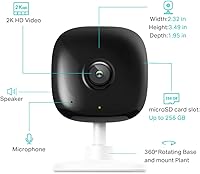
- Resolution: Captures video at 2K QHD (4 megapixels), delivering sharper detail than standard 1080p cameras, especially when zooming in on recorded footage.
- Field of View: The 130-degree wide-angle lens covers a broad area of a room in a single shot, reducing the need to reposition the camera frequently.
- Night Vision: Infrared night vision operates up to approximately 30 feet in complete darkness, with a Night Color mode that improves clarity when minimal ambient light is present.
- AI Detection: Detects people, general motion, and sounds including baby crying using onboard AI algorithms, with real-time push notifications to a paired smartphone.
- Activity Zones: Up to 4 customizable activity zones can be defined within the camera's field of view to focus alerts on specific areas of a room.
- Two-Way Audio: Built-in microphone and speaker support two-way audio communication via the Kasa app on both iOS and Android devices.
- Local Storage: Supports MicroSD cards up to 256 GB for continuous or clip-based local recording; no MicroSD card is included in the box.
- Cloud Storage: Optional Kasa Care subscription plan provides cloud-based video history of up to 30 days along with access to additional advanced features.
- Connectivity: Connects via 2.4 GHz Wi-Fi only; 5 GHz band is not supported, which should be considered when planning camera placement relative to the router.
- Smart Home: Compatible with Amazon Alexa and Google Assistant for voice control and live view integration, as well as Kasa Smart Actions for cross-device automation.
- Power Source: Powered via corded electric connection at 5 volts and 5 watts; a 10-foot USB cable and power adapter are included in the box.
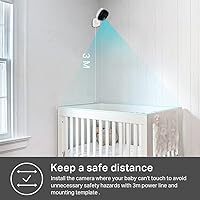
- Form Factor: Compact dome-style housing designed for wall mounting or flat surface placement, with included mounting screws and a mounting template.
- Dimensions: Measures 2.32 × 1.95 × 3.5 inches (L × W × H), making it one of the more discreet indoor camera options in its category.
- Weight: Weighs 9.1 ounces, light enough for straightforward wall mounting without requiring heavy-duty anchors in most standard drywall installations.
- App Compatibility: The Kasa app is compatible with iOS 10 and above, and Android 5.0 and above, covering the vast majority of current smartphones.
- Video Format: Records and stores footage in MPEG-4 format, which is widely compatible with common media players and storage management tools.
- Operating Temperature: Rated for indoor use within an operating temperature range of 0°C to 40°C, making it unsuitable for unheated garages or outdoor environments.
- Protection Rating: Carries an IP65 rating as listed in product specifications, though it is classified and recommended strictly for indoor use only.
- Manufacturer: Designed and sold by TP-Link under the Kasa Smart brand, a manufacturer with an established track record in consumer networking and smart home devices.
- In the Box: Package includes one Kasa Spot 2K camera, one 10-foot USB cable, one power adapter, two mounting screws, one mounting template, and a quick start guide.
Related Reviews
Kasa Smart EC71 Pan-Tilt Security Camera
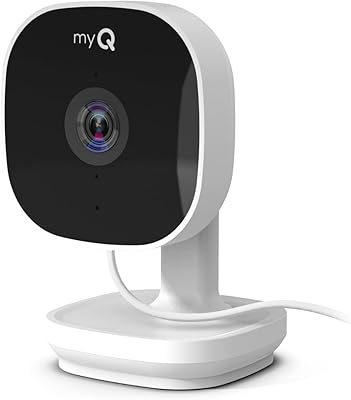
Chamberlain myQ Smart Indoor Security Camera
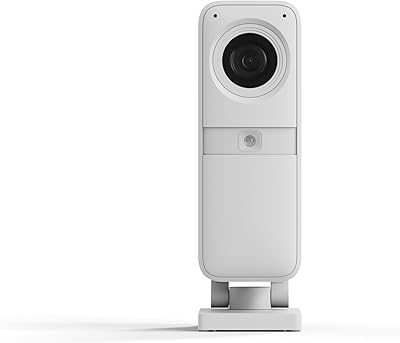
SimpliSafe Smart Alarm Indoor Security Camera
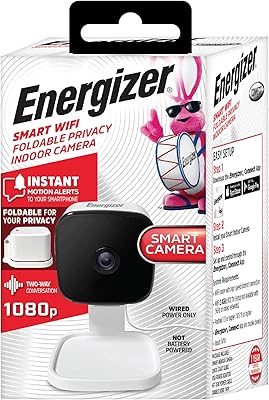
Energizer Smart Wi-Fi Indoor Security Camera
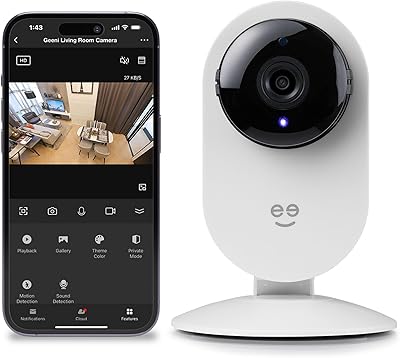
Geeni Glimpse Indoor Security Camera
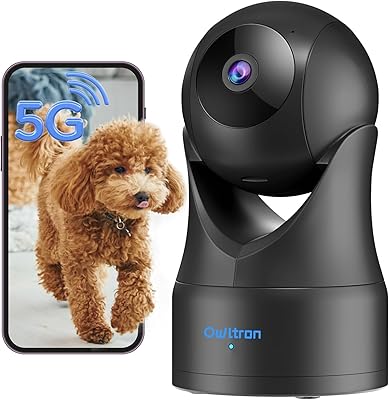
Owltron 5MP Indoor Security Camera
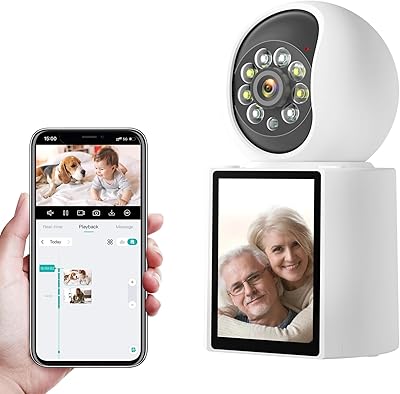
Gaiexce 2K Security Camera Indoor
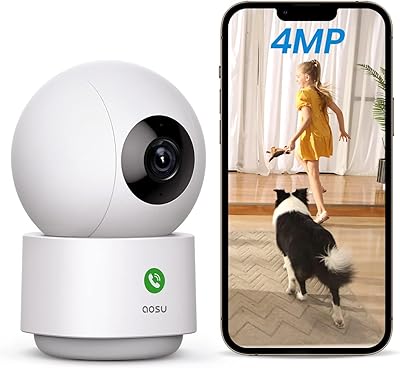
aosu 4MP 360° Indoor Security Camera
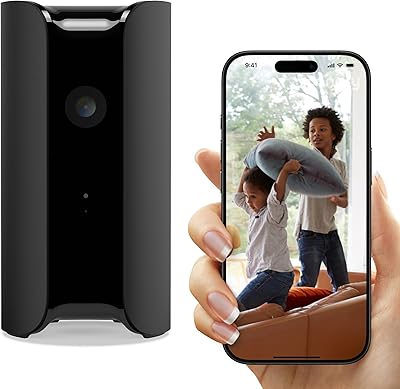
Canary Pro Indoor Home Security Camera