Hollyland Cosmo C1 Wireless Video Transmission System

Overview
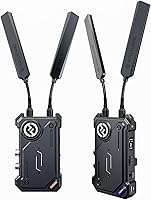
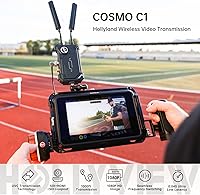
The Hollyland Cosmo C1 Wireless Video Transmission System sits squarely in the mid-to-premium tier of professional wireless video, built for crews who need a dependable signal path between camera and monitor on real productions. At its core is Hollyland's proprietary HEVO technology — an adaptive signal platform designed to hold a lock even when competing RF traffic is present. The unit accepts both HDMI and SDI input on the transmitter, which is rarer at this price point than you might expect. It performs strongly in controlled studio or outdoor settings, though in dense urban environments or packed trade show floors, expect the real-world range to fall noticeably short of the rated line-of-sight figure.
Features & Benefits
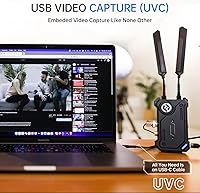
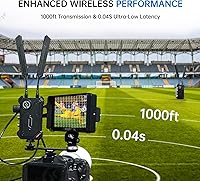
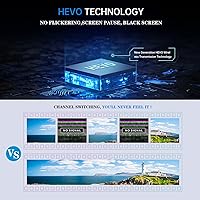
The Cosmo C1 runs on Hollyland's HEVO platform, which handles adaptive frequency hopping across 8 channels with switching fast enough to be invisible during a take. Latency sits at 40ms at 1080P60 — low enough that a director watching a remote monitor can still call a shot in real time. The 1000ft range is line-of-sight only; inside a venue it shrinks considerably, so plan accordingly. One genuinely useful feature is the UVC output on the receiver: plug a USB-C cable into a laptop and the signal appears as a camera source in any streaming software, no capture card required. Note that the SDI loopout on the transmitter only functions when SDI — not HDMI — is the active input source.
Best For
This wireless video link is a natural fit for documentary and EFP crews who need a reliable monitor feed running to a director or DIT cart some distance away. Live event shooters routing a clean program feed to a remote vision mixer will appreciate the dual SDI outputs on the receiver. Solo content creators will find the plug-and-play streaming via USB-C surprisingly capable — no capture card, no driver installation, just a cable. The horizontal mounting option is a thoughtful detail for gimbal operators who need to distribute weight evenly across the rig. With support for up to 4 pairs sharing the same space without mutual interference, it scales to multicamera shoots without frequency planning headaches.
User Feedback
Owners of the C1 kit tend to land somewhere between genuinely impressed and mildly frustrated, depending on their specific use case. The channel switching performance gets consistent praise — users report watching the unit recover from interference without any visible dropout, which is exactly what you want on a live shoot. The 20-minute battery warning is a small but appreciated detail for solo operators. On the downside, the SDI loopout confusion trips up buyers who only use HDMI and assumed the loopout would work the same way. Fan noise becomes noticeable in quiet interview settings, and the unit does run warm over long sessions. Sitting at 4.5 stars overall, it earns that rating honestly — strong core performance with a handful of real-world limitations worth knowing upfront.
Pros
- Adaptive frequency hopping across 8 channels keeps the signal locked even in crowded wireless environments.
- A 40ms latency at 1080P60 is low enough for real-time director monitoring without noticeable lag.
- Accepts both HDMI and SDI input on the transmitter — rare versatility at this price tier.
- UVC output lets you push a live feed to a laptop over a single USB-C cable, no capture card needed.
- Three power options — DC, NP-F batteries, and USB-C — adapt the kit to studio and run-and-gun scenarios.
- Up to 4 pairs can operate simultaneously in the same space without causing mutual interference.
- The on-screen battery warning triggers 20 minutes before depletion, giving solo operators time to swap without losing a shot.
- Horizontal front-panel mounting holes make it easier to balance the unit on gimbals and stabilizers.
- H.265 encoding keeps the transmitted image clean and artifact-free for monitoring purposes.
- Initial pairing is fast and requires no app, keeping setup time short before a shoot.
Cons
- Real-world indoor range drops well short of the 1000ft line-of-sight specification — plan for significantly less in typical venues.
- The SDI loopout on the transmitter goes inactive when using HDMI input, which is not prominently disclosed and surprises many buyers.
- The cooling fan becomes audible enough in quiet interview settings to be a placement concern near open microphones.
- The unit runs warm during long sessions, which limits where it can be physically positioned on talent or tight rigs.
- USB-C power input requires a reliable 2A source — underpowered laptop ports or cheap hubs can cause instability during streaming.
- There is no companion app for monitoring signal status or managing channel assignments across multiple pairs remotely.
- The included pan-tilt mounting accessory feels underbuilt for the weight of the unit during active gimbal use.
- Auto channel scanning initiates from the receiver side, which is counterintuitive for operators who naturally start setup from the transmitter.
- No 4K pass-through means high-resolution productions must accept a downscaled monitoring feed.
- Battery state is communicated as a single threshold warning, not a percentage — making it hard to gauge true remaining runtime before a shoot.
Ratings
The scores below reflect our AI-driven analysis of verified global buyer reviews for the Hollyland Cosmo C1 Wireless Video Transmission System, with spam, incentivized, and bot-generated feedback actively filtered out before scoring. Each category is weighted against what real video professionals and content creators actually reported during field use — not lab conditions. Strengths are credited where earned, and recurring pain points are scored honestly, so you get a clear picture before committing to a purchase.
Signal Stability
Latency Performance
Real-World Range
UVC Streaming Usability
SDI Loopout Functionality
Build Quality & Durability
Mounting & Rigging Flexibility
Power Supply Options
Setup & Ease of Use
Multicamera Coexistence
Video Quality
Battery Life Awareness
Thermal Management
Value for Money
Suitable for:
The Hollyland Cosmo C1 Wireless Video Transmission System is built for working video professionals who need a dependable, low-latency wireless link between camera and monitor on real productions — not just bench tests. Documentary crews and EFP teams will get the most out of it, particularly those mixing SDI and HDMI cameras across different shoots and needing one kit that handles both without adapters. Live event videographers who route a clean feed to a remote director or vision mixer will appreciate the dual SDI outputs on the receiver and the rock-solid channel management that keeps the signal locked during busy multicamera setups. Content creators who want to push a live signal directly to a laptop for streaming will find the USB-C UVC output refreshingly simple — no extra hardware, no driver headaches, just a cable. Gimbal and stabilizer operators also benefit from the horizontal mounting option, which helps balance a heavier rig without resorting to awkward counterweight solutions.
Not suitable for:
The Hollyland Cosmo C1 Wireless Video Transmission System is not the right tool for every buyer, and a few specific scenarios should genuinely give you pause before purchasing. If your entire workflow is HDMI-based and you were counting on using the transmitter-side loopout to feed a local monitor simultaneously, you will be caught off guard: that loopout only activates when an SDI source is connected, not HDMI. Shooters working exclusively in 4K will also find the 1080P ceiling limiting — the C1 kit delivers a compressed proxy feed, not a native 4K pass-through, which is a real trade-off for high-resolution productions. Buyers expecting the full 1000ft range to hold up inside a conference center, convention hall, or any building with competing Wi-Fi networks should recalibrate expectations considerably; real-world indoor range is a fraction of the line-of-sight specification. Finally, if your shoots frequently involve quiet interview environments where any ambient noise is a concern, the audible cooling fan on extended sessions is a practical problem, not just a minor inconvenience.
Specifications
- Transmission Range: The system operates at up to 1000ft under clear line-of-sight conditions on the 5GHz frequency band.
- Latency: Minimum end-to-end latency is 40ms at 1080P60, making real-time monitoring practical on professional sets.
- Max Resolution: The system supports video transmission at up to Full HD 1080P60, with no 4K pass-through capability.
- TX Inputs: The transmitter accepts both HDMI and SDI video input from a single camera source.
- RX Outputs: The receiver provides one HDMI output, two SDI outputs, and one UVC output via USB-C for direct laptop streaming.
- SDI Loopout: The transmitter includes an SDI loopout port that is active only when an SDI source — not HDMI — is connected as input.
- Frequency Channels: The system operates across 8 selectable channels in the 5GHz band, supporting auto and manual channel scan modes.
- Video Encoding: H.265 compression is used for efficient bandwidth utilization and clean image quality during wireless transmission.
- Simultaneous Pairs: Up to 4 independent transmitter-receiver pairs can operate in the same physical location without mutual interference.
- Power Options: The unit accepts DC power input at 6–16V, NP-F series batteries (NPF970, NPF750, NPF550), and USB-C at 5V 2A.
- Bitrate Range: The system transmits at an adjustable bitrate between 12Mbps and 20Mbps depending on signal conditions and channel load.
- Mounting Options: The unit features a 1/4-inch-20 threaded hole, front horizontal panel mounting holes, and a standard cold shoe mount.
- Included Accessories: The kit ships with one Peasecod Pan-tilt with cold shoe attachment and one additional cold shoe mount.
- Dimensions: Each unit measures 11.42 x 5.39 x 10.43 inches, making it a moderately sized unit suited for tripod and rig mounting.
- Weight: The unit weighs 4.25 pounds, which should be factored into rigging and gimbal load calculations before deployment.
- Cooling System: An active internal cooling fan manages thermal output during extended use, though it produces audible noise in quiet environments.
- Battery Warning: A visual on-screen indicator and red LED alert the operator approximately 20 minutes before battery depletion.
- Signal Technology: The proprietary HEVO platform uses Adaptive Frequency Hopping with sub-millisecond channel switching to maintain signal integrity.
- UVC Compatibility: The UVC output is plug-and-play compatible with standard streaming and video conferencing software on Windows and macOS without additional drivers.
- Supported Devices: The C1 kit is compatible with mainstream cameras, broadcast monitors, video switchers, and personal computers via its various input and output connectors.
Related Reviews
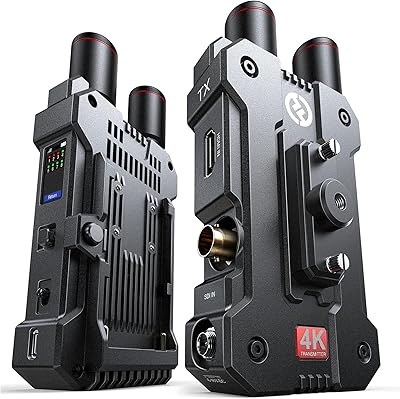
Hollyland Mars 4K Wireless Video Transmission System
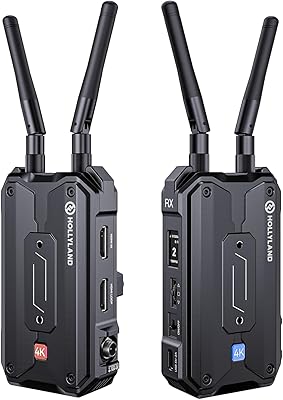
Hollyland Pyro H Wireless HDMI Video Transmitter
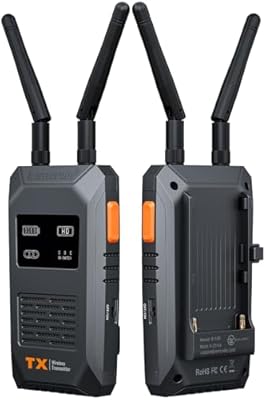
Lemorele R1100 Wireless HDMI Transmission System
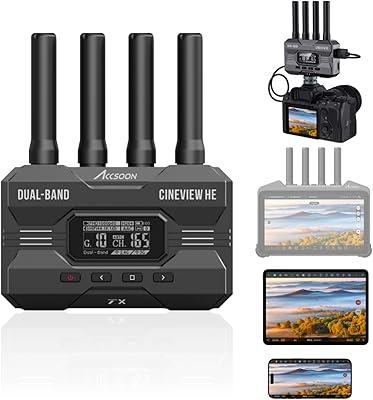
Accsoon CineView HE Wireless Video Transmitter
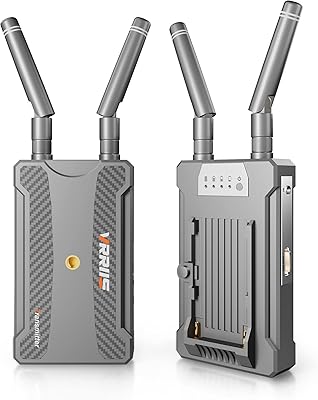
Vrriis 900S Wireless HDMI Transmitter Receiver
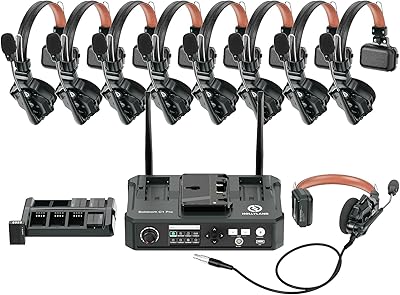
Hollyland Solidcom C1 PRO 9-User Wireless Headset System
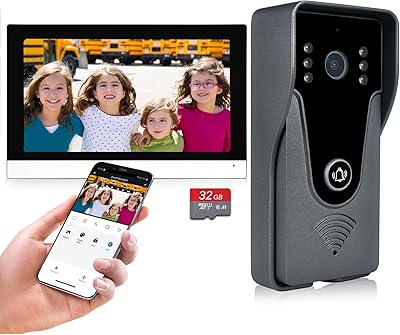
AMOCAM 356-505-WL WiFi Video Doorbell Intercom System
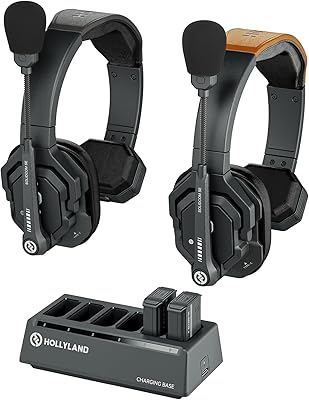
Hollyland Solidcom SE Wireless Intercom Headset System
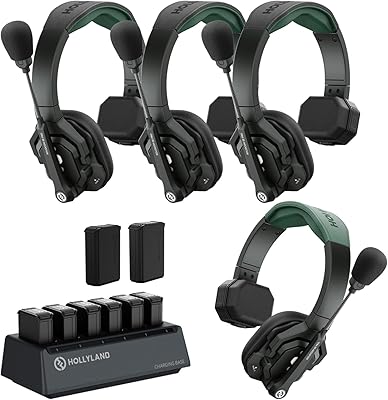
Hollyland Solidcom SE PRO 1.9GHz Wireless Intercom Headset System