BenQ ScreenBar LED Monitor Light

Overview
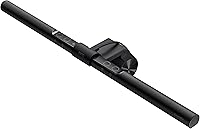
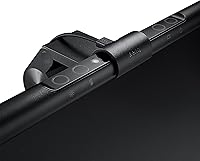
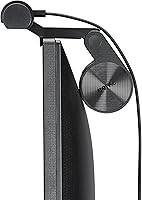
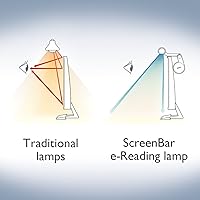
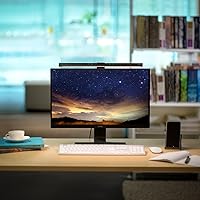
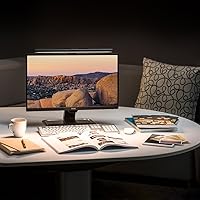
The BenQ ScreenBar LED Monitor Light takes a fundamentally different approach to desk lighting — instead of adding another lamp to your workspace, it mounts directly onto your monitor and disappears into the setup. Built from aluminum with a matte black finish, it feels solid and deliberate, not like an afterthought accessory. The engineering centerpiece is its asymmetrical optics design, which angles light downward onto your desk rather than forward into your eyes or onto your screen. That single decision changes how comfortable your workspace feels during long sessions. Just be clear on what this is: a focused task light, not a room illuminator.
Features & Benefits
The core of what makes the ScreenBar work so well day-to-day comes down to a few genuinely smart decisions. Its ASYM-Light technology keeps your screen completely reflection-free by directing the beam exclusively downward — no hotspots, no washed-out patches on your display. The built-in ambient sensor handles brightness automatically, so when afternoon sun floods your room or fades behind clouds, the lamp adjusts without any input from you. Color temperature runs from a warm 2700K to a crisp 6500K daylight setting via touch controls, and a CRI above 95 means colors look accurate and true — useful if you work with print or physical materials. It all runs off a standard USB-A port, no power adapter needed.
Best For
This desk lighting bar is an easy recommendation for remote and hybrid workers who want effective task lighting without sacrificing desk space. If you are a designer or photographer who cares about color accuracy, the high CRI rating makes a genuine, practical difference when checking physical prints against on-screen work. Gamers dealing with reflections on dark screens will appreciate how the downward beam keeps visibility clean without washing out the display. It also holds up well in open offices or shared rooms where overhead lighting is unpredictable. One real caveat: if you need something to light up a whole room rather than just your immediate workspace, this simply is not the right tool.
User Feedback
Most buyers speak very highly of this monitor light, particularly around glare elimination — people who switched from side lamps or overhead lighting often describe it as an immediate, noticeable improvement. Clamp stability also gets consistent praise; even on thinner ultrawide panels, it locks in without wobbling or slipping over time. The auto-dimming draws mixed opinions: plenty of users appreciate not having to think about it, but a handful mention it over-corrects in rooms with dynamic lighting like open windows or TV flicker. The one complaint that surfaces repeatedly is the lack of wireless control — touch-only operation feels limiting to those used to more connected accessories. That said, long-term durability holds up well, with many owners reporting years of trouble-free use.
Pros
- Eliminates screen glare almost entirely — the difference versus a standard side lamp is immediately obvious.
- The asymmetrical beam design means your display stays reflection-free even with the light at full brightness.
- Auto-dimming works reliably in stable lighting environments, removing one more daily manual adjustment from your routine.
- Color temperature spans from warm amber to crisp daylight, covering every work style and time of day.
- The ScreenBar runs off a standard USB-A port — no wall adapter, no extra cable clutter.
- Aluminum construction feels genuinely premium and holds up well after years of daily handling.
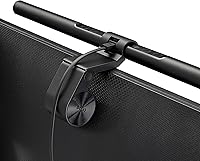
- Clamp installs in under two minutes with no tools, adhesives, or risk of scratching your monitor.
- A CRI above 95 makes this monitor light a practical choice for anyone doing color-sensitive creative work.
- Long-term durability is well documented — many owners report zero performance drop after two or more years of use.
- Zero desk footprint keeps compact and minimalist setups completely clean.
Cons
- No wireless control, companion app, or smart home integration — touch bar only, full stop.
- The auto-dimming sensor can over-correct in rooms with variable natural light or nearby TV screens.
- No brightness or color temperature memory — your preferred setting resets every time it loses power.
- Monitors with unusual back panel designs may cause clamp fitment issues that require manual workarounds.
- The one-year warranty feels short given the premium price and the claimed multi-decade LED lifespan.
- Coverage does not extend far enough for large dual-monitor or wide L-shaped desk configurations.
- Low-output USB ports on older monitors or budget hubs can cause flickering at higher brightness levels.
- The touch strip can register accidental inputs if brushed while reaching across the desk.
- Dust accumulates inside the diffuser over time and is difficult to clean without partially disassembling the unit.
- Competitors at a similar price now include features — memory settings, app control — that this model still lacks.
Ratings
Our AI has analyzed thousands of verified global user reviews for the BenQ ScreenBar LED Monitor Light, actively filtering out incentivized, duplicate, and bot-generated feedback to surface what real long-term owners actually think. The scores below reflect a honest synthesis of both what this desk lighting bar does exceptionally well and where it falls short — no spin, no cherry-picking. Strengths are recognized, friction points are called out, and every score is grounded in patterns found across genuine buyer experiences worldwide.
Glare & Reflection Control
Eye Strain Reduction
Build Quality & Materials
Clamp Design & Monitor Compatibility
Auto-Dimming Performance
Color Temperature Range
Color Rendering Accuracy (CRI)
Lighting Coverage & Brightness
Control Interface (Touch Bar)
USB Power Convenience
Setup & Installation
Long-Term Durability
Desk Space Efficiency
Value for Money
Suitable for:
The BenQ ScreenBar LED Monitor Light is a strong match for anyone who spends four or more hours a day in front of a screen and has started to feel the cumulative toll of poor desk lighting — whether that shows up as eye fatigue, headaches, or constant squinting at a reflection-covered display. Remote and hybrid workers will get the most obvious return on it: the monitor-mounted design reclaims desk real estate that a traditional lamp base would consume, and the auto-dimming sensor quietly handles the transition from a bright midday environment to a dim late-afternoon one without any intervention. Designers and creative professionals who regularly cross-check physical color proofs against on-screen work will also find the high CRI output meaningfully useful — colors under this light look accurate rather than slightly shifted or washed out. Gamers dealing with glare on dark in-game scenes, and anyone working under inconsistent overhead office lighting, will similarly find that this desk lighting bar solves a specific, real problem they had probably accepted as unavoidable.
Not suitable for:
The BenQ ScreenBar LED Monitor Light is not the right purchase if your primary lighting need is general room illumination — this is a focused task light, and its narrow downward beam is a feature, not a flaw, but it means the rest of your room stays unaffected. Buyers who have invested in smart home ecosystems or desk automation setups will likely find the touch-only controls a frustrating step backward; there is no app, no voice integration, and no way to schedule or automate the lamp remotely, which feels increasingly dated at this price point. It is also not an ideal fit for monitors with unconventional back panel designs — raised manufacturer logos, heavily vented housings, or deeply recessed bezels — as the clamp can sit at an awkward angle on these and require improvised fixes. Finally, if your workspace is a large L-shaped desk or a wide dual-monitor spread, a single bar will not cover the full area, and you may find yourself needing supplementary lighting anyway.
Specifications
- Dimensions: The light bar measures 4″ deep, 18″ wide, and 4″ tall, fitting neatly on top of most standard and ultrawide monitors without overhanging the edges.
- Weight: The complete unit weighs 1.17 pounds, light enough that it does not stress the monitor bezel while the counterweight clamp maintains stability.
- Materials: The housing is constructed from aluminum with a polycarbonate light diffuser, giving the unit a solid, premium feel with good heat dissipation during extended use.
- Power Input: Powered via USB-A at 5V and 1A, requiring no dedicated wall adapter — a standard monitor USB port, powered hub, or PC port is sufficient.
- Wattage: Total power draw is just 5 watts, making it highly energy-efficient for a task light used across full workdays.
- Light Source: Uses flicker-free LED technology with low blue light emission, designed to reduce visual fatigue during prolonged screen-facing sessions.
- Max Illuminance: Delivers over 900 lux at a mounting height of 17.6″, providing ample brightness even in very dim ambient environments.
- Coverage Area: At 500 lux output, the illuminated zone spans approximately 23.4″ by 11.7″, comfortably covering a keyboard, notebook, and immediate desk surface.
- Color Temperature: Adjustable from 2700K warm white to 6500K daylight via touch controls, covering the full range from relaxed evening reading to high-focus daytime work.
- CRI Rating: Color Rendering Index exceeds 95, ensuring that colors of physical materials and printed documents appear true and accurate under the light.
- Auto-Dimming: A built-in ambient light sensor continuously monitors room brightness and automatically adjusts the lamp output to maintain comfortable, consistent illumination.
- Control Method: All adjustments — brightness, color temperature, and auto-dimming toggle — are handled through an integrated touch strip on the lamp body.
- Clamp Compatibility: The patented counterweight clamp fits monitor bezels between 0.4″ and 1.2″ thick, and is compatible with curved displays at a radius of 1500R or greater.
- Optics Design: Proprietary ASYM-Light asymmetrical optics direct the beam exclusively downward onto the desk surface, preventing light from projecting onto the screen and causing reflections.
- Finish: Matte black finish across the aluminum body resists fingerprints and surface glare from the housing itself, keeping the aesthetic clean and unobtrusive.
- Installation: Requires no tools, screws, or adhesives — the counterweight clamp slides onto the monitor bezel and holds by gravity-balanced tension alone.
- Indoor Use: Designed strictly for indoor use and is not water resistant, making it unsuitable for outdoor workspaces or environments with moisture exposure.
- Included Items: Package contains the ScreenBar light unit, the counterweight clamp, and a USB power cable — no batteries or additional hardware are required.
- Warranty: BenQ covers this product with a one-year manufacturer warranty against defects in materials and workmanship from the date of purchase.
- LED Lifespan: The LED array is rated to last approximately 17 years based on an average of 8 hours of daily use, eliminating any need for bulb replacement.
Related Reviews
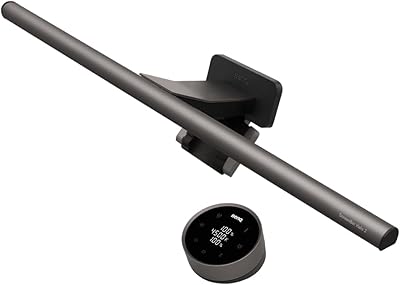
BenQ ScreenBar Halo 2 Monitor Light Bar
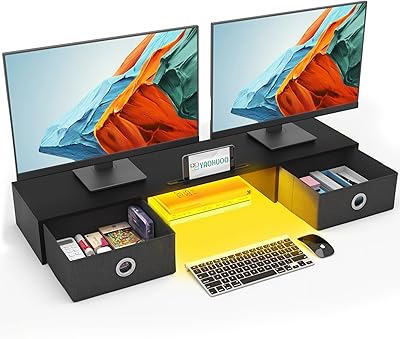
YAOHUOO 36.2-Inch Dual Monitor Stand with Drawers
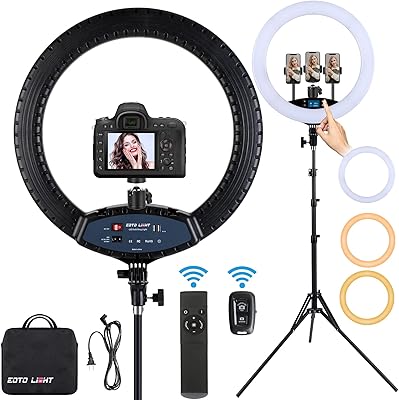
EOTO LIGHT 19-inch LED Ring Light
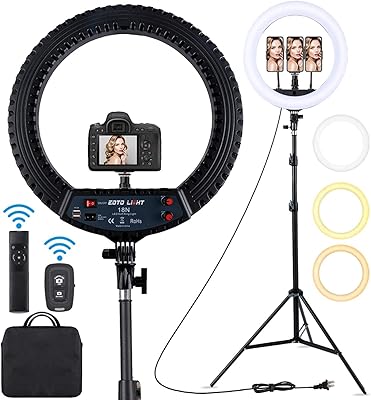
EOTO LIGHT HQ-18N 18-inch LED Ring Light
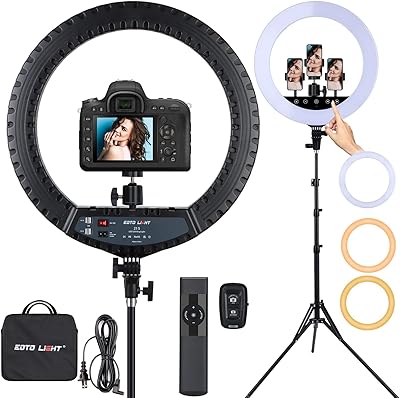
EOTO LIGHT 21-Inch LED Ring Light
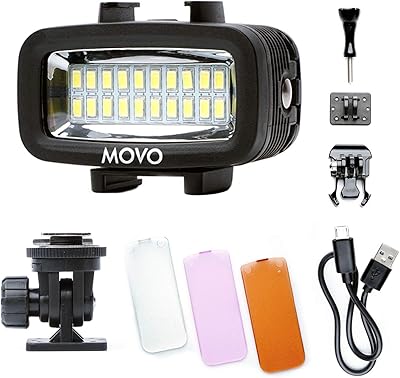
Movo LED-WP Underwater LED Video Light
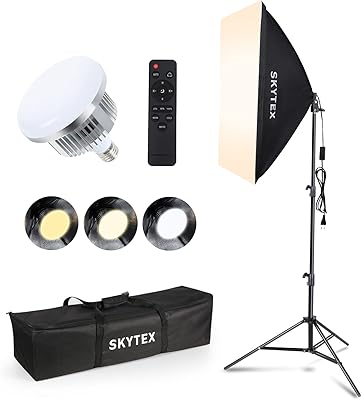
Skytex 20x28in 85W Softbox Lighting Kit (1Pack)
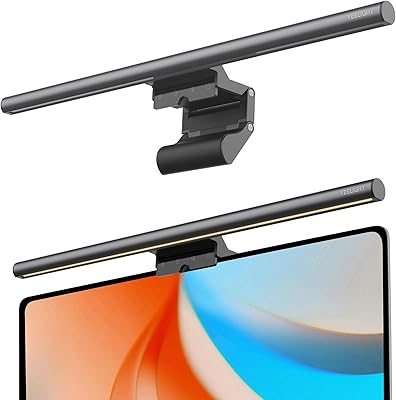
YEELIGHT Monitor Light Bar
BenQ GW2790T 27-inch Monitor