Apple iPad Air 4th Gen 256GB Tablet

Overview
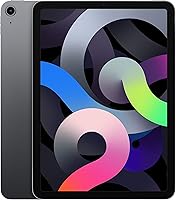
The Apple iPad Air 4th Gen 256GB Tablet occupies a genuinely useful position in Apple's lineup — capable enough for serious work, light enough to carry without thinking about it, and priced below the Pro tier without feeling like a compromise. The 10.9-inch Liquid Retina display was a significant step up from older Air designs, offering a noticeably larger and sharper canvas. Under the hood, the A14 Bionic chip — the same processor that launched inside the iPhone 12 — gives it real processing muscle. This particular listing is a renewed unit, inspected and graded before resale, so buyers should factor in that packaging and cosmetic condition may differ from a brand-new retail purchase.
Features & Benefits
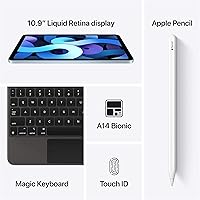
The A14 Bionic handles demanding apps, photo editing, and heavy multitasking without hesitation, and its headroom means iPadOS updates should remain smooth for years. The display's True Tone and P3 wide color make extended reading or creative work noticeably more comfortable than budget alternatives. With 256GB on board, storing a full library of apps, offline media, and large project files is rarely a concern. Touch ID in the power button is a small but clever move — fast, reliable, and unintrusive. USB-C opens up broader accessory compatibility, and Apple Pencil 2nd Gen support alongside Magic Keyboard compatibility means this tablet can genuinely double as a portable workstation when needed.
Best For
The 4th-gen Air makes strong sense for students — light enough to carry all day, capable enough for research, writing, and presentations, and the Pencil support makes it a real digital notebook. Illustrators and visual creatives who want pressure-sensitive input without paying Pro-tier prices will find plenty of value here. Remote workers who need a portable screen for video calls or document review will appreciate its build and screen quality. It's also a solid pick for casual streaming and browsing. Anyone upgrading from an older iPad — particularly the 9th-generation base model or an early Air — will notice a genuine jump in both performance and display quality right away.
User Feedback
The display and day-to-day responsiveness are the two things buyers mention most, consistently and positively. Build quality earns praise too — the aluminum chassis feels well-constructed and durable. Where opinions get more mixed is around total accessory costs: pairing this tablet with an Apple Pencil and a keyboard cover adds meaningfully to the overall spend, which catches some buyers off guard. The absent headphone jack is a minor but real friction point for users who prefer wired audio without carrying a dongle. On the renewed condition front, most buyers report solid functional quality, though unboxing expectations should be managed. Battery life gets broadly positive marks for light use, but heavier users occasionally wish it stretched further.
Pros
- The A14 Bionic chip handles demanding apps and multitasking without slowdown, even years after its launch.
- 256GB of storage means most users will never need to manage files or delete apps to make room.
- The Liquid Retina display makes reading, drawing, and streaming noticeably more enjoyable than budget tablet alternatives.
- Apple Pencil 2nd Gen support is a genuine creative tool, not an afterthought, with low-latency and magnetic charging built in.
- USB-C connectivity allows standard cables and accessories most users already own.
- At one pound, this iPad Air is easy to carry all day without adding noticeable burden to a bag.
- Touch ID in the power button is fast, reliable, and works well across varied real-world conditions.
- Renewed pricing offers meaningful savings on a device that still performs at a high functional level.
- Multi-year iPadOS support means the device will stay current with software updates for several more years.
- The 4th-gen Air is a significant upgrade for anyone still using an older base iPad or early Air model.
Cons
- Apple Pencil and keyboard accessories are sold separately, adding significant cost to the total ownership price.
- Renewed units can arrive with cosmetic wear or non-original packaging, which matters for gift purchases.
- The 60Hz display refresh rate is a real step down from ProMotion screens users may have experienced elsewhere.
- No headphone jack means wired audio requires carrying and managing a separate USB-C adapter.
- 6GB RAM can cause apps to reload during heavy multitasking sessions with multiple large apps open.
- Battery life under heavy creative or productivity workloads falls short of what lighter users typically experience.
- Some renewed units show reduced battery capacity compared to original factory specifications.
- iPadOS still restricts certain workflows that professionals accustomed to desktop operating systems expect to handle freely.
- No expandable storage means buyers are locked into 256GB for the device lifetime with no upgrade path.
- The front camera lacks Center Stage, which newer iPads use to automatically frame video calls dynamically.
Ratings
The Apple iPad Air 4th Gen 256GB Tablet scores below are generated by our AI engine after analyzing thousands of verified global buyer reviews, with spam, bot-submitted, and incentivized feedback actively filtered out. This renewed unit attracts a wide range of users — from students to working creatives — and the ratings reflect that diversity of experience honestly, including the friction points buyers don't always expect. Both the standout strengths and the genuine trade-offs are represented here without sugarcoating.
Display Quality
Performance & Speed
Build Quality & Design
Storage & Value
Battery Life
Apple Pencil Compatibility
Keyboard & Productivity Accessory Support
Camera Quality
Front Camera & Video Calling
Touch ID Reliability
Software & iPadOS Experience
Renewed Condition Transparency
Portability & Form Factor
Connectivity & Ports
Value for Money
Suitable for:
The Apple iPad Air 4th Gen 256GB Tablet is a strong match for students who carry their device between classes and need something capable enough for research, note-taking, and light creative work without the weight or cost of a Pro. If you sketch, annotate PDFs, or work in illustration apps, the Apple Pencil 2nd Gen compatibility makes this a genuinely practical creative tool at a tier most students and hobbyists can realistically afford. Remote workers who need a reliable second screen for video calls, document review, or presentation delivery will find the display quality and processing power more than sufficient for daily professional use. Casual users who primarily stream content, browse, and read will appreciate how good the Liquid Retina screen looks in everyday conditions. Perhaps the most compelling case is for anyone upgrading from a 7th, 8th, or 9th-generation base iPad — the jump in display size, chip performance, and build quality is substantial and immediately felt.
Not suitable for:
Buyers expecting a laptop replacement for demanding professional workflows should approach the Apple iPad Air 4th Gen 256GB Tablet with realistic expectations — iPadOS still imposes constraints on file management and multitasking that a full desktop OS does not. Users coming from newer iPad Pro models will notice the 60Hz display refresh rate and the absence of ProMotion, which makes scrolling and Pencil input feel comparatively less fluid. Anyone who relies on wired headphones and does not want to deal with adapters will find the missing headphone jack a persistent inconvenience rather than a minor quirk. Buyers purchasing as a gift expecting a pristine unboxing experience should be aware this is a renewed unit — cosmetic condition and packaging vary and are not guaranteed to match retail standards. Finally, if your total budget is the listed tablet price alone, factor in that unlocking the full productivity potential of this device — Pencil, keyboard case, possibly a USB-C hub — can add considerable cost beyond what the base price suggests.
Specifications
- Display Size: The device features a 10.9-inch Liquid Retina display with True Tone technology and P3 wide color support for accurate, comfortable viewing across lighting conditions.
- Resolution: The screen renders at 2360x1640 pixels, delivering sharp, detailed visuals suitable for reading, creative work, and media consumption.
- Processor: Powered by Apple's A14 Bionic chip with a Neural Engine, the same processor generation that launched in the iPhone 12 lineup.
- RAM: The device includes 6GB of RAM, enabling smooth multitasking and responsive performance across most productivity and creative applications.
- Storage: 256GB of internal flash storage is built in, with no expandable memory slot available.
- Operating System: Ships with iPadOS, Apple's tablet-optimized operating system, with eligibility for current and several future major software updates.
- Front Camera: A 7MP FaceTime HD front-facing camera handles video calls and selfies with 1080p video recording capability.
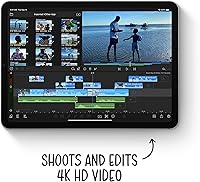
- Rear Camera: A 12MP rear camera supports standard photography and document scanning, with 4K video recording at up to 60fps.
- Biometrics: Touch ID is integrated into the top power button, enabling fingerprint-based device unlock, Apple Pay, and app authentication.
- Connectivity: Supports Wi-Fi (802.11ax Wi-Fi 6), Bluetooth 5.0, and USB-C for data transfer, charging, and peripheral connections.
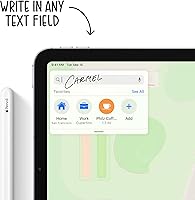
- Stylus Support: Fully compatible with the Apple Pencil 2nd Generation, which attaches and charges magnetically on the device's flat side rail.
- Keyboard Support: Works with the Magic Keyboard for iPad Air and the Smart Keyboard Folio via the Smart Connector port.
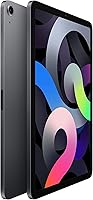
- Dimensions: The device measures 10.2 x 7.44 x 1.97 inches (259.6 x 188.9 x 6.1mm) in its standard form factor.
- Weight: Weighs 16 ounces (approximately 458 grams), making it one of the lighter full-size tablet options in its category.
- Battery: Houses a built-in rechargeable lithium-ion battery rated for up to 10 hours of web browsing or video playback under typical conditions.
- Charging Port: Charges via USB-C, replacing the older Lightning connector and enabling compatibility with standard USB-C cables and hubs.
- Audio: Stereo speakers are positioned in landscape orientation, providing balanced audio output for media playback and video calls.
- Color: This listing is available in Space Gray, featuring Apple's aluminum unibody enclosure with a matte anodized finish.
- Condition: Sold as Amazon Renewed, meaning the unit has been inspected and tested for full functionality, though cosmetic condition and packaging may vary from new retail.
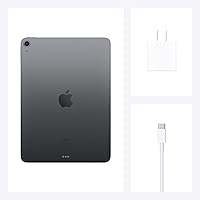
- In the Box: The package includes the iPad Air unit and a USB-C charging cable; a power adapter and accessories such as the Apple Pencil are not included.
Related Reviews
Apple iPad 5th Gen 9.7-inch 128GB Tablet
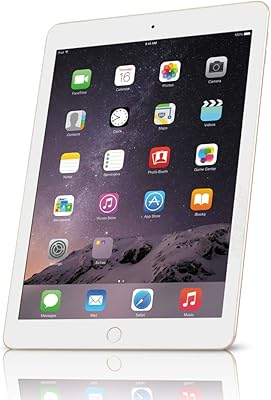
Apple iPad Air 2 128GB Cellular Tablet
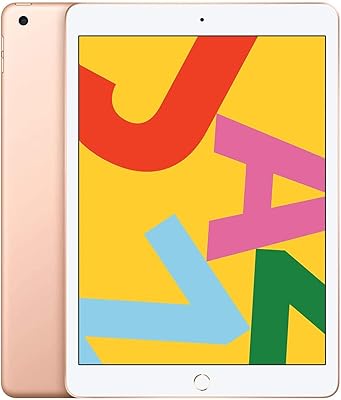
Apple iPad 7th Gen 32GB Tablet
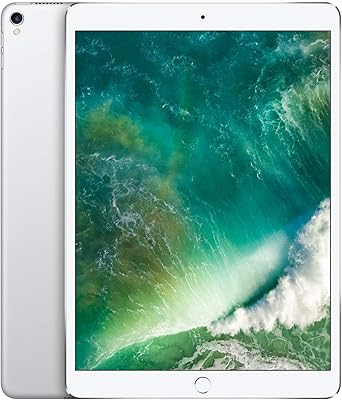
Apple iPad Pro 9.7-Inch 256GB Tablet
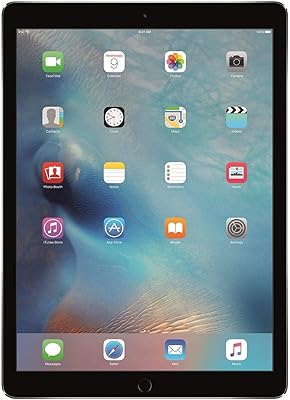
Apple iPad Pro 12.9 256GB WiFi + Cellular (A1671)
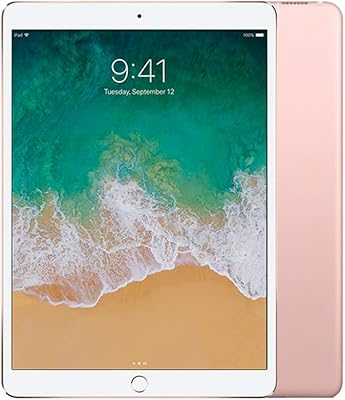
Apple iPad Pro 10.5-Inch 256GB Tablet
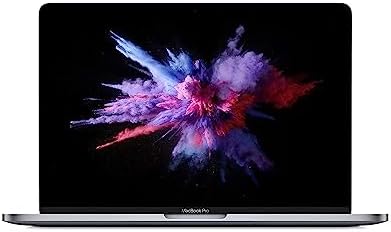
Apple MacBook Pro 13-inch (2019) 256GB
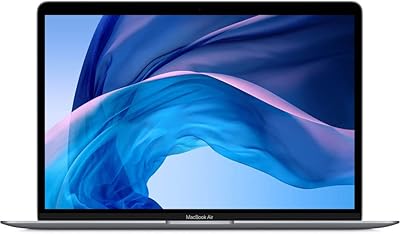
Apple MacBook Air 13-inch Core i5 Laptop
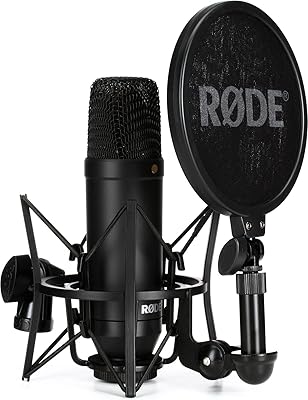
Rode NT1 4th Gen Condenser Microphone