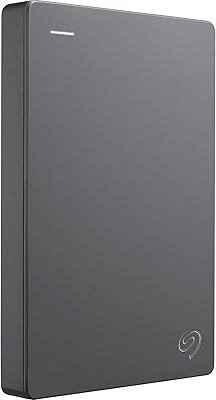
HWAYO HWSTARS1TB 1TB Portable External Hard Drive


Overview
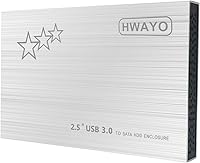
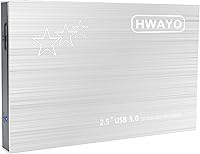
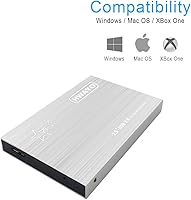
The HWAYO HWSTARS1TB 1TB Portable External Hard Drive is a no-frills storage solution aimed at buyers who need a full terabyte of space without spending a lot. HWAYO is not a household name, but this portable HDD has quietly earned a respectable foothold in a competitive category. Its most striking physical trait is its 0.47-inch thickness — genuinely slim for a mechanical drive. Plug it into any USB port and your system recognizes it immediately; no drivers, no power brick required. Just keep in mind this is a spinning mechanical drive, not an SSD, so speed and shock resistance fall into a very different league entirely.
Features & Benefits
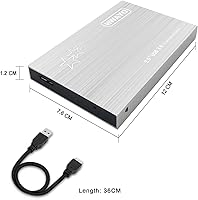
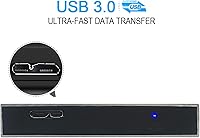
The 1TB HWAYO runs off bus power via USB, meaning you never need to hunt for an outlet or pack a separate adapter — a genuine convenience for travel or hot-desking. The USB 3.0 interface is rated up to 6 Gbps in theory, but real-world transfers on a spinning platter drive land considerably lower than that; expect speeds typical of mechanical HDDs, not flash storage. It supports USB 2.0 ports for older machines, which is handy. At 8.3 oz and measuring just 4.72 x 3 x 0.47 inches, this portable HDD slips easily into a jacket pocket. The no-installation setup means Windows, macOS, Chromebook, and Linux all detect it right away.
Best For
This HWAYO drive makes the most sense for a specific kind of buyer. Students who need affordable backup storage for coursework, photos, or project files will find the value hard to argue with. Remote workers who move between machines appreciate that it works across platforms without reformatting. Xbox One owners get a practical way to expand game storage without investing in a new console — the compatibility is built in and works out of the box. Light travelers benefit from the slim, lightweight build. If your use case involves occasional backups or media storage rather than intensive daily read and write cycles, this portable HDD fits the bill cleanly.
User Feedback
With a 4.2-star average across 574 ratings, the 1TB HWAYO lands in solidly positive territory, though not without caveats. Most buyers highlight ease of setup and the slim profile — plug it in and it just works, which matters more than people expect. Critics point to two recurring issues: some units show inconsistent transfer speeds after extended use, and a handful report early failures or connection drops. The casing feels light, and for some buyers that reads as cheap construction. These complaints are fairly typical for budget mechanical drives and worth weighing honestly. For light, occasional use most buyers seem satisfied; for heavy daily workloads, the long-term reliability picture is less reassuring.
Pros
- Full 1TB of storage capacity handles photos, videos, game libraries, and large file archives with ease.
- The ultra-slim 0.47-inch profile makes this portable HDD one of the thinner mechanical drives available at this price point.
- Plug-and-play setup works instantly on Windows, macOS, Chromebook, Linux, and Xbox One — no drivers needed.
- Bus-powered via USB means no wall adapter to carry, which is genuinely convenient for travel.
- Backward compatibility with USB 2.0 ports keeps it useful even on older machines.
- Compatible with Xbox One consoles out of the box, giving gamers a cheap way to expand storage.
- At under 8.5 oz, it is light enough to forget it is even in your bag.
- A 4.2-star average from hundreds of buyers suggests most people get reliable value for everyday use.
- No software installation required means setup takes seconds, not minutes.
- Cross-platform compatibility removes the headache of reformatting when switching between operating systems.
Cons
- Real-world transfer speeds fall well short of the theoretical USB 3.0 ceiling — typical of any spinning mechanical drive.
- Some buyers report connection drops or inconsistent performance after several months of regular use.
- The lightweight casing can feel flimsy, raising doubts about how well it holds up over time.
- Mechanical platters are significantly more vulnerable to damage from drops or physical impact than SSD alternatives.
- HWAYO is a lesser-known manufacturer with limited brand support infrastructure compared to established names.
- A subset of user reviews mention early drive failures, which is a concern for anyone storing important data.
- Not suited for intensive daily workloads like video editing or running applications directly from the drive.
- The drive offers no hardware encryption or bundled backup software for users who need added security.
- Long-term durability track record is harder to assess given the brand's limited public reputation.
- Buyers relying on this as their sole backup solution take on meaningful risk given reported reliability concerns.
Ratings
The scores below for the HWAYO HWSTARS1TB 1TB Portable External Hard Drive were generated by AI after analyzing verified buyer reviews worldwide, with spam, incentivized, and bot-flagged feedback actively filtered out. Ratings reflect where this portable HDD genuinely delivers and where it falls short, so both the strengths and the real frustrations are honestly represented.
Value for Money
Ease of Setup
Portability
Transfer Speed
Build Quality
Long-term Reliability
Cross-platform Compatibility
Capacity Usefulness
Cable & Connectivity
Size & Dimensions
Xbox One Compatibility
Noise & Heat
Brand Confidence
Packaging & First Impression
Suitable for:
The HWAYO HWSTARS1TB 1TB Portable External Hard Drive is a solid pick for anyone whose storage needs are straightforward and budget is a real consideration. Students juggling coursework files, photo libraries, and video projects will find a full terabyte more than adequate, and the plug-and-play setup means zero time wasted on drivers or configuration. Remote workers who bounce between a home laptop, an office desktop, and a MacBook will appreciate that this portable HDD works across all major platforms without reformatting. Xbox One owners get a genuinely useful perk here — the drive works natively with the console, making it an affordable way to offload or expand a game library. Light travelers who want backup storage that barely adds weight or bulk to a bag will also find the slim, 8.3 oz build well-suited to the task.
Not suitable for:
Buyers with demanding, high-frequency workloads should think carefully before choosing this HWAYO drive. As a mechanical HDD, it cannot match the transfer speeds or shock resistance of a solid-state drive, which matters significantly if you are editing 4K video, running virtual machines, or doing anything that requires sustained fast read and write cycles. The drive is bus-powered and portable, but that lightweight build comes with a trade-off: mechanical platters are vulnerable to drops and vibration in ways that flash storage simply is not, so anyone using it in rough or unpredictable environments takes on real risk. Users who have experienced early failures in the review pool suggest that this is not the right choice for irreplaceable data without a secondary backup in place. If long-term daily reliability is your primary concern, investing in a more established brand or an SSD-based alternative is the more prudent call.
Specifications
- Brand: This portable HDD is manufactured by HWAYO, a lesser-known but active player in the budget external storage market.
- Model: The model designation is HWSTARS1TB, which corresponds to the 1TB silver variant in HWAYO's portable drive lineup.
- Capacity: The drive offers 1TB (1000 GB) of usable storage space, suitable for large media libraries, backups, and game files.
- Drive Type: This is a 2.5-inch mechanical hard disk drive (HDD) with spinning platters, not a solid-state drive.
- Dimensions: The drive measures 4.72 x 3 x 0.47 inches, making it one of the slimmer mechanical drives available in this capacity range.
- Weight: At 8.3 oz, this portable HDD is light enough to carry daily without adding noticeable bulk to a bag.
- Interface: It connects via USB 3.0 and is fully backward compatible with USB 2.0 ports on older machines.
- Transfer Speed: The USB 3.0 interface supports a theoretical maximum of up to 6 Gbps, though real-world speeds are limited by the mechanical platter design.
- Power Source: The drive is entirely bus-powered through its USB connection, requiring no external power adapter or wall outlet.
- Compatibility: This HWAYO drive works natively with Windows, macOS, Chromebook, Linux, and Xbox One consoles without reformatting.
- Plug-and-Play: No driver installation or third-party software is required; the drive is recognized automatically upon connection on all supported systems.
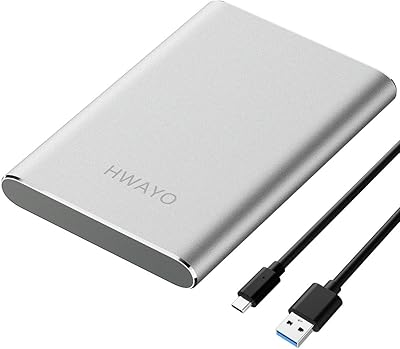
- Color: The drive is available in a silver finish with a smooth, minimalist enclosure design.
- Form Factor: The 2.5-inch form factor is the standard size for portable laptop-class drives, keeping the overall footprint compact.
- BSR Ranking: This portable HDD holds a Best Sellers Rank of #163 in the External Hard Drives category on Amazon at time of review.
- User Rating: The drive carries an average rating of 4.2 out of 5 stars based on 574 customer ratings on Amazon.
- Release Date: The HWSTARS1TB model was first made available in November 2019, giving it several years of real-world user feedback to draw from.
Related Reviews
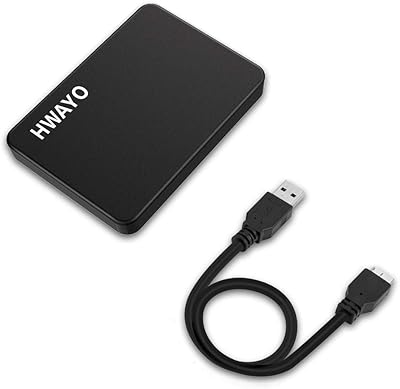
HWAYO 750GB Portable External Hard Drive
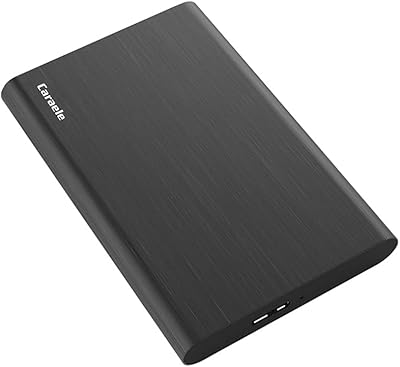
Caraele 1TB Portable External Hard Drive
HWAYO 500GB 2.5-inch Portable External Hard Drive
ySky 1TB Portable External Hard Drive
ModusTech MT1TB-PEHD 1TB Portable External Hard Drive
WD My Passport 1TB Portable External Hard Drive
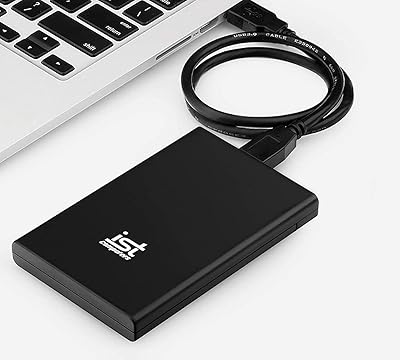
IST Computers 1TB Portable External Hard Drive
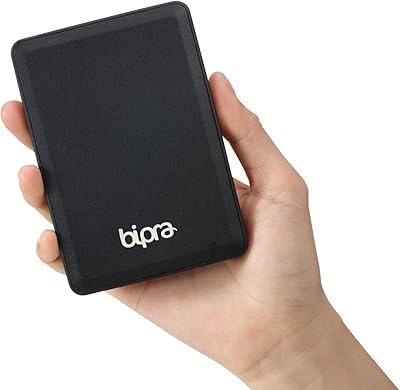
BIPRA S3 1TB Portable External Hard Drive
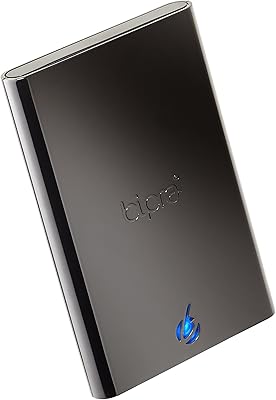
BIPRA S2 1TB Portable External Hard Drive