
Overview
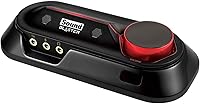
If you are tired of the lackluster audio from your computer, the Creative Sound Blaster Omni Surround 5.1 offers a straightforward solution. This external sound card is designed to sit neatly on your desk, providing a significant upgrade for both PC and Mac users. Instead of dealing with the hassle of opening up your computer case, you simply plug it in via USB. The compact design does not take up much space, yet it manages to pack in a built-in microphone array. The main draw here is how it takes standard stereo audio and processes it into cinematic 5.1 surround sound. It is a quick and effective way to breathe new life into your daily computing setup without a complicated installation process.
Features & Benefits
The Omni USB audio interface brings several practical enhancements to your daily listening. Under the hood, SBX Pro Studio software works to clarify audio details, making dialogue easier to hear and music feel more dynamic. You also get a high-performance headphone amp capable of driving more demanding headphones than a standard laptop jack ever could. For voice calls, the built-in dual microphones use Crystal Voice technology to filter out background noise, which means you can chat clearly without needing to wear a headset. Setting it all up is simple thanks to the plug-and-play USB connection. Just remember that achieving true 5.1 surround sound requires you to connect compatible multi-channel speakers. Otherwise, you will only be experiencing virtualized surround through your standard stereo setup.
Best For
If you are wondering how to upgrade PC audio without internal sound card installation, this desktop audio hub hits the sweet spot. It is ideal for laptop owners who suffer from a weak headphone jack and want more punch from their music or movies. Gamers looking for an edge will appreciate the directional audio cues, making people often ask, is the Sound Blaster Omni good for gaming? The answer is a solid yes, provided you have the right speaker setup. Furthermore, remote workers and casual streamers benefit heavily from the integrated beam-forming microphones. You can take video calls and record voiceovers with surprising clarity while completely avoiding the discomfort of wearing a heavy headset during long shifts.
User Feedback
Buyers frequently praise the massive jump in audio quality compared to their stock motherboard sound, noting that bass feels tighter and vocals sound much warmer. One of the most universally loved features is the large physical volume knob on top. Having tactile desktop volume controls is a massive convenience when you need to quickly mute or adjust levels during a meeting. On the downside, some users report experiencing driver setup quirks, particularly after major Windows or Mac operating system updates. Occasionally, the software requires a clean reinstall to recognize the hardware properly. Despite these minor software hiccups, most agree that the improved audio fidelity and physical convenience heavily outweigh the occasional troubleshooting steps required to keep it running optimally.
Pros
- Delivers a massive, noticeable improvement in audio fidelity over standard motherboard sound chips.
- The large, tactile volume knob provides highly convenient physical control right on your desktop.
- Built-in dual microphones filter out background noise for headset-free VoIP calls and meetings.
- The integrated headphone amplifier easily drives demanding, high-impedance headphones without distortion.
- True 5.1 analog outputs allow you to connect a multi-channel speaker system for cinematic audio.
- The plug-and-play USB connection makes installation incredibly simple for both laptops and desktops.
- SBX Pro Studio software offers extensive customization for equalizer profiles and virtualized surround effects.
Cons
- The companion software can be finicky and often requires a clean reinstall after major OS updates.
- Advanced features and equalization controls are severely limited or broken on newer Mac operating systems.
- The lightweight plastic chassis can slide around your desk when thick analog cables are attached.
- True surround sound is only possible if you purchase and connect separate analog 5.1 speakers.
- The integrated microphones will easily pick up loud mechanical keyboard typing during gaming sessions.
- It lacks the ultra-low noise floor required by highly sensitive, professional in-ear monitors.
Ratings
We analyzed thousands of verified global user reviews to generate these AI-driven scores for the Creative Sound Blaster Omni Surround 5.1, carefully filtering out spam and incentivized feedback. By examining real-world usage data, our breakdown transparently reflects both the standout strengths and the frustrating pain points of this desktop audio hub. Read on to see exactly where this external sound card excels and where it falls short for daily listeners.
Audio Quality Improvement
Ease of Installation
Microphone Performance
Physical Controls & Design
Surround Sound Capability
Headphone Amplifier Power
Software Reliability
Value for Money
Mac Compatibility
Portability & Footprint
Suitable for:
The Creative Sound Blaster Omni Surround 5.1 is an excellent fit for laptop users and PC owners who are tired of thin, noisy onboard motherboard audio but do not want the hassle of installing an internal PCIe card. It is particularly well-suited for gamers and movie enthusiasts who own an analog 5.1 speaker system and want a relatively inexpensive way to decode true surround sound. Remote workers and casual streamers will also find significant value here, as the integrated beam-forming microphones allow for clear voice capture without the need to wear a heavy headset all day. Even entry-level audiophiles will appreciate the dedicated 600-ohm headphone amplifier, which provides enough clean power to drive more demanding studio headphones. Ultimately, it serves as a highly practical, all-in-one desktop audio hub that dramatically improves everyday listening and communication.
Not suitable for:
While versatile, the Creative Sound Blaster Omni Surround 5.1 is not the right choice for critical listeners seeking a pristine, reference-grade DAC and amplifier stack. Professional music producers and serious podcasters should look toward dedicated USB audio interfaces with XLR inputs, as the built-in microphones are prone to picking up keyboard clatter and room reflections. Furthermore, modern Mac users running recent Apple silicon or macOS updates should steer clear, as the companion software and advanced EQ features are notoriously unreliable on those platforms. It is also important to note that buyers who only use standard stereo headphones will not experience true surround sound, making the 5.1 analog outputs completely redundant for their setup. If you already own a premium gaming headset with its own dedicated USB sound card, adding this device will yield diminishing returns.
Specifications
- Hardware Interface: The device connects to your computer utilizing a standard USB 2.0 interface.
- Audio Output Mode: This sound card supports up to 5.1 discrete channels for analog surround sound.
- Platform Compatibility: It is designed to operate on both Mac OS and Microsoft Windows operating systems.
- Item Weight: The entire desktop unit weighs exactly 14.4 ounces.
- Physical Dimensions: The footprint measures 9.06 by 2.95 by 6.1 inches.
- Microphone Array: It features built-in dual beam-forming microphones to capture forward-facing audio.
- Headphone Amplifier: The internal amplifier is rated to drive studio-grade headphones up to 600 ohms.
- Audio Processing: It utilizes SBX Pro Studio software to manage internal equalization and virtual surround processing.
- Voice Technology: Crystal Voice technology is integrated to actively filter out background noise during voice capture.
- Form Factor: The hardware utilizes an external desktop design rather than an internal PCIe card.
- Power Source: It draws all necessary operating power directly from the USB connection without requiring a dedicated power brick.
- Volume Control: A physical rotary dial is positioned on the top panel for manual system volume adjustments.
Related Reviews
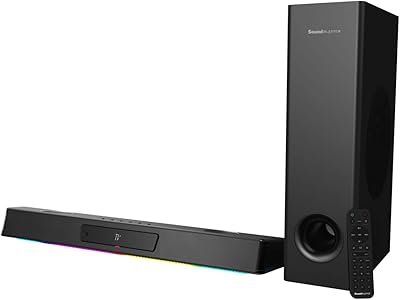
Creative Sound Blaster Katana V2X Gaming Soundbar
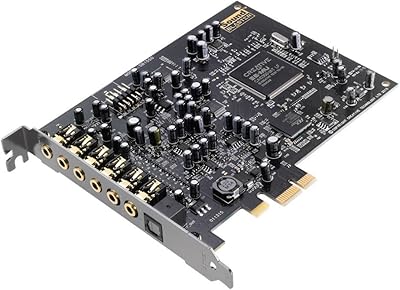
Creative Sound Blaster Audigy RX 7.1 PCIe Sound Card
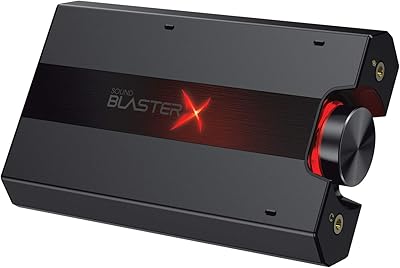
Creative Sound BlasterX G5
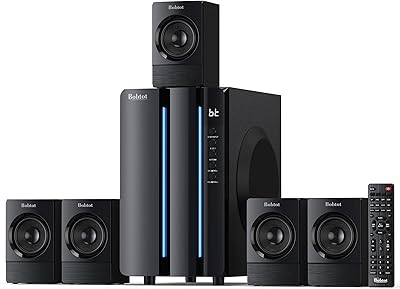
Bobtot K701S 5.1 Surround Sound System
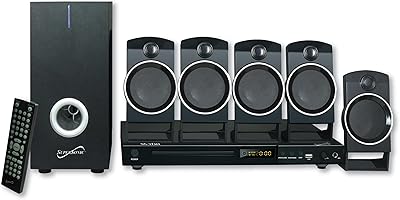
Supersonic SC-37HT 5.1 Home Theater System
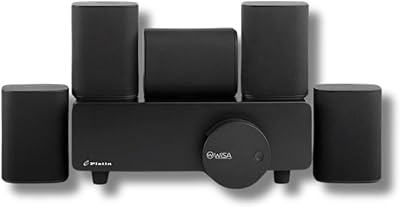
Platin Milan 5.1 Surround Sound Speaker System
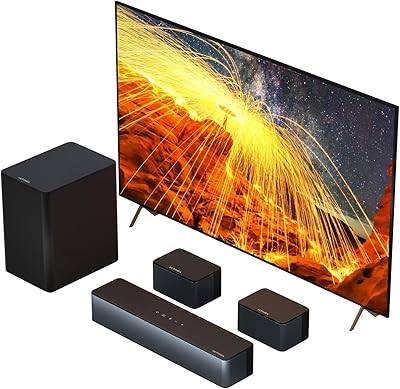
ULTIMEA Poseidon D50 5.1 Surround Sound Soundbar
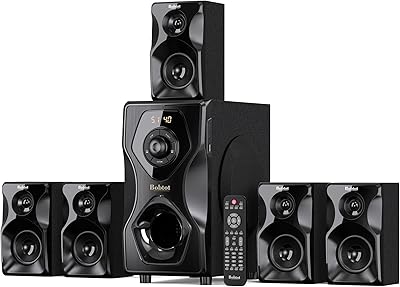
Bobtot B48 5.1 Home Theater System
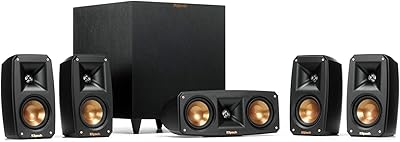
Klipsch Reference Theater Pack 5.1 Surround System