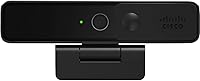
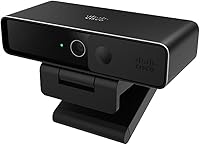
Cisco Desk Camera 4K

Overview
The Cisco Desk Camera 4K is Cisco's answer to the growing demand for professional-grade video hardware in remote and hybrid work environments. Cisco has spent decades building the infrastructure that enterprise communications runs on, and that institutional knowledge shows in how this webcam was designed — not as a consumer gadget, but as a managed business asset. The carbon black finish and solid physical build feel deliberate rather than decorative. It works with Zoom, Teams, and Google Meet, not just Webex, though the deeper feature set rewards those inside the Cisco ecosystem. Think of this business-grade camera as a tool for professionals who take their on-screen presence seriously.
Features & Benefits
The 13MP sensor and 4K Ultra HD resolution are the most immediately noticeable advantages — video is sharp, colors render accurately, and the image holds up even when participants zoom in during a shared screen session. The dual built-in microphones pick up voice clearly enough that many users will not need a dedicated headset for standard calls. Low-light compensation genuinely helps in dimly lit home offices, reducing the grainy, washed-out look common in cheaper cameras. USB-C and USB-A connectivity cover a wide range of laptops without adapters, and the companion desktop app adds manual control over exposure, white balance, and field of view.
Best For
This Cisco webcam makes the most sense for remote professionals whose organizations are already invested in the Webex platform. IT departments will appreciate pushing configurations and monitoring usage through Webex Control Hub, treating the camera as a managed endpoint rather than an untracked peripheral. But even outside that ecosystem, client-facing professionals — executives, consultants, sales teams — who appear on video daily will find the image quality a meaningful improvement over a standard laptop camera. If you are upgrading from a budget webcam and spend most of your week on calls, the difference is noticeable and immediately practical.
User Feedback
With roughly 75 ratings and a 4.3-star average, the feedback pool is still relatively small, so trends here carry some uncertainty. That said, image sharpness and color accuracy in well-lit rooms are mentioned repeatedly as genuine strengths. Where reviewers push back is on software dependency — users outside the Webex ecosystem report a noticeably thinner feature set, and some find the IT-management orientation unnecessary for personal use. A handful of buyers compared the Desk Camera 4K against the Logitech Brio and found it competitive on video quality. Mounting flexibility draws mixed remarks, with a few users wishing for a more adjustable clip design.
Pros
- Sharp 4K video with accurate color reproduction makes a visible difference in daily professional calls.
- Dual built-in microphones reduce the need for a separate headset in standard office environments.
- Low-light compensation helps users look polished even in dim or poorly lit home workspaces.
- USB-C and USB-A support means no adapters needed across most modern laptops and desktops.
- Webex Control Hub integration lets IT teams manage and configure the camera remotely at scale.
- The desktop app gives individual users meaningful manual control over exposure, field of view, and white balance.
- Solid physical build quality feels durable and appropriate for daily professional use.
- Works reliably as a plug-and-play device across major third-party conferencing platforms without driver installation.
- Enterprise-grade support infrastructure backs this business-grade camera for organizational deployments.
Cons
- Advanced AI features and IT management tools are completely inaccessible outside the Cisco Webex platform.
- The mounting clip offers limited angular adjustment, which causes frustration with thicker or ultrawide monitors.
- The fixed, non-replaceable cable is a long-term reliability risk that is uncommon at this price tier.
- Software settings occasionally fail to persist after a system restart, which some users find persistently annoying.
- The companion desktop app interface feels dated compared to software bundled with competing premium webcams.
- Buyers outside the Webex ecosystem pay a premium price for a feature set that effectively becomes a standard webcam.
- The review base of roughly 75 ratings is still relatively small, limiting confidence in long-term reliability patterns.
- No tripod thread or alternative mounting system is included, restricting setup options for non-standard workspaces.
- Low-light performance introduces softness and digital noise in truly dim conditions rather than fully compensating for darkness.
Ratings
The Cisco Desk Camera 4K earns a solid reputation among remote professionals who demand more from their video setup than a built-in laptop camera can offer. Our AI-generated scores are based on analysis of verified global user reviews, with spam, bot activity, and incentivized feedback actively filtered out. The results reflect an honest picture — where this business-grade camera genuinely delivers and where real buyers have run into friction.
Video Quality
Low-Light Performance
Audio Clarity
Webex Ecosystem Integration
Third-Party App Compatibility
Build Quality
Setup & Installation
Desktop App Experience
Value for Money
Mounting Flexibility
Cable Management
IT Manageability
Compatibility Across Platforms
Warranty & Support
Suitable for:
The Cisco Desk Camera 4K is built for a specific kind of professional, and when it lands in the right hands, it genuinely earns its place. It makes the most sense for remote and hybrid workers whose organizations run on Cisco Webex — people who attend multiple video calls daily and whose on-screen presence directly affects how they are perceived by clients, leadership, or external partners. IT administrators managing distributed teams will find the centralized device management through Webex Control Hub a rare and practical capability that saves real time at scale. Executives, consultants, and client-facing salespeople who cannot afford to look unprepared on a call will notice an immediate improvement in how they come across, particularly in home offices where lighting and acoustics are imperfect. It also suits users making a considered upgrade from a built-in laptop camera or an aging entry-level webcam, where the jump in image sharpness and audio clarity is both immediate and measurable.
Not suitable for:
If your organization does not use Cisco Webex as a primary platform, the Cisco Desk Camera 4K is a harder sell, and it is worth being direct about that. The features that differentiate this business-grade camera — centralized management, AI-driven insights, deep platform integration — are simply not accessible through Zoom, Teams, or Google Meet, which means a non-Webex user is essentially buying a well-built 4K webcam at a premium price while leaving a significant portion of its capabilities untouched. Casual streamers, content creators, or home users looking for a webcam for occasional video calls will find better value in consumer-focused alternatives that offer richer software ecosystems without the enterprise dependency. The mounting options are limited enough that users with unconventional desk setups or ultrawide monitors may find positioning frustrating. And buyers who prefer longer warranty coverage or replaceable cables should know that this Cisco webcam ships with a one-year limited warranty and a fixed cable — both of which fall short of what some competitors offer at a comparable price.
Specifications
- Video Resolution: Captures video at up to 4K Ultra HD resolution for sharp, detailed image output during calls and recordings.
- Sensor: Equipped with a 13MP image sensor that supports high-resolution still captures alongside video conferencing use.
- Microphones: Features a dual built-in microphone array designed to capture clear voice audio without requiring an external headset.
- Low-Light Mode: Includes built-in low-light compensation technology to improve image clarity in dimly lit environments.
- Connectivity: Supports both USB-C and USB-A connections, covering a wide range of modern laptops and desktop computers.
- OS Support: Fully compatible with Windows and macOS operating systems without requiring third-party driver installation for basic use.
- Platform Optimization: Optimized for use with Cisco Webex App, Webex Meetings, and Jabber, with additional AI features unlocked within the Webex ecosystem.
- Third-Party Apps: Functions as a standard USB webcam with popular platforms including Zoom, Microsoft Teams, and Google Meet.
- IT Management: Supports centralized device management, configuration, and usage insights through Webex Control Hub for enterprise deployments.
- Desktop App: A dedicated companion app for Windows and macOS allows users to manually adjust exposure, white balance, and field of view.
- Dimensions: Measures 5.5 x 6.5 x 2.75 inches, giving it a compact footprint suitable for standard monitor or laptop mounting.
- Weight: Weighs 14.9 ounces, which contributes to a stable, secure mount without feeling excessively heavy on a display bezel.
- Color: Available in Carbon Black, a finish consistent with professional enterprise hardware aesthetics.
- Maximum Aperture: Features a maximum aperture of f/4, which influences depth of field and light intake under varying room conditions.
- Warranty: Covered by a one-year limited hardware warranty provided directly by Cisco.
- Hardware Platform: Designed for use with Mac and PC systems, with no dedicated support for mobile or tablet platforms.
- Model Number: Sold under the official model designation CD-DSKCAM-C-US, which identifies this specific carbon black variant.
- Release Date: First made available for purchase in January 2021, positioning it as a post-pandemic remote work era product.
Related Reviews
ROQIOO A9
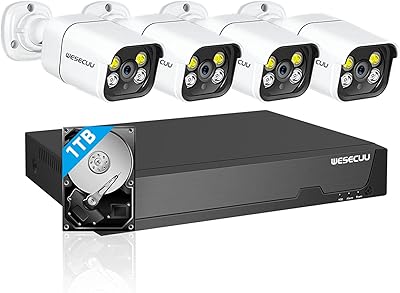
WESECUU 4CAM 4K POE Security Camera System
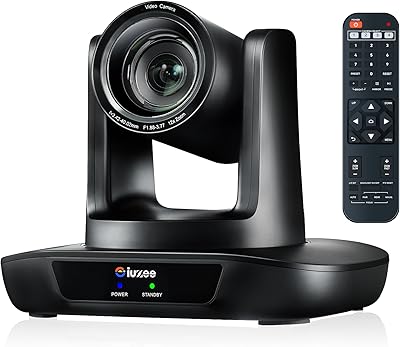
iuZee UHD12U-4K 4K PTZ Conference Camera
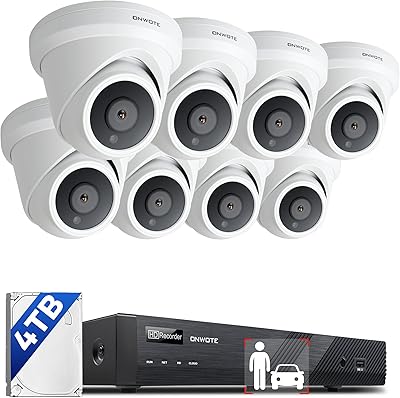
ONWOTE PKA801608S 16-Channel 4K PoE Security Camera System
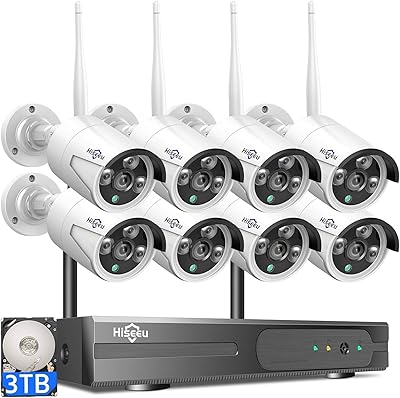
Hiseeu WK-8HB615-CT 8-Camera 5MP NVR Security System
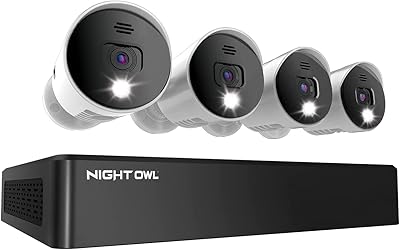
Night Owl 8-Channel 4K Security Camera System
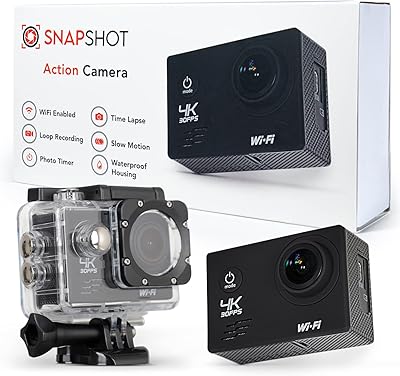
Snapshot 4K Waterproof Action Camera

javiscam V18 4K Security Camera
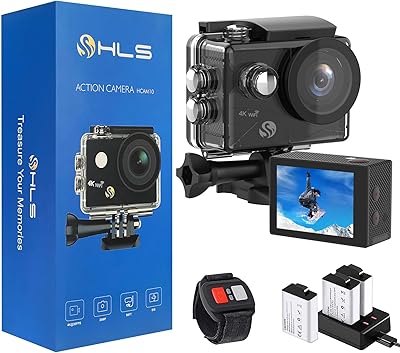
HLS 4K Waterproof Action Camera