UseeLink Smart Power Strip with 4 Outlets and 4 USB Ports
Overview
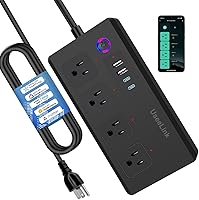
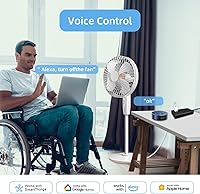
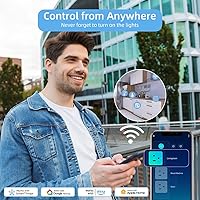
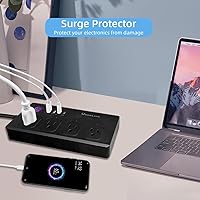
The UseeLink Smart Power Strip with 4 Outlets and 4 USB Ports is a versatile solution for anyone looking to simplify their power setup. This smart power strip includes both AC outlets and USB ports, offering flexibility for a wide range of devices. It supports Wi-Fi control through an app and voice commands via Alexa and Google Home, making it easy to manage your electronics from anywhere. With built-in surge protection, this power strip ensures that your devices are protected from power spikes. The 5-foot cord also provides ample flexibility for placement in various settings.
Features & Benefits
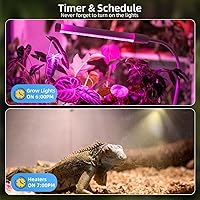
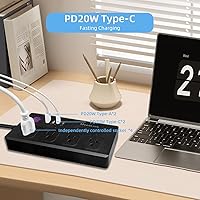
This surge protector offers individually controllable outlets, allowing for customized power management. The 4 USB ports, including 2 USB-C and 2 USB-A, provide fast charging for smartphones, tablets, and other devices, eliminating the need for extra chargers. The energy-saving features, such as scheduled on/off control, help reduce electricity costs. Safety is a top priority with overload protection and leakage protection built in to prevent damage to your connected devices. Whether you’re powering small electronics or charging multiple devices, this power strip delivers convenience and peace of mind.
Best For
This Wi-Fi power strip is perfect for a variety of users. It's ideal for home offices where efficient power distribution and surge protection are essential. Those looking to control their devices remotely will find the app and voice control features particularly useful. It's also a great choice for individuals with multiple USB-powered devices who need a reliable solution to charge them simultaneously. Additionally, tech enthusiasts seeking an energy-efficient power strip that integrates with smart home ecosystems will appreciate the convenience and control it offers.
User Feedback
Many users rave about the ease of controlling the power strip with Alexa or Google Home, which simplifies managing their devices. The ability to control individual outlets is another feature that receives positive feedback, as it allows users to customize power usage for specific devices. However, some have mentioned occasional issues with app synchronization, which can lead to delays in controlling devices. The compact design and surge protection are consistently praised, especially for home office setups, where space and safety are key concerns. Overall, users find this power strip reliable but with some room for improvement in the app’s functionality.
Pros
- This smart power strip's ability to control individual outlets provides users with customized power management for different devices.
- The inclusion of both USB-A and USB-C ports makes it ideal for charging various devices simultaneously without needing extra adapters.
- Voice control through Alexa and Google Home enhances convenience for managing multiple devices with minimal effort.
- Its surge protection ensures that sensitive electronics remain safe from power surges, making it ideal for home offices.
- The compact design and 5-foot cord offer flexibility, allowing placement in various setups without taking up too much space.
- Energy-saving features like scheduled on/off control help reduce electricity usage, appealing to environmentally-conscious users.
Cons
- Some users report occasional issues with app syncing, which can be frustrating during setup or when controlling devices remotely.
- The 5-foot cord length may be too short for some users, particularly in larger spaces or rooms where outlets are far away.
- A few customers have mentioned that the setup process via the Jinvoo Smart app can be a bit confusing for first-time users.
- While surge protection is a plus, some users feel the power strip doesn't offer enough power for high-demand devices.
- Occasionally, the power strip fails to stay connected to Wi-Fi, leading to disrupted control and requiring a reboot.
- Not all USB devices charge as quickly as expected, especially when using both USB-C and USB-A ports simultaneously.
Ratings
After analyzing verified user reviews from multiple platforms and languages, the ratings for the UseeLink Smart Power Strip with 4 Outlets and 4 USB Ports reflect authentic user experiences. We filtered out spam, incentivized, and off-topic reviews, focusing only on high-quality feedback. Both strengths and pain points are reflected in the scores, offering a balanced overview of this smart power strip’s performance across various categories, from ease of use to reliability and value for money.
Value for Money
Ease of Setup
App Experience
Voice Control Integration
Surge Protection Effectiveness
USB Charging Speed
Build Quality
Power Strip Length
Energy-Saving Features
Reliability Over Time
Compatibility with Devices
Compact Design
Suitable for:
The UseeLink Smart Power Strip with 4 Outlets and 4 USB Ports is ideal for individuals seeking a versatile, space-saving power solution. Home office workers will particularly benefit from its surge protection, individual outlet control, and the ability to remotely manage power via app or voice assistant. The power strip’s ability to charge multiple devices simultaneously, including fast-charging USB-C ports, makes it perfect for tech enthusiasts or anyone with several devices. Its compact design and 5-foot cord provide flexibility, allowing users to place it in tight spaces or use it across different rooms. Additionally, those who prioritize energy-saving features, like scheduled on/off control, will find this product beneficial for reducing electricity usage over time.
Not suitable for:
While the UseeLink Smart Power Strip offers many advantages, it may not be the best choice for users with very high power demands. Those with older or more specialized devices may experience compatibility issues, especially if the power requirements exceed the strip's limits. Additionally, individuals who require a more robust app experience may find the occasional syncing problems and setup difficulties frustrating. People who need a power strip with a longer cord might also find the 5-foot length too limiting for larger spaces. Finally, users who are not familiar with smart home setups may struggle with the initial app configuration or voice control integration, which could lead to a less-than-ideal user experience.
Specifications
- AC Outlets: Equipped with 4 AC outlets for connecting standard electrical devices.
- USB Ports: Includes 4 USB charging ports, with 2 USB-C and 2 USB-A for fast charging.
- Surge Protection: Built-in surge protection helps shield connected devices from power spikes.
- Leakage Protection: Integrated leakage protection ensures safety by preventing electrical leakage.
- Overload Protection: Designed with overload protection to prevent damage to the power strip and devices.
- Wi-Fi Control: Supports Wi-Fi control via the Jinvoo Smart app for remote operation.
- Voice Control: Compatible with voice assistants like Alexa and Google Home for hands-free control.
- Energy-Saving Features: Allows scheduling of on/off times for individual outlets to reduce energy consumption.
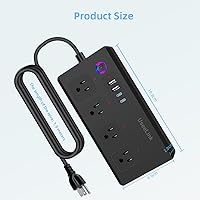
- Cord Length: Features a 5-foot power cord for flexible placement options.
- Wi-Fi Compatibility: Works with 2.4 GHz Wi-Fi networks for reliable connectivity.
- App Control: Can be controlled via the Jinvoo Smart app, which is available for iOS and Android devices.
- Form Factor: Compact design, making it ideal for use in home offices and other tight spaces.
- Color: The power strip comes in a sleek black color to match most home and office environments.
- Dimensions: The power strip's compact design measures approximately 9 x 3 x 1.5 inches.
- Maximum Current: Supports a maximum current of 10A to safely power various devices.
- Weight: Weighs approximately 1.2 pounds, offering a lightweight and portable solution.
- Material: Made from durable, high-quality materials designed to ensure longevity and safety.
- Safety Certifications: Meets safety standards and is certified for electrical safety in various regions.
Related Reviews
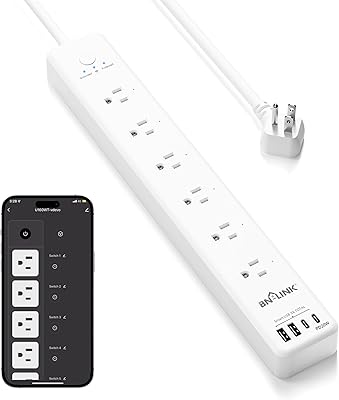
BN-LINK Smart Plug Power Strip with 6 Outlets and 4 USB Ports
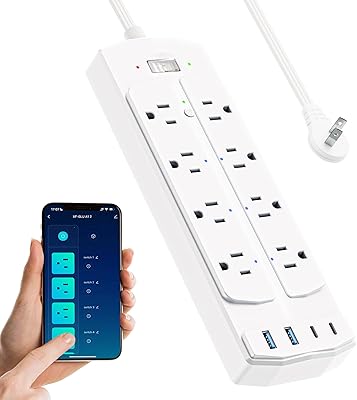
Yozisital 2-Prong Smart Power Strip
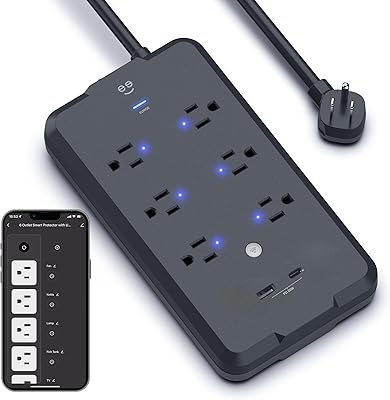
Geeni Smart Plug Power Strip 6-Outlet with USB Ports
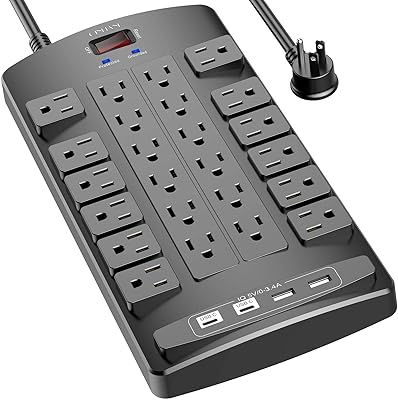
QINLIANF PW-902 24-Outlet Surge Protector
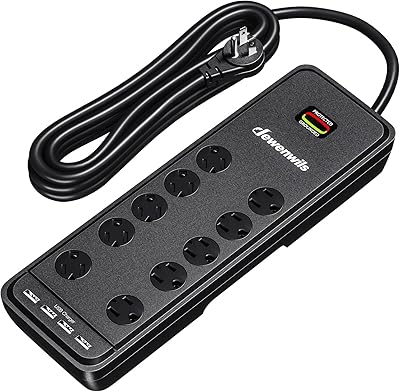
DEWENWILS 10-Outlet Surge Protector Power Strip with 4 USB Ports
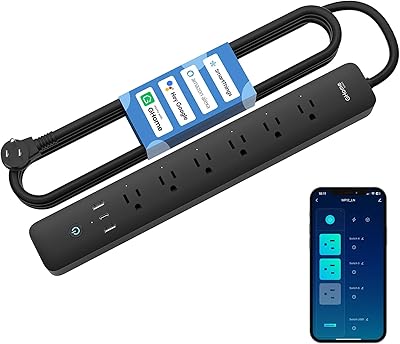
GHome Smart Plug Power Strip with 6 Outlets & 3 USB Ports
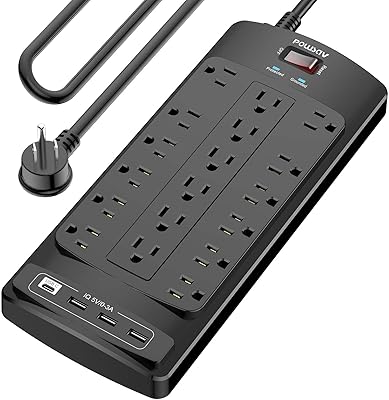
POWSAV NBW-903 18-Outlet Surge Protector Power Strip
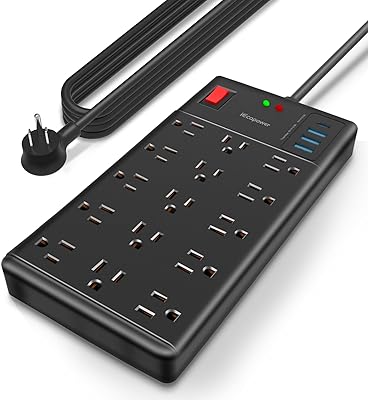
IECOPOWER PU1560 15-Outlet Surge Protector Power Strip
DEPOW AC860 Power Strip Surge Protector