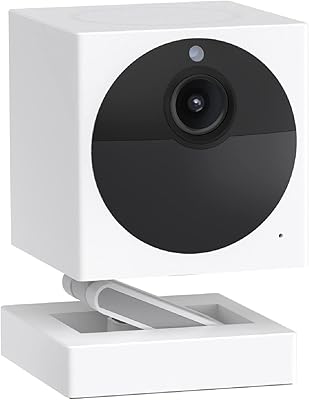
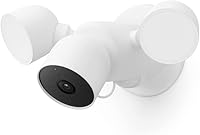
Google Nest Cam with Floodlight Outdoor Camera


Overview
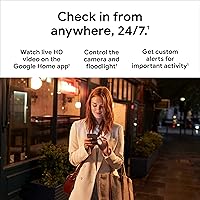
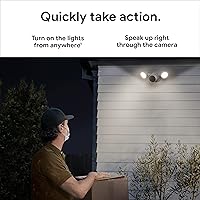
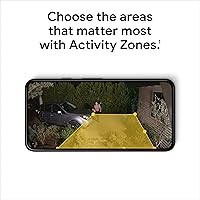
The Google Nest Cam with Floodlight Outdoor Camera combines a hardwired security camera with an integrated LED floodlight, giving you two layers of protection in a single wall-mounted fixture. If you're already living in the Google Home ecosystem, this outdoor cam slots right in — controlling the light, reviewing footage, and managing alerts all happens inside one app. Compared to buying a standalone floodlight and a separate camera, the value proposition holds up well at this price tier. That said, this is a hardwired-only install, so if you don't have an existing outdoor electrical line, factor in an electrician before purchasing. The core pitch here isn't just recording everything — it's alerting you to things that actually matter.
Features & Benefits
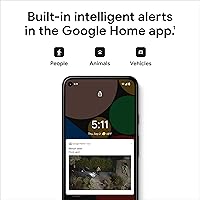
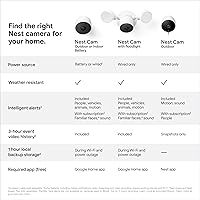
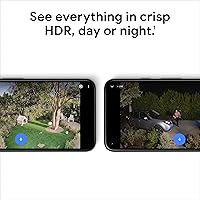
What separates this floodlight security camera from a basic outdoor cam is how it handles detection. Rather than firing off a notification every time a leaf blows past, it classifies what it sees — a delivery driver, a stray cat, or a car pulling into your driveway each triggers a different type of alert. Video quality is solid: 1080p HDR footage holds up well after dark thanks to the night color mode, which pulls detail from low-light scenes without flipping to grainy black-and-white. Two-way audio and a direct emergency call option in the Google Home app add real utility. One useful safety net: local event storage kicks in for up to an hour if the power or Wi-Fi goes out.
Best For
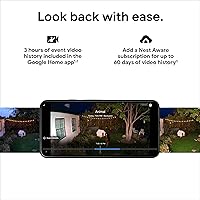
This outdoor cam makes the most sense for homeowners who already have outdoor wiring — or are prepared to hire someone to run it. It's not a weekend battery swap situation; this is a permanent fixture. If your household runs on Google Home or Google Assistant, the integration is deep enough to feel cohesive: ask Google to turn the floodlight on, stream live video on a smart display, manage everything in one place. It also works well for anyone who has grown tired of being bombarded by motion alerts from every passing car. And while subscription tiers expand what's possible, basic monitoring is free — three hours of event history and smart detection are included without paying anything monthly.
User Feedback
Among buyers who've actually installed the Nest Cam with Floodlight, the overall sentiment skews positive — it holds a strong aggregate rating across thousands of reviews. The floodlight brightness gets consistent praise; multiple users note it lights up a full driveway or backyard well enough to discourage anyone who wasn't expecting company. Where it gets more complicated is the subscription question: a number of reviewers feel the free tier is too restrictive for long-term use, wishing more came standard. Installation feedback is split — those with electrical experience found it manageable, but others flag it as a genuine barrier. A few long-term owners also mention occasional app connectivity hiccups, though most report solid durability through rain, cold, and heat.
Pros
- Smart detection filters out animals and passing cars so alerts actually mean something.
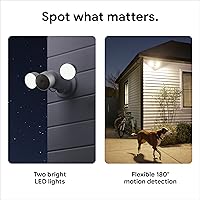
- The floodlight is bright enough to cover a full driveway and visibly deters unwanted visitors.
- 1080p HDR footage with night color mode keeps video usable in genuinely dark conditions.
- No subscription is required to get smart alerts and three hours of event history.
- Local storage kicks in during outages, so a power blip does not wipe your recent footage.
- Two-way audio and a built-in emergency call feature add practical utility beyond just recording.
- IP65 weather resistance means it holds up through rain, heat, and freezing temperatures.
- The 130-degree field of view covers a wide area without needing to reposition the mount.
- Deep Google Home integration makes it easy to manage alongside other smart home devices.
- A single fixture replaces both an outdoor light and a security camera, simplifying installation.
Cons
- Hardwired installation is mandatory — no battery option exists, limiting where it can be placed.
- Familiar face detection and extended video history both require a paid Nest Aware subscription.
- Buyers outside the Google ecosystem will lose access to most of the camera's useful features.
- The free event history window of three hours is tight if you need to review footage from the previous evening.
- Some users report occasional app connectivity drops that require restarting the camera or router.
- The floodlight position is fixed to the unit's mounting angle, offering no independent swivel or tilt.
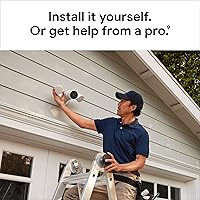
- Initial setup can be intimidating for anyone without basic electrical knowledge or experience.
- Motion sensitivity tuning takes trial and error before it stops over-alerting in busy outdoor environments.
- At this price point, the absence of a local continuous recording option feels like a notable gap.
- The camera body is relatively large and visible, which may not suit buyers wanting a discreet install.
Ratings
Our AI rating system analyzed thousands of verified global user reviews for the Google Nest Cam with Floodlight Outdoor Camera, actively filtering out incentivized, duplicate, and bot-generated submissions to surface what real buyers actually experience. The scores below reflect a transparent synthesis of both the strongest praise and the most persistent frustrations across a wide range of installation scenarios and household setups. Every category — from detection accuracy to subscription value — is scored independently so you can weigh what matters most to your specific situation.
Smart Detection Accuracy
Video Quality
Floodlight Performance
Installation Experience
App & Ecosystem Integration
Subscription Value
Night Vision Quality
Weather & Build Durability
Two-Way Audio
Offline Resilience
Motion Zone Customization
Value for Money
Setup & Onboarding
Field of View Coverage
Suitable for:
The Google Nest Cam with Floodlight Outdoor Camera is a strong fit for homeowners who want to consolidate their outdoor security and lighting into one permanent, capable fixture. If you already have a wired electrical box on an exterior wall — or are willing to have one installed — this setup genuinely earns its place over cobbling together a separate floodlight and camera. It rewards households already running Google Home or Google Assistant, where the integration feels cohesive rather than bolted on: one app, one routine, one place to check everything. It's also well-suited for anyone who has grown frustrated with basic motion cameras that alert them every time a car passes or a branch sways — the AI-based classification means you're far more likely to get a notification about an actual person at your door than a neighborhood cat. Those who want functional monitoring without committing to a monthly subscription will find the free tier reasonable enough for everyday use.
Not suitable for:
Renters, apartment dwellers, or anyone without outdoor electrical access should look elsewhere — the Nest Cam with Floodlight is a hardwired-only fixture, and there is no battery or solar option here. If the idea of hiring an electrician or running new wiring feels like a dealbreaker, this outdoor cam will stay in the box. Buyers outside the Google ecosystem should also think carefully: while it does work with Amazon Alexa for basic streaming, the deeper functionality — routines, alerts, familiar face detection, emergency call shortcuts — all lives inside the Google Home app, and that dependency is real. Users expecting robust, long-term video storage without paying extra will find the free three-hour event history limiting over time; meaningful recording depth requires a Nest Aware subscription. Finally, anyone looking for flexible floodlight positioning or adjustable color temperature will find this fixture more rigid than dedicated smart lighting products.
Specifications
- Video Resolution: Records and streams footage at 1080p HDR, delivering clear detail in both bright daylight and high-contrast lighting conditions.
- Frame Rate: Captures video at 30 frames per second, providing smooth, fluid playback for reviewing recorded events.
- Field of View: A 130-degree wide-angle lens covers broad outdoor areas such as driveways, yards, and entry paths in a single frame.
- Night Vision: Uses Night Color technology to produce low-light color footage rather than switching to standard black-and-white infrared.
- Power Source: Requires a hardwired electrical connection for operation; there is no battery or solar-powered mode available.
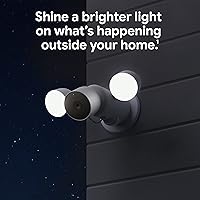
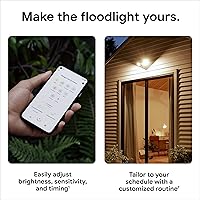
- Floodlight: Integrated 24W LED floodlight activates automatically based on detected activity and can also be triggered manually via the Google Home app or voice command.
- Smart Detection: On-device AI classifies motion events by type — person, animal, or vehicle — to reduce irrelevant notifications without requiring a subscription.
- Local Backup: Stores up to one hour of recorded events locally on the device during Wi-Fi outages or power interruptions.
- Weather Resistance: Rated IP65, making it fully protected against dust ingress and resistant to water jets from any direction.
- Connectivity: Connects to home networks via Wi-Fi and supports Bluetooth for initial setup and configuration.
- Two-Way Audio: Features a built-in microphone and speaker that allow live two-way conversations directly through the Google Home app.
- Video Format: Records and stores footage in H.264 format, a widely compatible compression standard that balances file size and image quality.
- Dimensions: The full fixture measures 6.5 x 12.4 x 3.66 inches, sized to replace a standard outdoor wall-mounted light fitting.
- Weight: Complete unit weighs 3.45 pounds, which should be factored in when assessing wall mount and junction box compatibility.
- Mounting Type: Designed for permanent wall mounting via screw-in installation, typically replacing an existing outdoor junction box fixture.
- Required App: Requires the Google Home app and a free Google Account for setup, live viewing, and alert management; the legacy Nest app is not supported.
- Video History: Includes three hours of free event video history; a Nest Aware Plus subscription extends this to 10 days of continuous recording and 60 days of event history.
- Smart Display: Live video can be streamed hands-free on Google Assistant-compatible smart displays and on Amazon Alexa-enabled smart TVs and tablets.
Related Reviews
Google Nest Cam Outdoor 1st Gen Camera
Google Nest Cam 2nd Gen Battery Camera
Google Nest Cam Wired 2nd Gen Camera
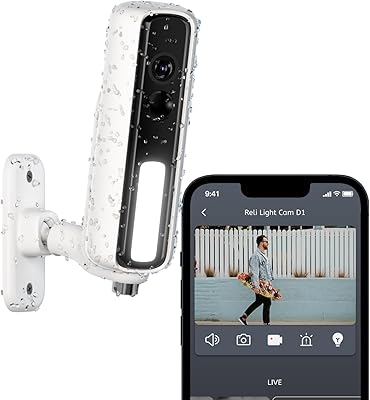
RELI Light Cam Battery D1 Security Camera
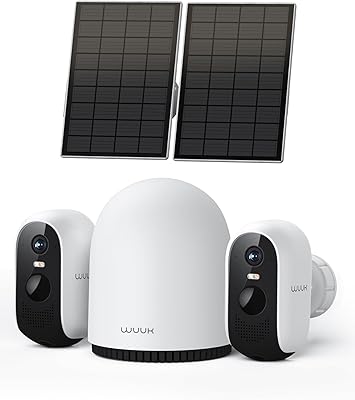
WUUK Y0410 2K Solar Security Camera System
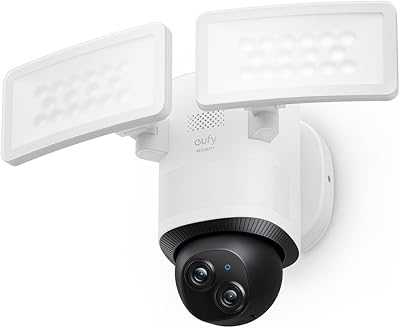
eufy Security E340 Floodlight Camera
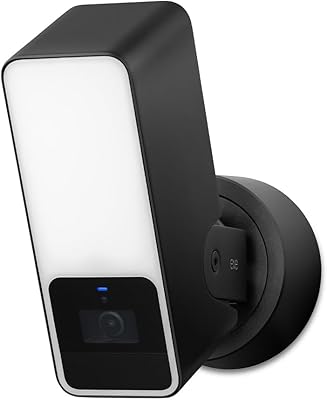
Eve Outdoor Cam Floodlight Security Camera
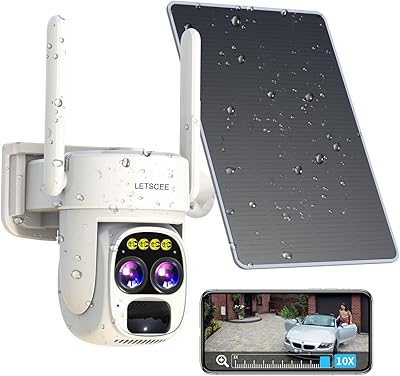
LETSCEE HMC1 Solar Wireless Outdoor Security Camera
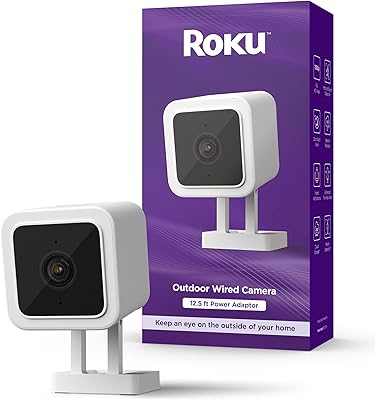
Roku Outdoor Wired Security Camera