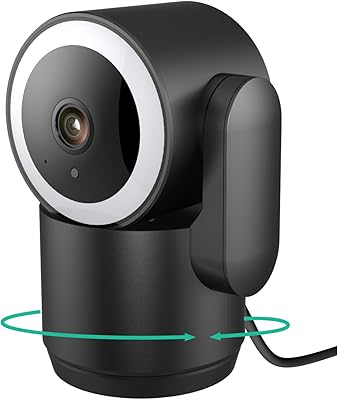
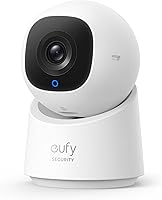
eufy Security Indoor Cam C220 Pan-Tilt Camera


Overview
The eufy Security Indoor Cam C220 Pan-Tilt Camera is a compact, plug-in dome camera that punches well above its price point with 2K clarity and full 360° pan-and-tilt coverage. One of its most practical advantages is no monthly subscription — you slot in a microSD card (up to 128GB, sold separately) and store footage locally without paying recurring fees. It fits naturally in living rooms, hallways, or home offices thanks to its unobtrusive size. One critical thing to know before buying: the C220 only supports 2.4GHz Wi-Fi. If your router runs exclusively on 5GHz, setup will hit a dead end. Alexa and Google Assistant work fine here, but HomeKit users will need to look elsewhere.
Features & Benefits
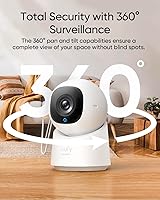
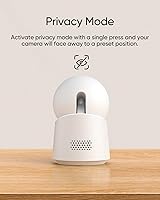
The pan-and-tilt mechanism is the real draw — from a single wall mount, this pan-tilt cam covers an entire room without leaving dead zones. The on-device AI detection is genuinely useful: it tries to distinguish a walking person from a swaying curtain or passing pet, which means fewer pointless alerts at 2 a.m. Night vision extends to about 26 feet using infrared, which handles most indoor rooms comfortably. There is also a privacy mode that physically rotates the lens to a preset position on command — a small touch that builds real confidence. Owners of HomeBase 3 can unlock additional AI capabilities after a firmware update, though that step requires some patience to get right.
Best For
This indoor security camera makes the most sense for renters, first-time buyers, or anyone who refuses to sign up for yet another monthly subscription. Parents monitoring a playroom will appreciate the full rotational range — one camera genuinely covers a wide space without repositioning. It also fits well for households already using eufy or Anker devices, since ecosystem integration runs smoothly. That said, it is not the right pick for everyone. If you rely on Apple HomeKit, this camera will not connect. If your home network is 5GHz-only, setup will be a frustrating experience. And since it is strictly indoor-rated, do not consider mounting it anywhere exposed to the elements.
User Feedback
With a 4.0-star rating, the C220 sits in a range that is easy to recommend with clear caveats attached. Most buyers praise the image quality for the price, and many find the eufy app straightforward during initial setup. Pan-and-tilt performance earns consistent appreciation from parents and pet owners. On the downside, the 2.4GHz-only Wi-Fi requirement is the most frequently cited frustration — people with modern mesh networks often hit unexpected walls during installation. Some users also note that AI motion alerts occasionally misfire. Firmware update requirements have tripped up a few early adopters as well. Overall, satisfaction is solid, but going in with realistic expectations will save a lot of headaches.
Pros
- No monthly subscription required — local microSD storage keeps your footage private and your wallet intact.
- Full 360-degree pan and tilt means one camera can genuinely replace two or three fixed units in a typical room.
- 2K resolution delivers sharp, identifiable footage that holds up well during daytime monitoring.
- On-device AI filters out most non-human motion alerts, reducing unnecessary interruptions throughout the day.
- Privacy mode physically rotates the lens away — a tangible, visible sign the camera is off.
- Night vision covers typical indoor distances comfortably, making it reliable for nurseries and hallways.
- Works smoothly with Alexa and Google Assistant for voice-triggered live feeds on smart displays.
- The eufy app setup is quick and intuitive for most users on compatible networks.
- HomeBase 3 owners can unlock expanded AI features with a firmware update, adding long-term value.
- Compact dome design sits unobtrusively on a wall or shelf in most home environments.
Cons
- The 2.4GHz-only Wi-Fi restriction is a hard blocker for anyone with a modern 5GHz-only or auto-band mesh network.
- No microSD card is included — buyers need to purchase one separately before any recording is possible.
- Apple HomeKit is not supported, which is a dealbreaker for households built around that ecosystem.
- AI motion detection still produces occasional false alerts, requiring periodic manual review of saved clips.
- Push notifications can arrive with noticeable delays, particularly when the phone and camera are on different networks.
- Firmware updates during setup add unexpected friction, especially for less tech-savvy users.
- The motorized pan mechanism produces an audible whirring sound that can be distracting in quiet rooms.
- Privacy mode activation via voice command is inconsistent and sometimes requires a manual app tap instead.
- Plastic build feels lightweight and inexpensive, which may raise durability concerns for long-term buyers.
- Eufy app occasionally prompts users to upgrade to paid cloud storage, which clashes with the camera's local-first appeal.
Ratings
The eufy Security Indoor Cam C220 Pan-Tilt Camera has been scored using AI analysis of verified global buyer reviews, with spam, bot submissions, and incentivized feedback actively filtered out before any scoring took place. The results reflect an honest cross-section of real-world experiences — covering what genuinely impresses users as well as the friction points that keep this camera from being a unanimous recommendation. Both sides are represented transparently below.
Image Quality
Night Vision
Pan & Tilt Coverage
AI Motion Detection
App Experience
Wi-Fi Compatibility
Local Storage & No Subscription
Privacy Mode
Build Quality & Design
Setup & Installation
Smart Home Integration
Value for Money
Notification Reliability
HomeBase 3 Compatibility
Suitable for:
The eufy Security Indoor Cam C220 Pan-Tilt Camera is an excellent fit for renters, first-time camera buyers, or budget-conscious households who want real coverage without committing to a monthly cloud subscription. Parents monitoring a nursery, playroom, or kids' bedroom will get particular value from the full pan-and-tilt range, since one camera can realistically cover an entire room without any repositioning. It also makes strong sense for anyone already using eufy or Anker devices, where app and ecosystem integration is already familiar and ecosystem-level features like HomeBase 3 compatibility become genuinely useful over time. Alexa and Google Assistant users who want voice-triggered live feeds on a smart display will find the integration reliable and straightforward. If your home runs on a 2.4GHz or dual-band router and you are comfortable inserting a microSD card for local storage, this indoor security camera delivers a well-rounded package at a price that is hard to argue with.
Not suitable for:
The eufy Security Indoor Cam C220 Pan-Tilt Camera has some firm limitations that will make it the wrong choice for a meaningful slice of buyers, and it is worth being direct about them. If your home network runs exclusively on 5GHz — which is increasingly common with modern mesh systems — this camera will not connect, full stop, and no amount of troubleshooting will change that. Apple HomeKit users should also look elsewhere immediately, as there is no compatibility and no workaround. The C220 is rated for indoor use only, so anyone hoping to mount it in a porch, garage, or any exposed outdoor area is buying the wrong product entirely. It also arrives without a microSD card in the box, meaning buyers expecting a plug-and-record experience right out of the packaging will need to budget for and source a card separately before recording begins. Finally, users who want the most refined AI detection accuracy or a completely hands-off firmware experience may find the setup and maintenance demands mildly frustrating compared to more premium alternatives.
Specifications
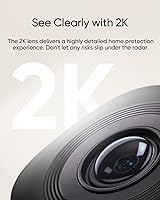
- Resolution: The camera captures video at 2K resolution, delivering detailed footage that makes faces and objects clearly identifiable across a typical indoor room.
- Field of View: A 100° fixed lens angle provides broad horizontal coverage before pan-and-tilt movement extends the effective viewing area to the full room.
- Pan & Tilt: Full 360° pan and tilt capability allows the camera to rotate horizontally and vertically from a single fixed mount, eliminating blind spots.
- Night Vision: Infrared night vision reaches up to 26.2ft (8m), providing usable black-and-white footage in complete darkness across most standard indoor room sizes.
- AI Detection: On-device AI is trained to distinguish human figures from general motion sources such as pets or shifting light, reducing unnecessary alert notifications.
- Local Storage: Footage is stored directly on a user-supplied microSD card with support for cards up to 128GB capacity; no microSD card is included in the box.
- Wi-Fi: The camera connects exclusively over 2.4GHz Wi-Fi and does not support the 5GHz frequency band under any configuration.
- Power Source: The camera is powered via a corded electric connection using the included USB-A to USB-C cable measuring 6.7ft (2m) in length.
- Smart Integration: Native voice assistant support covers Amazon Alexa and Google Assistant; Apple HomeKit is not supported and has no available workaround.
- Recording Modes: Users can choose between continuous 24/7 recording to local storage or event-triggered recording that captures clips only when motion or a human is detected.
- Privacy Mode: A dedicated privacy mode physically rotates the camera lens to a preset away-facing position, providing a visible confirmation that recording has been paused.
- Dimensions: The camera body measures 2.89 x 2.8 x 4.26 inches, making it compact enough to mount unobtrusively on a wall or place on a shelf.
- Weight: The unit weighs 11.6 ounces, which is light enough for standard wall anchors included with the camera without requiring additional hardware.
- Mounting Type: The camera is designed for wall mounting and ships with the necessary mounting hardware to secure it to a standard interior wall surface.
- HomeBase 3: The camera is compatible with eufy HomeBase 3 for expanded AI features including BionicMind, provided the HomeBase firmware is updated to version 3.5.4.8 or above.
- App Requirement: Full functionality requires the eufy Security app updated to version 4.8.9 or above, along with camera firmware version 3.9.8.0 or above.
- Video Format: Recorded video clips are saved in MP4 format, which is compatible with most standard media players and devices without conversion.
- Color & Finish: The camera is available in white with a smooth dome-style plastic finish designed to blend into typical home interior environments.
- IP Rating: The product carries an IP65 rating, though it is strictly designed and warranted for indoor use only and should not be exposed to outdoor weather conditions.
- Compatible Devices: Remote access and live monitoring are managed through a smartphone running the eufy Security app, compatible with both Android and iOS platforms.
Related Reviews
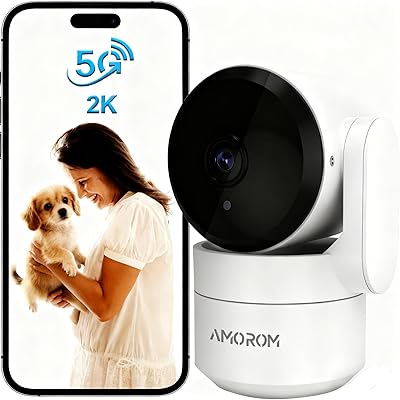
AMOROM 2K Pan-Tilt Indoor Security Camera
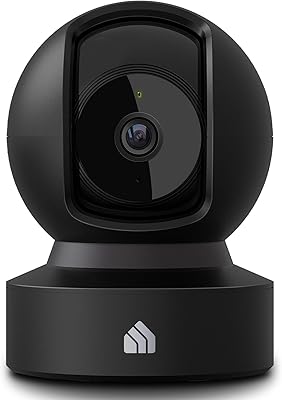
Kasa Smart EC71 Pan-Tilt Security Camera
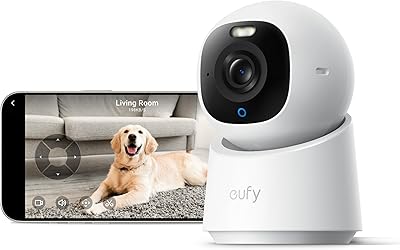
eufy Indoor Cam E30
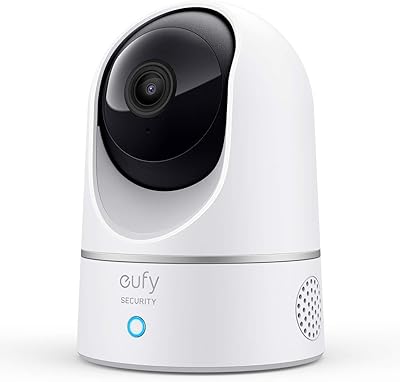
eufy Security Indoor Cam E220
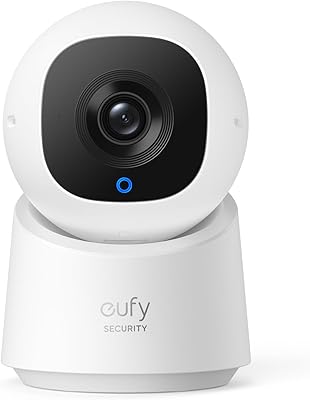
eufy Security Indoor Cam C210 PTZ Camera
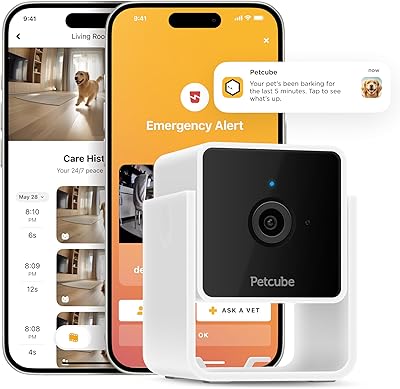
Petcube Cam Indoor Home Security Camera
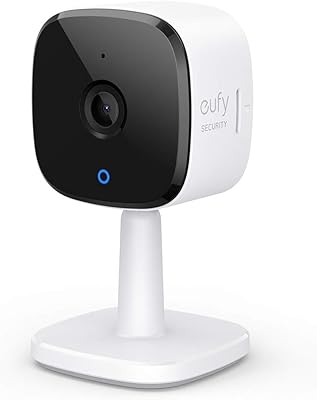
eufy Security C120 Indoor Security Camera
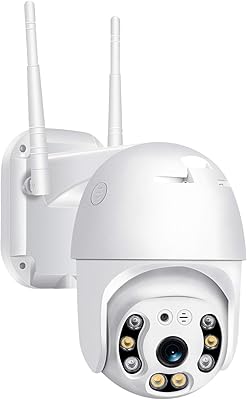
BESDERSEC A6 Pan-Tilt Outdoor Security Camera
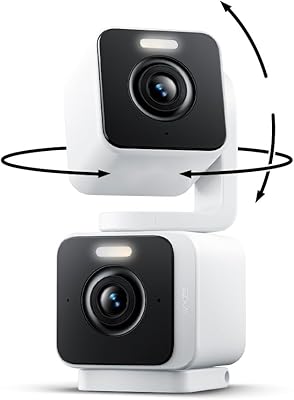
Wyze Duo Cam Pan Security Camera